Quickli mini

Quickli mini


Free

1.01for iPhone, iPad
Age Rating
4+
Apps in this category do not contain restricted content.
9+
Apps in this category may contain mild or occasional cartoon, fantasy or real-life violence, as well as occasional or mild adult, sexually suggestive or horrifying content and may not be suitable for children under 9 years of age.
12+
Apps in this category may contain occasional mild indecent language, frequent or intense cartoon or real-life violence, minor or occasional adult or sexually suggestive material, and simulated gambling, and may be for children under 12 years of age.
17+
You must be at least 17 years old to access this App.
Apps in this category may contain frequent and intense offensive language; Frequent and intense cartoon, fantasy or realistic violence: frequent and intense adult, scary and sexually suggestive subjects: as well as sexual content, nudity, tobacco, alcohol and drugs, may not be suitable for children under 17 years of age.
Quickli mini Screenshots
Quickli mini posterQuickli mini poster
Quickli mini posterQuickli mini posterQuickli mini poster

About Quickli mini

A super simple app to quickly manage super simple lists!

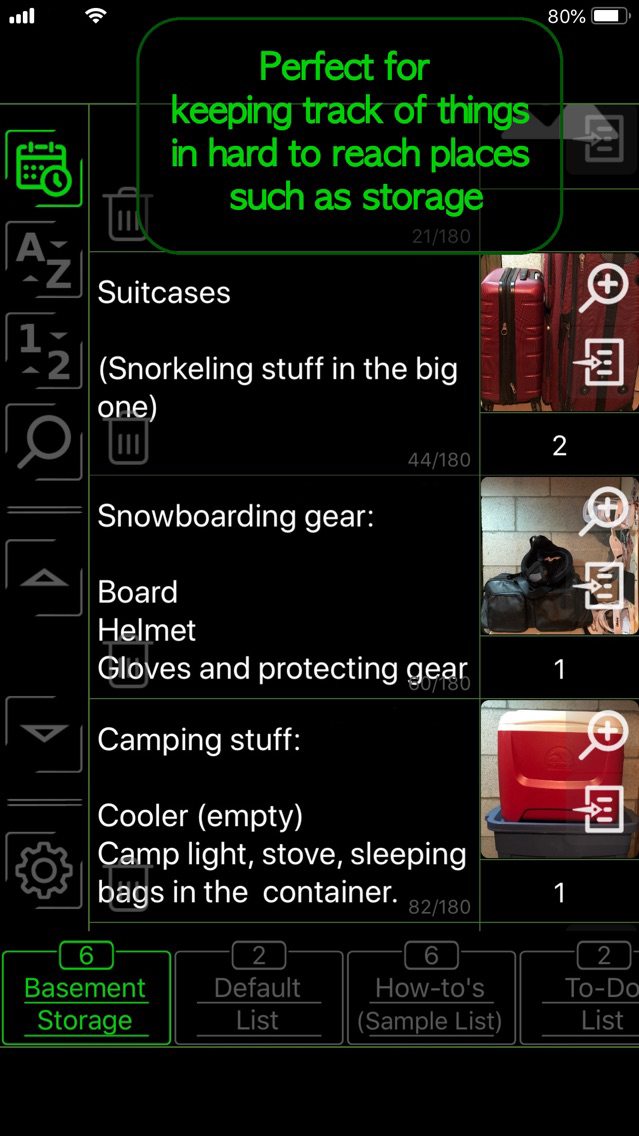
Lightweight, practical, and convenient - everything you need for your everyday tasks. A hybrid of simple checklists and notepads, Quickli mini helps you quickly manage lists containing short notes, images, and numbers - perfect for keeping track of things in hard to reach places, writing short memos, or making lists with more than just lines of texts. Give it a try before grabbing that pen and paper! :)

Features:

Quick editing:
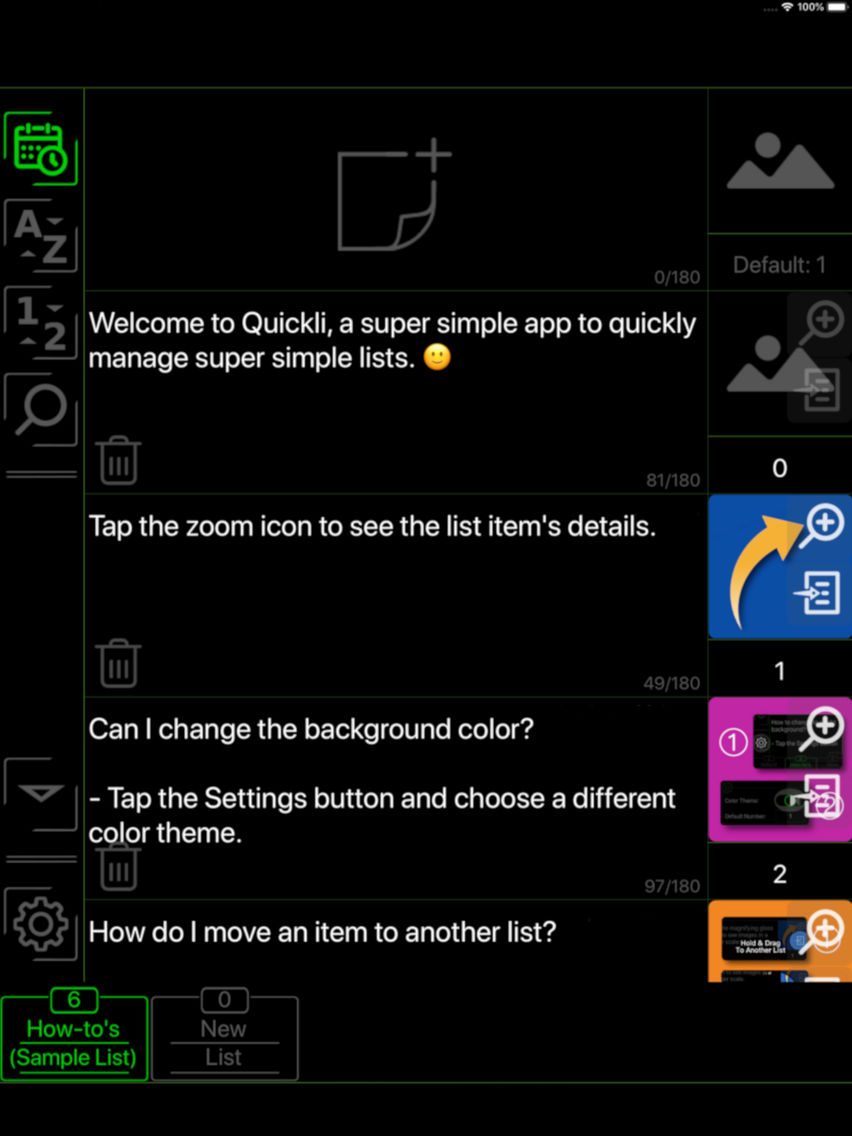
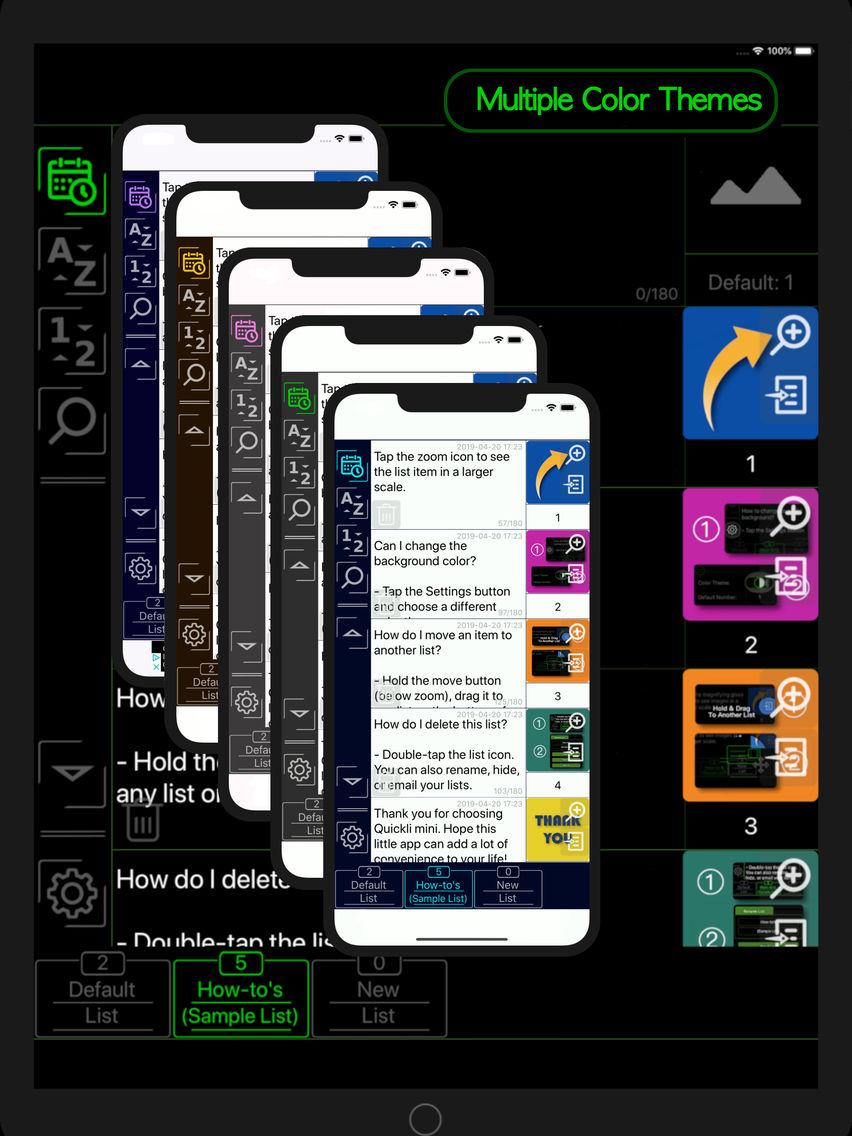
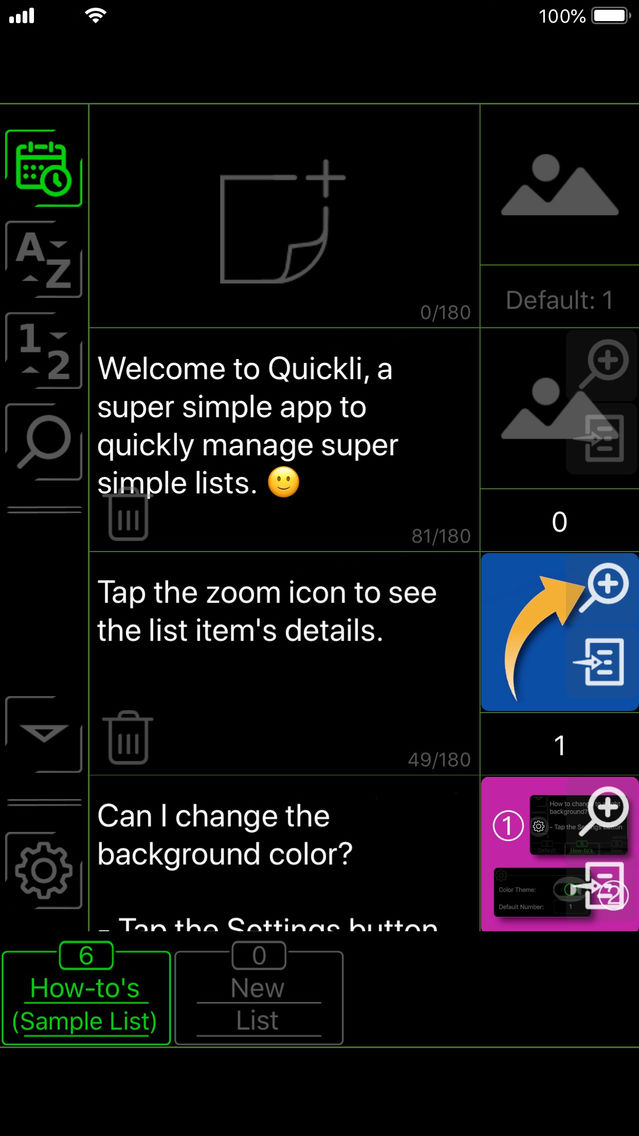
- Your lists and list contents are grouped in the same view, so you can browse and edit them without going through a jungle of menus.
- The most frequently used editing features are all accessible within a couple of taps, no more guessing where the buttons are to attach an image or delete a note.
- Easily attach images to your list items by choosing a photo or quickly sketch a drawing.

Quick accessing:
- List items can be quickly sorted and displayed in chronological, alphabetical, or numerical orders.
- Scroll assistant buttons help you get to the top or the bottom of your lists instantly.
- Less data stored means faster access: Quickli mini stores shorter texts and compressed images, allowing your lists to load as quickly as possible.

Quick organizing:
- Moving an item to another list takes as little effort as dragging the move button with your fingertip.
- Manage your lists with simple double-taps.
- Hide the lists you are not working on and keep your phone screen clutter-free.

Quick sharing:
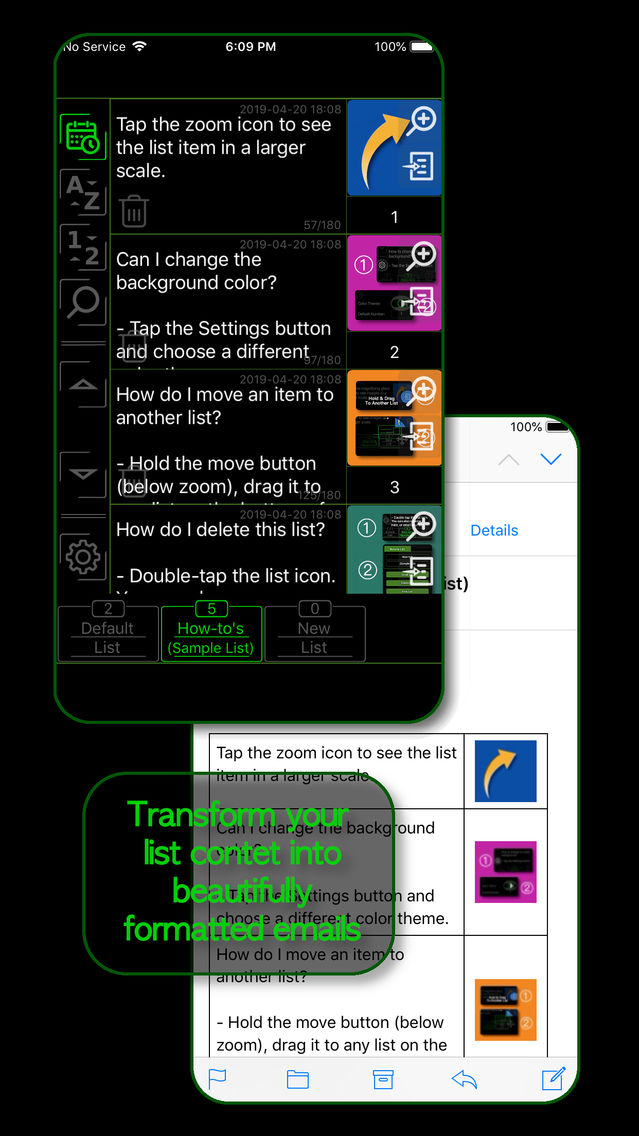
- Email entire list of notes and images in seconds with the click of a button.

Show More

What's New in the Latest Version 1.01

Last updated on Apr 24, 2019
Old Versions
Minor bug fixes and feature improvements.
Show More
Version History
1.01
Apr 24, 2019
Minor bug fixes and feature improvements.

Quickli mini FAQ

Click here to learn how to download Quickli mini in restricted country or region.
Check the following list to see the minimum requirements of Quickli mini.
iPhone
iPad
Quickli mini supports English

Quickli mini Alternative

You May Also Like

Get more from Yang Ge