Rand ELD
Free
7.52.325for iPhone, iPad
Age Rating
Rand ELD Screenshots
About Rand ELD
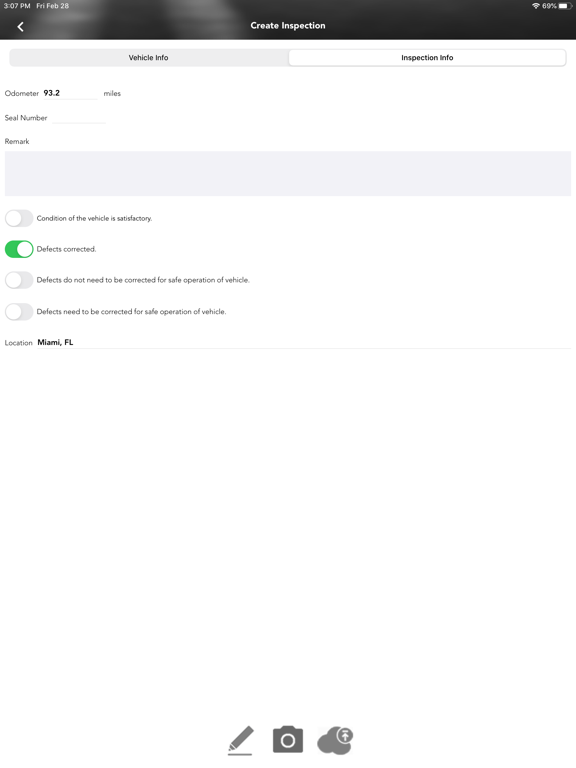
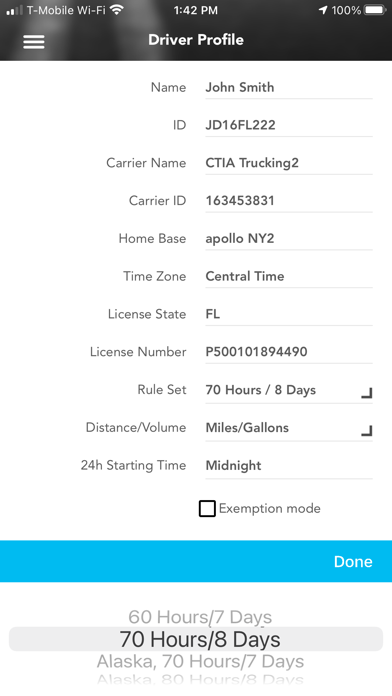
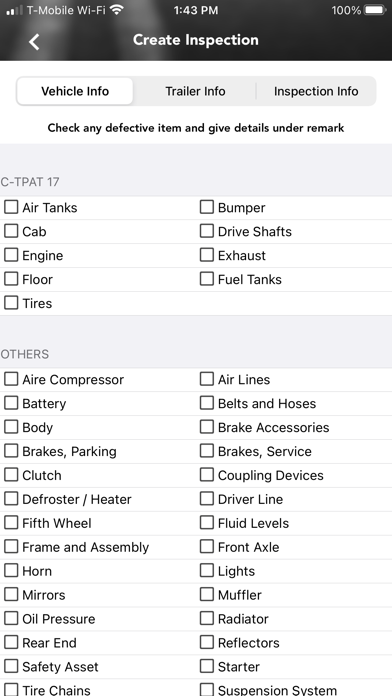
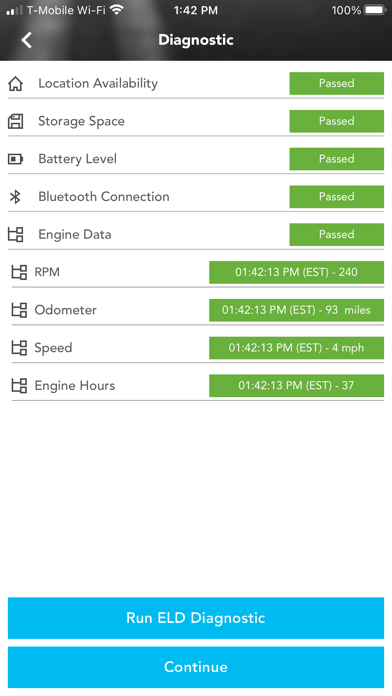
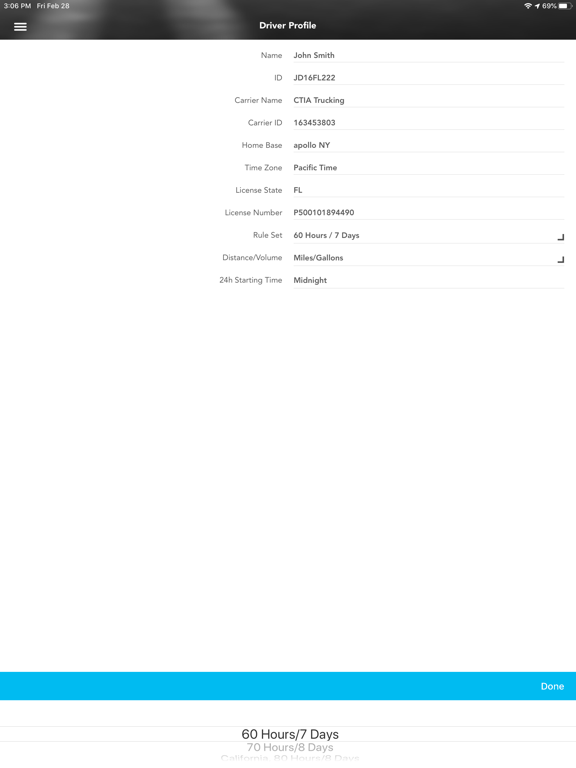
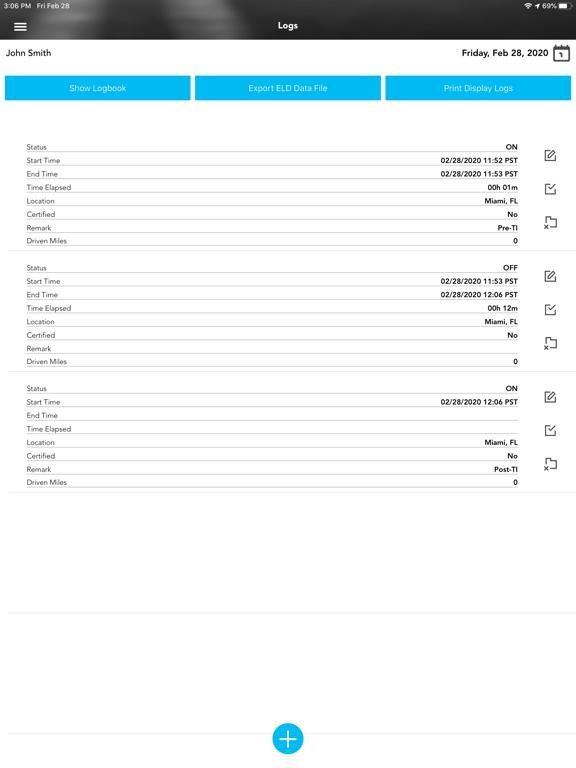
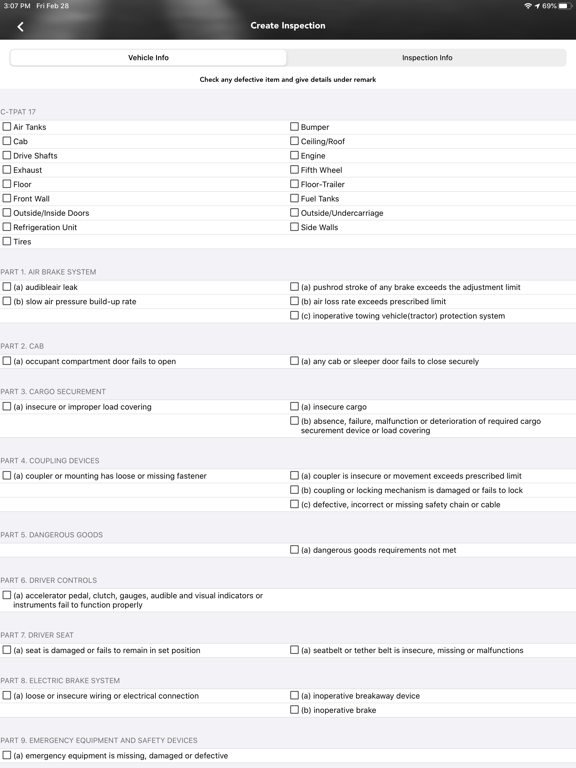
DOT FMCSA self-compliant application to record driver duty status and meet the following regulations:
-60-hour/7days or 70-hour/8daysRules
-34 hour week restart with latest suspension of two periods 1-5am
-11 hours driving for the day
-14 hours on duty for the day
-Sleeper Berth provision
-Passenger Seat provision
-Personal Conveyance provision
-30 minutes break provision
-Location recording for vehicle’s engine turned on and off, and location recording every 60 minutes if vehicle is moving
-Mobile device permits duty status changes only when the vehicle is at rest
-The mobile device warns the driver, visually and/or audibly of any malfunction
-When the vehicle is stationary for 5 minutes or more, the mobile device will default to on-duty not driving and the driver must enter the proper status
-60-hour/7days or 70-hour/8daysRules
-34 hour week restart with latest suspension of two periods 1-5am
-11 hours driving for the day
-14 hours on duty for the day
-Sleeper Berth provision
-Passenger Seat provision
-Personal Conveyance provision
-30 minutes break provision
-Location recording for vehicle’s engine turned on and off, and location recording every 60 minutes if vehicle is moving
-Mobile device permits duty status changes only when the vehicle is at rest
-The mobile device warns the driver, visually and/or audibly of any malfunction
-When the vehicle is stationary for 5 minutes or more, the mobile device will default to on-duty not driving and the driver must enter the proper status
Show More
What's New in the Latest Version 7.52.325
Last updated on Nov 26, 2025
Old Versions
Stability & Performance
Resolved several crash issues including:
Crashes after long periods of use (3+ hours).
Crashes during login, upgrades, and ELD file submissions.
Crashes when tapping "Upload Debug Info" or when changing driving status at low speeds.
Improved performance and reliability across the app, particularly with prolonged use and data uploads.
Driving & Status Accuracy
Fixed bugs causing driving status to fluctuate between "Driving" and "On Duty" at low speeds.
Resolved issues with the app not switching automatically to "On" or "Driving" when expected.
Addressed calculation issues related to hours of service and break violations.
Shipment Tracking (Project44 Integration)
Fixed an issue where shipment updates were not being sent to Project44 every 2 minutes as intended. This has been verified and confirmed with Project44.
Logbook & FMCSA Enhancements
Fixed issues with FMCSA data showing duplicate records or incorrect record counts.
Restored visibility of the required “Driver ID” field in FMCSA documents.
Added the ability to download FMCSA logs as .CSV files with search and filtering by driver/date.
Resolved issues with missing vehicle miles and incorrect or missing locations in logbook entries.
Fixed a bug preventing log edits for Canadian drivers between 8–14 days old.
Drivers can now manually add logs and edit logs as expected.
Users with more than 50 pending transfers can now successfully log out.
Violations Reporting
Improved accuracy of violation type listings (no more duplicates).
Drivers now only see their own violations upon login.
New features include:
Filters and new columns in violation reports.
Ability to upload documents and mark violations as reviewed.
Hyperlink to jump directly to logs from violations.
Clear status/error messages when uploading large files.
Default view now shows the last 7 days of violations.
A new status field has been added to the module.
Language & UI Updates
Resolved an issue where selected languages (Français or Español) would revert to English.
Text encoding errors have been fixed for Spanish violation text (e.g., “11 Horas Límite”).
Vehicle & Profile Management
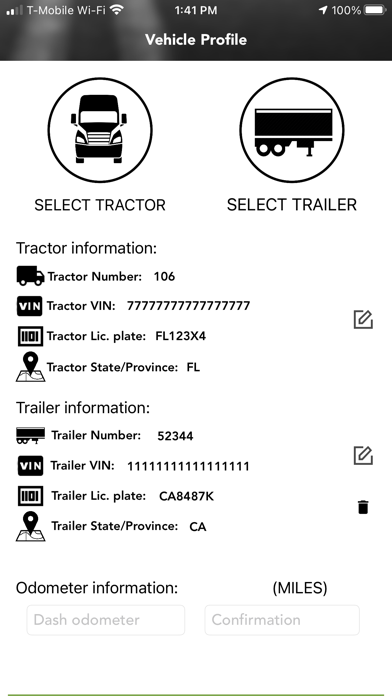
Users can now successfully select a new vehicle profile.
Vehicle info displays correctly after returning to the profile page.
The ECM disconnect popup was removed during logout.
ECM-connected users are now routed directly to the home page on login.
Account Access
Password change errors have been resolved — drivers can now change their password without issue.
Labeling & UI Cleanups
The "IFTA" section has been renamed to "State Mileage" for clarity.
Log upload now includes a date field and shows the most recent uploads at the top.

Resolved several crash issues including:
Crashes after long periods of use (3+ hours).
Crashes during login, upgrades, and ELD file submissions.
Crashes when tapping "Upload Debug Info" or when changing driving status at low speeds.
Improved performance and reliability across the app, particularly with prolonged use and data uploads.
Driving & Status Accuracy
Fixed bugs causing driving status to fluctuate between "Driving" and "On Duty" at low speeds.
Resolved issues with the app not switching automatically to "On" or "Driving" when expected.
Addressed calculation issues related to hours of service and break violations.
Shipment Tracking (Project44 Integration)
Fixed an issue where shipment updates were not being sent to Project44 every 2 minutes as intended. This has been verified and confirmed with Project44.
Logbook & FMCSA Enhancements
Fixed issues with FMCSA data showing duplicate records or incorrect record counts.
Restored visibility of the required “Driver ID” field in FMCSA documents.
Added the ability to download FMCSA logs as .CSV files with search and filtering by driver/date.
Resolved issues with missing vehicle miles and incorrect or missing locations in logbook entries.
Fixed a bug preventing log edits for Canadian drivers between 8–14 days old.
Drivers can now manually add logs and edit logs as expected.
Users with more than 50 pending transfers can now successfully log out.
Violations Reporting
Improved accuracy of violation type listings (no more duplicates).
Drivers now only see their own violations upon login.
New features include:
Filters and new columns in violation reports.
Ability to upload documents and mark violations as reviewed.
Hyperlink to jump directly to logs from violations.
Clear status/error messages when uploading large files.
Default view now shows the last 7 days of violations.
A new status field has been added to the module.
Language & UI Updates
Resolved an issue where selected languages (Français or Español) would revert to English.
Text encoding errors have been fixed for Spanish violation text (e.g., “11 Horas Límite”).
Vehicle & Profile Management
Users can now successfully select a new vehicle profile.
Vehicle info displays correctly after returning to the profile page.
The ECM disconnect popup was removed during logout.
ECM-connected users are now routed directly to the home page on login.
Account Access
Password change errors have been resolved — drivers can now change their password without issue.
Labeling & UI Cleanups
The "IFTA" section has been renamed to "State Mileage" for clarity.
Log upload now includes a date field and shows the most recent uploads at the top.
Show More
Version History
7.52.325
Nov 26, 2025
Stability & Performance
Resolved several crash issues including:
Crashes after long periods of use (3+ hours).
Crashes during login, upgrades, and ELD file submissions.
Crashes when tapping "Upload Debug Info" or when changing driving status at low speeds.
Improved performance and reliability across the app, particularly with prolonged use and data uploads.
Driving & Status Accuracy
Fixed bugs causing driving status to fluctuate between "Driving" and "On Duty" at low speeds.
Resolved issues with the app not switching automatically to "On" or "Driving" when expected.
Addressed calculation issues related to hours of service and break violations.
Shipment Tracking (Project44 Integration)
Fixed an issue where shipment updates were not being sent to Project44 every 2 minutes as intended. This has been verified and confirmed with Project44.
Logbook & FMCSA Enhancements
Fixed issues with FMCSA data showing duplicate records or incorrect record counts.
Restored visibility of the required “Driver ID” field in FMCSA documents.
Added the ability to download FMCSA logs as .CSV files with search and filtering by driver/date.
Resolved issues with missing vehicle miles and incorrect or missing locations in logbook entries.
Fixed a bug preventing log edits for Canadian drivers between 8–14 days old.
Drivers can now manually add logs and edit logs as expected.
Users with more than 50 pending transfers can now successfully log out.
Violations Reporting
Improved accuracy of violation type listings (no more duplicates).
Drivers now only see their own violations upon login.
New features include:
Filters and new columns in violation reports.
Ability to upload documents and mark violations as reviewed.
Hyperlink to jump directly to logs from violations.
Clear status/error messages when uploading large files.
Default view now shows the last 7 days of violations.
A new status field has been added to the module.
Language & UI Updates
Resolved an issue where selected languages (Français or Español) would revert to English.
Text encoding errors have been fixed for Spanish violation text (e.g., “11 Horas Límite”).
Vehicle & Profile Management
Users can now successfully select a new vehicle profile.
Vehicle info displays correctly after returning to the profile page.
The ECM disconnect popup was removed during logout.
ECM-connected users are now routed directly to the home page on login.
Account Access
Password change errors have been resolved — drivers can now change their password without issue.
Labeling & UI Cleanups
The "IFTA" section has been renamed to "State Mileage" for clarity.
Log upload now includes a date field and shows the most recent uploads at the top.
Resolved several crash issues including:
Crashes after long periods of use (3+ hours).
Crashes during login, upgrades, and ELD file submissions.
Crashes when tapping "Upload Debug Info" or when changing driving status at low speeds.
Improved performance and reliability across the app, particularly with prolonged use and data uploads.
Driving & Status Accuracy
Fixed bugs causing driving status to fluctuate between "Driving" and "On Duty" at low speeds.
Resolved issues with the app not switching automatically to "On" or "Driving" when expected.
Addressed calculation issues related to hours of service and break violations.
Shipment Tracking (Project44 Integration)
Fixed an issue where shipment updates were not being sent to Project44 every 2 minutes as intended. This has been verified and confirmed with Project44.
Logbook & FMCSA Enhancements
Fixed issues with FMCSA data showing duplicate records or incorrect record counts.
Restored visibility of the required “Driver ID” field in FMCSA documents.
Added the ability to download FMCSA logs as .CSV files with search and filtering by driver/date.
Resolved issues with missing vehicle miles and incorrect or missing locations in logbook entries.
Fixed a bug preventing log edits for Canadian drivers between 8–14 days old.
Drivers can now manually add logs and edit logs as expected.
Users with more than 50 pending transfers can now successfully log out.
Violations Reporting
Improved accuracy of violation type listings (no more duplicates).
Drivers now only see their own violations upon login.
New features include:
Filters and new columns in violation reports.
Ability to upload documents and mark violations as reviewed.
Hyperlink to jump directly to logs from violations.
Clear status/error messages when uploading large files.
Default view now shows the last 7 days of violations.
A new status field has been added to the module.
Language & UI Updates
Resolved an issue where selected languages (Français or Español) would revert to English.
Text encoding errors have been fixed for Spanish violation text (e.g., “11 Horas Límite”).
Vehicle & Profile Management
Users can now successfully select a new vehicle profile.
Vehicle info displays correctly after returning to the profile page.
The ECM disconnect popup was removed during logout.
ECM-connected users are now routed directly to the home page on login.
Account Access
Password change errors have been resolved — drivers can now change their password without issue.
Labeling & UI Cleanups
The "IFTA" section has been renamed to "State Mileage" for clarity.
Log upload now includes a date field and shows the most recent uploads at the top.
Rand ELD FAQ
Click here to learn how to download Rand ELD in restricted country or region.
Check the following list to see the minimum requirements of Rand ELD.
iPhone
iPad