Best and Free app to create table documents on mobile. Replace your notebook with the digital copy. The app is useful for small businesses, freelancers, teachers, restaurants and anyone else who wants the ease of creating tabular notes on their phone.
Forget about keeping many notebooks for different kinds of tabular notes or using excel on your laptop, the new way to keep your tabular notes is super easy, convenient and productive. The Table Notebook app can be used to create any kind of document where you need columns and rows. Create a table of stock, students' marks, monthly reporting, reports asked by your supervisors or simply keep track of the payment that you are receiving on different UPI apps and much more.
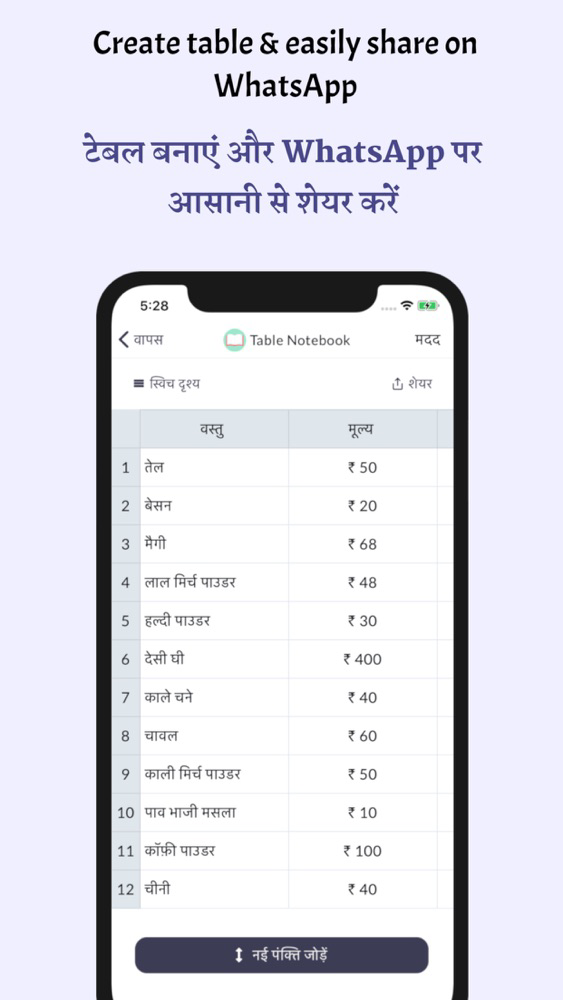
The document can be easily shared on WhatsApp and no need to click a picture and fill your gallery with tons of page images.
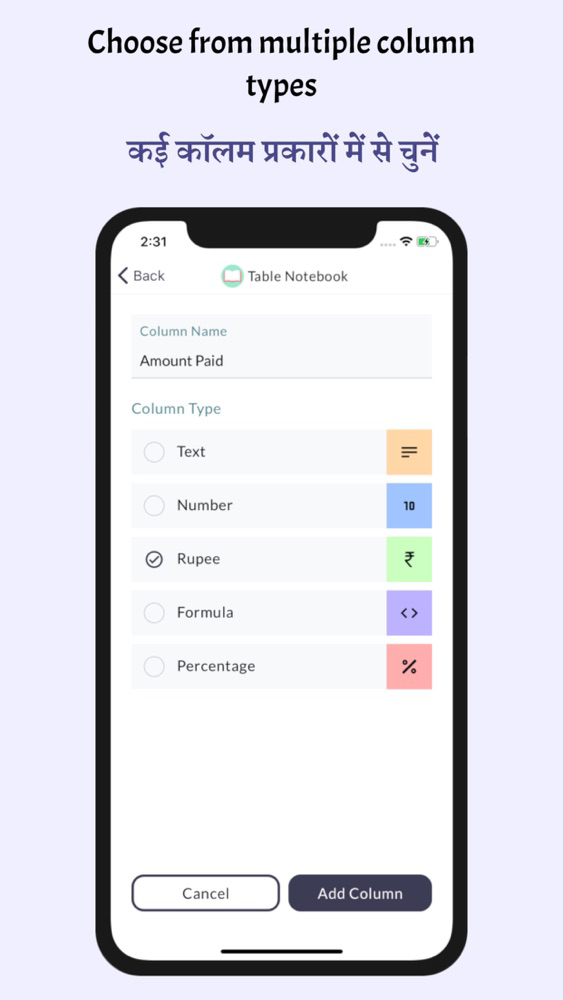
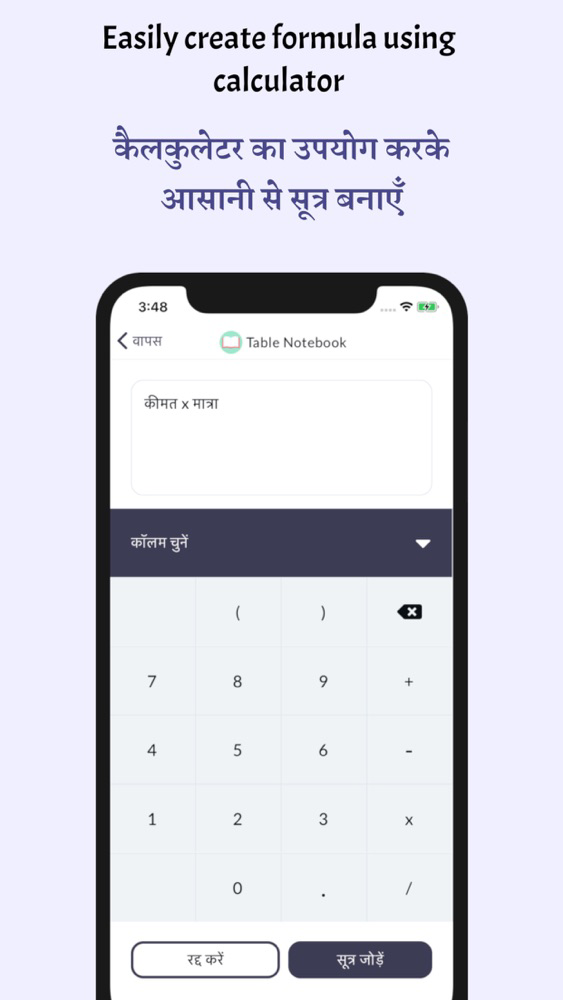
You can add formulas in a column using a simple calculator like interface which will auto calculate the value for you like price= cost x quantity. If you need to get the total of any column, just select show total from the column menu and the total will be automatically calculated for you and it will keep updating automatically even if you add a new row or delete, edit an existing row.
Table Notebook app is proudly made in India. It's totally free and does not show any kind of advertisement which can distract you from working.
Why should you use Table Notebook?
- 100% Free, no monthly or one time fees, and no advertisement. It's completely free to use the app.
- No Limit, create as many files as you need, add as much data as you want.
- Easy to use, a simple and intuitive user interface for easy navigation.
- No need to learn excel or need for a laptop to create neat and clean digital documents.
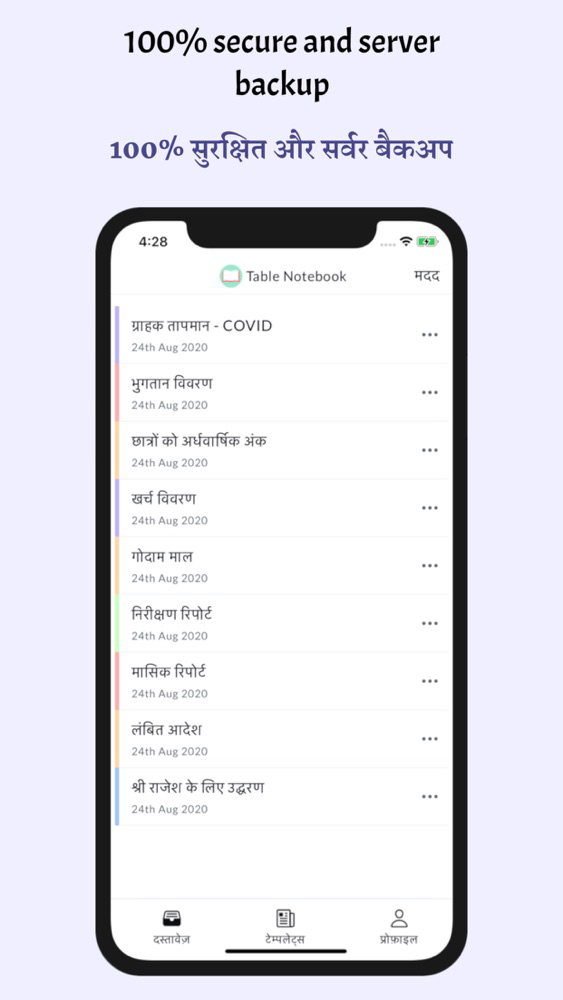
- 100% safe, secure and reliable. All the data is accessed by only you and no one else. Everything is securely backed-up on the cloud so that you don't have to worry about your data.
- Go Digital, replace pen, paper and calculator with Table Notebook
- Easily share on WhatsApp. No need to click pictures of pages and fill your gallery with unwanted pictures. Share your document to WhatsApp directly from the Table Notebook app.
- Full of features, app is regularly updated to give you the best features and experience
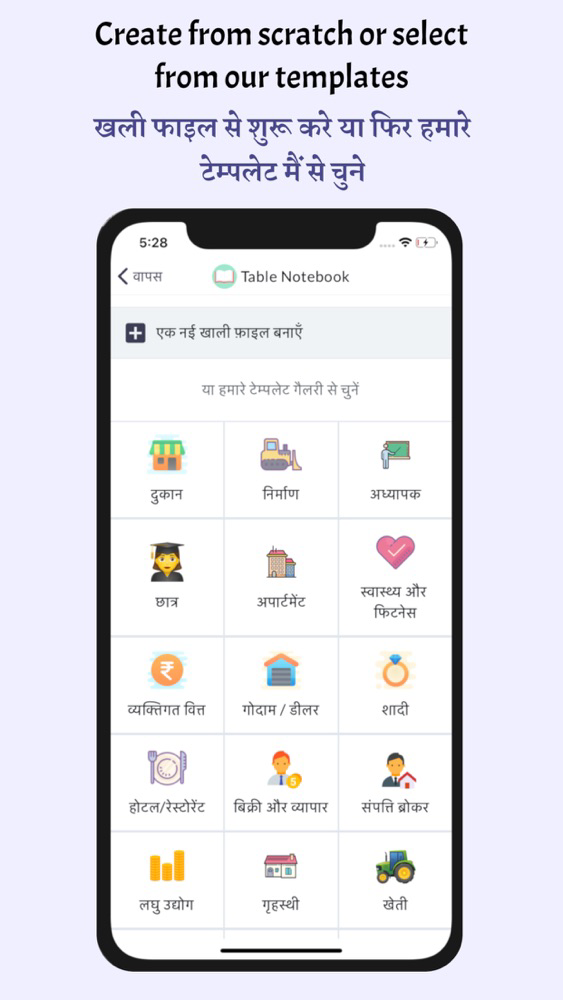
- Save your most-used document as a template and quickly create a new document with all the columns and formulas already created.
- 24/7 phone support, if you are stuck anywhere or request a new feature, reach out to us using the help button from the app.
How to start using the Table Notebook app?
- Register using your phone number
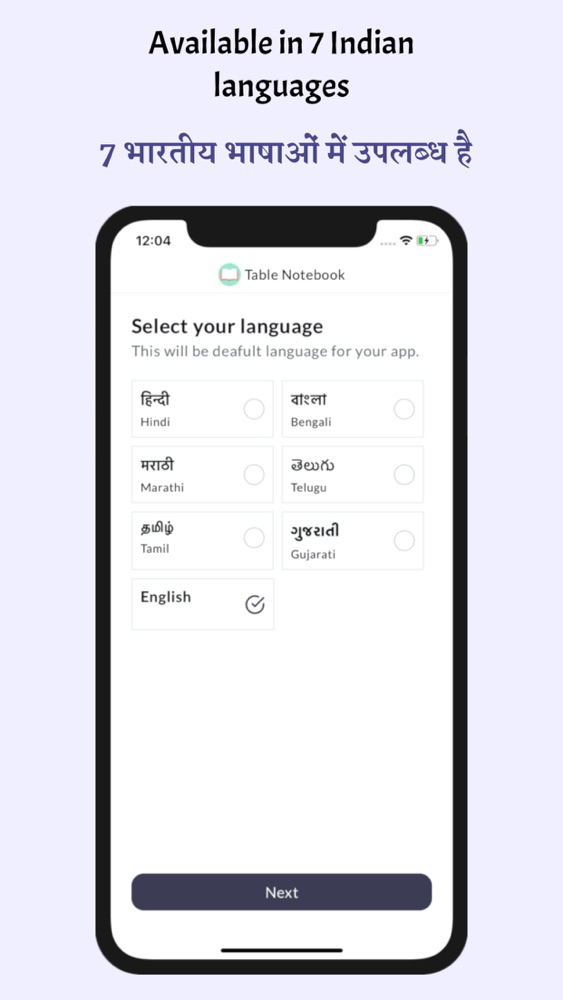
- Choose your convenient language - Available in Hindi, Bengali, Marathi, Telugu, Tamil, Gujrati, English
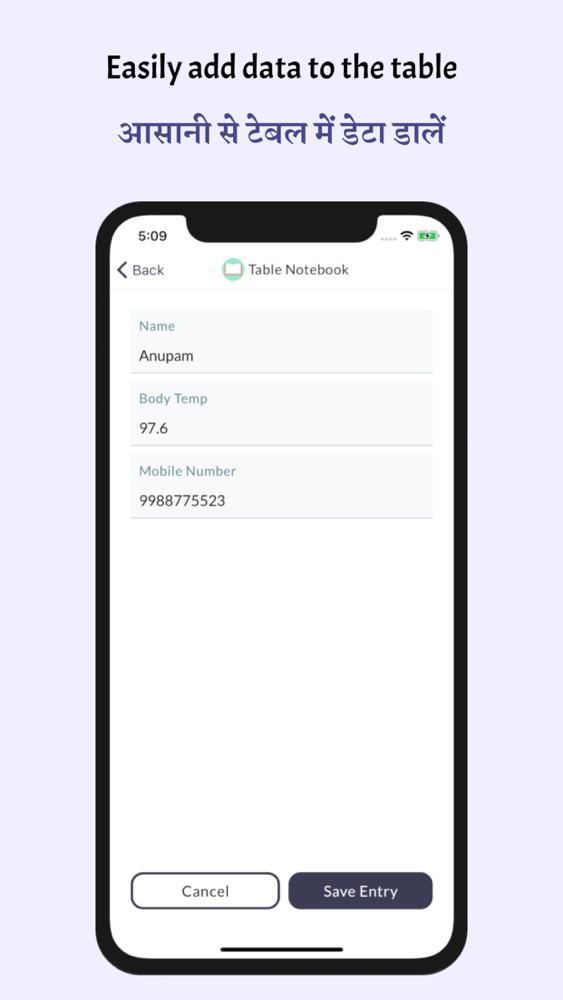
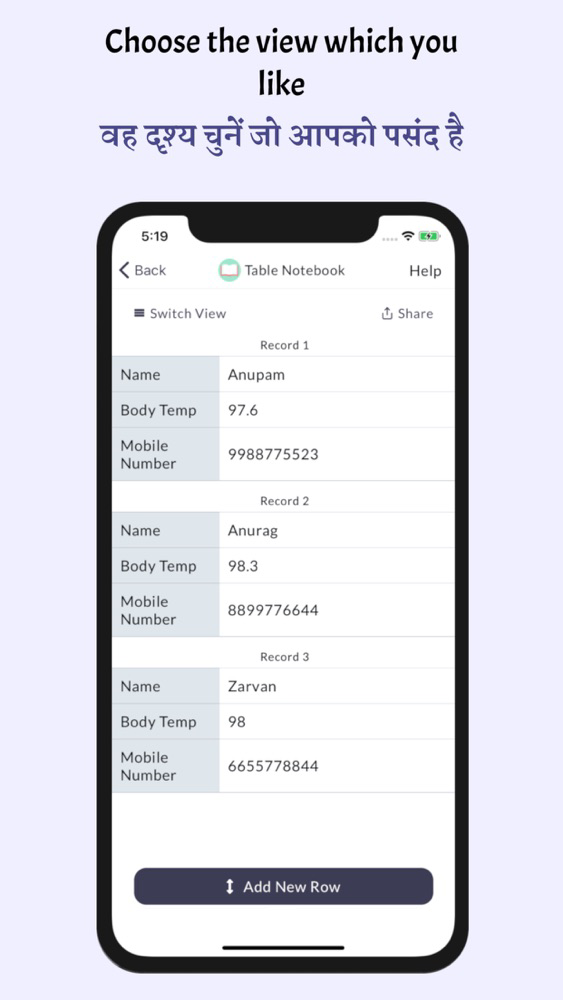
- Create a file and start adding rows and columns as per your requirements
- Share on WhatsApp with anyone.
- Save the file as a template so that you don't need to add columns next time if you want to create a similar file.
If you have any bugs to report or have questions regarding your first experience, please WhatsApp or call us at our support number 9636012926
To know more about us, please visit our website www.tablenotebook.com