Satellite Pointer - Dish Setup
Réglez votre antenne TV
Free
4.3.5for iPhone, iPad and more
Age Rating
Satellite Pointer - Dish Setup Screenshots
About Satellite Pointer - Dish Setup
It has never been easier to install your television dish.
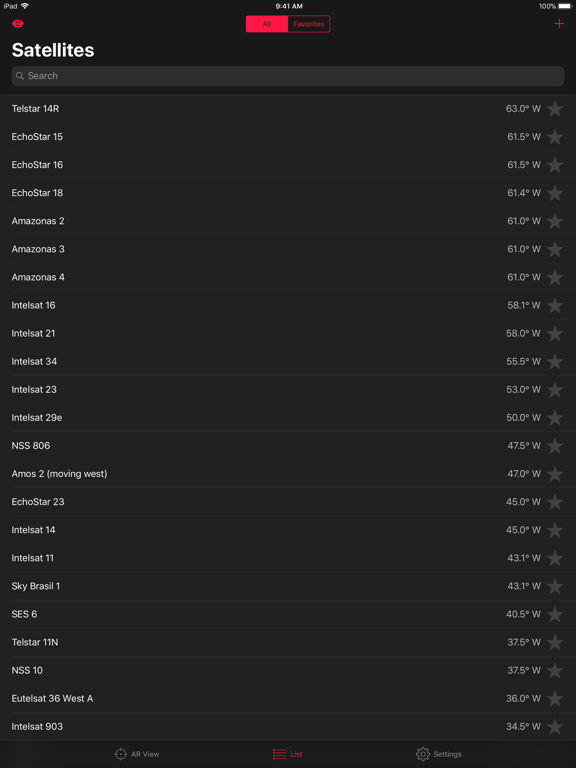
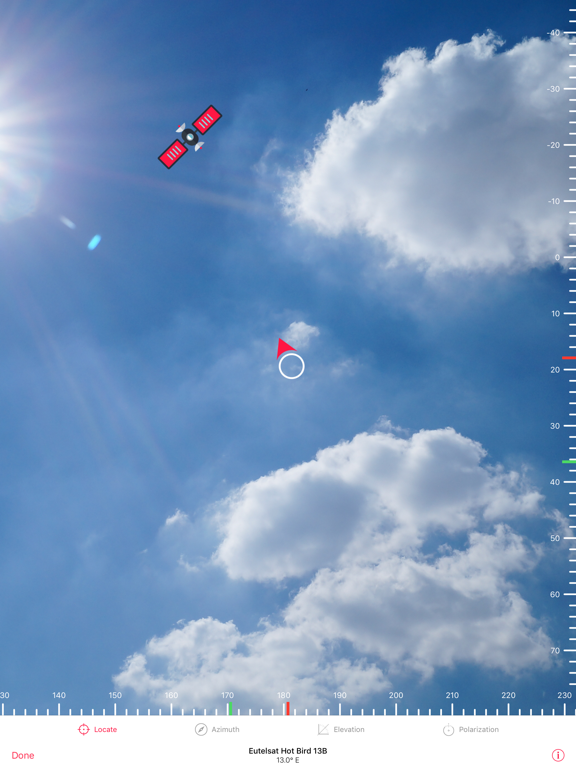
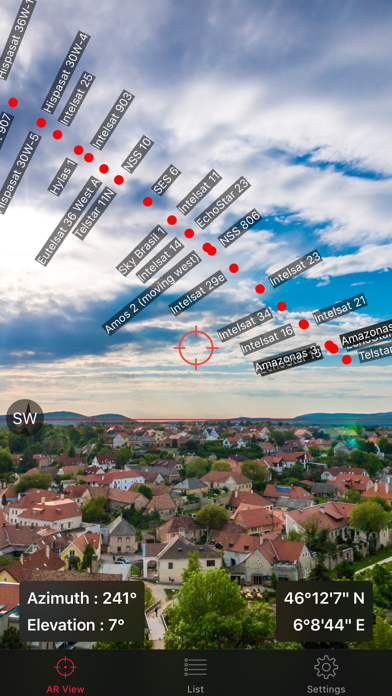
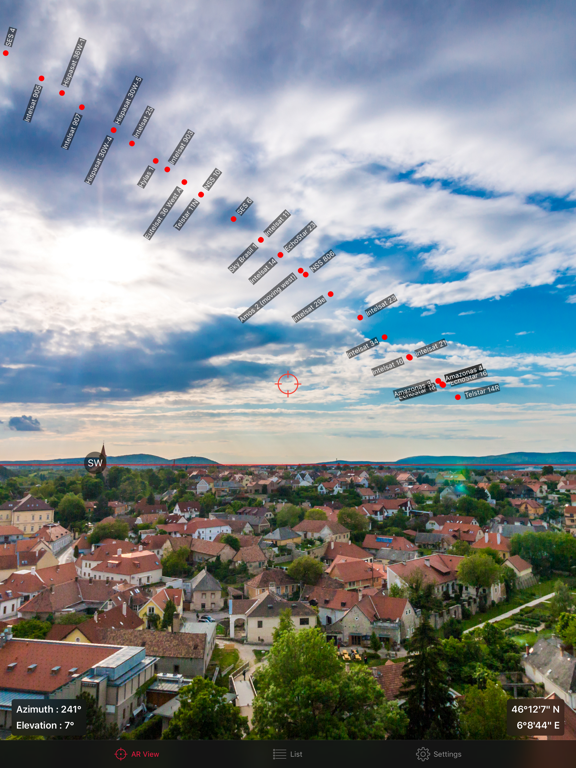
Direct your device to the sky and look in realty augmented mode at the geostationary satellites orbiting around the earth. You will have access to an updated database of more than 200 satellites with a research option capability to facilitate your search.
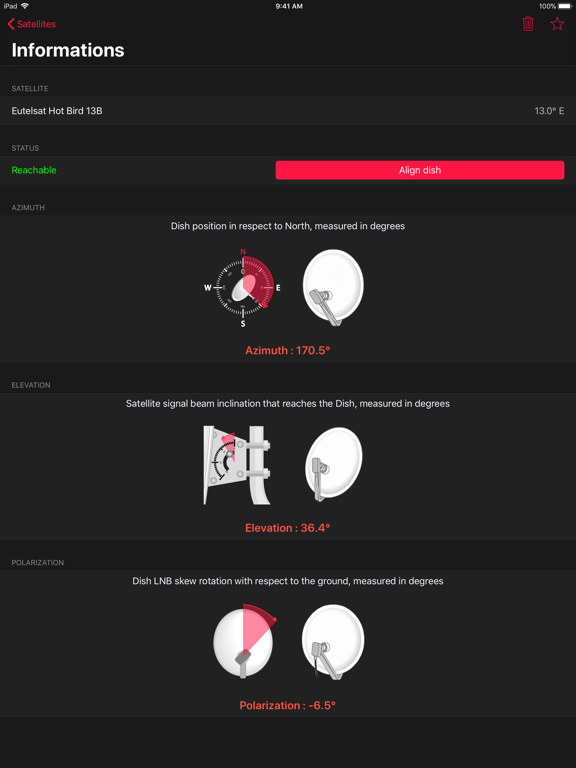
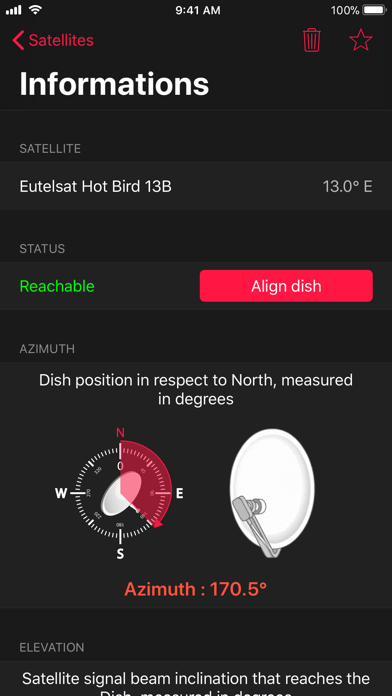
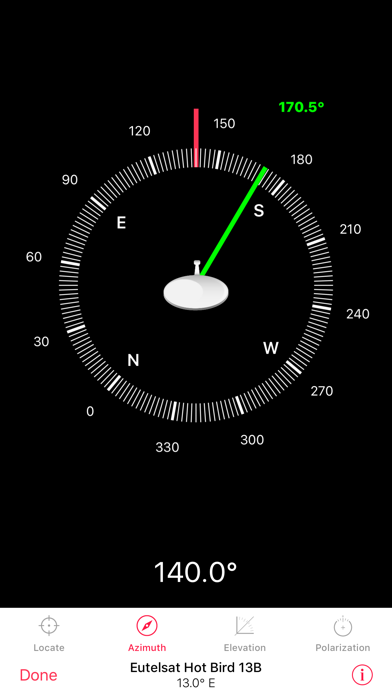
Once a satellite has been selected, you will be able to read a number of information necessary to your installation, such as its geographical zone, its longitude, the available band frequencies, its azimuth, elevation and polarization angles as calculated based on your location.
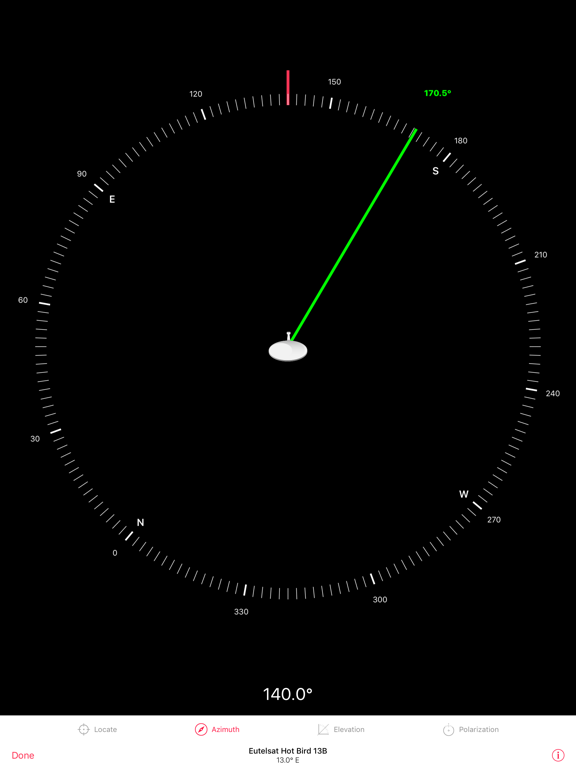
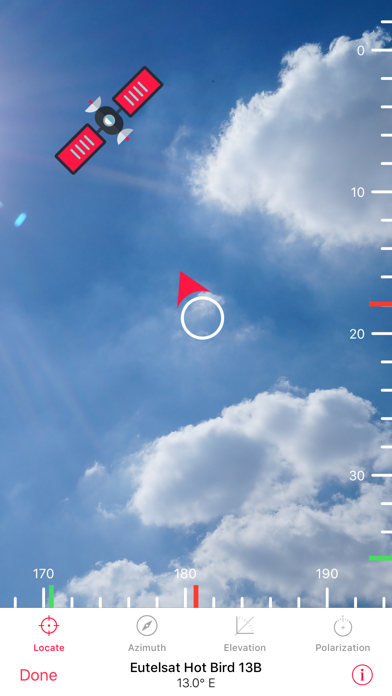
You may then select such satellite in dish aligning mode (only available in PRO version): you will be provided with a four steps alignment tool that will help you install your TV antenna easily.
Features:
• Augmented reality, see satellites and target them directly on your display
• Azimuth, elevation and polarization angles calculated for your position
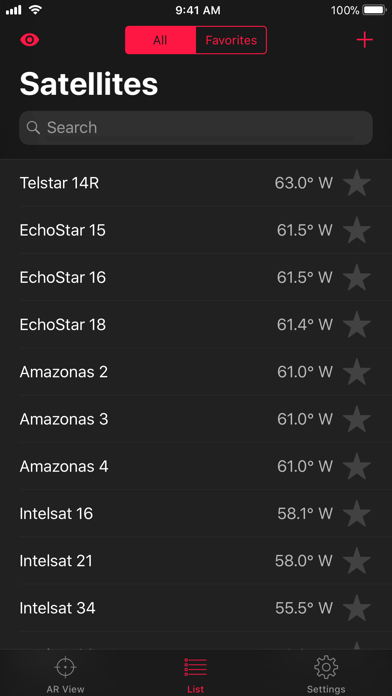
• More than 200 satellites referenced in the app
• Search option to quickly find satellite of interest
• Weekly updated database (daily for PRO users)
• Add satellites manually (PRO users)
• 4 steps alignment tool to easily set up you TV antenna (PRO users)
Thank you for using Satellite Pointer. You can send us your feedback at contact@satellitepointer.com and we will reply as fast as possible. If you enjoy the app, please let us know by rating us five stars and leaving a nice comment on the App Store.

Direct your device to the sky and look in realty augmented mode at the geostationary satellites orbiting around the earth. You will have access to an updated database of more than 200 satellites with a research option capability to facilitate your search.
Once a satellite has been selected, you will be able to read a number of information necessary to your installation, such as its geographical zone, its longitude, the available band frequencies, its azimuth, elevation and polarization angles as calculated based on your location.
You may then select such satellite in dish aligning mode (only available in PRO version): you will be provided with a four steps alignment tool that will help you install your TV antenna easily.
Features:
• Augmented reality, see satellites and target them directly on your display
• Azimuth, elevation and polarization angles calculated for your position
• More than 200 satellites referenced in the app
• Search option to quickly find satellite of interest
• Weekly updated database (daily for PRO users)
• Add satellites manually (PRO users)
• 4 steps alignment tool to easily set up you TV antenna (PRO users)
Thank you for using Satellite Pointer. You can send us your feedback at contact@satellitepointer.com and we will reply as fast as possible. If you enjoy the app, please let us know by rating us five stars and leaving a nice comment on the App Store.
Show More
What's New in the Latest Version 4.3.5
Last updated on Jun 8, 2018
Old Versions
This app has been updated by Apple to prepare for watchOS 27 compatibility. No new features are included.
Thank you for using Satellite Pointer, here are the new features for this version:
- Updated satellite database
- Improved performance
- Minor bug fixes
We hope you enjoy using Satellite Pointer. Do not hesitate to send us your feedback at contact@satellitepointer.com and please consider rating us 5 stars on the App Store.
Thank you for using Satellite Pointer, here are the new features for this version:
- Updated satellite database
- Improved performance
- Minor bug fixes
We hope you enjoy using Satellite Pointer. Do not hesitate to send us your feedback at contact@satellitepointer.com and please consider rating us 5 stars on the App Store.
Show More
Version History
4.3.5
Jun 8, 2018
This app has been updated by Apple to prepare for watchOS 27 compatibility. No new features are included.
Thank you for using Satellite Pointer, here are the new features for this version:
- Updated satellite database
- Improved performance
- Minor bug fixes
We hope you enjoy using Satellite Pointer. Do not hesitate to send us your feedback at contact@satellitepointer.com and please consider rating us 5 stars on the App Store.
Thank you for using Satellite Pointer, here are the new features for this version:
- Updated satellite database
- Improved performance
- Minor bug fixes
We hope you enjoy using Satellite Pointer. Do not hesitate to send us your feedback at contact@satellitepointer.com and please consider rating us 5 stars on the App Store.
Satellite Pointer - Dish Setup FAQ
Click here to learn how to download Satellite Pointer - Dish Setup in restricted country or region.
Check the following list to see the minimum requirements of Satellite Pointer - Dish Setup.
iPhone
Erfordert iOS 10.0 oder neuer.
iPad
Erfordert iPadOS 10.0 oder neuer.
iPod touch
Erfordert iOS 10.0 oder neuer.
Satellite Pointer - Dish Setup supports Deutsch, Arabisch, Englisch, Französisch, Italienisch, Koreanisch, Portugiesisch, Russisch, Spanisch, Türkisch, Vereinf. Chinesisch