Save2Data
Free
1.0.40for iPhone, iPad
Age Rating
Save2Data Screenshots
About Save2Data
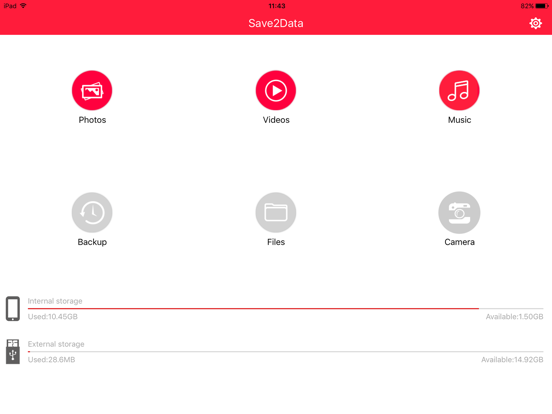
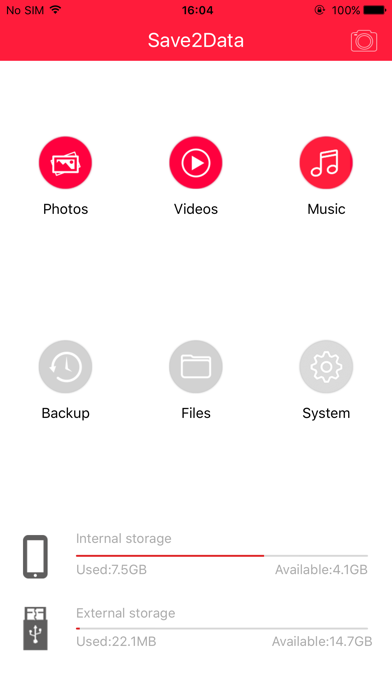
If you own a “Save2Data” Flash Pen or “Save2Data mini” card reader from Hama, use this APP for easy data transfer between your flash drive/card reader and your iPhone or iPad.
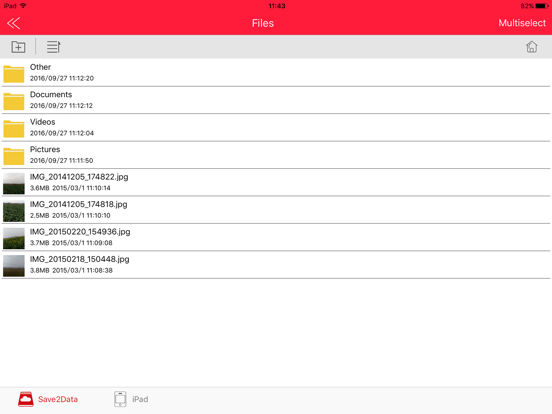
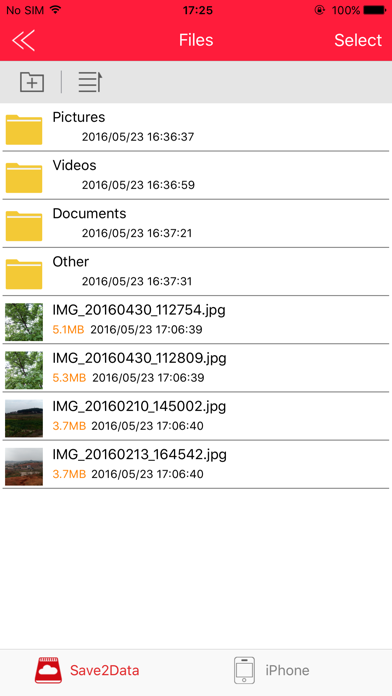
Just connect the Lightning connector of the flash drive or card reader (with inserted microSD card) to your terminal device and open the Save2Data APP. Now you have the possibility to transfer images, videos or files in an easy, fast and safe way between your Apple Lightning device and your flash drive/card reader or vice versa. All this without cable or internet connection.
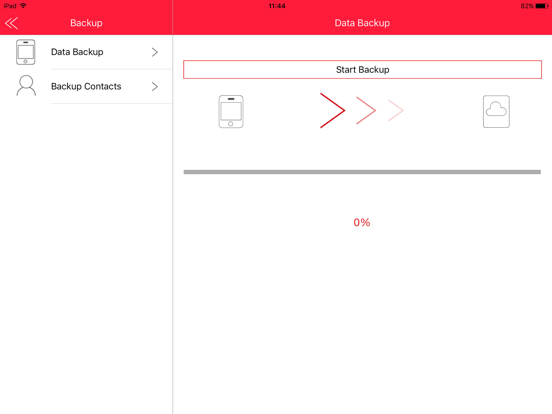
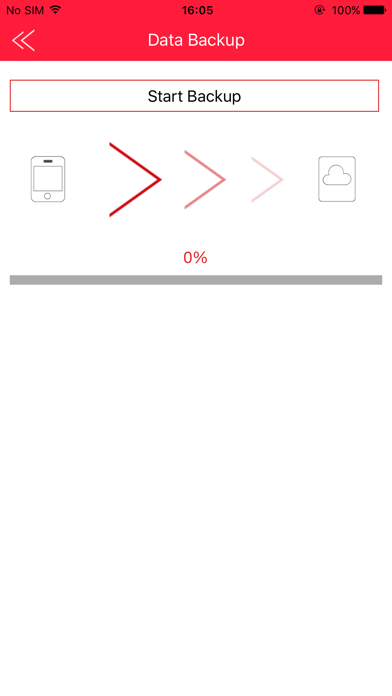
Furthermore, Save2Data provides you with the opportunity to backup and restore your contacts.

Just connect the Lightning connector of the flash drive or card reader (with inserted microSD card) to your terminal device and open the Save2Data APP. Now you have the possibility to transfer images, videos or files in an easy, fast and safe way between your Apple Lightning device and your flash drive/card reader or vice versa. All this without cable or internet connection.
Furthermore, Save2Data provides you with the opportunity to backup and restore your contacts.
Show More
What's New in the Latest Version 1.0.40
Last updated on Nov 11, 2020
Old Versions
1.Compatible with ios14.
Show More
Version History
1.0.40
Nov 11, 2020
1.Compatible with ios14.
Save2Data FAQ
Click here to learn how to download Save2Data in restricted country or region.
Check the following list to see the minimum requirements of Save2Data.
iPhone
iPad