ScanLink
Free
3.0.20for iPhone
Age Rating
ScanLink Screenshots
About ScanLink
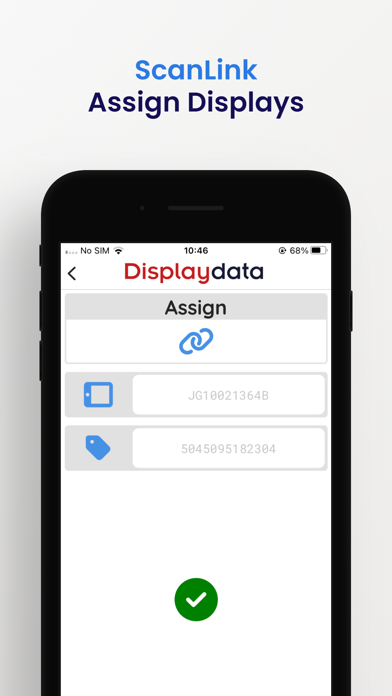
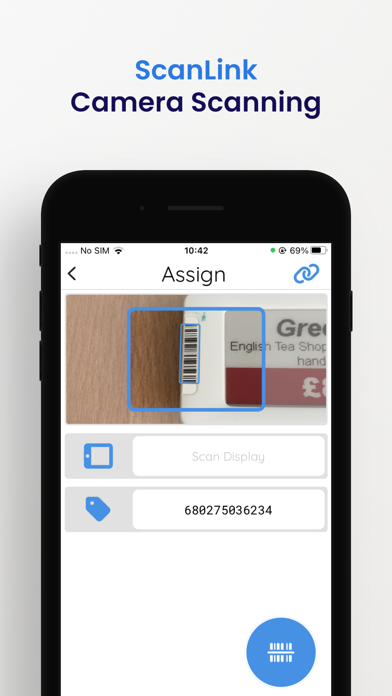
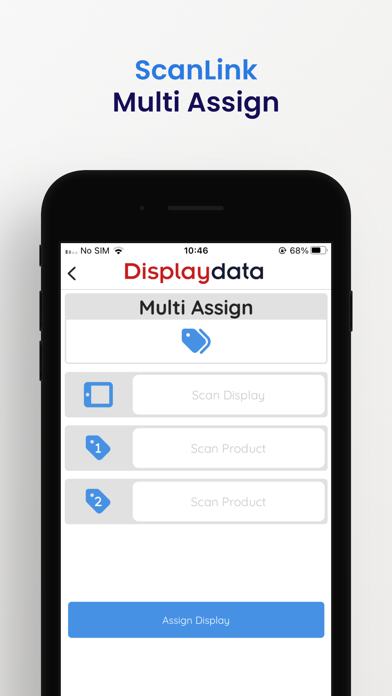
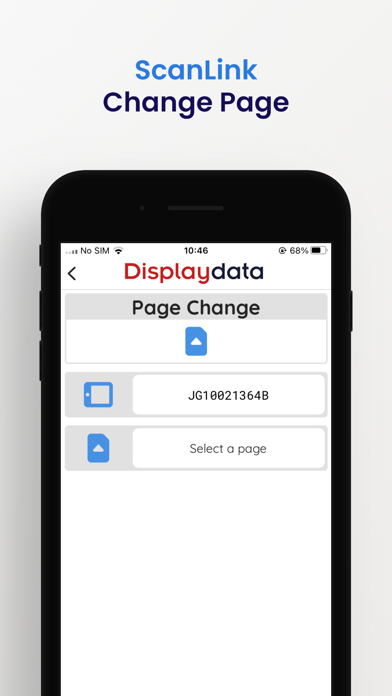
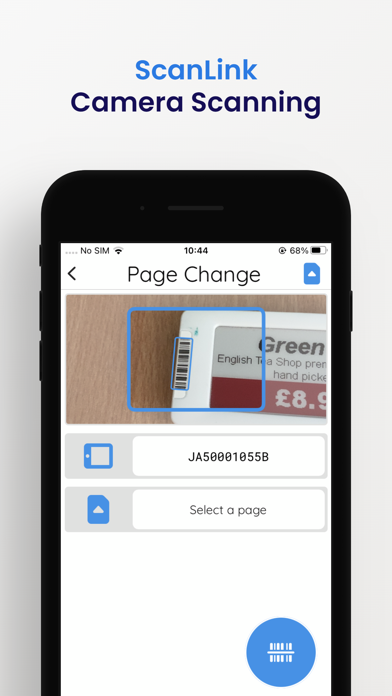
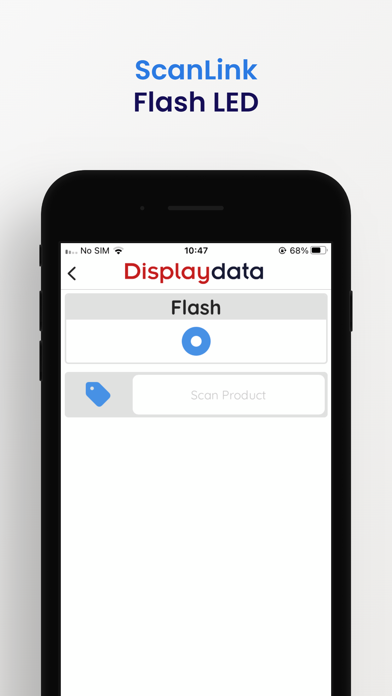
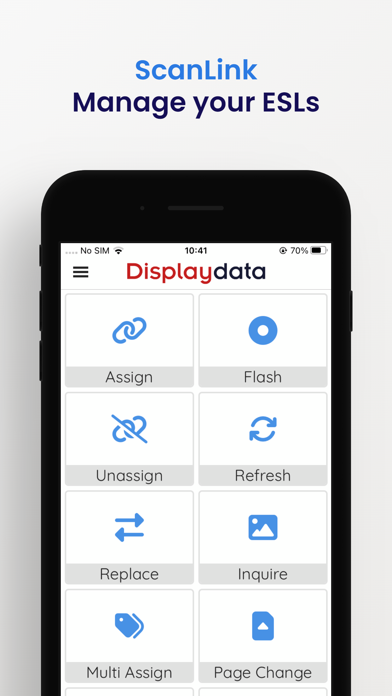
ScanLink allows a store associate to assign a product to a display and when required, check the display image and to unassign or replace the ESL. It also allows the store associate to refresh the image, step through the pages held in the ESL and perform other routine ESL management tasks. This is done with a mobile phone, or with specialised hardware such as Zebra TC52 or Linea Pro 7.
In simple terms, ScanLink works with Displaydata’s Dynamic Solution software via the in store WiFi to manage the product information that is shown on the associated displays. It does this using the barcode attached to the ESL and that of the product.

Show More
What's New in the Latest Version 3.0.20
Last updated on Mar 13, 2026
Old Versions
- Added dashboard
- Added support for Chainway C66 device
Show More
Version History
3.0.20
Mar 13, 2026
- Added dashboard
- Added support for Chainway C66 device
ScanLink FAQ
Click here to learn how to download ScanLink in restricted country or region.
Check the following list to see the minimum requirements of ScanLink.
iPhone