Printer & Documents Scanner
Free
2.0for iPhone, iPad
Age Rating
Printer & Documents Scanner Screenshots
About Printer & Documents Scanner
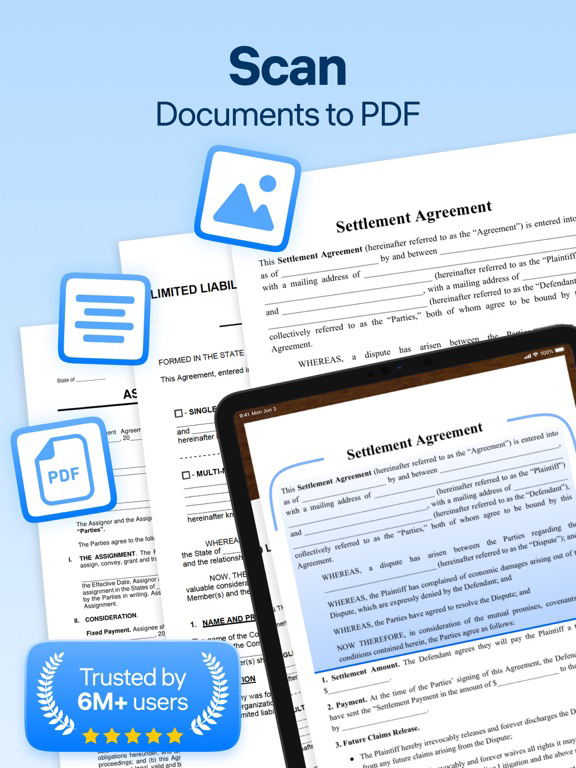
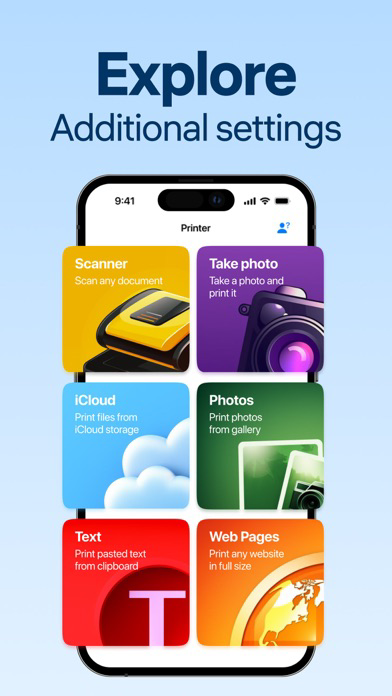
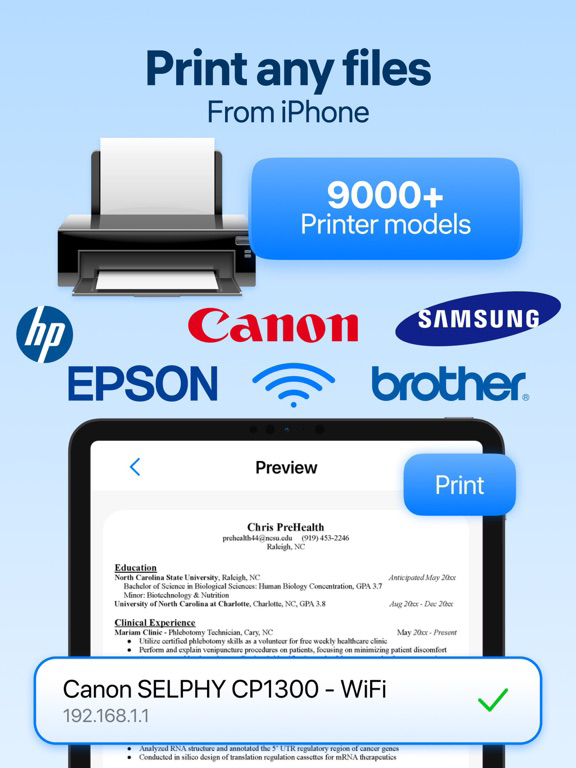
Printer & Documents Scanner is your reliable companion for document management, making it simpler and more effective than ever before. This innovative app transforms your smartphone into a powerful mobile scanner, allowing you to scan, store, and manage documents with ease. Air Printer ensures high-quality scanning with sharp resolution and clear imagery, thanks to its advanced image processing technology.
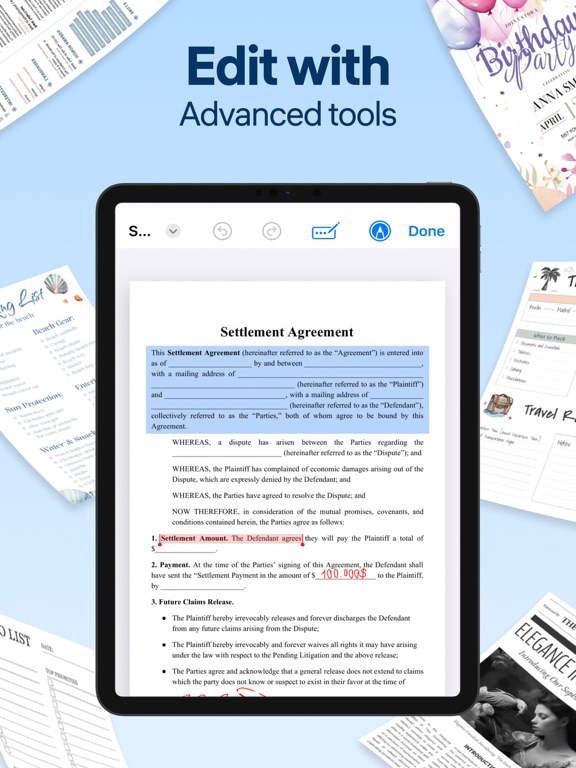
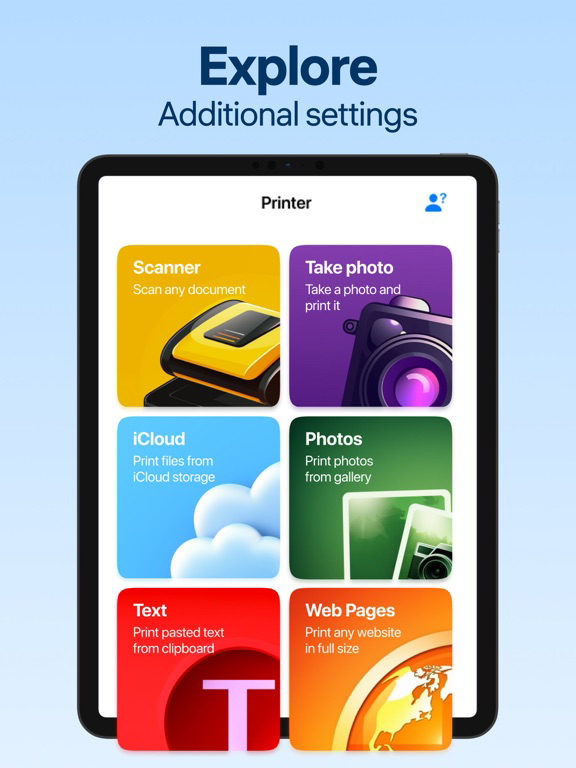
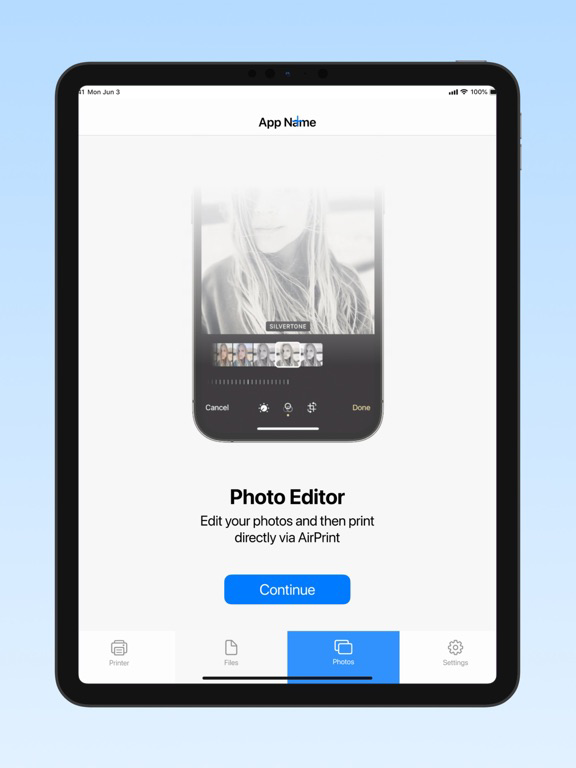
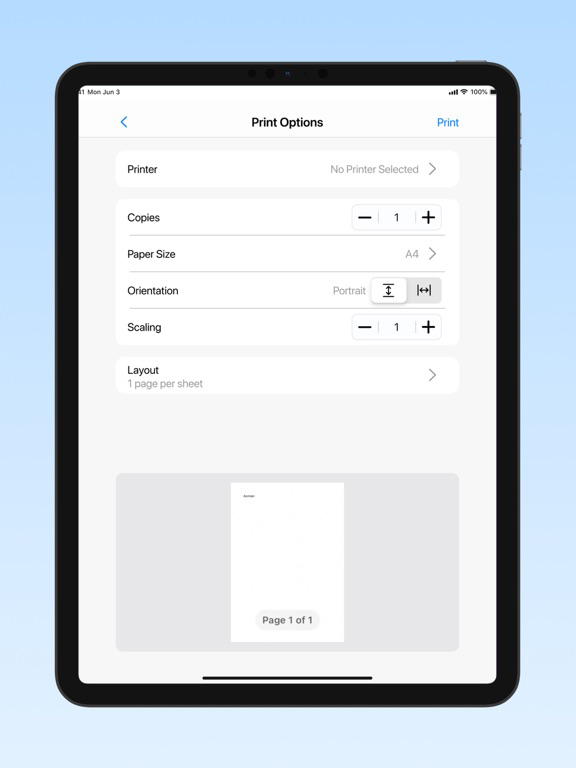
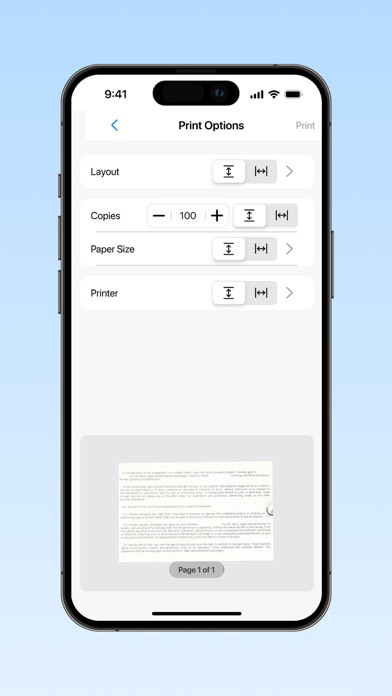
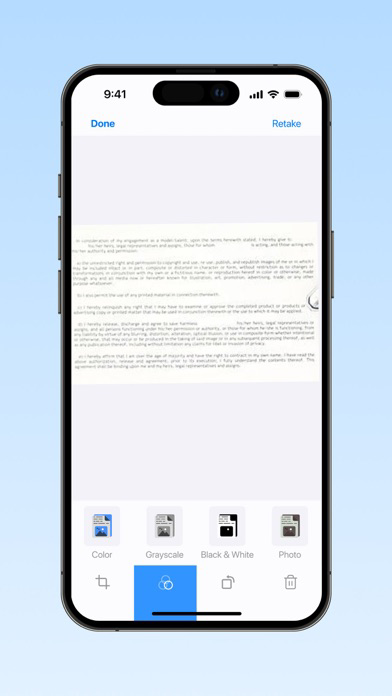
Ideal for professionals and students alike, the app supports a range of file formats including PDF, JPG, and more, facilitating easy sharing and printing directly from your device. With its user-friendly interface, you can quickly scan multiple pages into a single document, edit them with tools like crop and enhance, and even add signatures or annotations to personalize your files.
Prioritizes your data's security, offering robust encryption for stored documents. It also integrates seamlessly with popular cloud services, enabling you to save and access your documents from anywhere.
The Premium features of our app are:
- Cloud Sync.
- High-Resolution Scans.
- Secure Document Encryption.
- Multi-User Access
- Custom Export Options.
- Batch Scanning.
Important Notice: All content and features within this app require a subscription. Access is not available without a paid subscription.
Subscription fees are billed at the time of purchase confirmation.
- Subscriptions will renew automatically unless you disable auto-renewal at least 24 hours before the current subscription period ends.
- Renewal charges vary based on your selected subscription plan. Standard rates are:
1-week subscription: $9.99
- Pricing in other currencies corresponds to the App Store Price Matrix.
- Subscriptions that start with a free trial will automatically convert to a paid subscription unless you cancel or manage the auto-renewal settings in your Account Settings post-purchase.
For additional details, please refer to our:
Privacy Policy: https://docs.google.com/document/d/19vdtnwuE78IL2cGGlT6CUSFUazLms6eU1Ev6s_c2oDE/edit?usp=sharing
Terms of Use: https://docs.google.com/document/d/1KHu6Qcj1WbwLIFZwR3p3ydtkJdtwyrSfPohdRugNjh0/edit?usp=sharing

Ideal for professionals and students alike, the app supports a range of file formats including PDF, JPG, and more, facilitating easy sharing and printing directly from your device. With its user-friendly interface, you can quickly scan multiple pages into a single document, edit them with tools like crop and enhance, and even add signatures or annotations to personalize your files.
Prioritizes your data's security, offering robust encryption for stored documents. It also integrates seamlessly with popular cloud services, enabling you to save and access your documents from anywhere.
The Premium features of our app are:
- Cloud Sync.
- High-Resolution Scans.
- Secure Document Encryption.
- Multi-User Access
- Custom Export Options.
- Batch Scanning.
Important Notice: All content and features within this app require a subscription. Access is not available without a paid subscription.
Subscription fees are billed at the time of purchase confirmation.
- Subscriptions will renew automatically unless you disable auto-renewal at least 24 hours before the current subscription period ends.
- Renewal charges vary based on your selected subscription plan. Standard rates are:
1-week subscription: $9.99
- Pricing in other currencies corresponds to the App Store Price Matrix.
- Subscriptions that start with a free trial will automatically convert to a paid subscription unless you cancel or manage the auto-renewal settings in your Account Settings post-purchase.
For additional details, please refer to our:
Privacy Policy: https://docs.google.com/document/d/19vdtnwuE78IL2cGGlT6CUSFUazLms6eU1Ev6s_c2oDE/edit?usp=sharing
Terms of Use: https://docs.google.com/document/d/1KHu6Qcj1WbwLIFZwR3p3ydtkJdtwyrSfPohdRugNjh0/edit?usp=sharing
Show More
What's New in the Latest Version 2.0
Last updated on Jun 21, 2024
Old Versions
1. Improved scanning quality.
2. Support for various types of documents: from paper to electronic.
3. Possibility of scanning in color.
4. Text recognition and saving in various formats.
5. Supports scanning from mobile devices.
2. Support for various types of documents: from paper to electronic.
3. Possibility of scanning in color.
4. Text recognition and saving in various formats.
5. Supports scanning from mobile devices.
Show More
Version History
2.0
Jun 21, 2024
1. Improved scanning quality.
2. Support for various types of documents: from paper to electronic.
3. Possibility of scanning in color.
4. Text recognition and saving in various formats.
5. Supports scanning from mobile devices.
2. Support for various types of documents: from paper to electronic.
3. Possibility of scanning in color.
4. Text recognition and saving in various formats.
5. Supports scanning from mobile devices.
Printer & Documents Scanner FAQ
Printer & Documents Scanner is available in regions other than the following restricted countries:
Turkmenistan,Uzbekistan,Kazakhstan,Georgia,Tajikistan,Kyrgyzstan,Armenia,Ukraine
Check the following list to see the minimum requirements of Printer & Documents Scanner.
iPhone
iPad
Click here to learn how to download Printer & Documents Scanner in restricted country or region.
Related Videos
Latest introduction video of Printer & Documents Scanner on iPhone