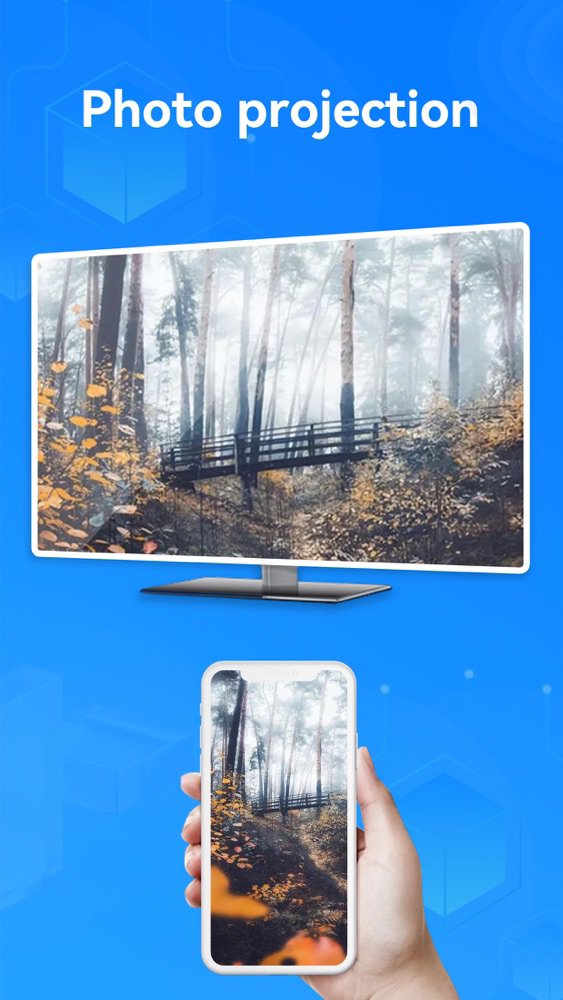
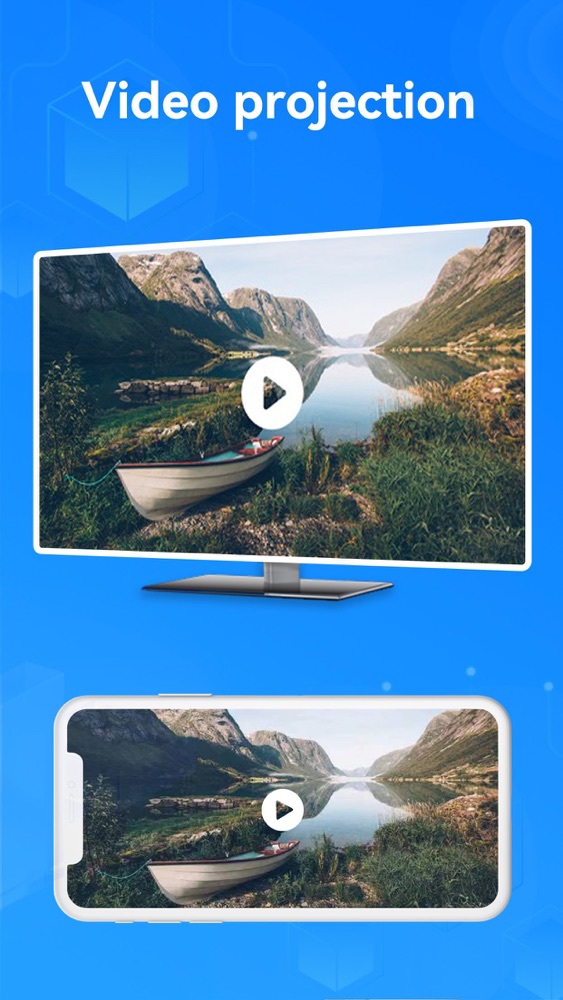
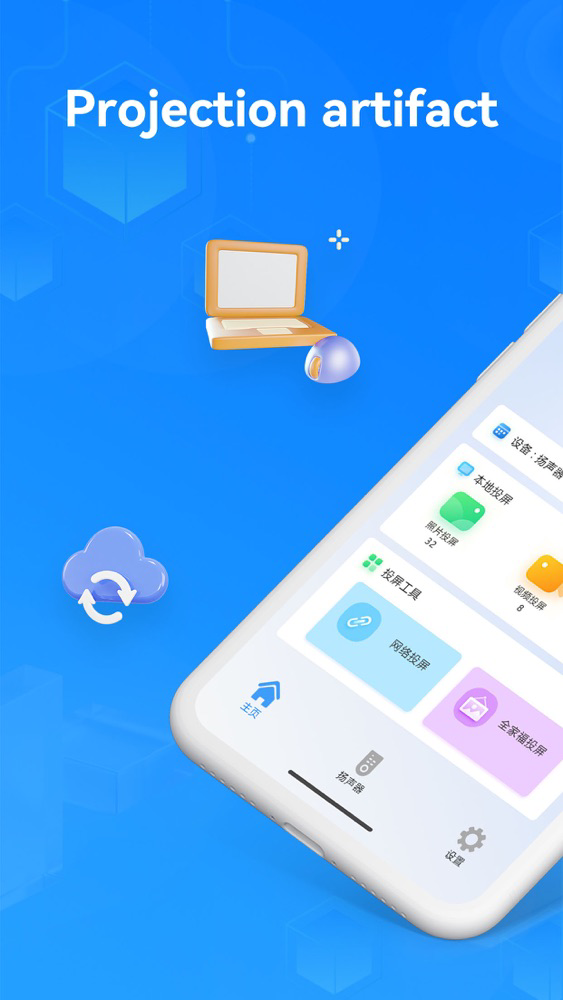
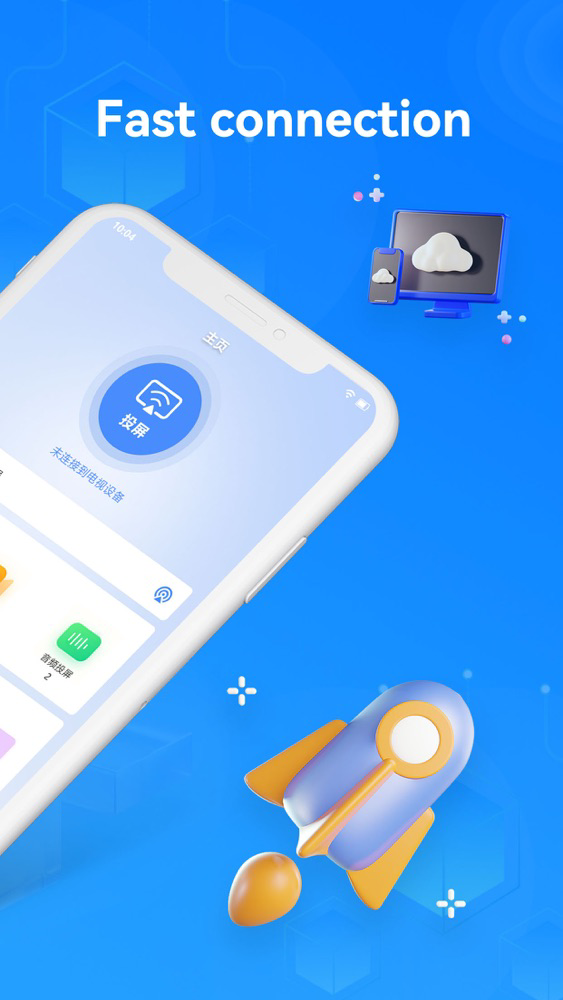
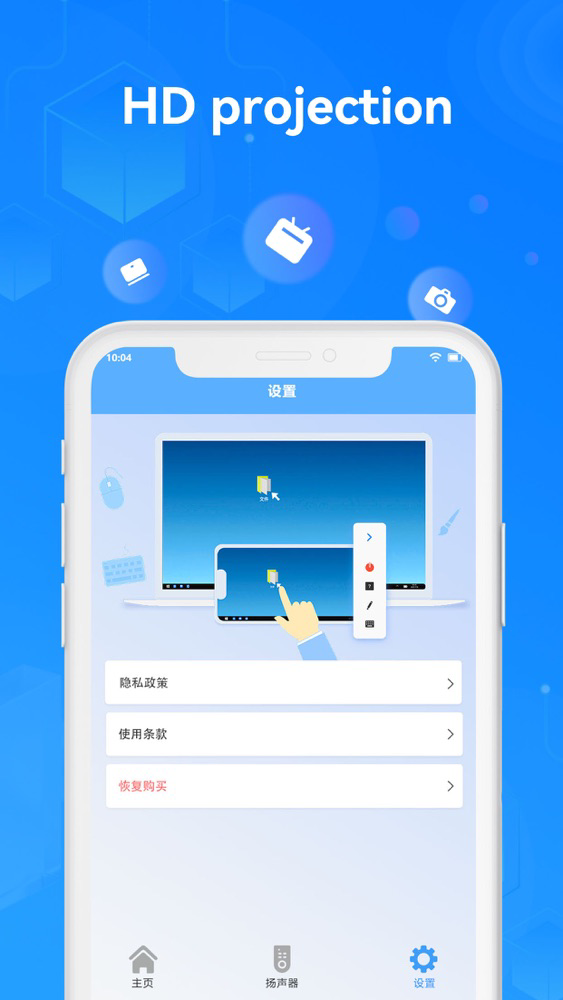
Screen projection is an iPhone screen projection artifact with ultra clear image quality and no delay, which perfectly meets the needs of all types of Apple devices for one click screen projection to TV, and brings you a more efficient remote online office / learning, and a more extreme sports, movie viewing and entertainment experience.
==Necessary for home fitness / Office / study==
[fitness video / live projection]
- put the fitness live broadcast and fitness video on the TV with one click, and Practice on the large screen, so that the action details are clearer and the exercise effect is more remarkable!
[office meeting projection]
- online remote office artifact! One click projection of various documents and other conference software, mobile phone avatar ppt remote control, conference progress is under control!
==Play with the projection screen==
[sports event projection]
- watch the Olympic Games, the world cup, NBA and other large-scale sports events with a projector on a screen TV with friends, and have a great viewing experience!
[Online concert projection]
- break the small screen limitation of online concerts, and watch the concerts on the large screen, just like visiting the concert site!
[local content projection]
- local music, videos, pictures and files on your mobile phone can be projected to the TV with one click, making you fall in love with sharing!
==Projection method==
1. On the device that needs screen projection, download and install the corresponding client from the app store or official website
2. Connect iPhone and smart TV (TV box) to the same WiFi LAN environment
3. Click the screen projection button to successfully cast the screen
[automatic subscription description]
• you can subscribe to unlimited access to all functions of voice translation.
• subscriptions are charged monthly, quarterly or annually, depending on the subscription plan selected.
• the payment will be deducted from the iTunes account when confirming the purchase.
• you can turn off automatic renewal 24 hours before the end of the current subscription, otherwise it will be automatically renewed.
• your account will be charged for renewal within 24 hours before the end of your current subscription, and the fee depends on the plan you choose.
• users can manage subscriptions. After purchase, they can go to the user account to set and turn off automatic subscriptions.
• after a user purchases a subscription, any unused free subscription time will be invalidated.
By using voice translation, you agree to our privacy policy and user agreement
Privacy Policy: https://docs.qq.com/doc/DUEpSQnlPaVRrZFNX
Terms of Use: https://docs.qq.com/doc/DUGpwdWpNR1hac3F4