APplus Mobile will be constantly enhanced and improved to optimize your user experience.
This version contains:
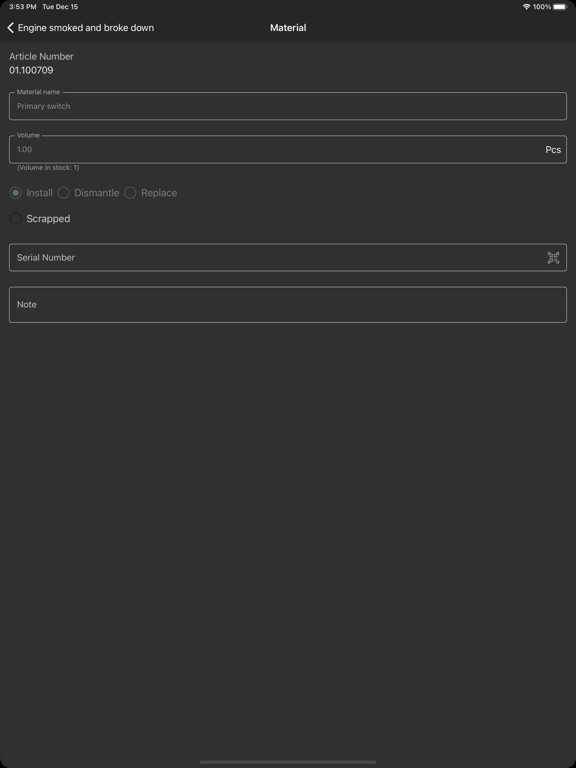
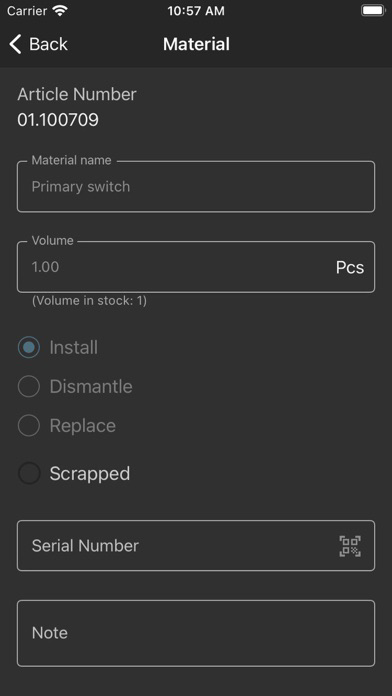
- In the material booking page, the warehouse is now also displayed if the item is only available in one warehouse.
- During automatic synchronization, the warehouse stock is now also synchronized when the user switches to the material page of a task.
APplus Mobile will be constantly enhanced and improved to optimize your user experience.
This version contains:
- Several optimizations in data management
APplus Mobile will be constantly enhanced and improved to optimize your user experience.
This version contains:
- Fixed: Material withdrawal: When selecting different storage bins, these are now displayed correctly after selection
APplus Mobile will be constantly enhanced and improved to optimize your user experience.
This version contains:
- Fixed: If a material proposal was partially withdrawn, the withdrawn quantity of the material was calculated incorrectly.
- Changed: Optimization of the local database in the personnel time recording area.
APplus Mobile will be constantly enhanced and improved to optimize your user experience.
This version contains:
- Fixed: After the changeover to summer or winter time, time bookings made before the changeover are now displayed correctly in the work log
- Added: A new column in the work log template now displays the value "Billable" for time bookings
- Added: The work log template now includes a new grouping for working time records
- General UI improvements
- Minor enhancements and bug fixes
APplus Mobile will be constantly enhanced and improved to optimize your user experience.
This version contains:
- Fixed: Order numbers are now transferred to APplus with activities
- Changed: When searching for an installation online, an additional note appears if the search field is pre-assigned
- General UI improvements
- Minor enhancements and bug fixes
APplus Mobile will be constantly enhanced and improved to optimize your user experience.
This version contains:
- Fixed: Order numbers are now transferred to APplus with activities
- Changed: When searching for an installation online, an additional note appears if the search field is pre-assigned
- General UI improvements
- Minor enhancements and bug fixes
SCS will be constantly enhanced and improved to optimize your user experience.
This version contains:
- Fixed: Booking of material proposals
- Fixed: Under certain circumstances, the template could not be downloaded.
- General UI improvements
- Minor enhancements and bug fixes
SCS will be constantly enhanced and improved to optimize your user experience.
This version contains:
- Fixed: Under certain circumstances, the log template could not be downloaded
- Corrections to the demo data for demo mode
- General UI improvements
- Minor enhancements and bug fixes
SCS will be constantly enhanced and improved to optimize your user experience.
This version contains:
- Rebranding to APplus Mobile
- The type of document and checklist item must correspond
- Material booking optimization
- Assistant time booking improvement
- Enhanced time copy function
- Navigation can now be started directly from the task list
- General UI improvements
- Minor enhancements and bug fixes
SCS will be constantly enhanced and improved to optimize your user experience.
This version contains:
- General UI improvements
- Minor enhancements and bug fixes
SCS will be constantly enhanced and improved to optimize your user experience.
This version contains:
- Function "Not billable": Icon and checkbox in time and material lists are no longer displayed by default.
SCS will be constantly enhanced and improved to optimize your user experience.
This version contains:
- Online search for customer addresses
- Online search for installations
- Optimization of synchronisation
- Job type-dependent log creation
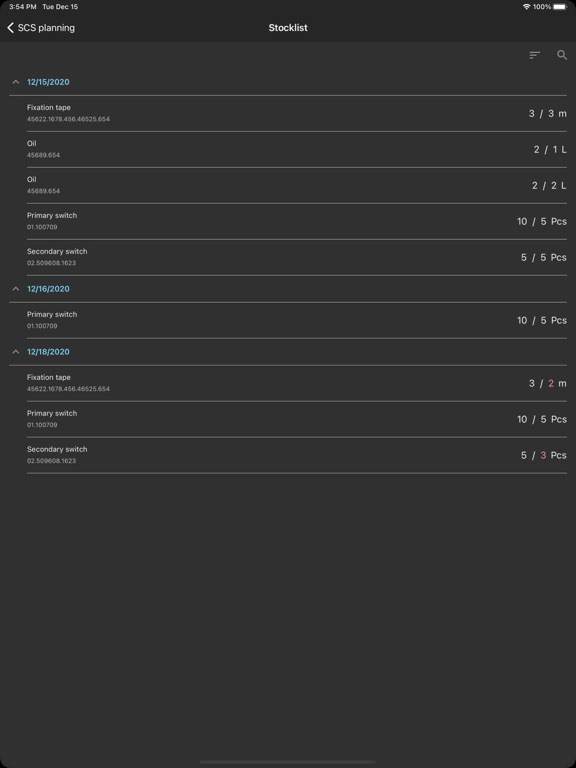
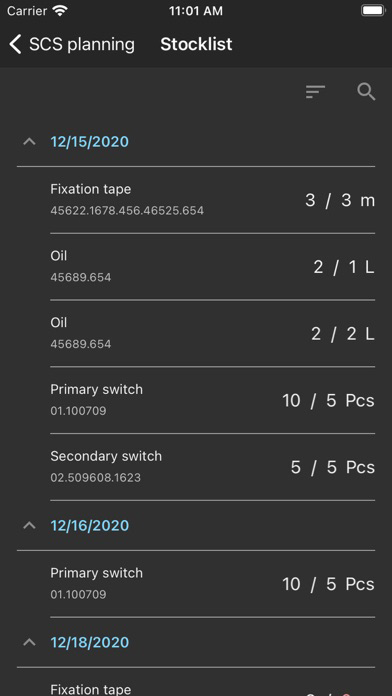
- The order number is displayed in the stock list
- Minor enhancements and bug fixes
SCS will be constantly enhanced and improved to optimize your user experience.
This version contains:
- Unplanned task: Unknown customer cannot be entered anymore.
- My tasks: Text color of the title changes automatically in task header depending on the background color.
- Time records: After saving a time record, the end time cannot be deleted anymore.
- Attendance: Check out after midnight is now possible.
- System requirements will be checked when App is starting. A warning will be shown to the user if the device doesn't match.
- Minor enhancements and bug fixes
SCS will be constantly enhanced and improved to optimize your user experience.
This version contains:
- Multiple warehouses - show & book material allocations from assistants warehouses
- Summary log for several tasks within a service order
- Installations are additionally displayed on their own page
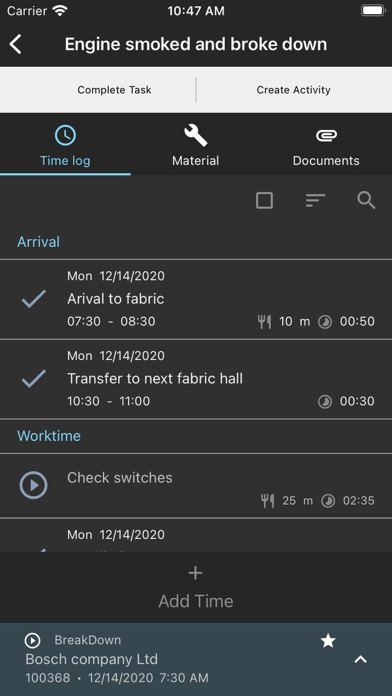
- Working time list: functionality to expand/collapse working time group
- Attachment detail: Navigation to previous/next attachment in edit mode
- Full synchronization at App startup can be deactivated
- Improvements in the operation of material removal
- General UI improvements
- Bug fixes and enhancements
SCS will be constantly enhanced and improved to optimize your user experience.
This version contains:
- General UI improvements
- Minor enhancements and bug fixes
SCS is continuously enhanced and improved to optimize your user experience.
This version includes:
- Active filter name is now displayed
- Settings for deletion of protocols
- Improvements to the stock list
- New feature for batch signing of protocols
- When an image is uploaded as an attachment, a preview of the image is now displayed
- The size/quality of uploaded images can now be adjusted
- Improvements to the synchronization process
- General interface improvements
- Minor enhancements and bug fixes
SCS will be constantly enhanced and improved to optimize your user experience.
This version contains:
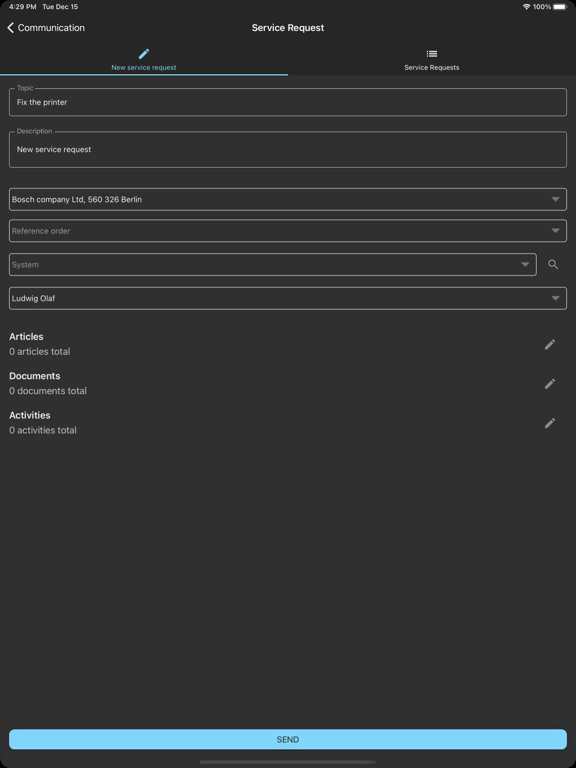
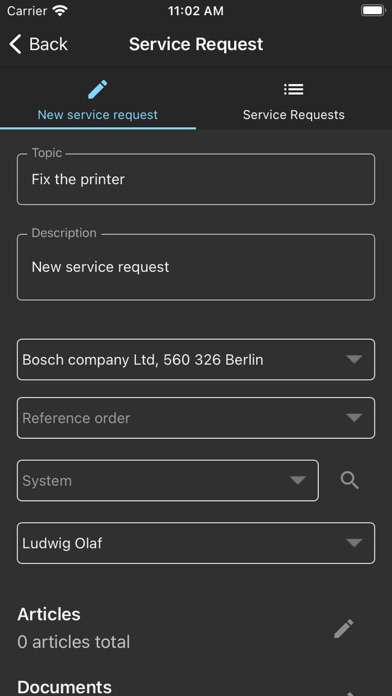
- Automatically send service request when task from reference order is completed
SCS will be constantly enhanced and improved to optimize your user experience.
This version contains:
- Distinguish between active and passive travel time
- Support for task specific serial numbers
- Serial number check when booking material
- General UI improvements
- Minor enhancements and bug fixes
SCS will be constantly enhanced and improved to optimize your user experience.
This version contains:
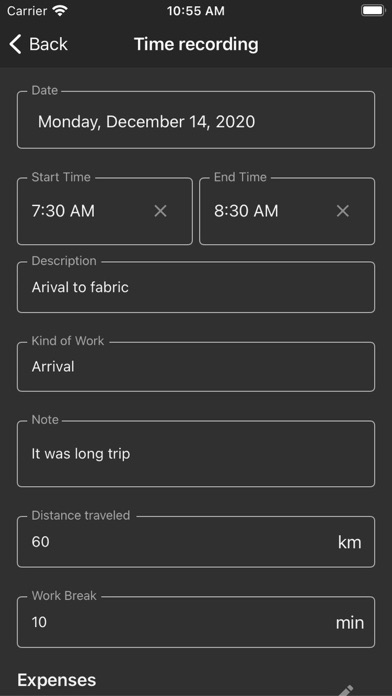
- Time zone support for working times
- Speed up loading of my task list
- Automatic language selection according to device language
- The main menu configurable in App settings
- Date picker in "Calendar" style for iOS, W10 platforms
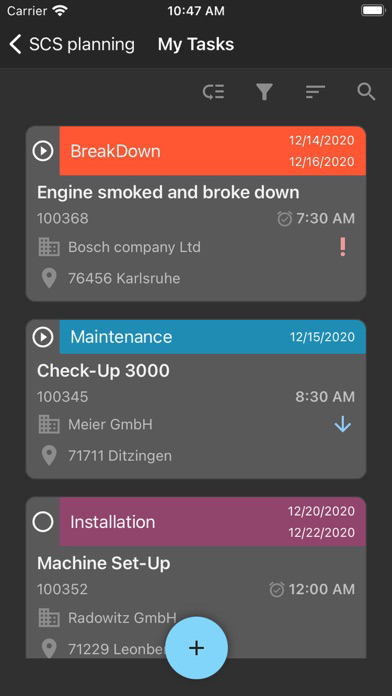
- Additional layout of the MyTask list with note
- General UI improvements
- Minor enhancements and bug fixes
SCS will be constantly enhanced and improved to optimize your user experience.
This version contains:
- Time zone support for working times
- Speed up loading of my task list
- Automatic language selection according to device language
- The main menu configurable in App settings
- Date picker in "Calendar" style for iOS, W10 platforms
- Additional layout of the MyTask list with note
- General UI improvements
- Minor enhancements and bug fixes
SCS will be constantly enhanced and improved to optimize your user experience.
This version contains:
- Time zone support for working times
- Speed up loading of my task list
- Automatic language selection according to device language
- The main menu configurable in App settings
- Date picker in "Calendar" style for iOS, W10 platforms
- Additional layout of the MyTask list with note
- General UI improvements
- Minor enhancements and bug fixes
SCS will be constantly enhanced and improved to optimize your user experience.
This version contains:
- Time zone support for working times
- Speed up loading of my task list
- Automatic language selection according to device language
- The main menu configurable in App settings
- Date picker in "Calendar" style for iOS, W10 platforms
- Additional layout of the MyTask list with note
- General UI improvements
- Minor enhancements and bug fixes
SCS will be constantly enhanced and improved to optimize your user experience.
This version contains:
- Minor enhancements and bug fixes
SCS will be constantly enhanced and improved to optimize your user experience.
This version contains:
- Minor enhancements and bug fixes