

Second Factor Authenticator
$2.99
1.2for iPhone
Age Rating
Second Factor Authenticator Screenshots
About Second Factor Authenticator
Second Factor Authenticator generates 2-step authentication codes that help protect your Google, Facebook, Dropbox, Microsoft and other supported online accounts.
Attention: This application requires Apple Watch to function.
For most authenticator apps, you have only benefits of one-timeness. As long as you store your passwords on the same device where you generate one time codes, you do not have second factor authentication.
With Second Factor Authenticator you have true second factor authentication because information needed to generate one time password is stored on a separate device - your watch - and nowhere else.
Features:
- Works with any service that supports Google Authenticator
- Account details are stored on the watch, and never leave your watch
- Does not need iPhone to be connected, works as long as you have your watch with you
- Force press to copy one time code to clipboard of connected iPhone device. If Universal Clipboard is enabled, the code will be available on your other devices too
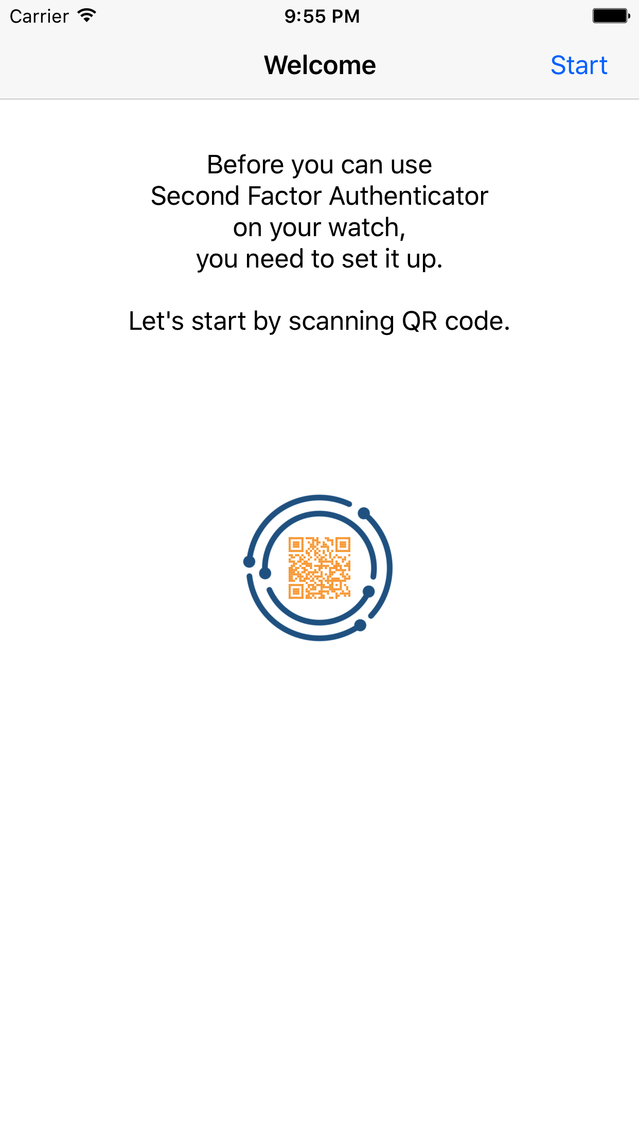
- Automatic setup via QR Code
- Support for multiple accounts
- Support for time-based and counter-based code generation
* Second Factor Authenticator Companion iOS app is only used to transfer account details to the watch. Account information is not stored on the phone.
Attention: This application requires Apple Watch to function.
For most authenticator apps, you have only benefits of one-timeness. As long as you store your passwords on the same device where you generate one time codes, you do not have second factor authentication.
With Second Factor Authenticator you have true second factor authentication because information needed to generate one time password is stored on a separate device - your watch - and nowhere else.
Features:
- Works with any service that supports Google Authenticator
- Account details are stored on the watch, and never leave your watch
- Does not need iPhone to be connected, works as long as you have your watch with you
- Force press to copy one time code to clipboard of connected iPhone device. If Universal Clipboard is enabled, the code will be available on your other devices too
- Automatic setup via QR Code
- Support for multiple accounts
- Support for time-based and counter-based code generation
* Second Factor Authenticator Companion iOS app is only used to transfer account details to the watch. Account information is not stored on the phone.
Show More
What's New in the Latest Version 1.2
Last updated on Nov 10, 2018
Old Versions
Fixed a bug when tokens were sometimes locked when running Watch OS 5.
Show More
Version History
1.2
May 23, 2017
Fixed a bug when tokens were sometimes locked when running Watch OS 5.
Second Factor Authenticator FAQ
Click here to learn how to download Second Factor Authenticator in restricted country or region.
Check the following list to see the minimum requirements of Second Factor Authenticator.
iPhone
Second Factor Authenticator supports English


