Authenticator App Official
Secure 2FA & OTP Protection
Free
1.0.47for iPhone, iPad
Age Rating
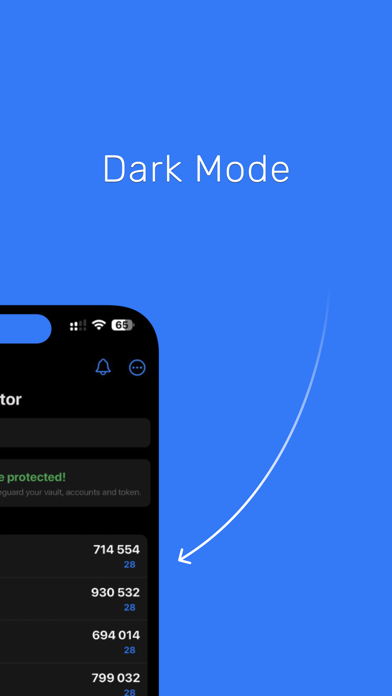
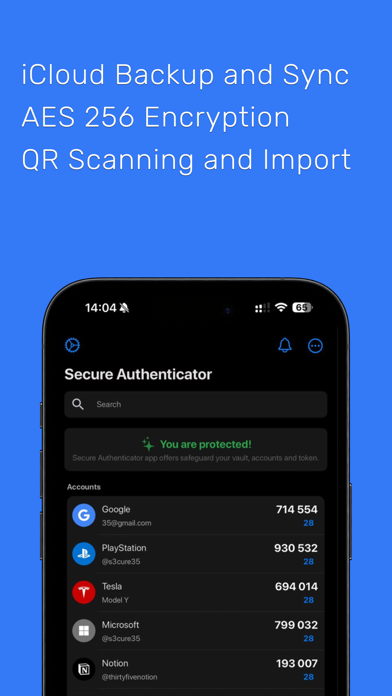
Authenticator App Official Screenshots
About Authenticator App Official
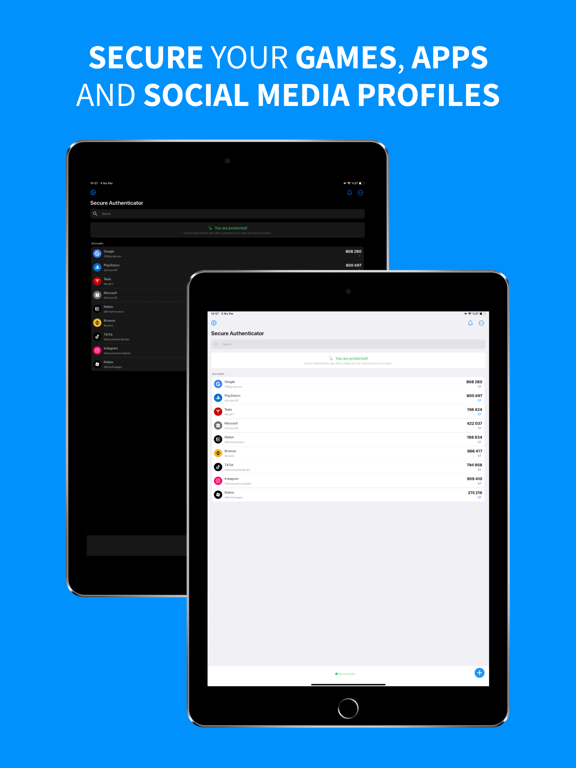
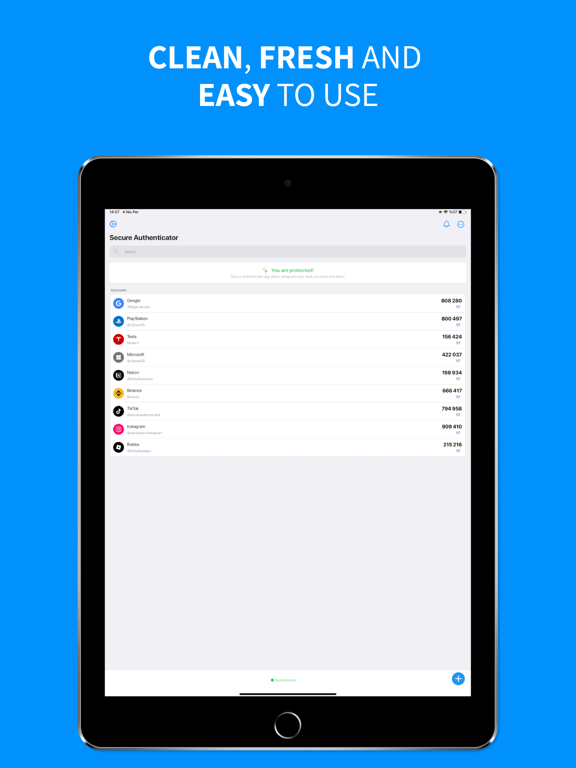
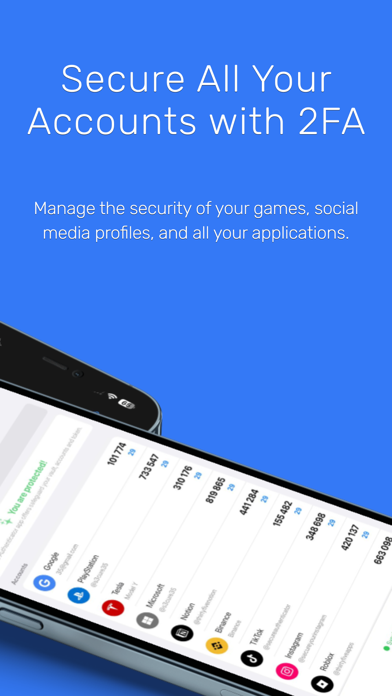
Quickly secure your Google, Instagram, TikTok, ChatGPT, Sony, Coinbase and more with our trusted Authenticator app. Enjoy easy sync, reliable backups, offline access, and powerful multi-factor authentication (MFA).
** Advanced Authenticator App Security
Keep your accounts safe with industry-leading encryption standards. Our authenticator app ensures your data remains private and secure, accessible only to you.
** Flexible Two-Step Verification
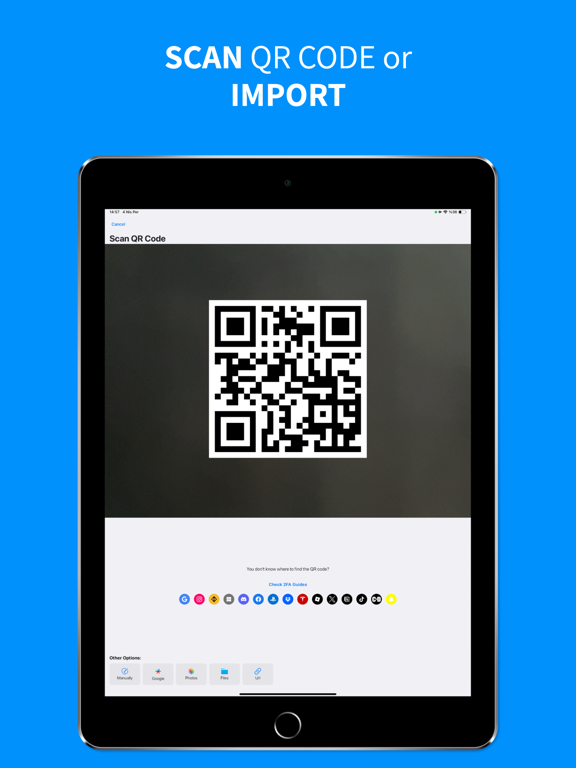
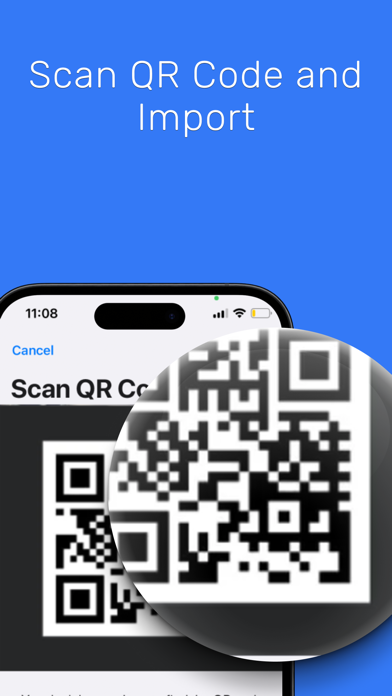
Conveniently add accounts by scanning QR codes, entering manually, importing images, or transferring seamlessly from apps like Google Authenticator or Microsoft Authenticator.
** Cross-Platform Vault Transfer
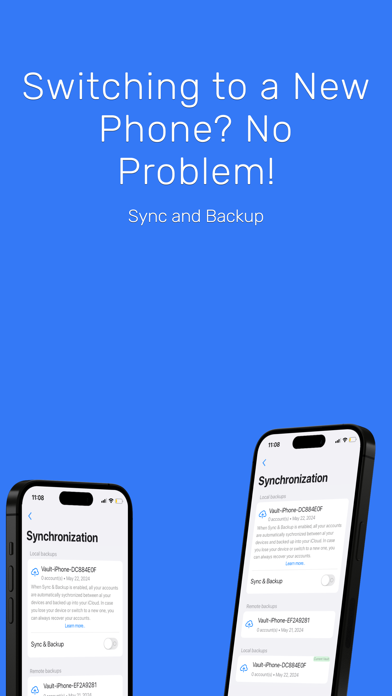
Effortlessly move your 2FA accounts across iOS. Switch devices easily without losing your security codes or access.
** Biometric Authentication
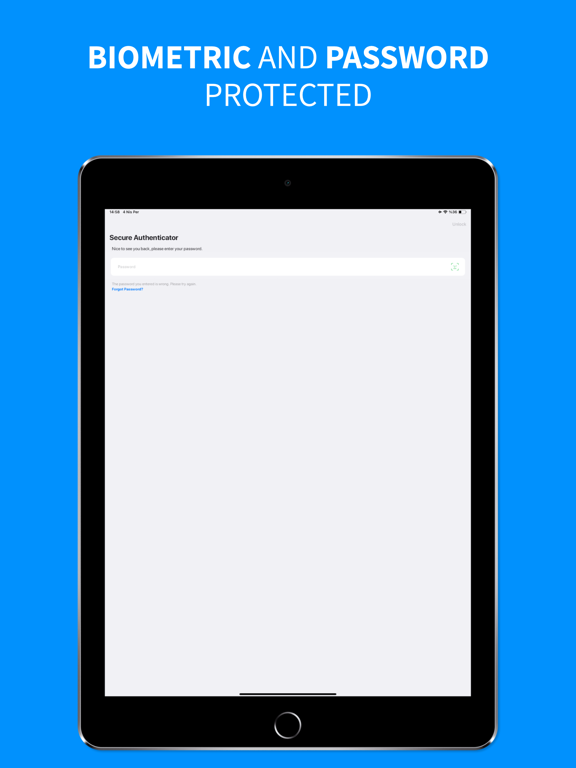
Access your codes instantly and securely using Face ID or Touch ID. Authenticate quickly and safely every time.
** Offline Access (TOTP & FreeOTP Authenticator)
Generate two-step verification codes without an internet connection—perfect for travel or when offline. Ensure your security anytime, anywhere.
** Cloud Backup & Sync
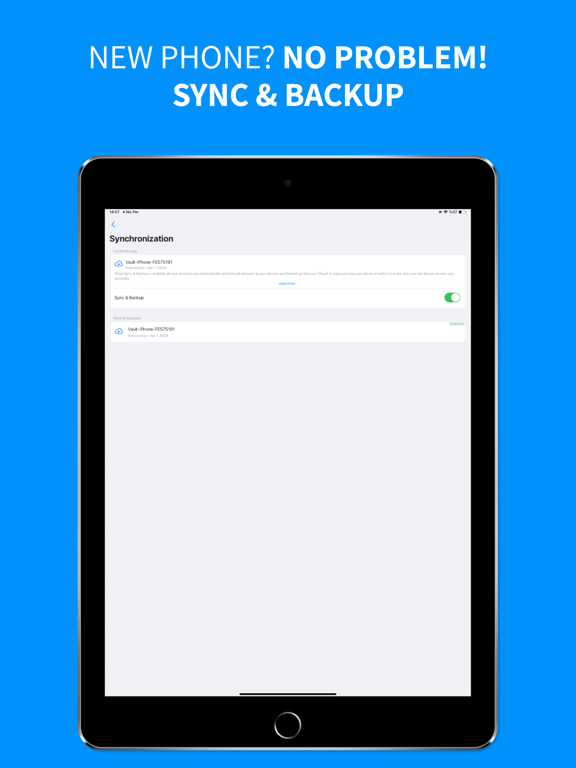
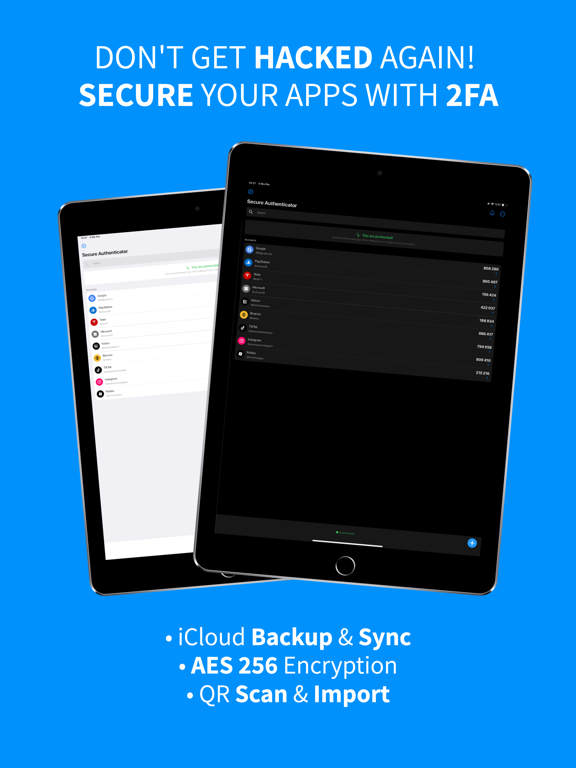
Securely backup your authentication codes on iCloud (iOS). Restore easily whenever you switch devices.
** Wide Compatibility
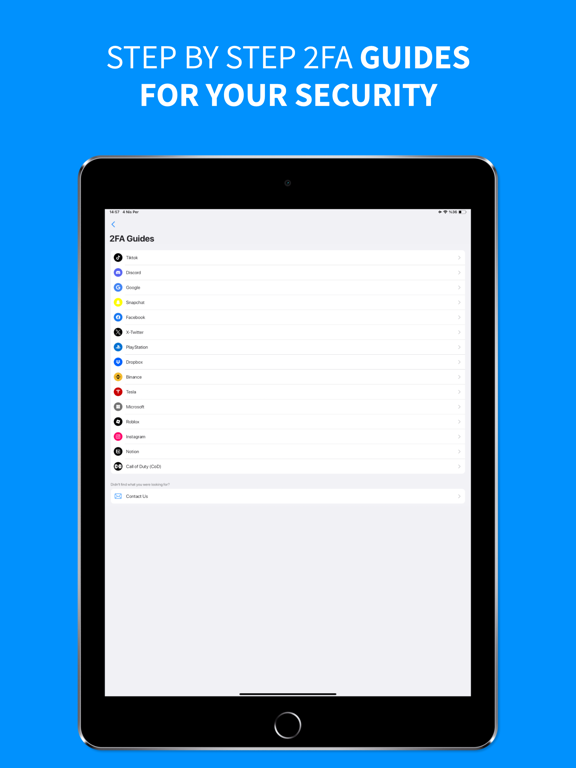
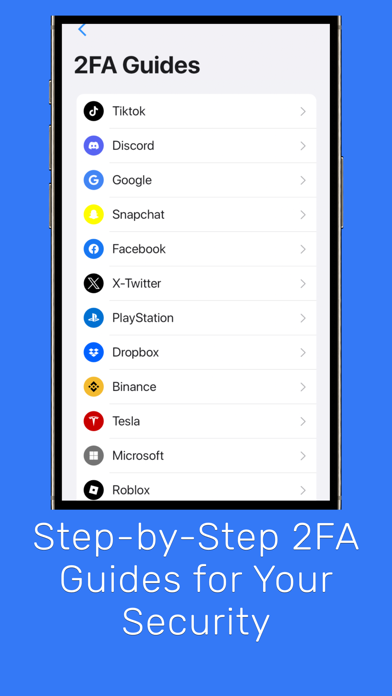
Works seamlessly with Instagram, Google, Twitch, TikTok, Roblox, and over 1000 platforms supporting two-step authentication.
** Easy Account Management
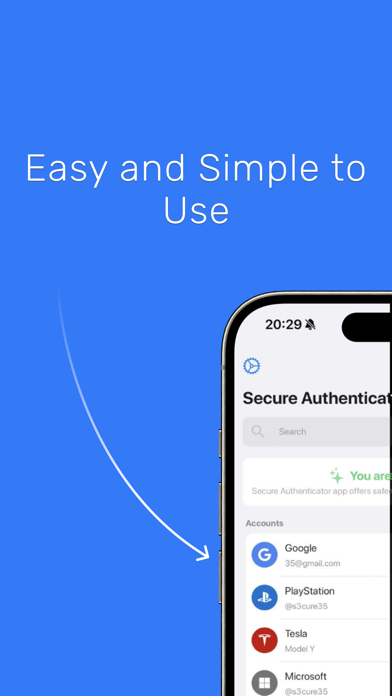
Scan QR codes or enter manually—manage your accounts efficiently. Keep your authentication codes organized in separate vaults for personal and professional use.
Download Now
Get the best authenticator app for easy-to-use two-factor authentication (2FA). Start protecting your accounts with TOTP, FreeOTP authenticator, and robust multi-factor authentication today!
Privacy Policy: https://www.secureauthenticator.net/privacy-policy
Terms & Conditions: https://www.secureauthenticator.net/terms-and-conditions

** Advanced Authenticator App Security
Keep your accounts safe with industry-leading encryption standards. Our authenticator app ensures your data remains private and secure, accessible only to you.
** Flexible Two-Step Verification
Conveniently add accounts by scanning QR codes, entering manually, importing images, or transferring seamlessly from apps like Google Authenticator or Microsoft Authenticator.
** Cross-Platform Vault Transfer
Effortlessly move your 2FA accounts across iOS. Switch devices easily without losing your security codes or access.
** Biometric Authentication
Access your codes instantly and securely using Face ID or Touch ID. Authenticate quickly and safely every time.
** Offline Access (TOTP & FreeOTP Authenticator)
Generate two-step verification codes without an internet connection—perfect for travel or when offline. Ensure your security anytime, anywhere.
** Cloud Backup & Sync
Securely backup your authentication codes on iCloud (iOS). Restore easily whenever you switch devices.
** Wide Compatibility
Works seamlessly with Instagram, Google, Twitch, TikTok, Roblox, and over 1000 platforms supporting two-step authentication.
** Easy Account Management
Scan QR codes or enter manually—manage your accounts efficiently. Keep your authentication codes organized in separate vaults for personal and professional use.
Download Now
Get the best authenticator app for easy-to-use two-factor authentication (2FA). Start protecting your accounts with TOTP, FreeOTP authenticator, and robust multi-factor authentication today!
Privacy Policy: https://www.secureauthenticator.net/privacy-policy
Terms & Conditions: https://www.secureauthenticator.net/terms-and-conditions
Show More
What's New in the Latest Version 1.0.47
Last updated on Apr 25, 2025
Old Versions
Bug fixes and performance improvements to keep your accounts safe!
Show More
Version History
1.0.47
Apr 25, 2025
Bug fixes and performance improvements to keep your accounts safe!
1.0.42
Mar 12, 2025
Bug fixes and performance improvements to keep your accounts safe!
1.0.40
Dec 30, 2024
Performance improvements and system updates have been made.
1.0.25
Oct 3, 2024
System updates and performance improvements have been made.
1.0.24
Sep 21, 2024
- You can delete your Local & Remote vaults from the Restore or Sync & Backup screen, except for the Premium Vault.
- Synchronization error fixed.
1.0.22
Sep 13, 2024
To enhance your app experience, we have defined premium features for only one vault. In this vault, you can add up to 3 accounts and access various features such as iCloud backup and synchronization.
1.0.20
Sep 11, 2024
To enhance your experience, we have allocated premium features to only one of your vaults. Within this vault, you are permitted to add up to three accounts and access various features, including iCloud backup and synchronization.
1.0.14
Aug 14, 2024
- You can now use our fancy widget
- System updates and performance improvements have been made.
1.0.3
Apr 20, 2024
QR Code adding processes has been improved.
The URLs of web pages have been changed according to the selected language.
1.0.1
Apr 5, 2024
Authenticator App Official FAQ
Click here to learn how to download Authenticator App Official in restricted country or region.
Check the following list to see the minimum requirements of Authenticator App Official.
iPhone
Requires iOS 16.4 or later.
iPad
Requires iPadOS 16.4 or later.
Authenticator App Official supports English, French, German, Hindi, Italian, Japanese, Korean, Portuguese, Russian, Spanish, Turkish