Uncertain about purchasing an item that requires paying a deposit? Worry no more! SecurePosit allows you to make a deposit without the risk of losing your money due to a scam or a bad sell for a minimal fee.
Or would you like to sell an item to an interested buyer who does not have the full amount to purchase the item at that moment? Have them pay a deposit for you to hold the item and ease their concern of paying the deposit by having them pay it securely using SecurePosit.
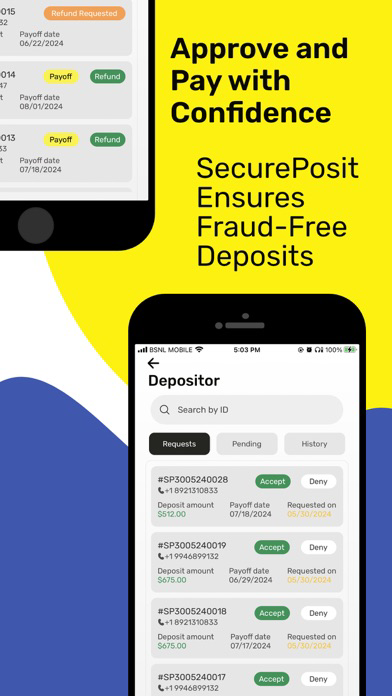
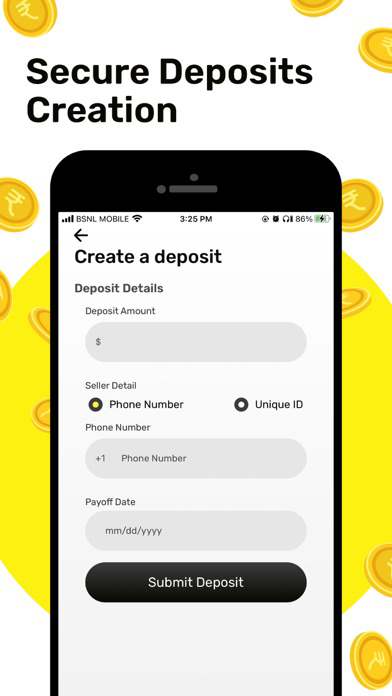
Depositors: To make a deposit, simply log in or create an account using your cell phone number and/or creating a unique ID. Submit a deposit by entering the amount of the deposit, the phone number of the Seller you are making the deposit to, and your payment information; a payment release date can be set at this time as well if agreed upon with the Seller. After verifying that the information entered is correct and after submitting the deposit by entering in the texted verification code, a text message notification will be sent to the Seller notifying them that the deposit was made. Instead of the money going to the Seller at that moment, the money is held by SecurPosit in a separate secured account. This allows the money to only be released to the Seller if the sell is legit and finalized, or back to the Depositor if the sell was not legit.
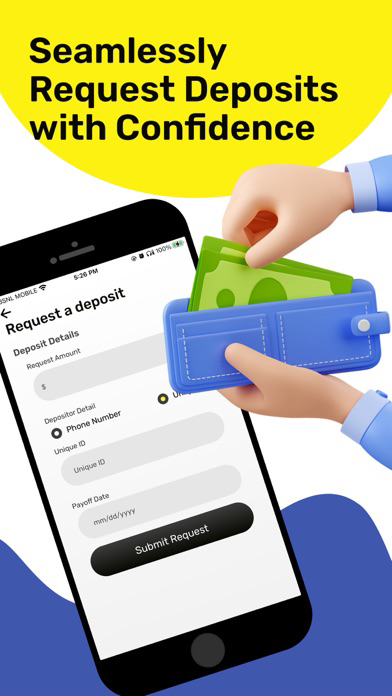
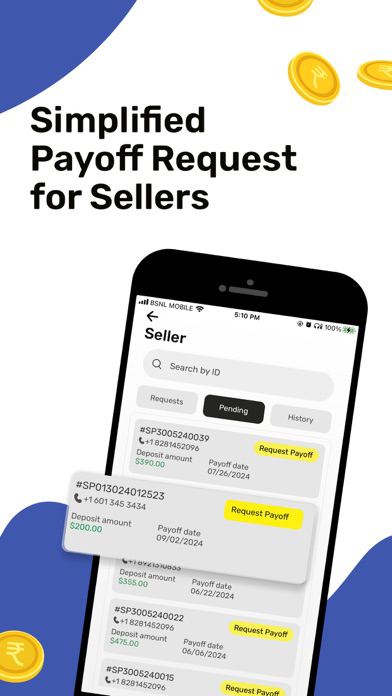
Sellers: To request a deposit, simply login or create an account by entering your cell phone number and/or creating a unique ID. Request a deposit by entering the amount to be deposited, the phone number of the Depositor and your banking information to receive the payment; also at this time, you can enter a payment release date, that the Depositor has to pay the remaining balance, and release the deposit by, if agreed upon with the Depositor. After verifying that the information entered is correct, and the request is submitted after entering in the texted verification code, a text message notification will be sent to the buyer that a deposit payment was requested. The buyer will then in turn submit the deposit via SecurePosit, and the Seller will receive a text message notification that the deposit was made.