SEQR Code Scanner
Fast. Easy. Safe. Private.
Free
1.4.3for iPhone, iPod touch
Age Rating
SEQR Code Scanner Screenshots
About SEQR Code Scanner
With SEQR you can now be absolutely certain about the safety of the QR codes you scan and safely complete transactions.
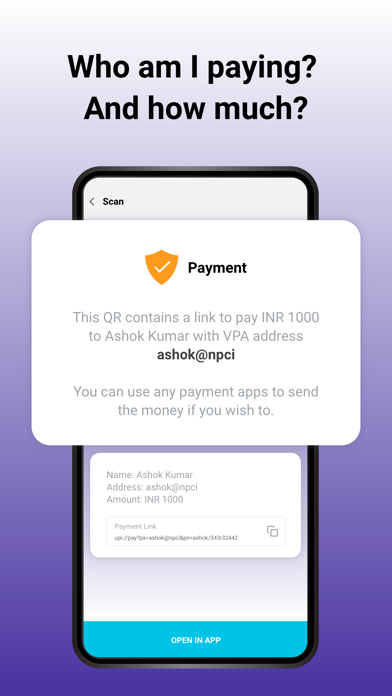
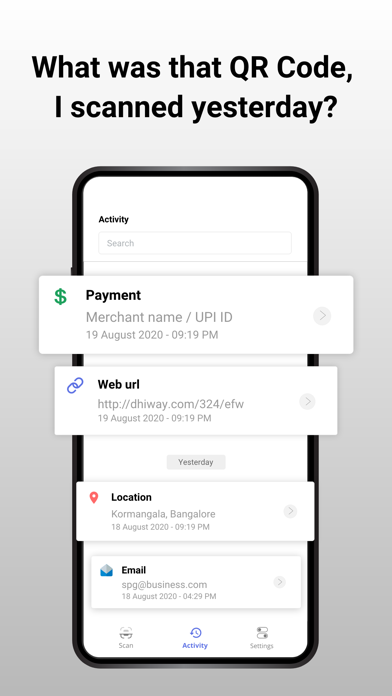
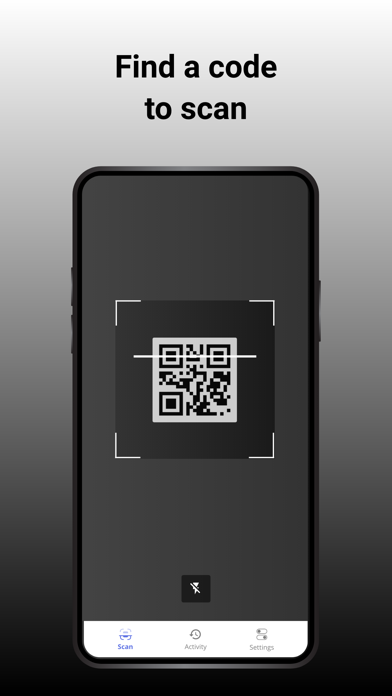
• scan and read all kinds of QR codes around you, including payment, website, advertisements, products, contact, telephone, SMS, email, calendar, locations, restaurant menus and more.
• get context-based information about all kinds of QR codes
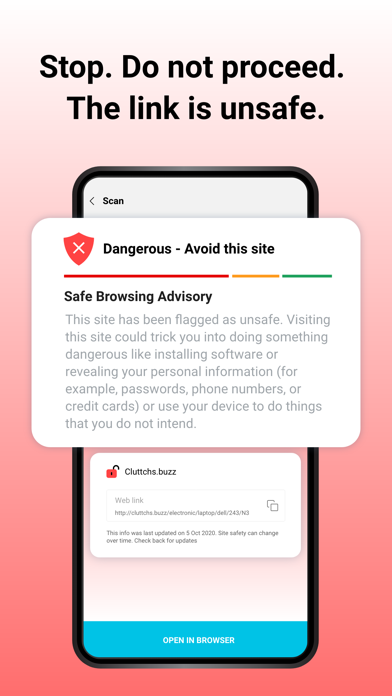
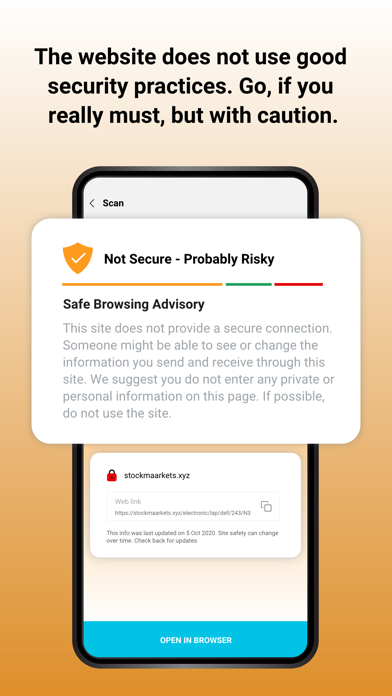
• be alerted to malware or risky URLs
• provide feedback on risky and unsafe URLs
• safely scan a QR code to complete a transaction, log on to a WiFi network, see product details and much more
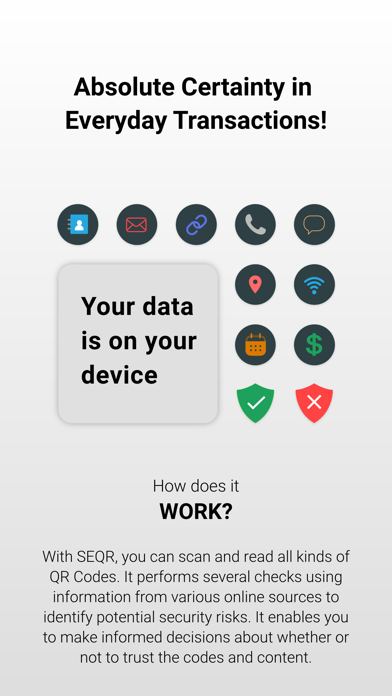
• Privacy-by-design: No Ads, No data collection. Your Data (only) on Your Device.
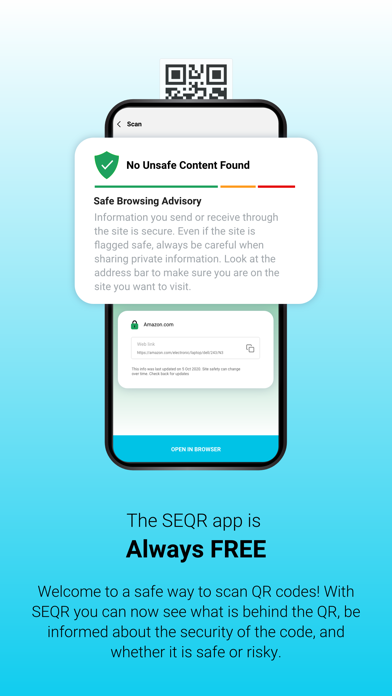
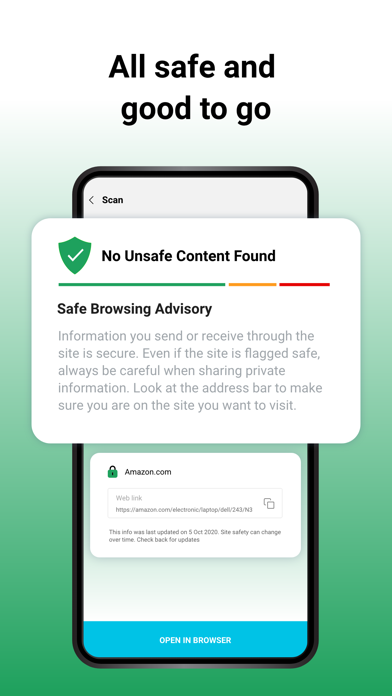
SEQR is designed to identify unsafe content that you may come across. It enables you to make informed decisions about whether or not to trust the QR codes and content through real-time security warnings.
SEQR provides a clean and simple user interface to highlight the key pieces of information required to make a choice. It performs several security checks in addition to using information from various online sources that examine billions of URLs and content on those pages in its search for unsafe websites. The app provides visual cues to alert the user about a potentially risky website URL or if the website is insecure.
SEQR does not require any personally identifiable information to be used and we will not include advertisements or promotions. This app is made available for free.

• scan and read all kinds of QR codes around you, including payment, website, advertisements, products, contact, telephone, SMS, email, calendar, locations, restaurant menus and more.
• get context-based information about all kinds of QR codes
• be alerted to malware or risky URLs
• provide feedback on risky and unsafe URLs
• safely scan a QR code to complete a transaction, log on to a WiFi network, see product details and much more
• Privacy-by-design: No Ads, No data collection. Your Data (only) on Your Device.
SEQR is designed to identify unsafe content that you may come across. It enables you to make informed decisions about whether or not to trust the QR codes and content through real-time security warnings.
SEQR provides a clean and simple user interface to highlight the key pieces of information required to make a choice. It performs several security checks in addition to using information from various online sources that examine billions of URLs and content on those pages in its search for unsafe websites. The app provides visual cues to alert the user about a potentially risky website URL or if the website is insecure.
SEQR does not require any personally identifiable information to be used and we will not include advertisements or promotions. This app is made available for free.
Show More
What's New in the Latest Version 1.4.3
Last updated on Dec 15, 2021
Old Versions
UPI screen change
Bug fix in #MARK screen
Show More
Version History
1.4.3
Dec 15, 2021
UPI screen change
Bug fix in #MARK screen
1.4.2
Dec 11, 2021
Understand changes in #MARK Studio credentials.
Performance improvements.
1.3.5
May 19, 2021
* Language support for #MARK views
* Updated to new version of camera dependency for better scan experience.
1.3.4
Apr 21, 2021
Handle 'Expired' and 'Revoked' credentials properly!
1.3.2
Mar 28, 2021
Fix the tabular view of contents of #MARKs
1.3.1
Mar 8, 2021
* Show the Revoked Credentials properly when #MARKs are scanned
* Show the Content of the Credentials in the scanned page itself.
* When credential is revoked, show the risk (red) gradient on page!
* Show the Content of the Credentials in the scanned page itself.
* When credential is revoked, show the risk (red) gradient on page!
1.2.9
Mar 2, 2021
* Bug Fixes & Enhancement
1.2.2
Nov 9, 2020
* Add an option to turn off Scanner Timeout
* Add Bengali Translation
* Minor changes in UI elements.
* Add Bengali Translation
* Minor changes in UI elements.
1.2.0
Oct 31, 2020
Support Multiple Indian Languages (Hindi, Bengali, Telugu, Kannada, Tamil, Malayalam)
1.0.9
Oct 21, 2020
Enable and disable activity switch.
Option to switch default screen.
1.0.1
Oct 7, 2020
SEQR Code Scanner FAQ
Click here to learn how to download SEQR Code Scanner in restricted country or region.
Check the following list to see the minimum requirements of SEQR Code Scanner.
iPhone
Requires iOS 11.0 or later.
iPod touch
Requires iOS 11.0 or later.
SEQR Code Scanner supports English