Server Admin Remote

Server Admin Remote


$9.99

4.0.3for iPhone, iPad and more
7.3
3 Ratings
Quartett mobile GmbH
Developer
19.6 MB
Size
Oct 1, 2016
Update Date
Productivity
Category
4+
Age Rating
Age Rating
4+
Apps in this category do not contain restricted content.
9+
Apps in this category may contain mild or occasional cartoon, fantasy or real-life violence, as well as occasional or mild adult, sexually suggestive or horrifying content and may not be suitable for children under 9 years of age.
12+
Apps in this category may contain occasional mild indecent language, frequent or intense cartoon or real-life violence, minor or occasional adult or sexually suggestive material, and simulated gambling, and may be for children under 12 years of age.
17+
You must be at least 17 years old to access this App.
Apps in this category may contain frequent and intense offensive language; Frequent and intense cartoon, fantasy or realistic violence: frequent and intense adult, scary and sexually suggestive subjects: as well as sexual content, nudity, tobacco, alcohol and drugs, may not be suitable for children under 17 years of age.
Server Admin Remote Screenshots
Server Admin Remote posterServer Admin Remote posterServer Admin Remote poster
Server Admin Remote posterServer Admin Remote posterServer Admin Remote posterServer Admin Remote poster

About Server Admin Remote

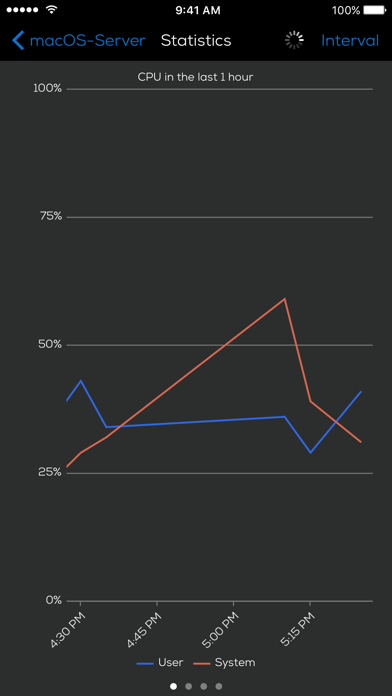
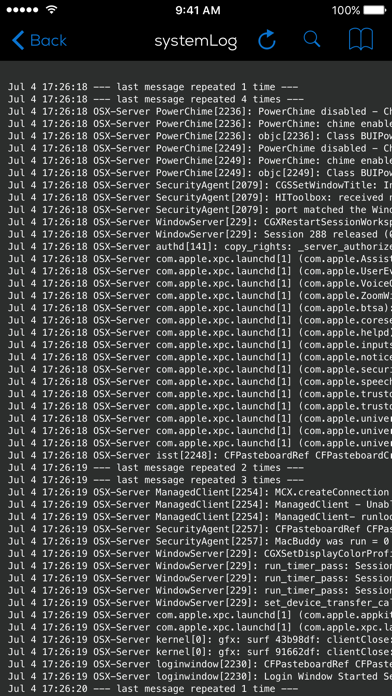
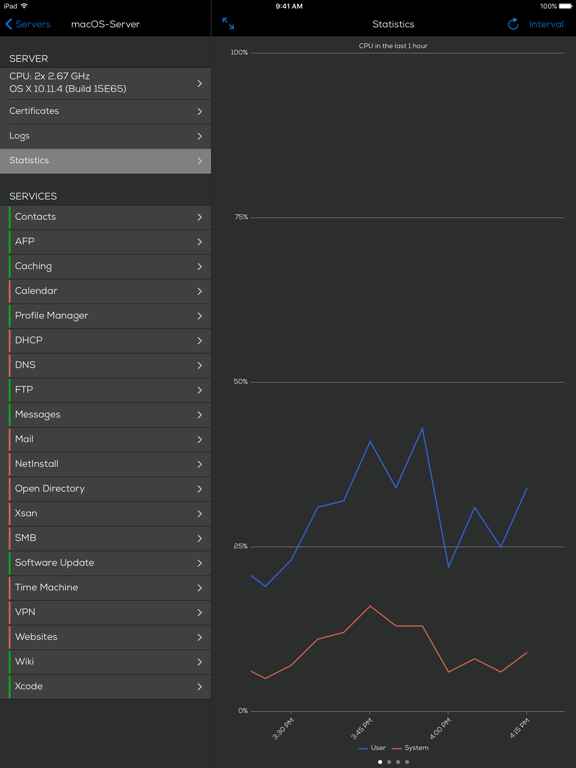
IT administrators can use Server Admin Remote to monitor Mac OS X Server services on the go.

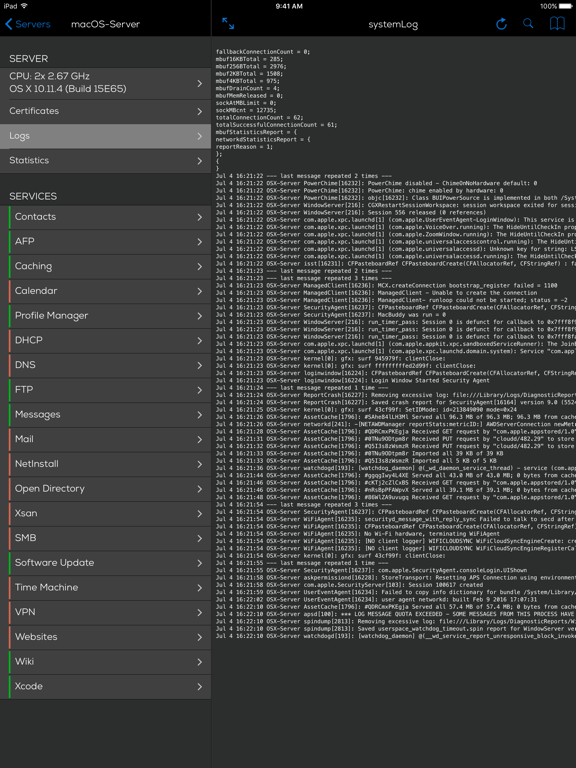
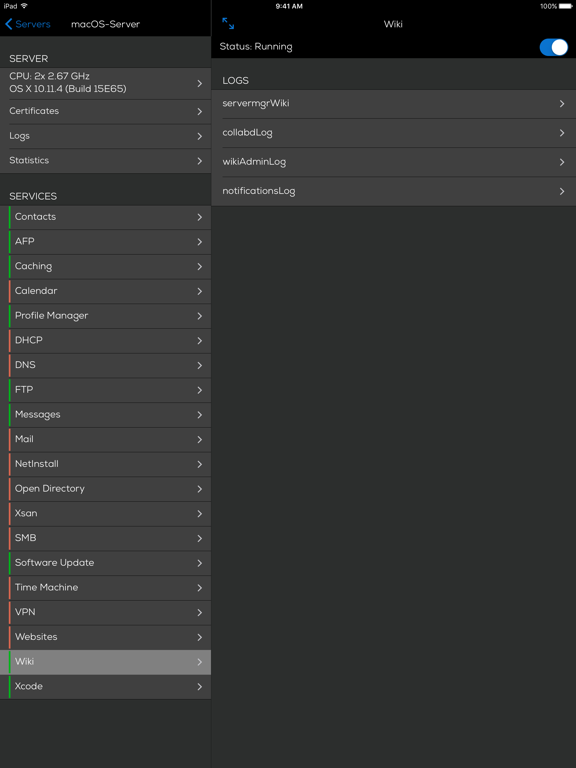
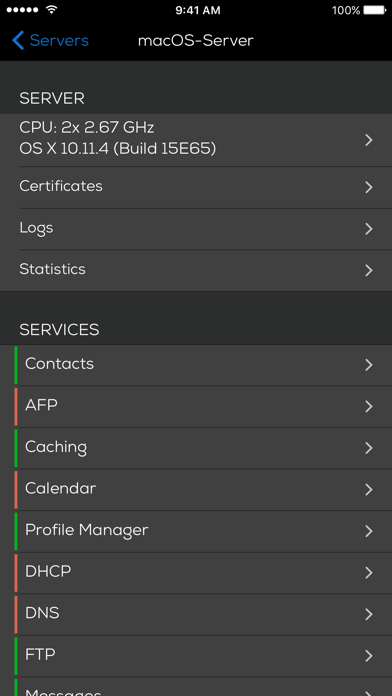
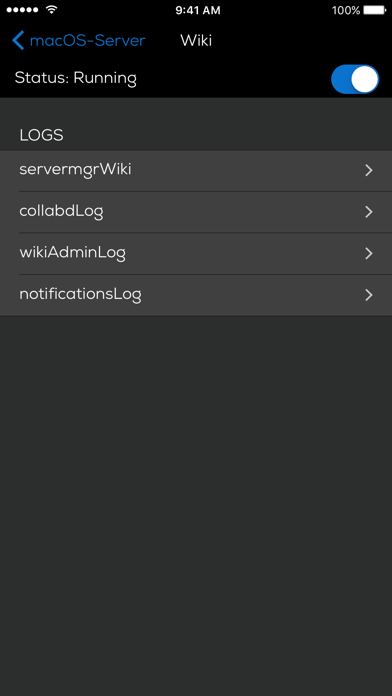
With the Server Admin Remote IT administrators can monitor the alive status of OS X Server services, start/stop services and observe the services' logs (OS X Server 5).

Server Admin Remote ist developed by Mac OS X Administrators and is like the swiss-army knife for the mobile Mac OS X Server Admin. Unlike ssh and remote terminal solutions it provides a userfriendly overview of the server's state.

Works on EDGE, WiFi and 3G connections. No further installation on your Mac OS X Server needed, since Server Admin Remote uses the same interface as Mac OS X Server Admin.
If there are any questions have a look at our FAQ at the products homepage (website link below) and don't hesitate to drop us an email (support link below).

** Please, if you have a bugreport, send the report via email. We cannot answer to reports made in reviews which makes it much harder to track the issue down! **
Show More

What's New in the Latest Version 4.0.3

Last updated on Oct 1, 2016
Old Versions
This app has been updated by Apple to display the Apple Watch app icon.

Fixed issue wirth SSL connections over Gateways
Show More
Version History
4.0.3
Oct 1, 2016
This app has been updated by Apple to display the Apple Watch app icon.

Fixed issue wirth SSL connections over Gateways
4.0.2
Aug 10, 2016
Fixed OpenDirectory support
4.0.1
Jul 29, 2016
- support for Mac OS X 10.6.8.
Hello again Mr. Snow Leopard

- A new help site was added.
4.0
Jul 7, 2016
- Support for the newest Server.app release
- New Icon
- New Look & Feel
3.2
Apr 15, 2013
- Improvements for OS X Server 2.2 (Mountain Lion). OS X Server 2.2 changes some fix and fixed some issues, please all (Mountain Lion) users, update to OS X Server 2.2
3.1.1
Nov 19, 2012
- bugfix for iOS 5
3.1
Nov 11, 2012
- Mac OS X Mountain Lion Server support
- general bugfixes
3.0
Sep 27, 2011
Lion support
2.8
Jul 21, 2011
Resolved an issue with loading some log files
2.7
Jun 10, 2011
- Syntax highlighting for logs
- Help integration in server settings
2.6
Apr 24, 2011
- Feature: Listing of AFP users and possibility to kick them
- Support for iOS 3.1.x again (the last time)
2.5
Apr 7, 2011
!! Attention: as announced from now on iOS 4 only!!

- User Interface improvements
- Fix for an issue with multiple harddrives
- Performance improvements
- Support for future Mac OS X versions
2.4
Jan 26, 2011
- Fixed a bug regarding pin setup handling
Note: This is the last release where 3.x is supported. Update your device to ensure that future Server Admin Remote are working on your device
2.3
Dec 6, 2010
- Brown paper bag release: fixes issues that occurred in 2.2 for some users
2.2
Nov 30, 2010
***
ATTENTION: There are reports that the 2.2 update causes crashes for some users. Additionally some report that their configured servers are not listed anymore. Please DO NOT update right now until we know the cause!
***

We listened to our users and integrated the most wanted features:
- Support for PIN protection
- Japanese translation - many thanks to Misaki Kawamura from www.machosting.jp
- Fixed an issue with custom ports. You can now use address:port for custom server ports
- fixed issue in the web service view
- several smaller bugfixes
2.1.3
Jul 20, 2010
- Improvements for iPhone 4 Retina display
- Fix for log chooser not displaying logs under certain conditions
2.1.2
Jul 2, 2010
- Several bugfixes on iPad
- Feature: Server version detection
- Feature: Server listing state is preserved
2.1.1
May 26, 2010
- Several UI improvements
- Fixes a rare bug with servers with many configured services
2.1
May 14, 2010
- Feature: autodetection of configured services when adding a new server
- Feature: show process view for Snow Leopard Servers, including the ability to kill a process
- Serveral network communication improvements
- Interface improvements on iPad
- Other improvements
2.0.2
Apr 20, 2010
- Visual improvements on the iPad
- Bugfix: Crash with the VPN service log
2.0.1
Apr 15, 2010
- Bugfix: sometimes the services listing in the Server list was not refreshed after settings changes on the iPad.
- Bugfix: optimized logviewer size for both, iPhone and iPad.
- Bugfix: layout glitch when laying an iPad down flat on a surface after holding it horizontal.
- Visual improvements.
- Corrected version number. :-)
1.7.4
Apr 1, 2010
- iPad Version as a free upgrade to all existing users
1.7.3
Mar 23, 2010
- Bugfix: fix for a rare password reset bug that could occur after the migration to a new device
1.7.2
Mar 18, 2010
- Bugfix for 3+ volumes
- Many Voice Over improvements
- French localization
- General improvements
1.7.1
Feb 16, 2010
- Bugfix: fix for the "mail service logs missing" issue. Thank you everybody who reported this via email!

Server Admin Remote FAQ

Server Admin Remote is available in regions other than the following restricted countries:
Russia
Server Admin Remote supports English, German
Click here to learn how to download Server Admin Remote in restricted country or region.
Check the following list to see the minimum requirements of Server Admin Remote.
iPhone
Requires iOS 9.3 or later.
iPad
Requires iPadOS 9.3 or later.
iPod touch
Requires iOS 9.3 or later.

Server Admin Remote Alternative

You May Also Like