SharingDrive
Free
5.1.0for iPhone, iPad and more
Age Rating
SharingDrive Screenshots
About SharingDrive
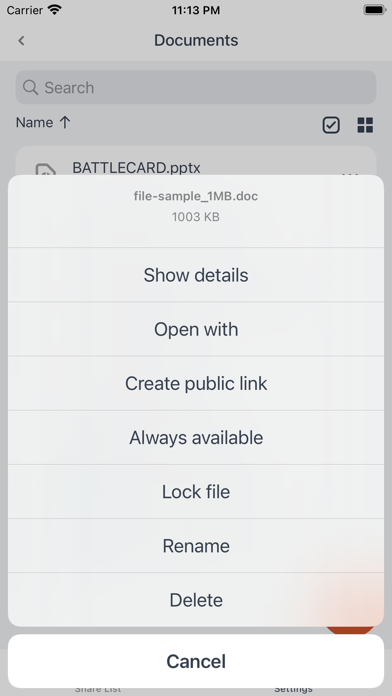
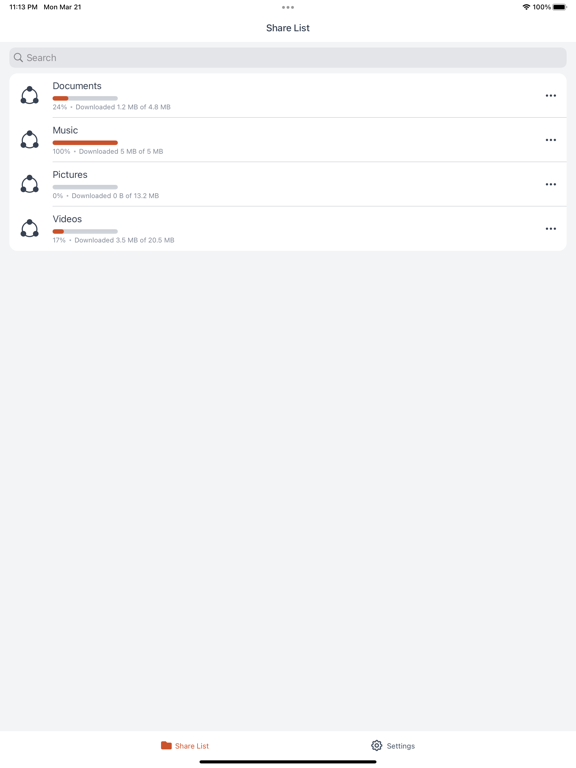
SharingDrive is a free app that connects your iPhone or iPad to your corporate file share. SharingDrive makes it easy to access and share files with you colleagues or external partners.
You can access files from anywhere, both online or offline. View files or share them easily with others. From a corporate perspective you can easily secure files by:
- Control where files are located
- Decide which rights each user has to the files
- Easily remote wipe a device, if it is stolen or lost
- Access to on-premise files
As an user you will benefit from the following features:
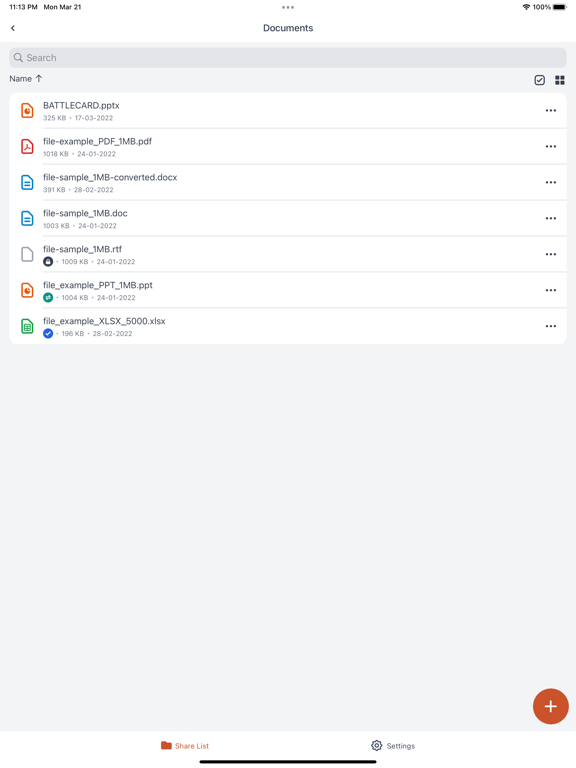
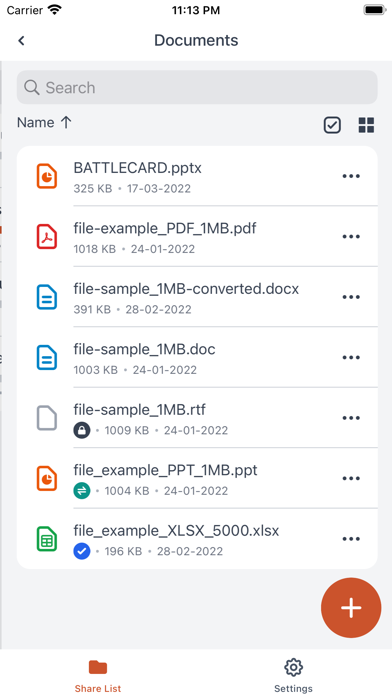
- Browse all files and folders you have access to.
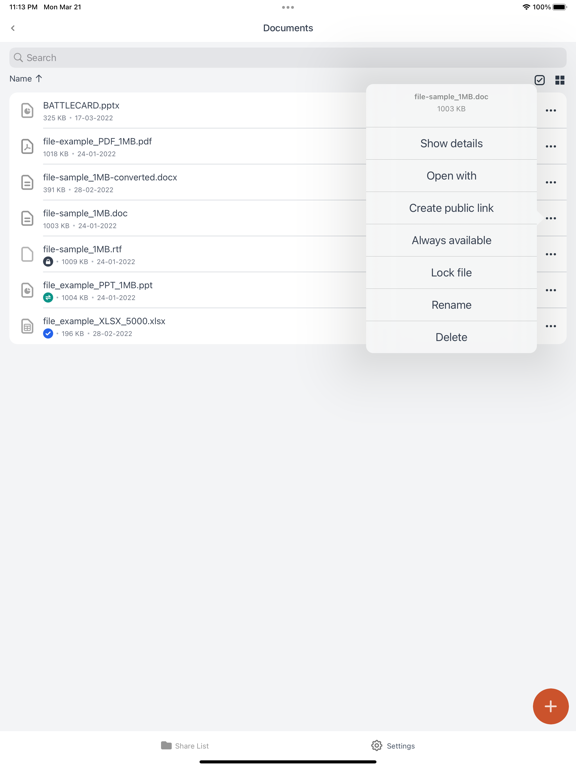
- View, open and share files directly from your device
- Decide how long a file will stay on your device
- Decide how you will open or view a file
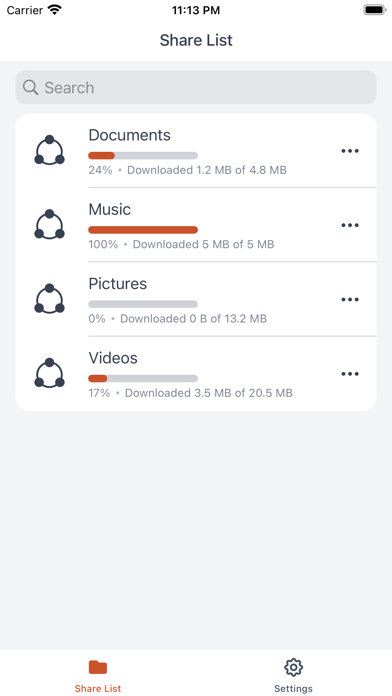
- Get access to files from several organisations in the same App
- Always be in sync with the corporate file server
- Always have access to the latest version of the file

You can access files from anywhere, both online or offline. View files or share them easily with others. From a corporate perspective you can easily secure files by:
- Control where files are located
- Decide which rights each user has to the files
- Easily remote wipe a device, if it is stolen or lost
- Access to on-premise files
As an user you will benefit from the following features:
- Browse all files and folders you have access to.
- View, open and share files directly from your device
- Decide how long a file will stay on your device
- Decide how you will open or view a file
- Get access to files from several organisations in the same App
- Always be in sync with the corporate file server
- Always have access to the latest version of the file
Show More
What's New in the Latest Version 5.1.0
Last updated on Jun 14, 2022
Old Versions
Version 5.1.0:
- Users will have the possibility to create password protected links with custom expiration period
Show More
Version History
5.1.0
Jun 14, 2022
Version 5.1.0:
- Users will have the possibility to create password protected links with custom expiration period
5.0.1
May 4, 2022
Version 5.0.0 brings a complete redesign of the client app and includes:
- New UI
- Simplified navigation
- More intuitive workflows
- New status icons
- User profile menu
- New UI
- Simplified navigation
- More intuitive workflows
- New status icons
- User profile menu
5.0.0
Mar 23, 2022
Version 5.0.0 brings a complete redesign of the client app and includes:
- New UI
- Simplified navigation
- More intuitive workflows
- New status icons
- User profile menu
- New UI
- Simplified navigation
- More intuitive workflows
- New status icons
- User profile menu
4.5.3
Mar 9, 2022
Improvement: Compatibility with upcoming backend versions
4.5.2
Oct 8, 2021
ver 4.5.2
- Fix: shares only from one domain are brought for certain users.
- Fix: header is covered by notch.
- Fix: client crash when receiving multiple remote events.
- Fix: iOS 15 support.
- Fix: shares only from one domain are brought for certain users.
- Fix: header is covered by notch.
- Fix: client crash when receiving multiple remote events.
- Fix: iOS 15 support.
4.5.1
Mar 16, 2021
SharingDrive FAQ
Click here to learn how to download SharingDrive in restricted country or region.
Check the following list to see the minimum requirements of SharingDrive.
iPhone
Requires iOS 13.0 or later.
iPad
Requires iPadOS 13.0 or later.
Mac
Requires macOS 12.0 or later.
iPod touch
Requires iOS 13.0 or later.
SharingDrive supports English, Czech, Danish, Dutch, Finnish, French, German, Greek, Hebrew, Hungarian, Italian, Japanese, Norwegian Bokmål, Polish, Portuguese, Romanian, Russian, Simplified Chinese, Spanish, Swedish, Thai, Traditional Chinese, Turkish