Shutter-Speed
Free
2.1for iPhone, iPad
Age Rating
Shutter-Speed Screenshots
About Shutter-Speed
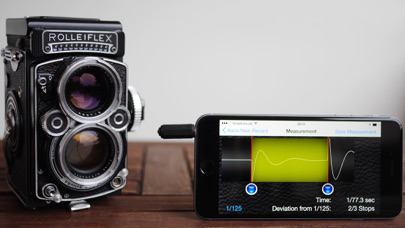
With Shutter-Speed you can test the shutter speeds of your analog cameras just with your iPhone. Please note that the full potential of this App is only reached if you use it in combination with the PhotoPlug. The PhotoPlug is an optical sensor which connects to the headphone-jack of your iPhone and enables you to measure the actual amount of light passing through the camera shutter. Please visit www.filmomat.eu for detailed information and for ordering the PhotoPlug.
How-To:
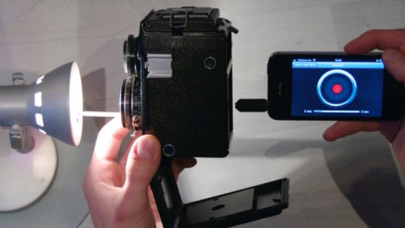
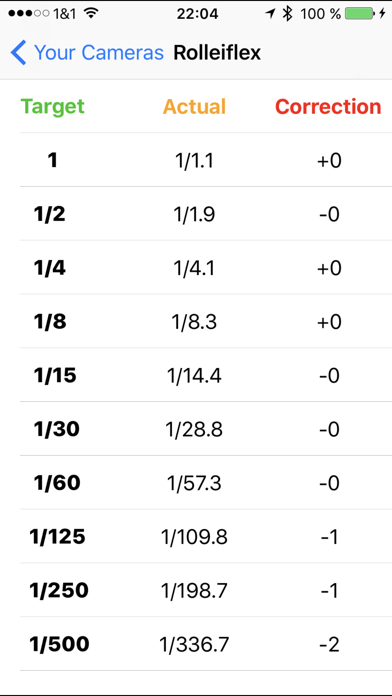
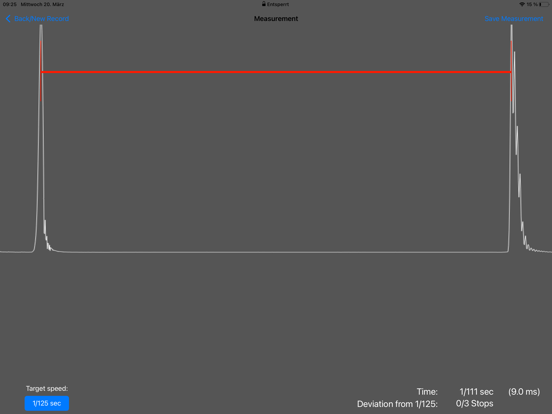
Point the camera towards a bright light source. Place the PhotoPlug closely behind the camera shutter. Start the measurement and release the shutter. The App automatically analyzes the signal and calculates the shutter speed. All measurement values can be stored into a handy table. Multiple different cameras/lenses can be stored. A correction factor is calculated, which you can use to compensate a faulty shutter speed. For example, if you measure the 1/60s and it turns out to be 1/50s, the App will tell you that the shutter-speed is 1/3 stops too long. This gives rise to a correction factor of -1, indicating that you have to close your aperture by 1/3 f-stop to get a correct exposure.
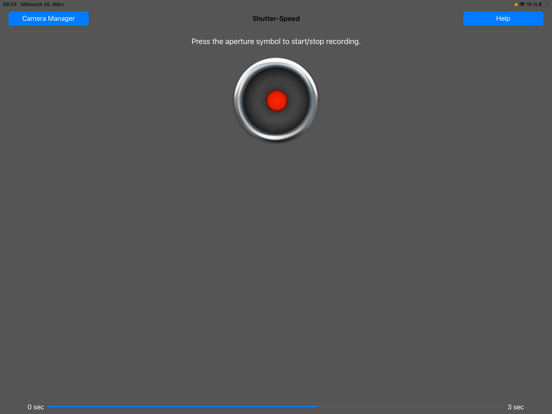
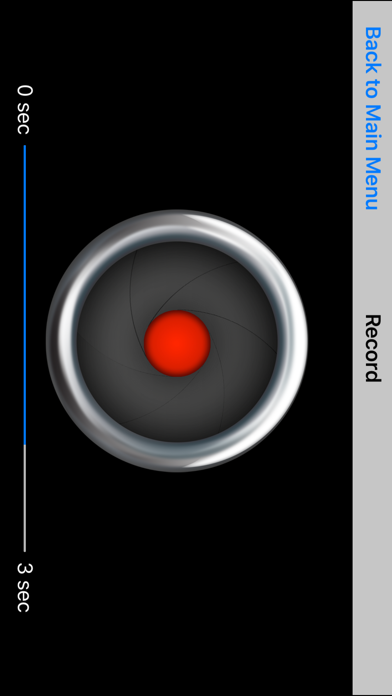
Without PhotoPlug, the App will record the sound of the camera shutter and calculate the shutter speed from that. Please note that this procedure will only give useable results for speeds below 1/30sec. With the PhotoPlug, shutter speeds up to 1/500sec can be measured.

How-To:
Point the camera towards a bright light source. Place the PhotoPlug closely behind the camera shutter. Start the measurement and release the shutter. The App automatically analyzes the signal and calculates the shutter speed. All measurement values can be stored into a handy table. Multiple different cameras/lenses can be stored. A correction factor is calculated, which you can use to compensate a faulty shutter speed. For example, if you measure the 1/60s and it turns out to be 1/50s, the App will tell you that the shutter-speed is 1/3 stops too long. This gives rise to a correction factor of -1, indicating that you have to close your aperture by 1/3 f-stop to get a correct exposure.
Without PhotoPlug, the App will record the sound of the camera shutter and calculate the shutter speed from that. Please note that this procedure will only give useable results for speeds below 1/30sec. With the PhotoPlug, shutter speeds up to 1/500sec can be measured.
Show More
What's New in the Latest Version 2.1
Last updated on Apr 5, 2024
Old Versions
- Fixed overlapping layout with Old/New Shutterspeed-Button.
- Added additional decimal digit to measured time (e.g. 1/8.2 instead of 1/8) for more accuracy.
Show More
Version History
2.1
Apr 5, 2024
- Fixed overlapping layout with Old/New Shutterspeed-Button.
- Added additional decimal digit to measured time (e.g. 1/8.2 instead of 1/8) for more accuracy.
Shutter-Speed FAQ
Click here to learn how to download Shutter-Speed in restricted country or region.
Check the following list to see the minimum requirements of Shutter-Speed.
iPhone
iPad