Silent Touch Timer
$0.99
3.0.2for iPhone, iPad
Age Rating
Silent Touch Timer Screenshots
About Silent Touch Timer
Download now and streamline your life with the beautiful to see, lovely to use, and fastest to set timer!
"Does exactly what it promises and with a sleek, innovative and intuitive interface. Would buy it again if I could!"
GREAT FOR PRESENTATIONS
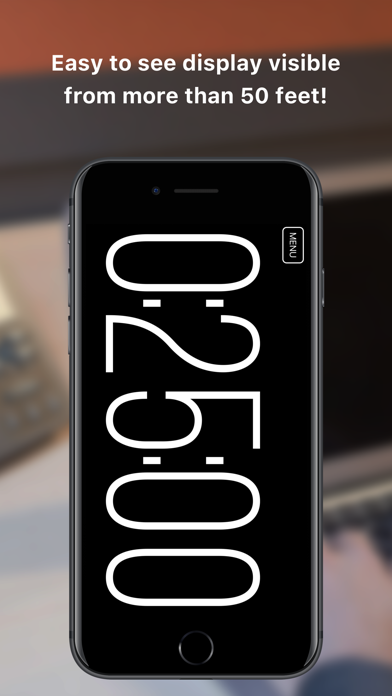
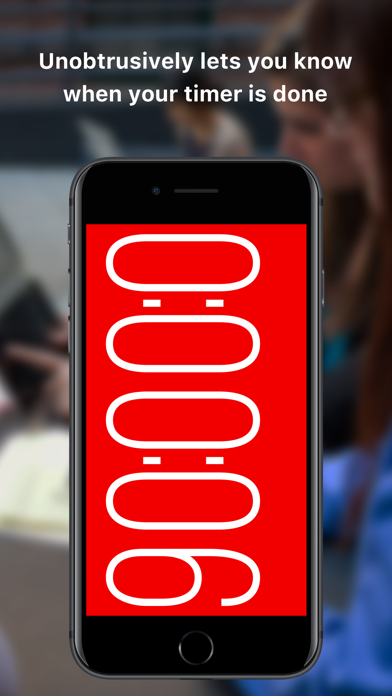
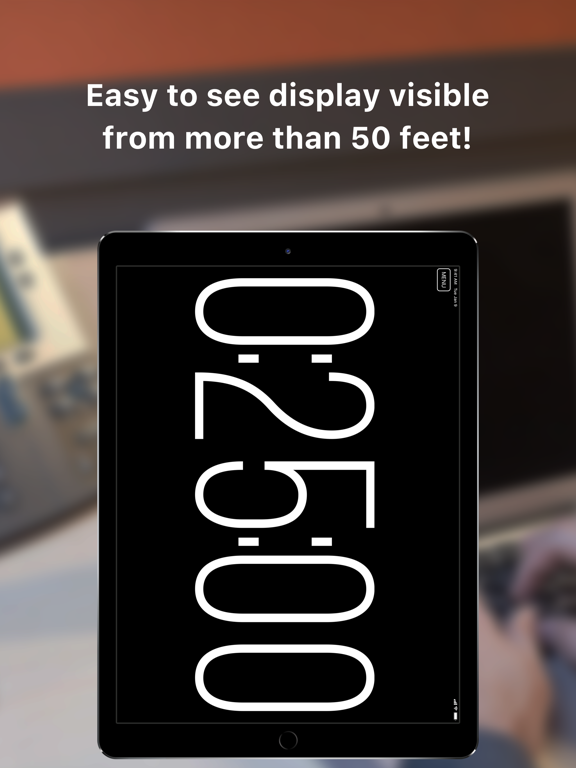
• Easily readable up to 30 feet away on your iPhone. Try putting it behind your audience for better eye contact - for even further try a giant iPad timer!
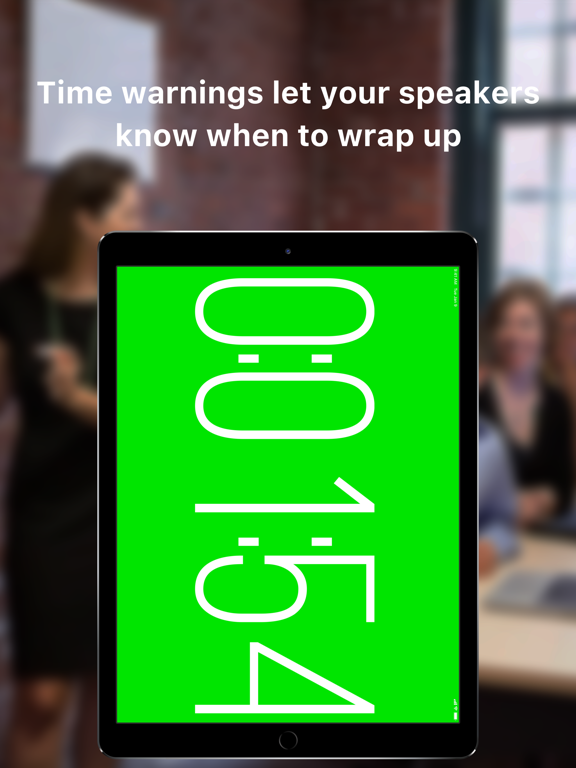
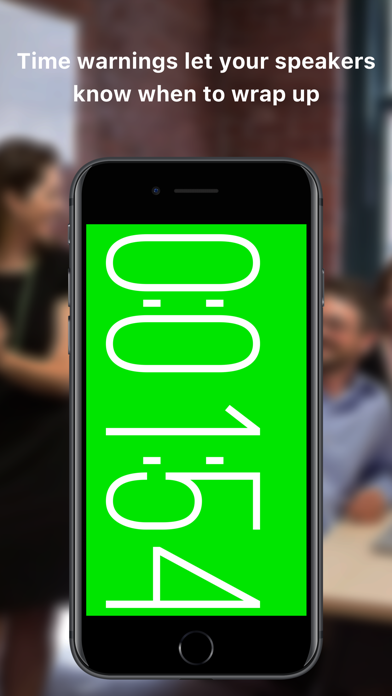
• If you're in charge of keeping presenters on time, just set it up where they can see it, maybe add a time warning to let them know when they should be wrapping up.
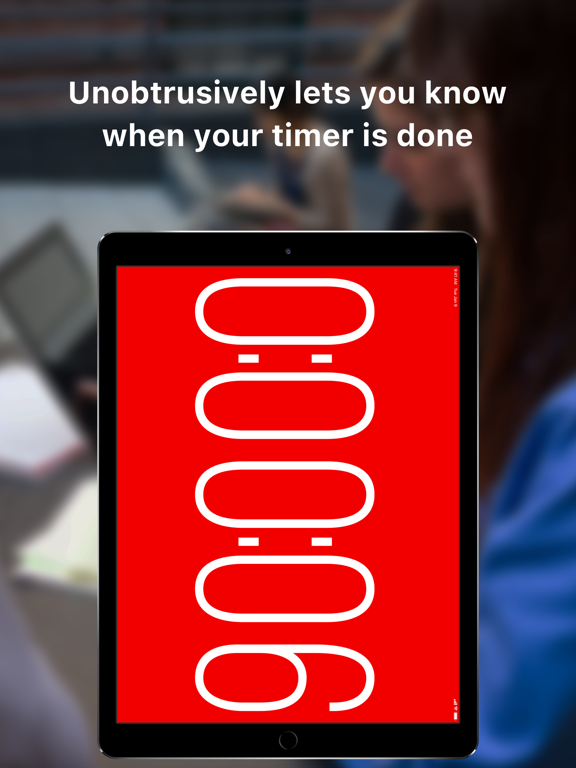
• Won't disturb your audience, or you, with ANY noise or vibration.
• Lets you know at a glance how far overtime you’ve gone – better talk faster next time!
"'Apple' simple to use. Works every time. What could be better??"
FANTASTIC FOR PERFORMANCES
• Use it for music, dance, church services, comedy, plays, whatever has a start and an end!
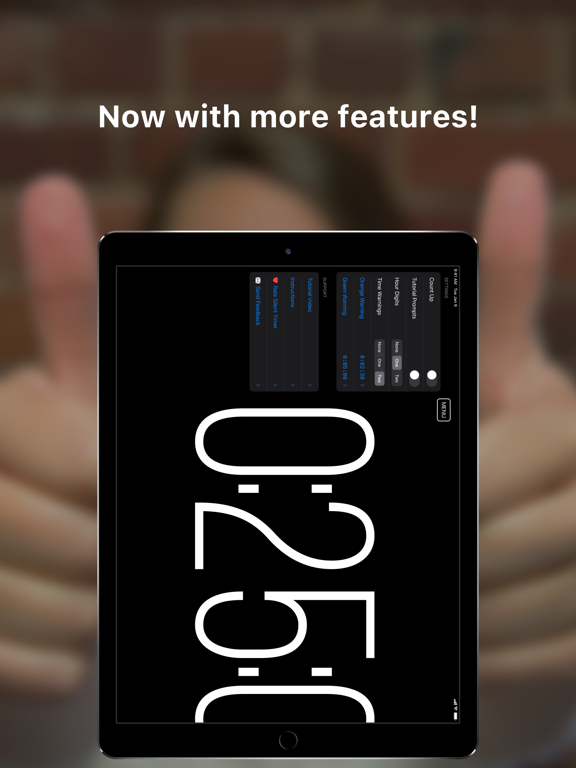
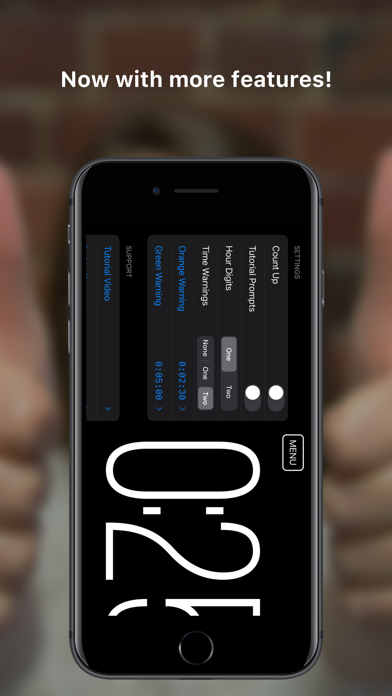
• Count up instead of down if you need to, you can even use warning times while counting up.
• Great for keeping yourself in sync while podcasting.
"I use the Pomodoro technique at work but didn't want a ticking ringing timer going off in my open plan office. Silent Timer does everything I need and doesn't annoy my coworkers."
HELPS WITH PRODUCTIVITY AT HOME AND THE OFFICE
• Time your work or your internet breaks at the office without disturbing your coworkers or yourself.
• Works great for the Pomodoro Technique, just set the timer to 25 minutes and Pomodoro your way out of procrastination.
"One of my most-often used apps...! An unobtrusive, light, very effective timer used while studying, exercising, interviewing people, teaching students and even when evaluating student's answer-sheets...!"
SUPPORT
You can find more information and support at yoctoapps.com, or contact me at support@yoctoapps.com.

"Does exactly what it promises and with a sleek, innovative and intuitive interface. Would buy it again if I could!"
GREAT FOR PRESENTATIONS
• Easily readable up to 30 feet away on your iPhone. Try putting it behind your audience for better eye contact - for even further try a giant iPad timer!
• If you're in charge of keeping presenters on time, just set it up where they can see it, maybe add a time warning to let them know when they should be wrapping up.
• Won't disturb your audience, or you, with ANY noise or vibration.
• Lets you know at a glance how far overtime you’ve gone – better talk faster next time!
"'Apple' simple to use. Works every time. What could be better??"
FANTASTIC FOR PERFORMANCES
• Use it for music, dance, church services, comedy, plays, whatever has a start and an end!
• Count up instead of down if you need to, you can even use warning times while counting up.
• Great for keeping yourself in sync while podcasting.
"I use the Pomodoro technique at work but didn't want a ticking ringing timer going off in my open plan office. Silent Timer does everything I need and doesn't annoy my coworkers."
HELPS WITH PRODUCTIVITY AT HOME AND THE OFFICE
• Time your work or your internet breaks at the office without disturbing your coworkers or yourself.
• Works great for the Pomodoro Technique, just set the timer to 25 minutes and Pomodoro your way out of procrastination.
"One of my most-often used apps...! An unobtrusive, light, very effective timer used while studying, exercising, interviewing people, teaching students and even when evaluating student's answer-sheets...!"
SUPPORT
You can find more information and support at yoctoapps.com, or contact me at support@yoctoapps.com.
Show More
What's New in the Latest Version 3.0.2
Last updated on May 19, 2022
Old Versions
Fixed notifications
Show More
Version History
3.0.2
May 19, 2022
Fixed notifications
Silent Touch Timer FAQ
Click here to learn how to download Silent Touch Timer in restricted country or region.
Check the following list to see the minimum requirements of Silent Touch Timer.
iPhone
iPad
Related Videos
Latest introduction video of Silent Touch Timer on iPhone