Simple Censor
Free
1.2.1for iPad
Age Rating
Simple Censor Screenshots
About Simple Censor
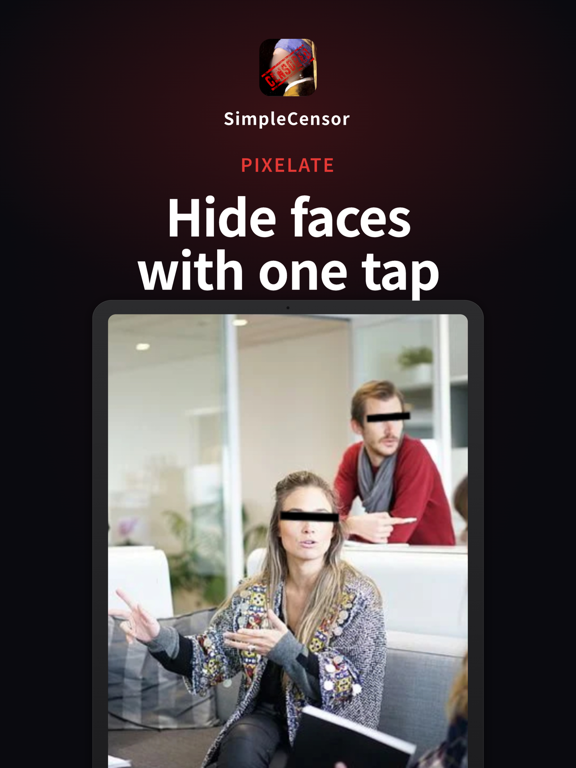
Simple Censor makes it easy to censor faces and sensitive areas in your photos.
Key Features:
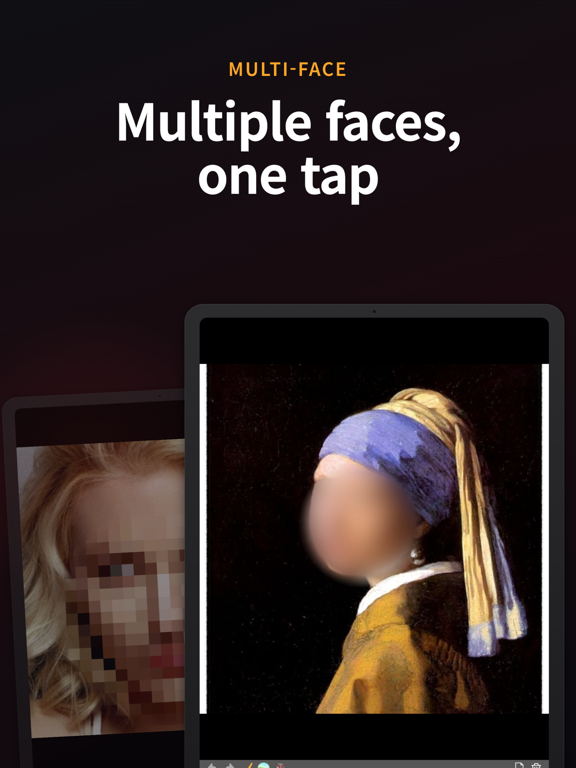
• Auto face detection — automatically detects faces and applies mosaic
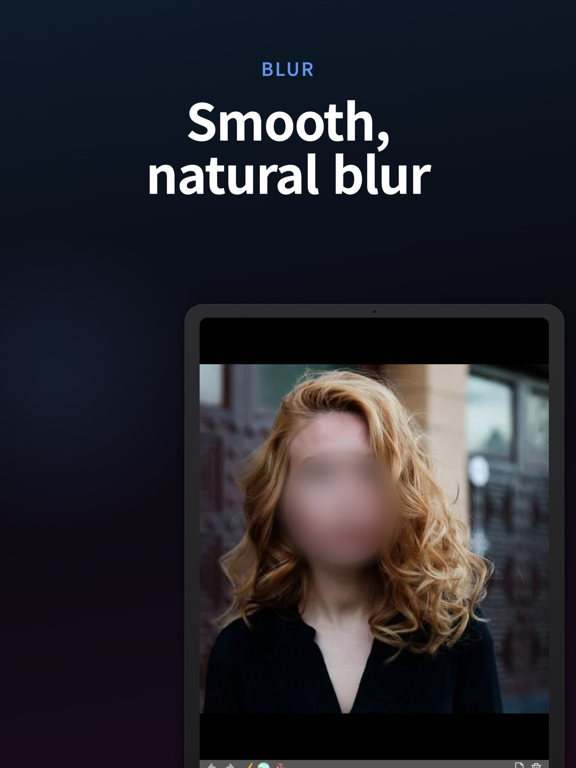
• Multiple filter types — blur, pixelate, or solid color fill
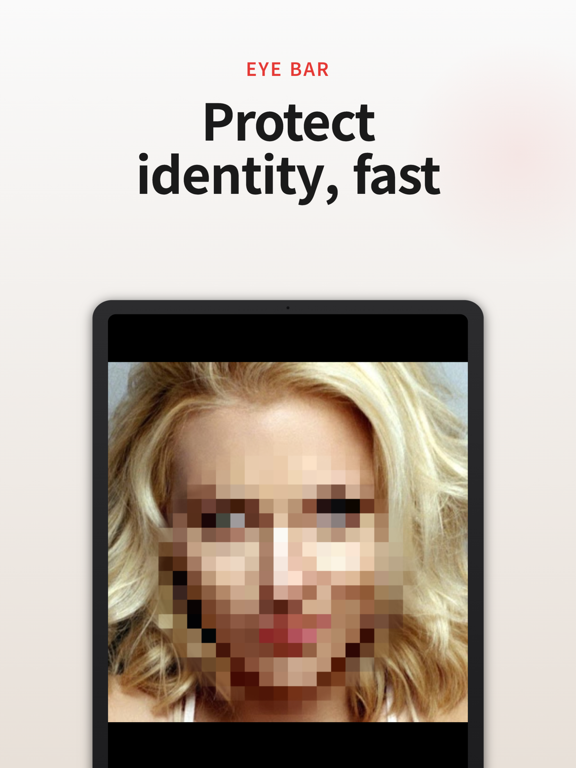
• Eye bar censoring — classic eye-bar style censoring
• Brush & eraser — freely draw or erase mosaic areas
• Original resolution — saves images at full original quality
• Simple and intuitive — no complicated menus, just pick a photo and start
Perfect for:
- Protecting privacy before sharing photos on social media
- Censoring faces of bystanders in street photos
- Hiding sensitive information in screenshots
- Quick and easy photo editing on the go

Key Features:
• Auto face detection — automatically detects faces and applies mosaic
• Multiple filter types — blur, pixelate, or solid color fill
• Eye bar censoring — classic eye-bar style censoring
• Brush & eraser — freely draw or erase mosaic areas
• Original resolution — saves images at full original quality
• Simple and intuitive — no complicated menus, just pick a photo and start
Perfect for:
- Protecting privacy before sharing photos on social media
- Censoring faces of bystanders in street photos
- Hiding sensitive information in screenshots
- Quick and easy photo editing on the go
Show More
What's New in the Latest Version 1.2.1
Last updated on Mar 24, 2026
Old Versions
• Fixed mosaic position bug
• Improved UI icons
• Portrait mode only
• Stability improvements
• Improved UI icons
• Portrait mode only
• Stability improvements
Show More
Version History
1.2.1
Mar 24, 2026
• Fixed mosaic position bug
• Improved UI icons
• Portrait mode only
• Stability improvements
• Improved UI icons
• Portrait mode only
• Stability improvements
Simple Censor FAQ
Click here to learn how to download Simple Censor in restricted country or region.
Check the following list to see the minimum requirements of Simple Censor.
iPad