SMART InkScan

SMART InkScan


Free

1.0for iPhone, iPad
Age Rating
4+
Apps in this category do not contain restricted content.
9+
Apps in this category may contain mild or occasional cartoon, fantasy or real-life violence, as well as occasional or mild adult, sexually suggestive or horrifying content and may not be suitable for children under 9 years of age.
12+
Apps in this category may contain occasional mild indecent language, frequent or intense cartoon or real-life violence, minor or occasional adult or sexually suggestive material, and simulated gambling, and may be for children under 12 years of age.
17+
You must be at least 17 years old to access this App.
Apps in this category may contain frequent and intense offensive language; Frequent and intense cartoon, fantasy or realistic violence: frequent and intense adult, scary and sexually suggestive subjects: as well as sexual content, nudity, tobacco, alcohol and drugs, may not be suitable for children under 17 years of age.
SMART InkScan Screenshots
SMART InkScan poster
SMART InkScan posterSMART InkScan posterSMART InkScan posterSMART InkScan poster

About SMART InkScan

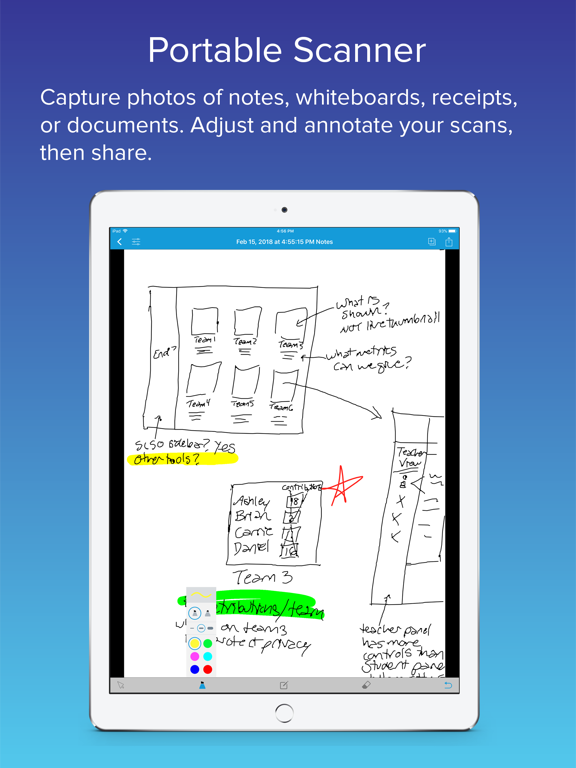
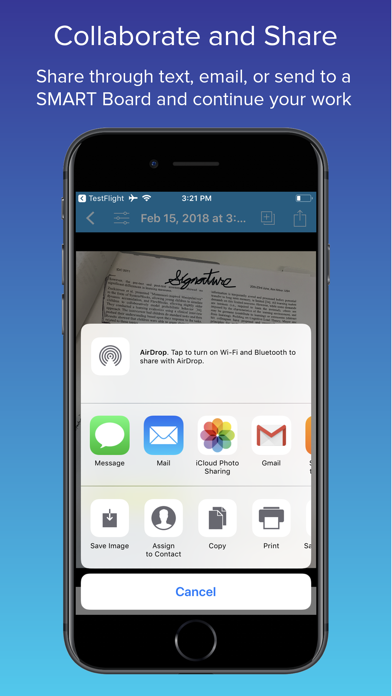
For those who love the immediacy and expression of pen and paper, SMART InkScan converts handwritten artifacts into digital SMART ink™. Users can begin brainstorming on the back of a napkin and seamlessly continue working from their mobile device, bridging the gap between the physical and digital domains.

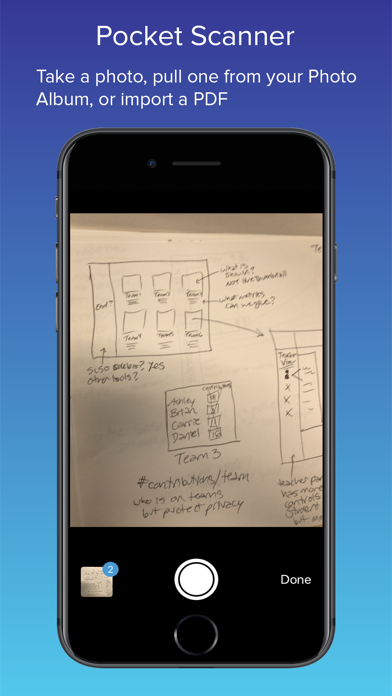
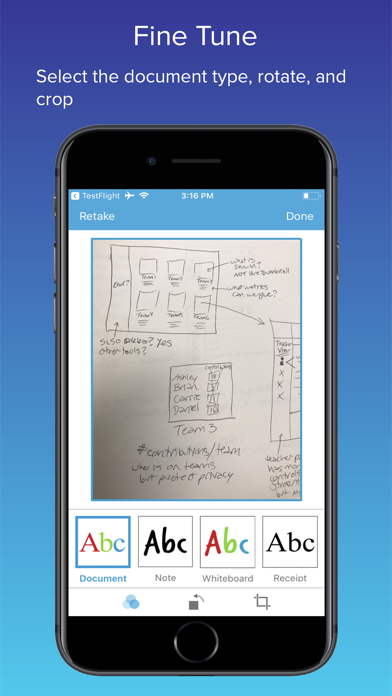
InkScan also offers the most useful features of other mobile scanner apps such as perspective correction, multi-image capture, numerous annotation options, and export as image or pdf.

For users with access to a SMART Board with iQ, SMART InkScan offers a smooth transition from dry-erase whiteboards to SMART Ink with just a snap. InkScan converts your photos into digital ink and sends them directly to a SMART Board with iQ allowing teachers and students to continue working interactively with content.

Here are some delightful examples of how SMART InkScan can improve your workflow:

- Snap a pic of your next great concept sketch and convert it to digital ink. Continue fine-tuning your work within the app or use the large canvas on a SMART Board with iQ

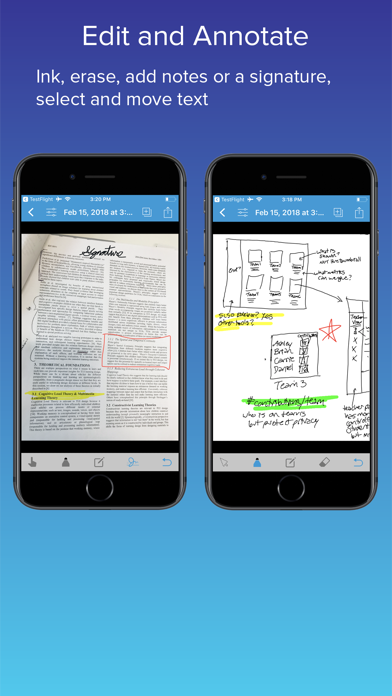
- Use the new Files app in iOS to import PDFs. Add a signature to important documents and share via email. You can even save your signature for next time

- Enhance the quality of those whiteboard pics on your camera roll. Use the inking tools to markup and distribute to your team as a PDF or image

- Combine notes taken from multiple team members, highlight the important items share them with your study group

- Compile receipts for your next expense report, add notes and export as a multi-page PDF

Show More

What's New in the Latest Version 1.0

Last updated on Feb 16, 2018
Old Versions
This update from Apple will improve the functionality of this app. No new features are included.
Show More
Version History
1.0
Feb 16, 2018
This update from Apple will improve the functionality of this app. No new features are included.

SMART InkScan FAQ

Click here to learn how to download SMART InkScan in restricted country or region.
Check the following list to see the minimum requirements of SMART InkScan.
iPhone
iPad

SMART InkScan Alternative

You May Also Like

Get more from SMART Technologies