Memo Widget - Smart Notepad

Memo Widget - Smart Notepad


Free

3.5.0for iPhone, iPad
Age Rating
4+
Apps in this category do not contain restricted content.
9+
Apps in this category may contain mild or occasional cartoon, fantasy or real-life violence, as well as occasional or mild adult, sexually suggestive or horrifying content and may not be suitable for children under 9 years of age.
12+
Apps in this category may contain occasional mild indecent language, frequent or intense cartoon or real-life violence, minor or occasional adult or sexually suggestive material, and simulated gambling, and may be for children under 12 years of age.
17+
You must be at least 17 years old to access this App.
Apps in this category may contain frequent and intense offensive language; Frequent and intense cartoon, fantasy or realistic violence: frequent and intense adult, scary and sexually suggestive subjects: as well as sexual content, nudity, tobacco, alcohol and drugs, may not be suitable for children under 17 years of age.
Memo Widget - Smart Notepad Screenshots
Memo Widget - Smart Notepad posterMemo Widget - Smart Notepad posterMemo Widget - Smart Notepad posterMemo Widget - Smart Notepad posterMemo Widget - Smart Notepad poster
Memo Widget - Smart Notepad posterMemo Widget - Smart Notepad posterMemo Widget - Smart Notepad posterMemo Widget - Smart Notepad posterMemo Widget - Smart Notepad posterMemo Widget - Smart Notepad posterMemo Widget - Smart Notepad posterMemo Widget - Smart Notepad poster

About Memo Widget - Smart Notepad

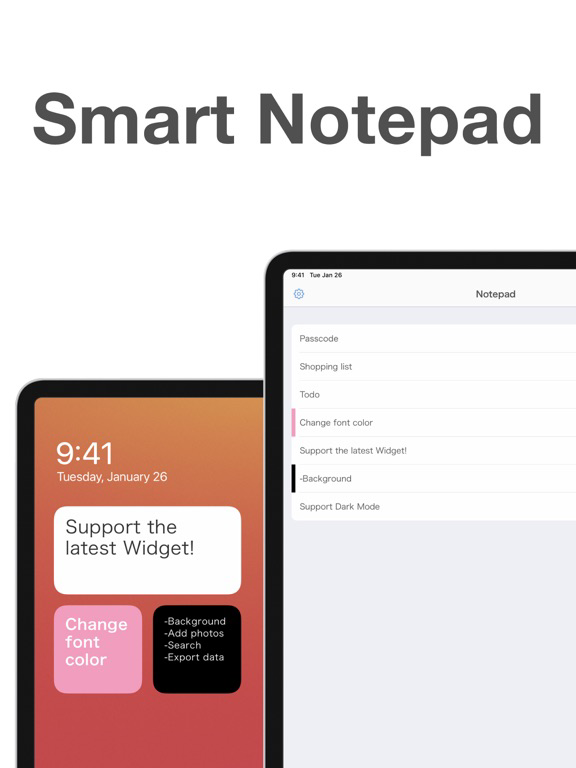
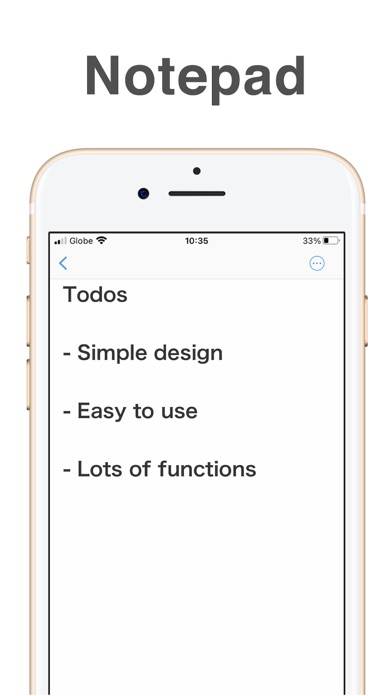
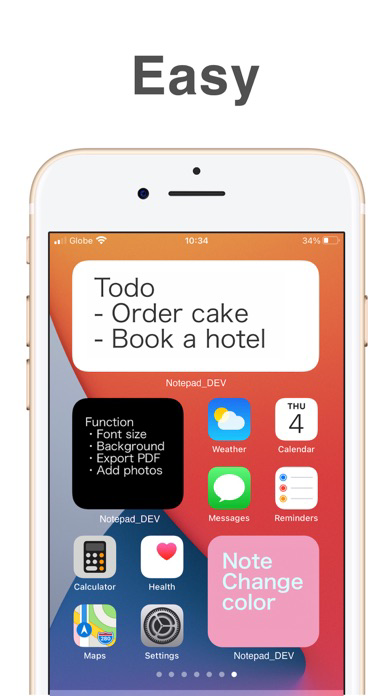
"Smart Notepad" is a simple notepad app that you can put on your home screen!
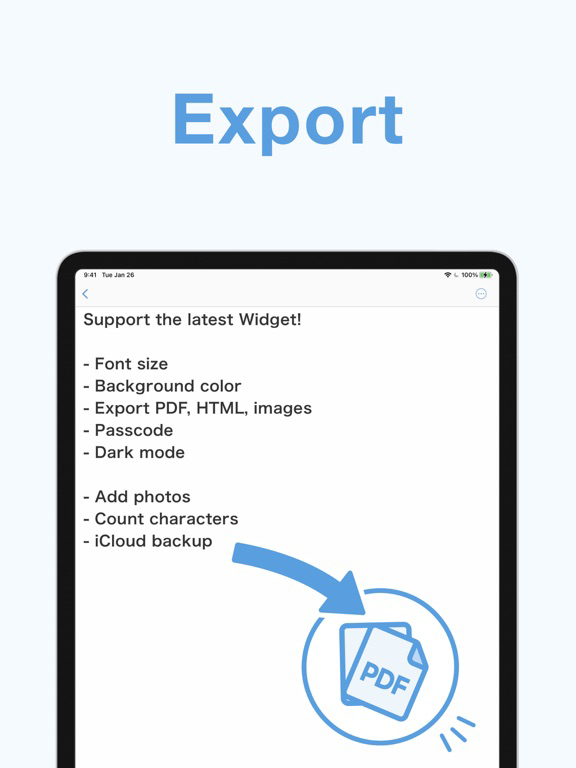
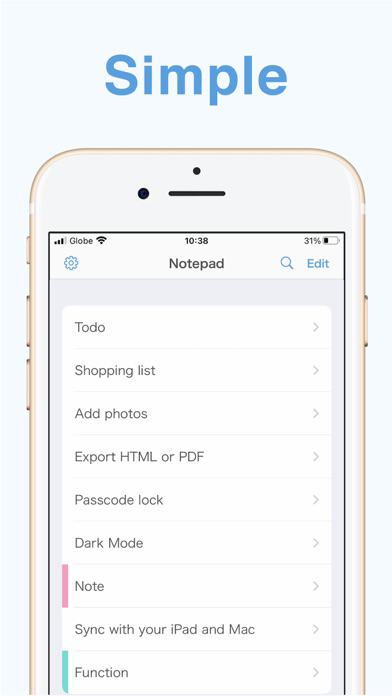
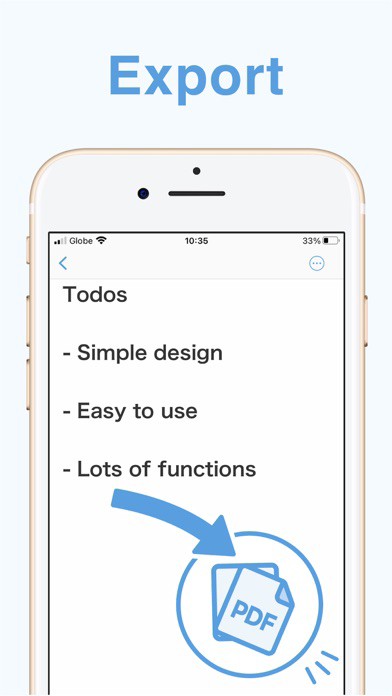
Useful features such as PDF output and iCloud backup.
It's easy for anyone to use, and it's perfect for quick notes!

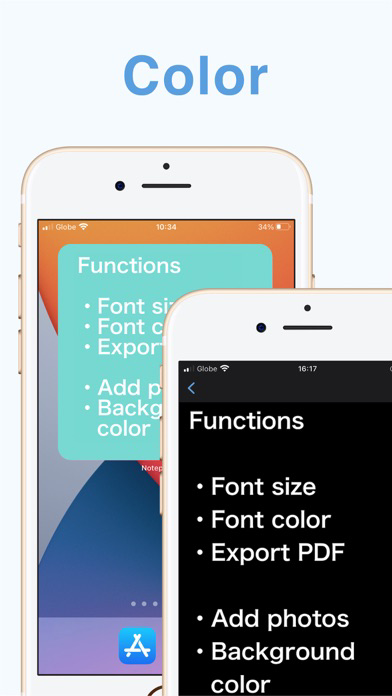
[Functions]
* Text size
* Background color
* Text color
* PDF, HTML & PNG output
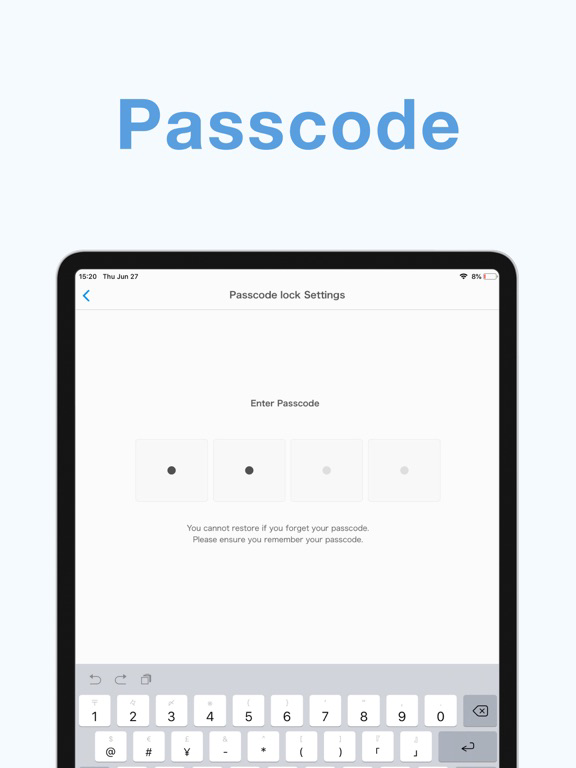
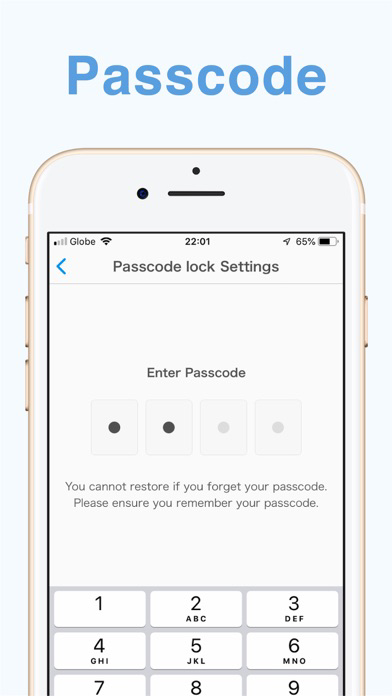
* Passcode lock

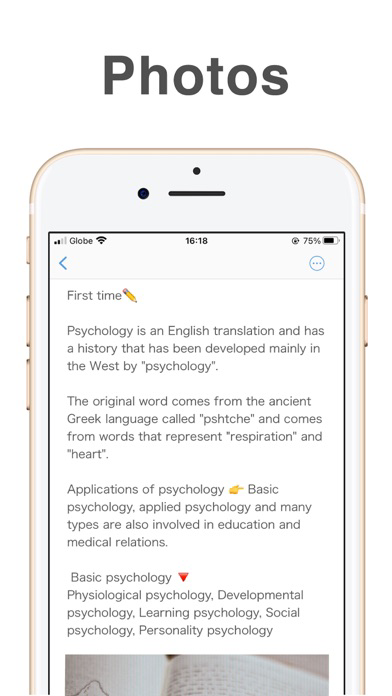
* Attach photos
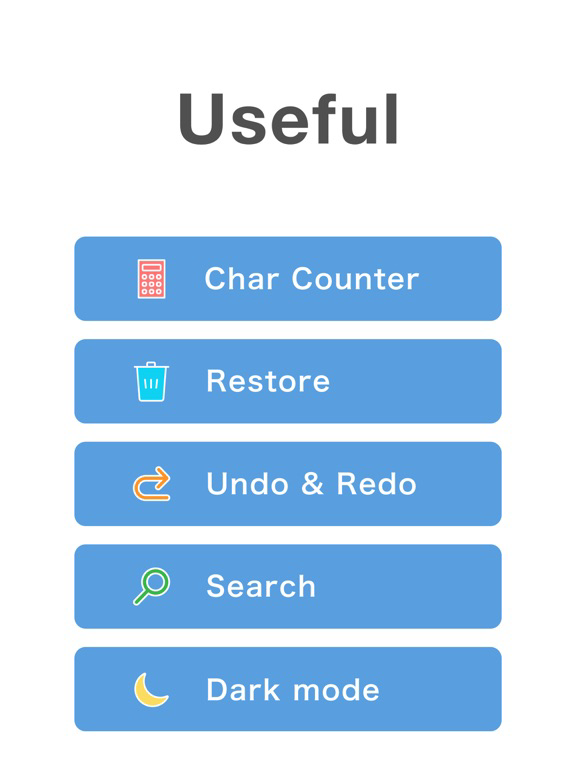
* Search
* Character count
* Undo, Redo

* Dark mode
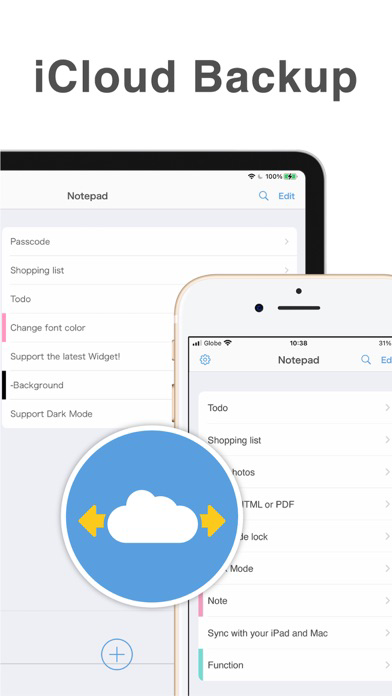
* iCloud backup
 You can sync with iPad app and Mac app!
* Ad removal (paid)
 The ads are just a banner at the bottom of the screen, but this banner can be removed with a one-time purchase charge, not subscription.


[How to set the widget]
1. Press and hold the home screen, and tap the plus button in the upper left corner.
2. Select this app.
3. Select the size you want (3 types) and place it.

[How to change the memo to be displayed in the widget]
1. Set the widget.
2. Long press the widget and tap "Edit Widget".
3. Tap "Memo" and select the memo you want to display.

[Contact Us]
If you have any questions about the app, please contact us from "Help" -> "Contact Us" in the app settings screen.

Show More

What's New in the Latest Version 3.5.0

Last updated on Jun 26, 2025
Old Versions
Bug fixes and improvements.
Show More
Version History
3.5.0
Jun 26, 2025
Bug fixes and improvements.

Memo Widget - Smart Notepad FAQ

Memo Widget - Smart Notepad is available in regions other than the following restricted countries:
Antigua And Barbuda
Check the following list to see the minimum requirements of Memo Widget - Smart Notepad.
iPhone
iPad
Click here to learn how to download Memo Widget - Smart Notepad in restricted country or region.

Memo Widget - Smart Notepad Alternative

You May Also Like

Get more from Komorebi Inc.