SMART TeamWorks
Free
1.2.171for iPhone, iPad
Age Rating
SMART TeamWorks Screenshots
About SMART TeamWorks
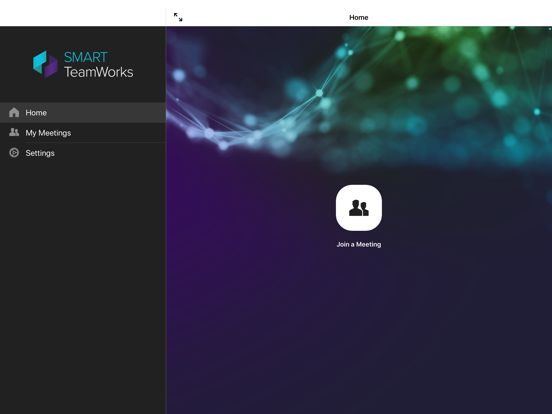
JOIN A MEETING
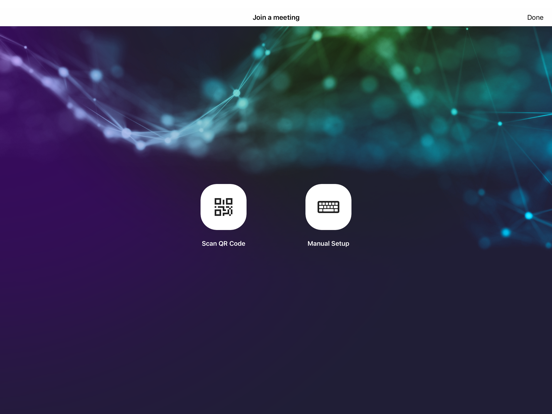
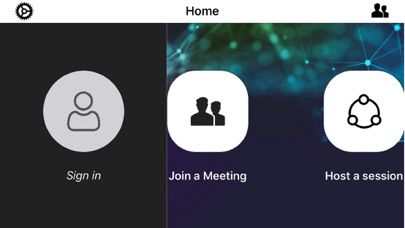
Join a meeting remotely or in your meeting room by scanning the QR Code, clicking a shared meeting link or typing in the details of the meeting.
COLLABORATE IN REAL-TIME
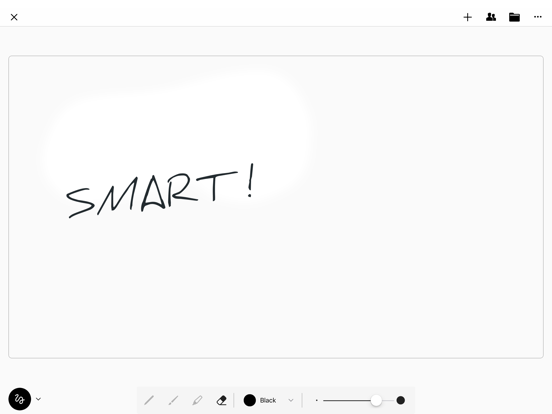
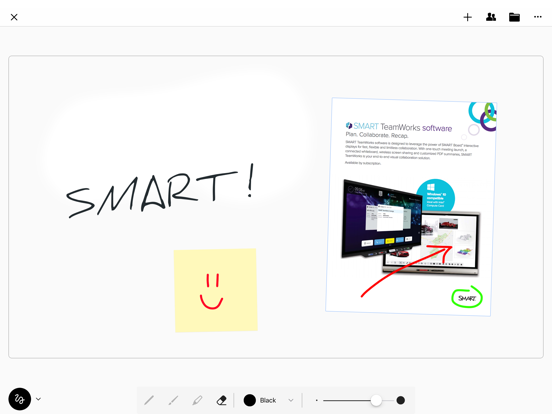
You and your teammates can collaborate in real time on the same workspace. Draw and work with multiple objects: images, text notes or sticky notes. Everything is synced with all the participants.
SAVE A MEETING RECAP
Never lose your meeting recap. When the meeting ends, a recap is ready to be saved and shared with all of your teammates.

Join a meeting remotely or in your meeting room by scanning the QR Code, clicking a shared meeting link or typing in the details of the meeting.
COLLABORATE IN REAL-TIME
You and your teammates can collaborate in real time on the same workspace. Draw and work with multiple objects: images, text notes or sticky notes. Everything is synced with all the participants.
SAVE A MEETING RECAP
Never lose your meeting recap. When the meeting ends, a recap is ready to be saved and shared with all of your teammates.
Show More
What's New in the Latest Version 1.2.171
Last updated on Oct 2, 2019
Old Versions
* iOS 13 support.
* Performance and stability improvements.
* Buttons for selection/zoom/drawing mode replaced with gestures.
* UI optimized for iPhone X/Xs/Xs Max and iPad.
* Performance and stability improvements.
* Buttons for selection/zoom/drawing mode replaced with gestures.
* UI optimized for iPhone X/Xs/Xs Max and iPad.
Show More
Version History
1.2.171
Oct 2, 2019
* iOS 13 support.
* Performance and stability improvements.
* Buttons for selection/zoom/drawing mode replaced with gestures.
* UI optimized for iPhone X/Xs/Xs Max and iPad.
* Performance and stability improvements.
* Buttons for selection/zoom/drawing mode replaced with gestures.
* UI optimized for iPhone X/Xs/Xs Max and iPad.
SMART TeamWorks FAQ
Click here to learn how to download SMART TeamWorks in restricted country or region.
Check the following list to see the minimum requirements of SMART TeamWorks.
iPhone
iPad