SmartDocs - ECM App
Free
6.8.8for iPhone, iPad and more
Age Rating
SmartDocs - ECM App Screenshots
About SmartDocs - ECM App
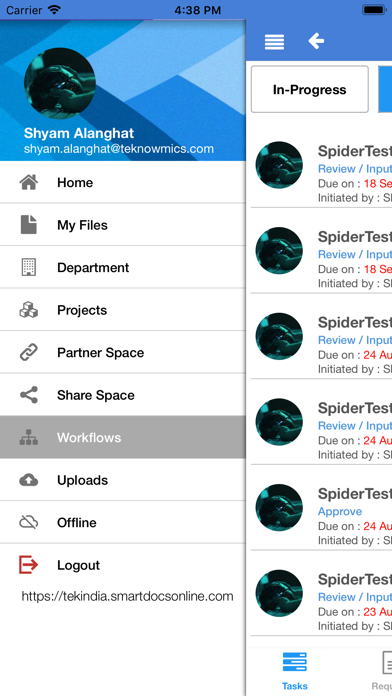
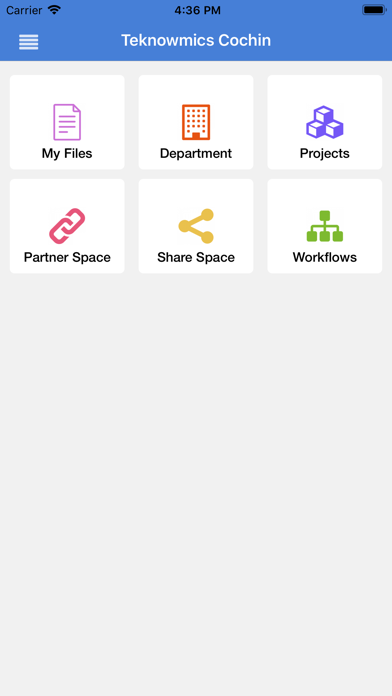
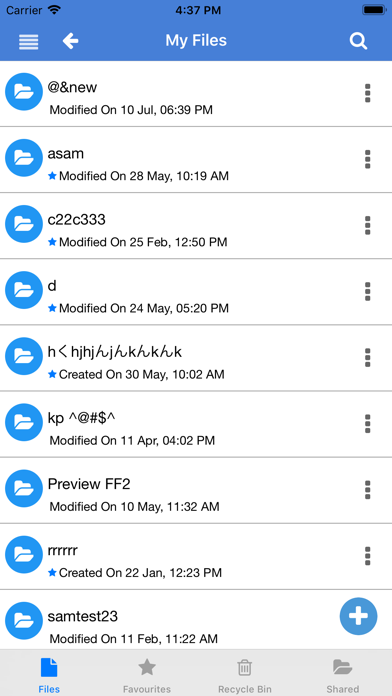
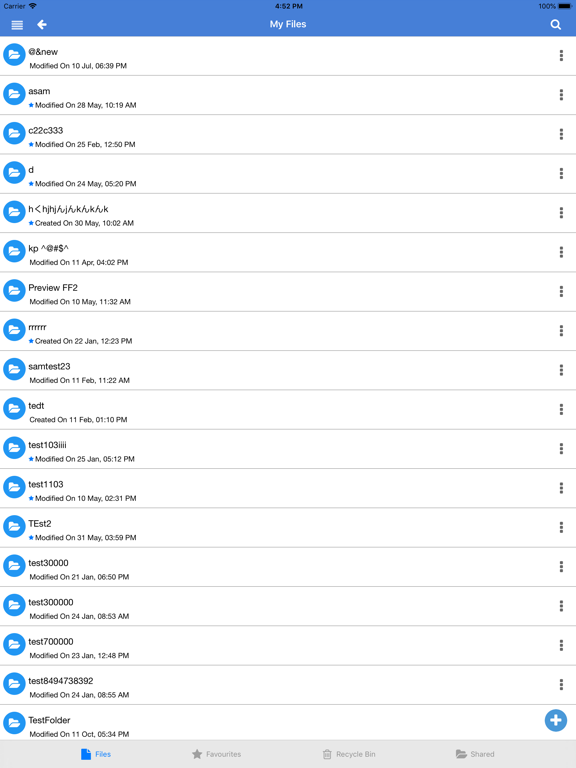
SmartDocs is a cloud based document Management system. SmartDocs is easy to use, powerful and affordable application to allow organizations to centralize the management, storage and retrieval, and collaboration of electronic documents and records.
Some key features of SmartDocs are,
• Backups and Disaster Recovery
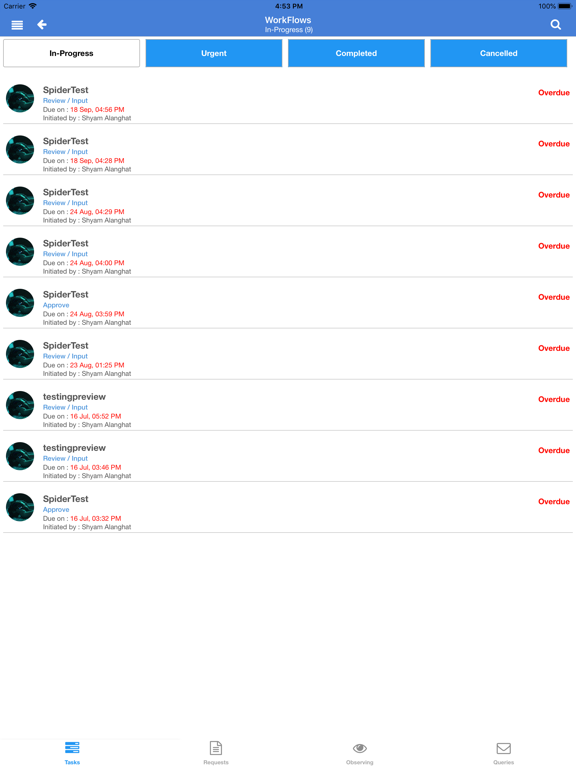
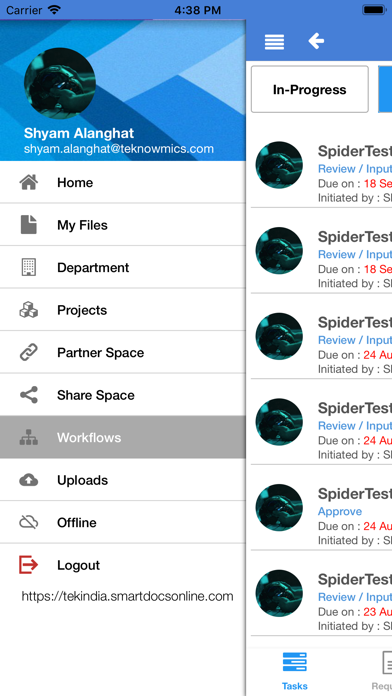
• Workflow execution
• Enterprise File Sharing for Collaborating Securely
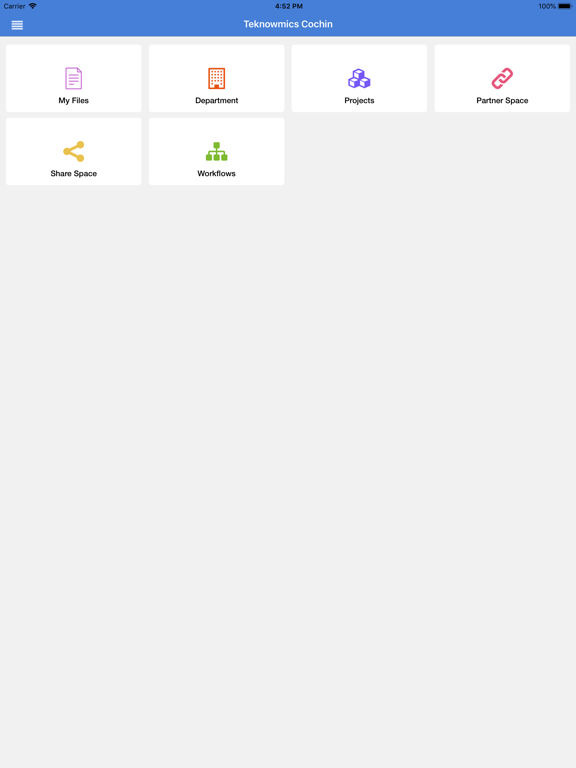
• Project Documents Management for Productivity and Risk Management
• Execute workflows
• Company Share and Document Distribution for organizing and distributing documents easily
• SmartDocs is designed with advanced security features that help in creating a secure, shared online workspace for user groups, employees and external stakeholders in an organization allowing them to collaborate for improved operational efficiency and business benefit.
• SmartDocs can work on the Cloud or in your own Data Centre
• Helps in Cost Reduction, Productivity Improvement and Risk Management

Some key features of SmartDocs are,
• Backups and Disaster Recovery
• Workflow execution
• Enterprise File Sharing for Collaborating Securely
• Project Documents Management for Productivity and Risk Management
• Execute workflows
• Company Share and Document Distribution for organizing and distributing documents easily
• SmartDocs is designed with advanced security features that help in creating a secure, shared online workspace for user groups, employees and external stakeholders in an organization allowing them to collaborate for improved operational efficiency and business benefit.
• SmartDocs can work on the Cloud or in your own Data Centre
• Helps in Cost Reduction, Productivity Improvement and Risk Management
Show More
What's New in the Latest Version 6.8.8
Last updated on Apr 5, 2023
Old Versions
Bug fixes and minor enhancements
Show More
Version History
6.8.8
Apr 5, 2023
Bug fixes and minor enhancements
6.8.6
Jul 5, 2022
Bug fixes and improvements
Meta data view support for files and folders
6.8.5
Jun 15, 2022
Bug fixes and some enhancements
6.8.4
May 7, 2022
Bug fixes and enhancements
6.8.1
Dec 29, 2021
Bug fixes
Enhancements for Iqxora platform
6.7.5
Dec 4, 2020
- Improved user experience and performance enhancements
- Bug fixes
- Bug fixes
6.7.2
Oct 3, 2019
- App display name has been changed to 'SmartDocs - ECM App'
- Improved user experience and performance enhancements
- Bug fixes
- Improved user experience and performance enhancements
- Bug fixes
6.5.1
Oct 23, 2017
Device Registration feature included.
Bug fixes.
Bug fixes.
6.5.0
Jul 27, 2017
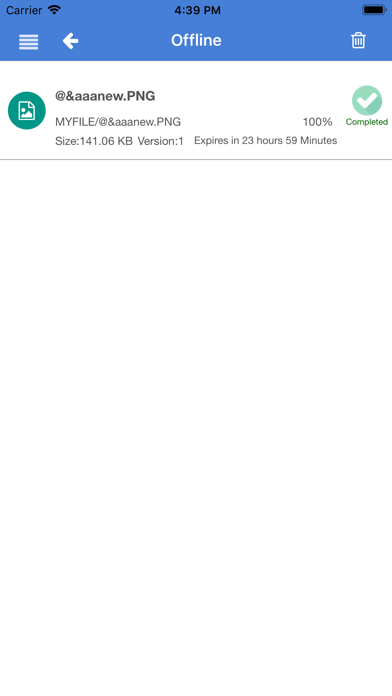
Offline Files - Now user can download and keep the files offline from Cloud Server for a specific period of time.
6.4.1
Apr 4, 2017
Search - File containers Title and content search.
Search - Workflow - Tasks, Queries, Requests, Workflows.
Workflow - Failed items filter.
Workflow - Comments field support.
Workflow - Task Delegation & status in all lists.
File Comments - Add New Comments/ List File comments (Available in Preview Page only).
File Public Link - Create, Share/ Copy to clipboard.
Empty Recycle Bin.
Support for Strong password policy.
File operations from File Preview Page.
Search - Workflow - Tasks, Queries, Requests, Workflows.
Workflow - Failed items filter.
Workflow - Comments field support.
Workflow - Task Delegation & status in all lists.
File Comments - Add New Comments/ List File comments (Available in Preview Page only).
File Public Link - Create, Share/ Copy to clipboard.
Empty Recycle Bin.
Support for Strong password policy.
File operations from File Preview Page.
6.4
Mar 31, 2017
SmartDocs - ECM App FAQ
Click here to learn how to download SmartDocs - ECM App in restricted country or region.
Check the following list to see the minimum requirements of SmartDocs - ECM App.
iPhone
Requires iOS 11.0 or later.
iPad
Requires iPadOS 11.0 or later.
iPod touch
Requires iOS 11.0 or later.
SmartDocs - ECM App supports English, Arabic, Hindi, Indonesian, Japanese, Korean