SmartMesh
Free
4.0.8for iPhone
Age Rating
SmartMesh Screenshots
About SmartMesh
SmartMesh:
App for controlling smart products (based on Bluetooth 4.0 protocol).
Instruction:
1.Active Bluetooth, open App "SmartMesh".
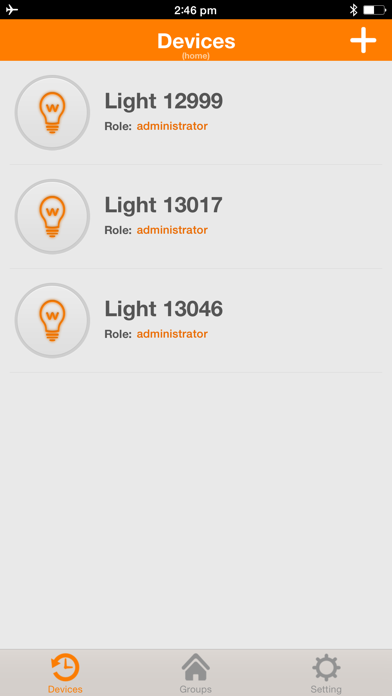
2.Add devices: Click the Add button "+" on device list interface, scan QR code and adding device automatically. ( If not properly adding, pleaseturn on the lights again).
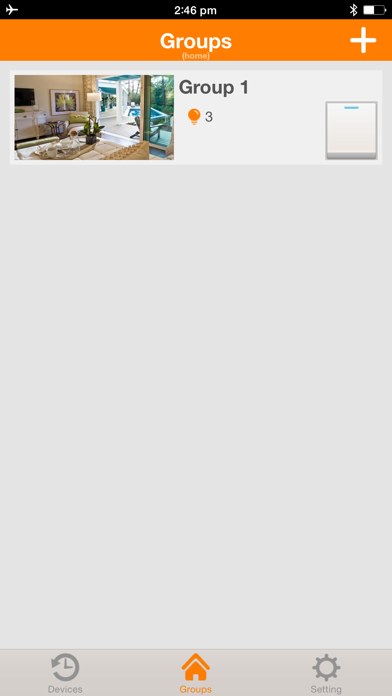
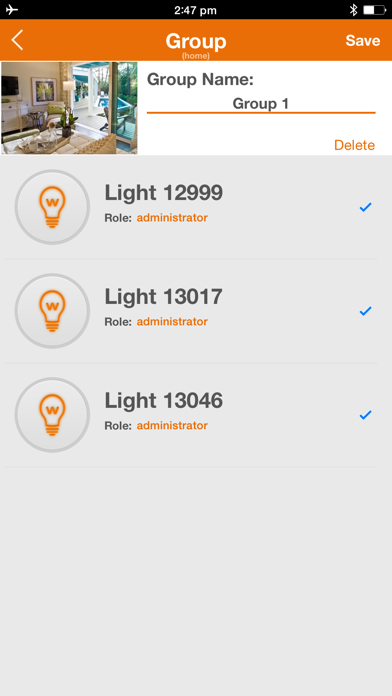
3.Add groups: Click the Add button "+" on the group interface, select the lights and save as group.
4.Control: Select the device or group and enter into control interface.
Functions:
lighting control ( Dimming, RGB changing, turn on/off).
Application models:
iPhone4S, iPhone5/5C/5S, iPhone6/6plus/6s and above versions.
iOS system version requirement:
iOS7.0 and above verions.

App for controlling smart products (based on Bluetooth 4.0 protocol).
Instruction:
1.Active Bluetooth, open App "SmartMesh".
2.Add devices: Click the Add button "+" on device list interface, scan QR code and adding device automatically. ( If not properly adding, pleaseturn on the lights again).
3.Add groups: Click the Add button "+" on the group interface, select the lights and save as group.
4.Control: Select the device or group and enter into control interface.
Functions:
lighting control ( Dimming, RGB changing, turn on/off).
Application models:
iPhone4S, iPhone5/5C/5S, iPhone6/6plus/6s and above versions.
iOS system version requirement:
iOS7.0 and above verions.
Show More
What's New in the Latest Version 4.0.8
Last updated on Jan 16, 2020
Old Versions
program optimization;
Show More
Version History
4.0.8
Jan 16, 2020
program optimization;
SmartMesh FAQ
Click here to learn how to download SmartMesh in restricted country or region.
Check the following list to see the minimum requirements of SmartMesh.
iPhone