Age Rating
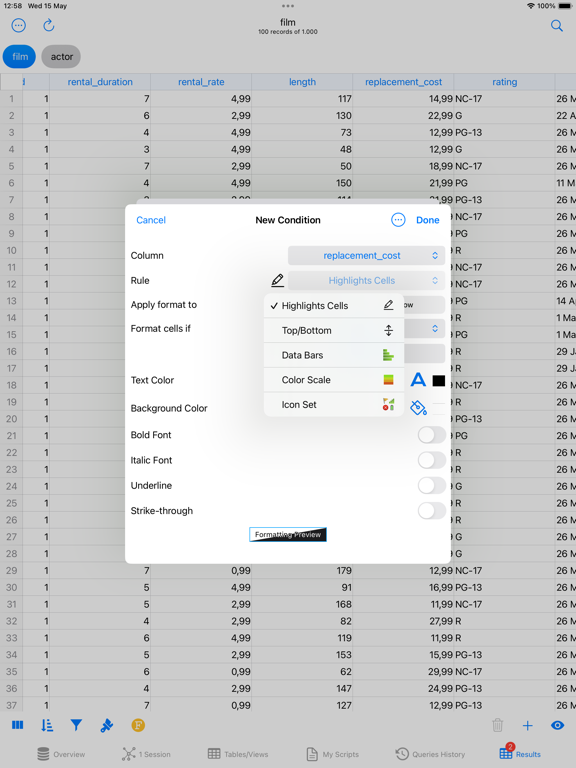
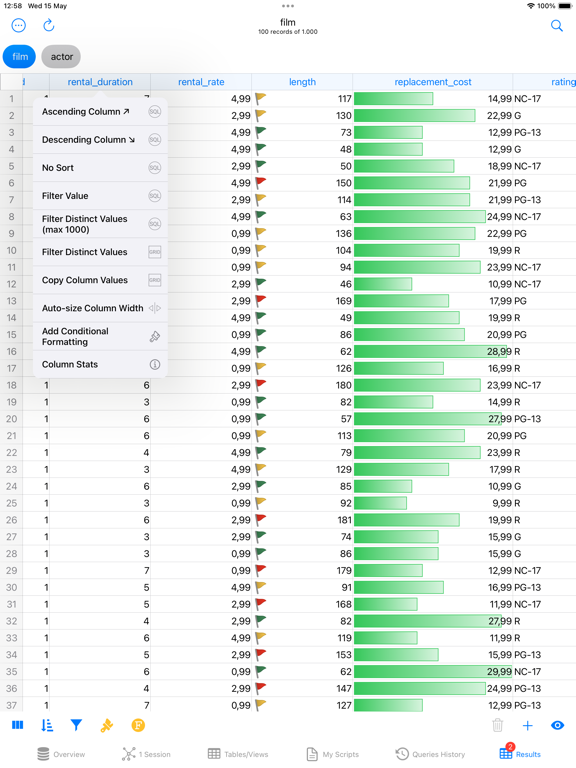
SQL Server Mobile Client PRO Screenshots
About SQL Server Mobile Client PRO
DB Compass for SQL Server allows you to access your MS SQL Server database directly and without any server setup. You can manage your data with a clean and simple iOS user interface.
FEATURES:
• Connection with the SSH tunnel build-in with password or key authentication
• SSH authentication support Secure Enclave Key and U2F/FIDO NFC Key
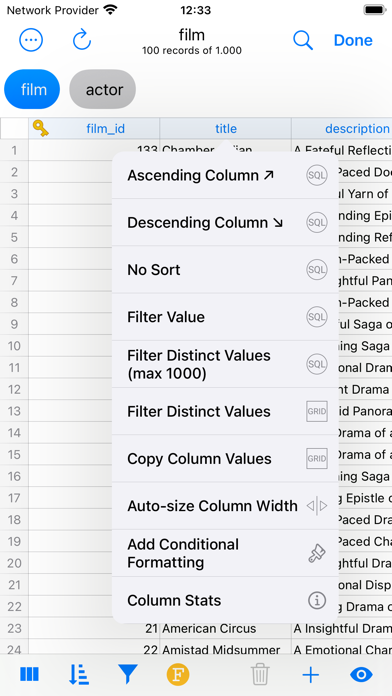
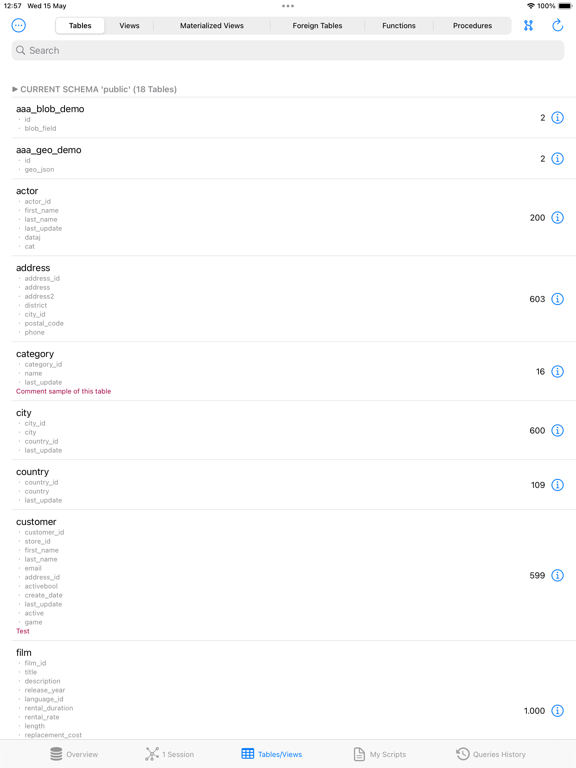
• Table data: browse, filter, sort
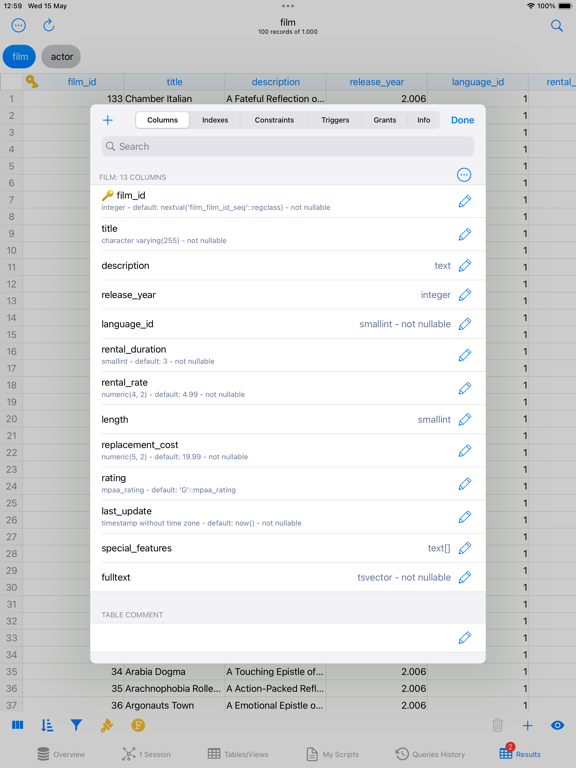
• Table structure: rename and drop for tables and columns
• Pick FK value for foreign key field
• Free query with assisted composition and plan analysis
• View and Call Functions and Store Procedures
• View database and table information
• View and manage sessions
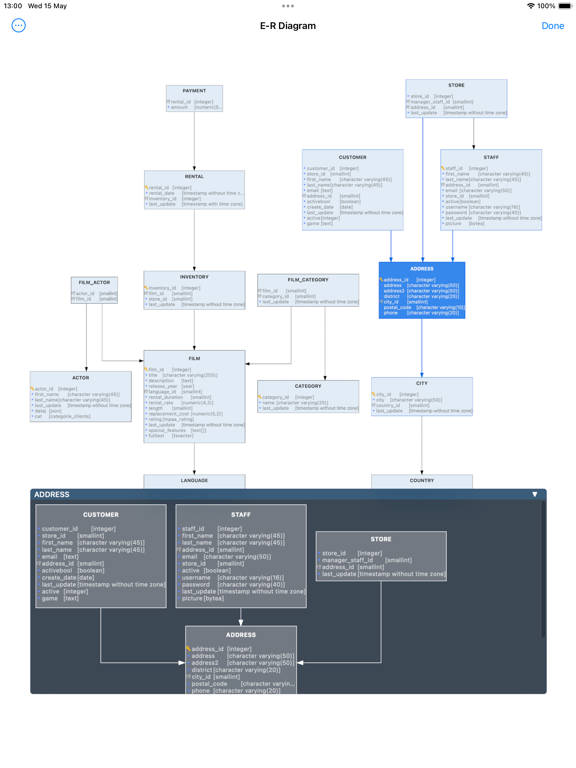
• View ER Diagram (interactive and with PNG/PDF export)
• View User list and Privileges
• Login information stored in (local or iCloud) KeyChain
• Table data: add, edit and delete record
• Blob preview and export
• Blob update (from iOS Photos or Files)
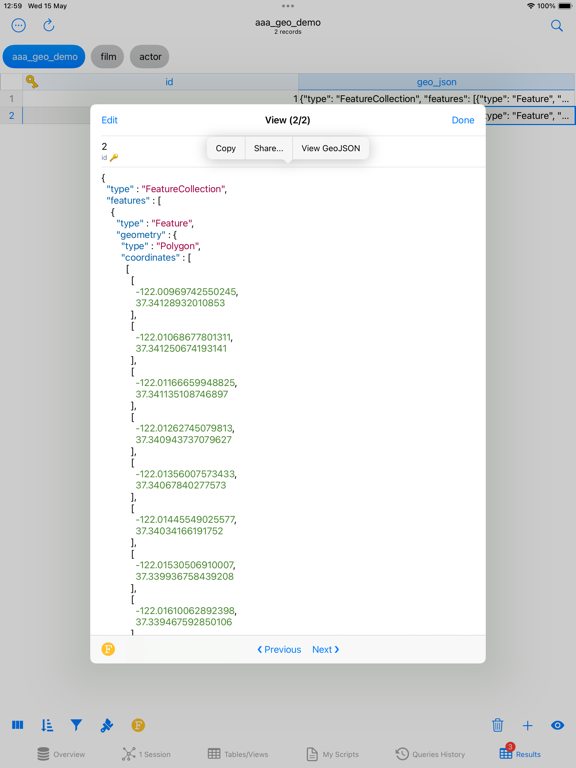
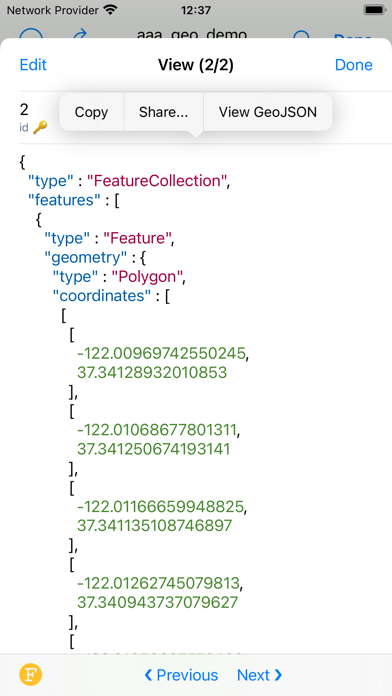
• Geometry/geography data viewer (only from table)
• Export data grid to CSV, JSON, HTML, SQLite, Excel and MSAccess(XML) format
• Export table to CSV, NDJson and SQLite format
• Import of CSV, SQLite and MSAccess(MDB/ACCDB) tables
• Browsing of DB structure within a query or a record editor
• iCloud Sync for saved query statements
• Shortcuts support
• Table/View updates in grid
• Job Activity Monitor
• JS script (with db access)
• Charts & Widgets
• OpenAI integration (requires your key - allowed regions only)
• Ollama integration (requires your server to connect to)
Tested on SQL Server 2012, 2017 and Azure SQL Database.
Does not support dynamic TCP port in conjunction with SSH tunnel.
For feedback or suggestions contact info@dbcompass.net

FEATURES:
• Connection with the SSH tunnel build-in with password or key authentication
• SSH authentication support Secure Enclave Key and U2F/FIDO NFC Key
• Table data: browse, filter, sort
• Table structure: rename and drop for tables and columns
• Pick FK value for foreign key field
• Free query with assisted composition and plan analysis
• View and Call Functions and Store Procedures
• View database and table information
• View and manage sessions
• View ER Diagram (interactive and with PNG/PDF export)
• View User list and Privileges
• Login information stored in (local or iCloud) KeyChain
• Table data: add, edit and delete record
• Blob preview and export
• Blob update (from iOS Photos or Files)
• Geometry/geography data viewer (only from table)
• Export data grid to CSV, JSON, HTML, SQLite, Excel and MSAccess(XML) format
• Export table to CSV, NDJson and SQLite format
• Import of CSV, SQLite and MSAccess(MDB/ACCDB) tables
• Browsing of DB structure within a query or a record editor
• iCloud Sync for saved query statements
• Shortcuts support
• Table/View updates in grid
• Job Activity Monitor
• JS script (with db access)
• Charts & Widgets
• OpenAI integration (requires your key - allowed regions only)
• Ollama integration (requires your server to connect to)
Tested on SQL Server 2012, 2017 and Azure SQL Database.
Does not support dynamic TCP port in conjunction with SSH tunnel.
For feedback or suggestions contact info@dbcompass.net
Show More
What's New in the Latest Version 28.0
Last updated on May 6, 2026
Old Versions
• New app icon and new iOS 26 UI
• New Auto-Commit option
• Drop iOS 15 support
• New Auto-Commit option
• Drop iOS 15 support
Show More
Version History
28.0
May 6, 2026
• New app icon and new iOS 26 UI
• New Auto-Commit option
• Drop iOS 15 support
• New Auto-Commit option
• Drop iOS 15 support
SQL Server Mobile Client PRO Price
Today:
$59.99
Lowest:
$8.99
Highest:
$59.99
SQL Server Mobile Client PRO FAQ
SQL Server Mobile Client PRO is available in regions other than the following restricted countries:
China
Check the following list to see the minimum requirements of SQL Server Mobile Client PRO.
iPhone
iPad
Click here to learn how to download SQL Server Mobile Client PRO in restricted country or region.