SQLiteFlow - SQLite Editor
Free
6.8.0for iPhone, iPad
Age Rating
SQLiteFlow - SQLite Editor Screenshots
About SQLiteFlow - SQLite Editor
Two-week free trial! So you can purchase SQLiteFlow after you know you like it! SQLiteFlow is an SQLite editor for Mac & iOS which is intuitive, stable and reliable to use.
It contains features as described below:
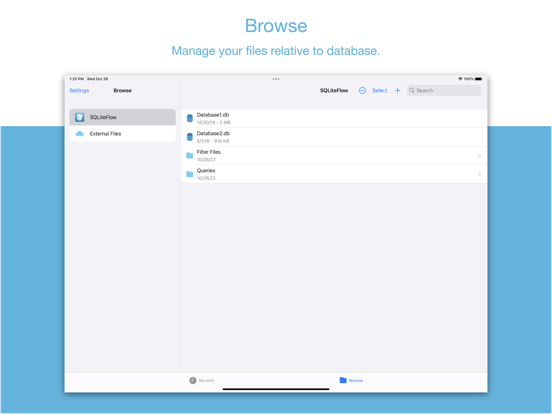
Browse
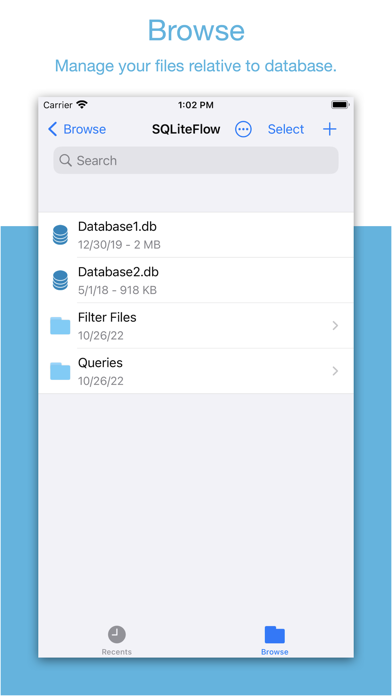
• Manage files. Supports add, remove, duplicate, rename folders, SQLite databases, SQL files, CSV files, etc.
• Supports import database from iCloud Drive by the file picker.
• Supports open external SQL files, CSV files and Filter files.
• Supports open external folders. Requires iOS 13.0 or iPadOS 13.0.
• Supports show recents files.
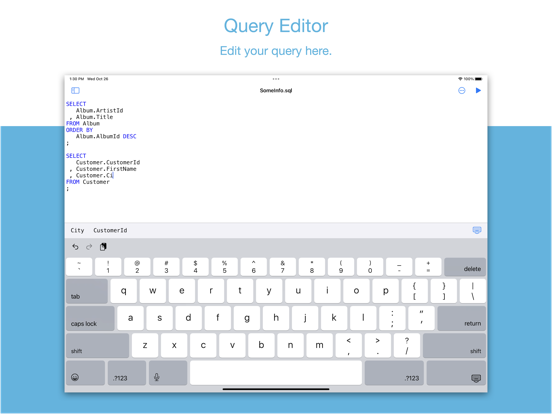
Query Editor
• Multi-query execution.
• Syntax highlighting.
• SQL auto-completion.
• Format query.
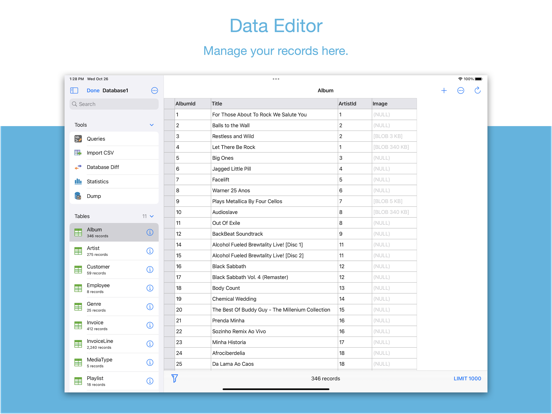
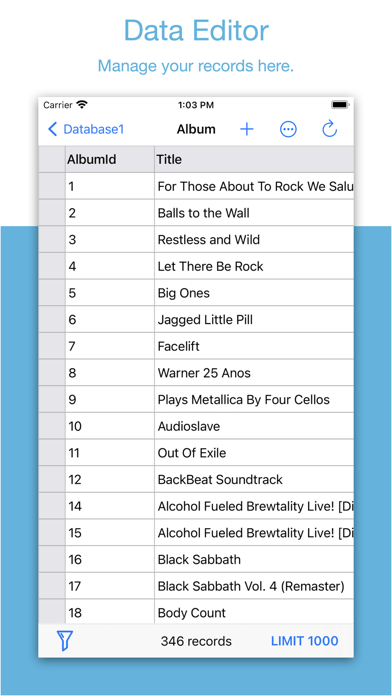
Data Editor
• View, edit or add table data.
• Multiple cells/rows/columns selection.
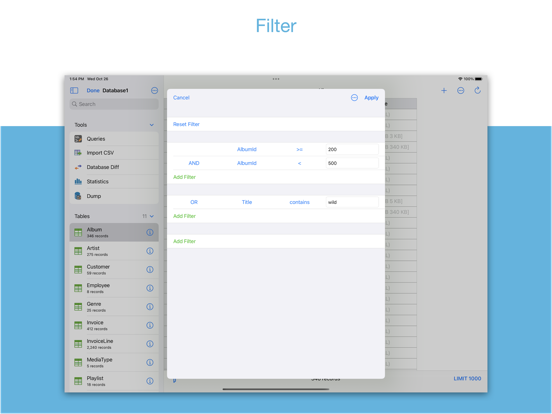
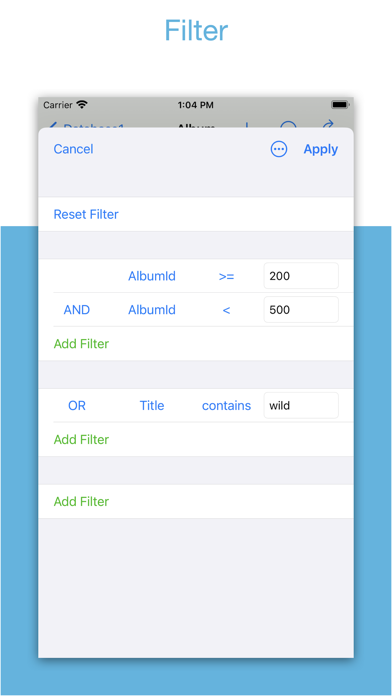
• View table data with a convenient filter.
• Sort records by tapping on column title.
• Edit blob data as hex or show it as preview if possible.
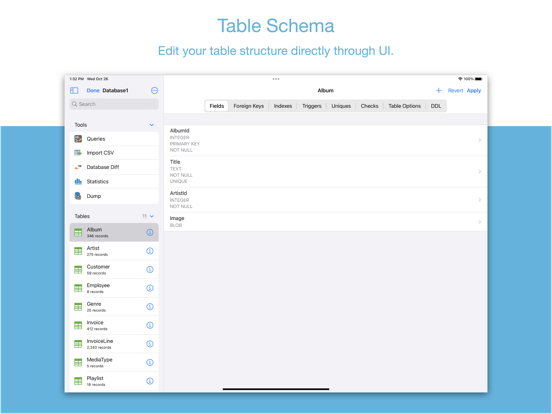
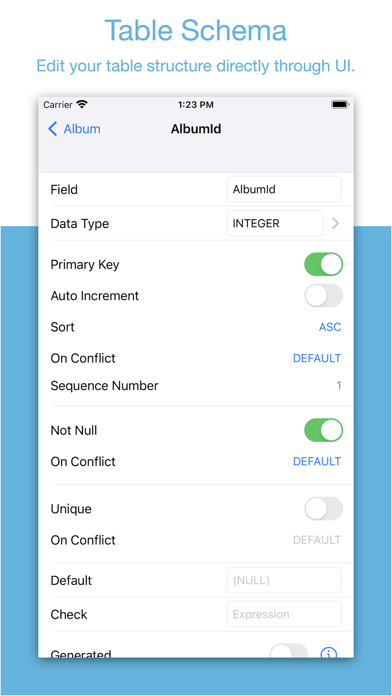
Alter Table
• View, edit or add table fields, indexes, foreign keys, checks.
• View triggers.
• View DDL.
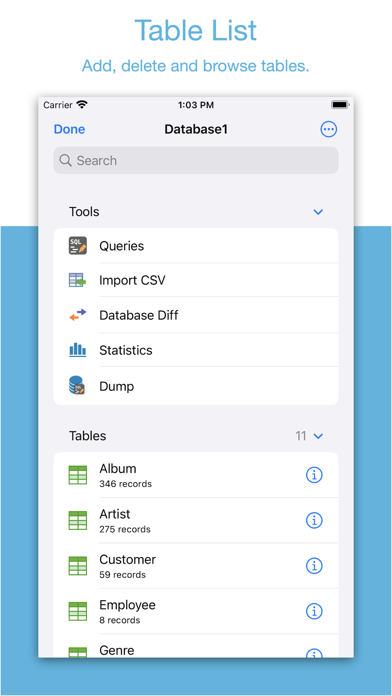
Table List:
• Supports display each table's name and records count.
Connect
• Supports let SQLiteFlow(macOS) connect databases in this app. One use case is that you can debug query performance issue on your iPhone or iPad directly through your Mac.
Drag and Drop
• Supports drag and drop to import or export SQLite databases and SQL files in iPad.
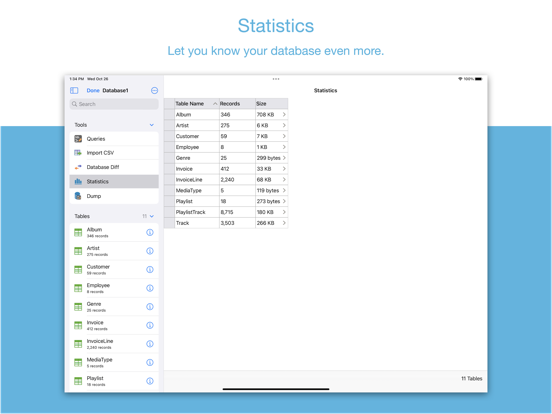
Database Statistics
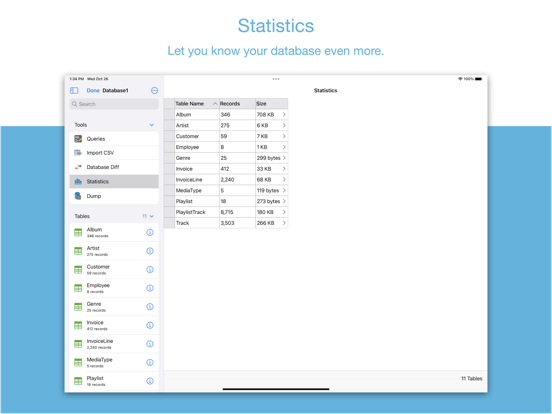
• Supports show records count of each table.
• Supports show total size of each table
• Supports show size of each table's content.
• Supports show size of each table's index.
This feature may help you get more insight about your SQLite databases' data storage information, which may let you see if there're any chances to let SQLite working in a more effective way in your device.
ER Diagram
• Supports display ER diagram.
• Supports toggle field type hide or show.
• Supports Relationship Guessing.
• Supports copy as Mermaid markdown.
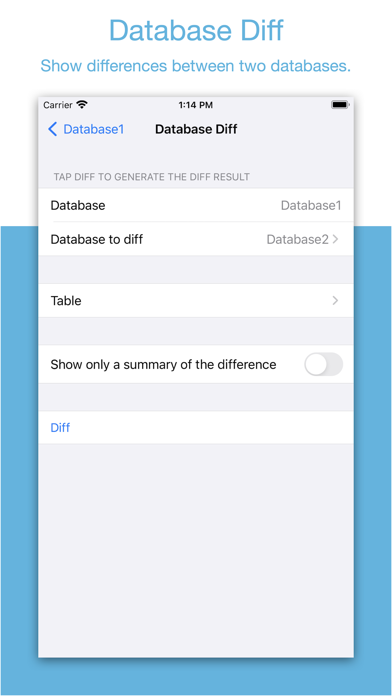
Database Diff
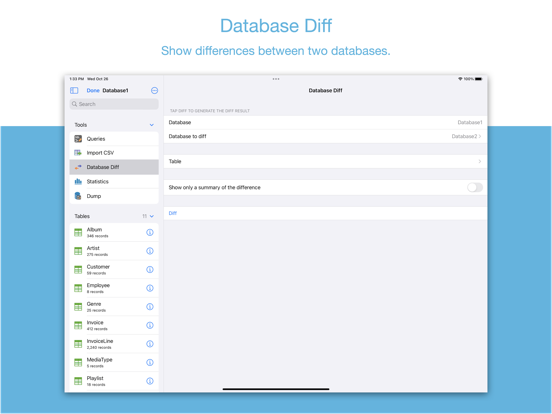
• Supports generate SQL text that can let you transform a database content into another.
• Supports show a summary of the differences between two databases.
Import
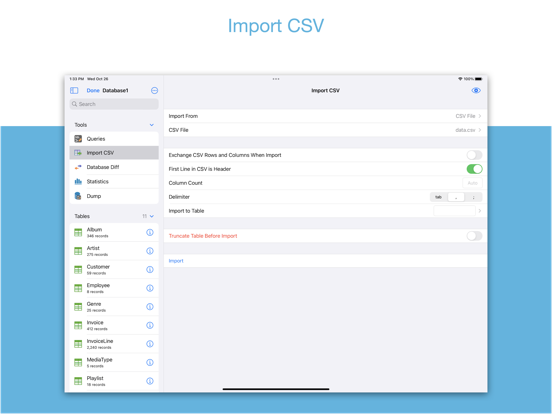
• Supports import CSV data.
• Supports import JSON data.
Export
• In Data Editor or Query Results, supports export data to CSV, JSON, Markdown or List.
• In Data Editor, supports export data to Insert Statement or Update Statement if possible.
Multiple Windows
• Supports multiple windows for iPadOS 13 or later.
Dark Mode
• Supports dark mode.
visionOS
• Supports visionOS.
Shortcuts
• Supports "Run Query" action.
• Supports "Import CSV" action.
• Supports "Import JSON" action.
Create Function
• Supports create scalar function using a simple JavaScript routine.
Terms of Use: https://www.apple.com/legal/internet-services/itunes/dev/stdeula/

It contains features as described below:
Browse
• Manage files. Supports add, remove, duplicate, rename folders, SQLite databases, SQL files, CSV files, etc.
• Supports import database from iCloud Drive by the file picker.
• Supports open external SQL files, CSV files and Filter files.
• Supports open external folders. Requires iOS 13.0 or iPadOS 13.0.
• Supports show recents files.
Query Editor
• Multi-query execution.
• Syntax highlighting.
• SQL auto-completion.
• Format query.
Data Editor
• View, edit or add table data.
• Multiple cells/rows/columns selection.
• View table data with a convenient filter.
• Sort records by tapping on column title.
• Edit blob data as hex or show it as preview if possible.
Alter Table
• View, edit or add table fields, indexes, foreign keys, checks.
• View triggers.
• View DDL.
Table List:
• Supports display each table's name and records count.
Connect
• Supports let SQLiteFlow(macOS) connect databases in this app. One use case is that you can debug query performance issue on your iPhone or iPad directly through your Mac.
Drag and Drop
• Supports drag and drop to import or export SQLite databases and SQL files in iPad.
Database Statistics
• Supports show records count of each table.
• Supports show total size of each table
• Supports show size of each table's content.
• Supports show size of each table's index.
This feature may help you get more insight about your SQLite databases' data storage information, which may let you see if there're any chances to let SQLite working in a more effective way in your device.
ER Diagram
• Supports display ER diagram.
• Supports toggle field type hide or show.
• Supports Relationship Guessing.
• Supports copy as Mermaid markdown.
Database Diff
• Supports generate SQL text that can let you transform a database content into another.
• Supports show a summary of the differences between two databases.
Import
• Supports import CSV data.
• Supports import JSON data.
Export
• In Data Editor or Query Results, supports export data to CSV, JSON, Markdown or List.
• In Data Editor, supports export data to Insert Statement or Update Statement if possible.
Multiple Windows
• Supports multiple windows for iPadOS 13 or later.
Dark Mode
• Supports dark mode.
visionOS
• Supports visionOS.
Shortcuts
• Supports "Run Query" action.
• Supports "Import CSV" action.
• Supports "Import JSON" action.
Create Function
• Supports create scalar function using a simple JavaScript routine.
Terms of Use: https://www.apple.com/legal/internet-services/itunes/dev/stdeula/
Show More
What's New in the Latest Version 6.8.0
Last updated on Mar 14, 2026
Old Versions
• Table Schema. Avoid generating same default new field name when adding new fields.
• Table Schema. When remove a column through UI, if this column has a single-column unique constraint, this unique constraint will be removed alongside with this column to avoid further alter table grammar error.
Show More
Version History
6.8.0
Mar 14, 2026
• Table Schema. Avoid generating same default new field name when adding new fields.
• Table Schema. When remove a column through UI, if this column has a single-column unique constraint, this unique constraint will be removed alongside with this column to avoid further alter table grammar error.
SQLiteFlow - SQLite Editor FAQ
Click here to learn how to download SQLiteFlow - SQLite Editor in restricted country or region.
Check the following list to see the minimum requirements of SQLiteFlow - SQLite Editor.
iPhone
iPad