Age Rating
4+
Apps in this category do not contain restricted content.
9+
Apps in this category may contain mild or occasional cartoon, fantasy or real-life violence, as well as occasional or mild adult, sexually suggestive or horrifying content and may not be suitable for children under 9 years of age.
12+
Apps in this category may contain occasional mild indecent language, frequent or intense cartoon or real-life violence, minor or occasional adult or sexually suggestive material, and simulated gambling, and may be for children under 12 years of age.
17+
You must be at least 17 years old to access this App.
Apps in this category may contain frequent and intense offensive language; Frequent and intense cartoon, fantasy or realistic violence: frequent and intense adult, scary and sexually suggestive subjects: as well as sexual content, nudity, tobacco, alcohol and drugs, may not be suitable for children under 17 years of age.
SrcpClient Screenshots
SrcpClient posterSrcpClient posterSrcpClient posterSrcpClient posterSrcpClient posterSrcpClient posterSrcpClient posterSrcpClient poster
SrcpClient posterSrcpClient posterSrcpClient posterSrcpClient poster

About SrcpClient

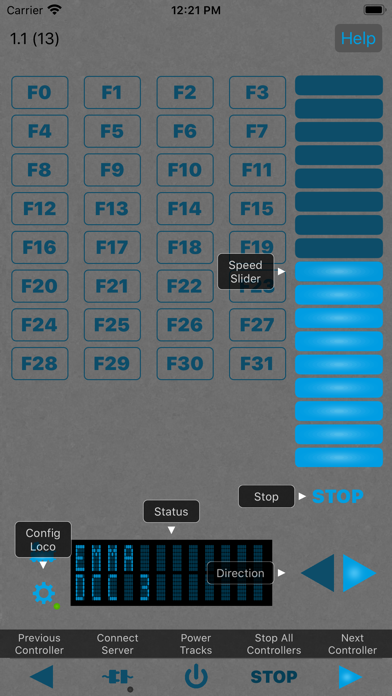
The SRCP Client is a mobile controller for model railways

Features:
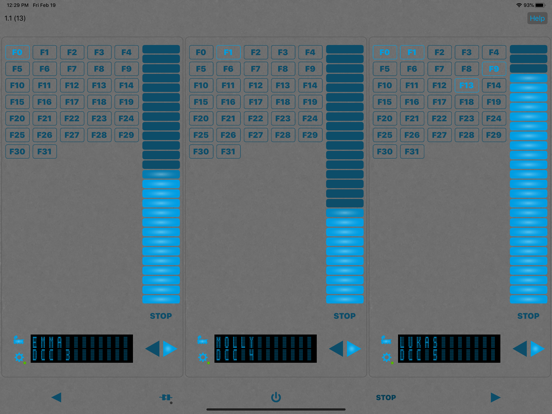
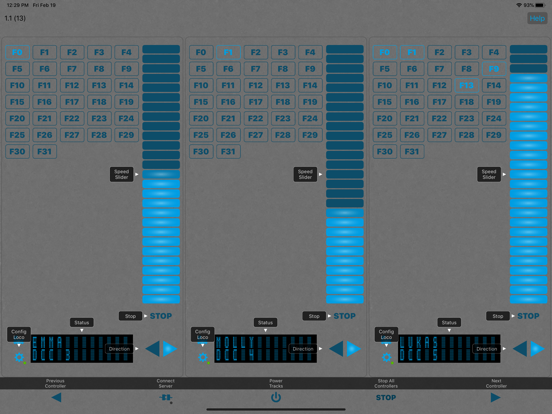
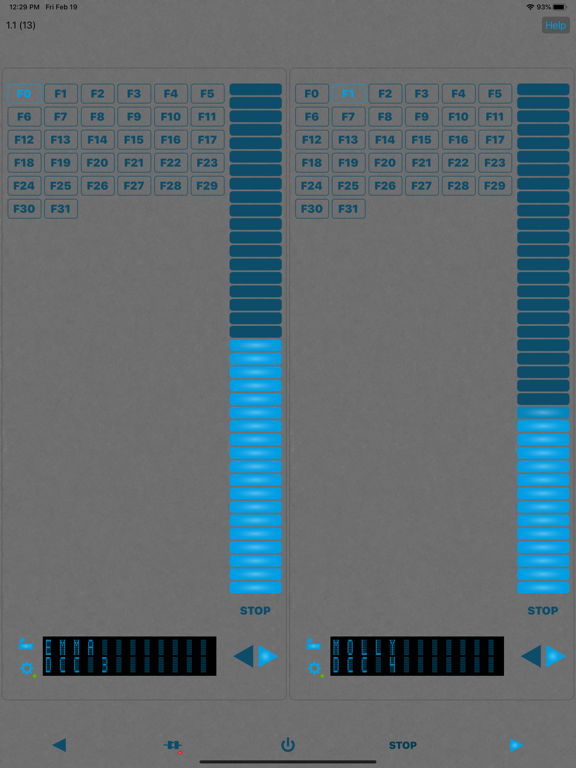
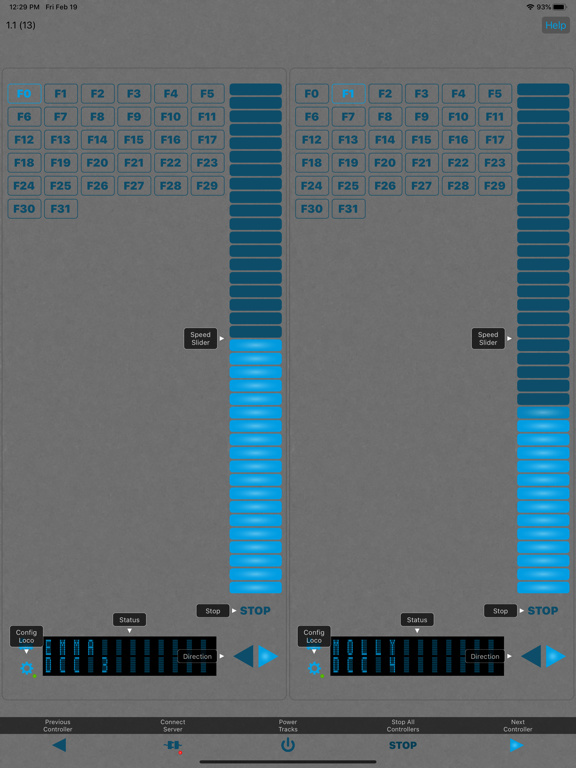
- 3 locomotive controllers can be used in parallel
- All 3 controllers visible on iPad landscape format
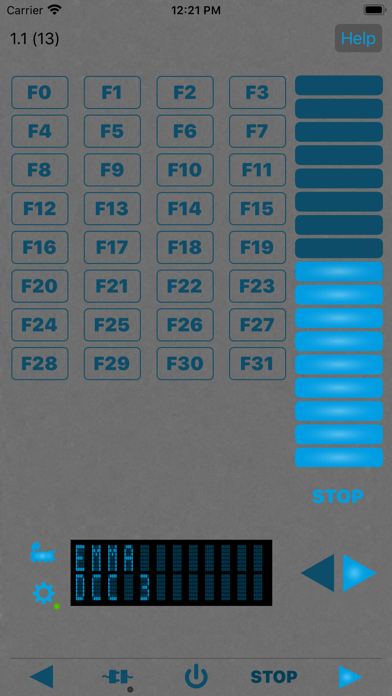
- Speed ​​controller via slider
- Access to all functions via buttons

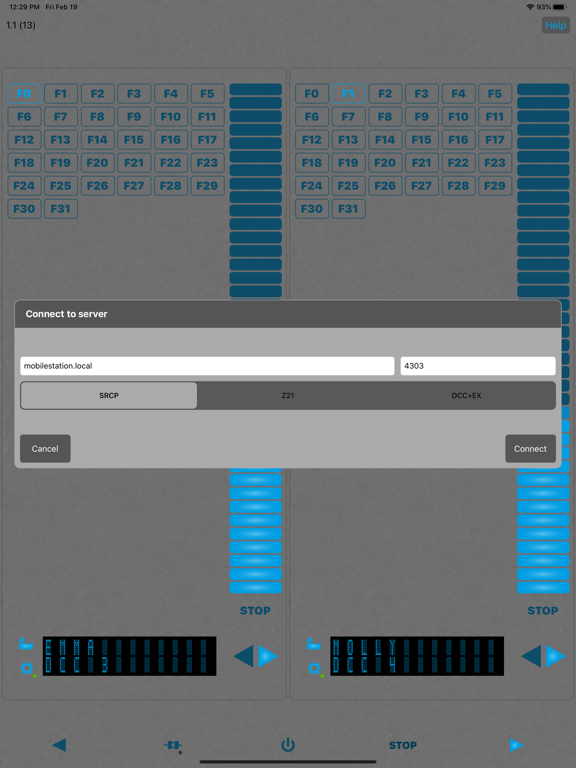
Protocols:
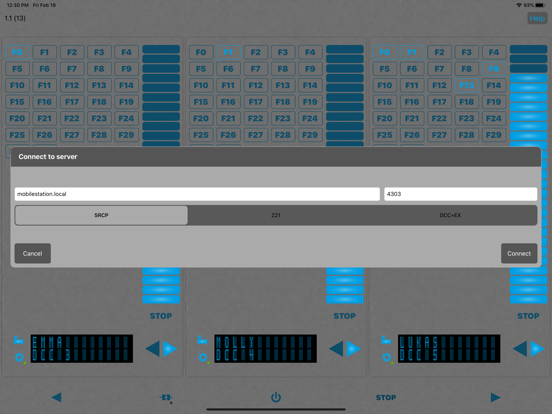
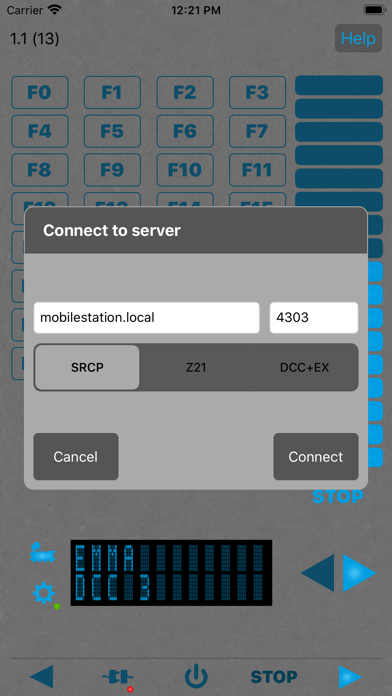
- SRCP including MFX extension
- Z21 from Fleischmann / Roco
- WiThrottle as used e.g. in JMRI or DCC++EX
- DCC++EX

The SRCP client for iOS can primarily connect to control centrals supporting the SCRP protocol. As a special feature, the SRCP client also supports the Z21 protocol and the WiThrottle protocol as used e.g. DCC++EX, even if these two protocols are not SRCP protocols.

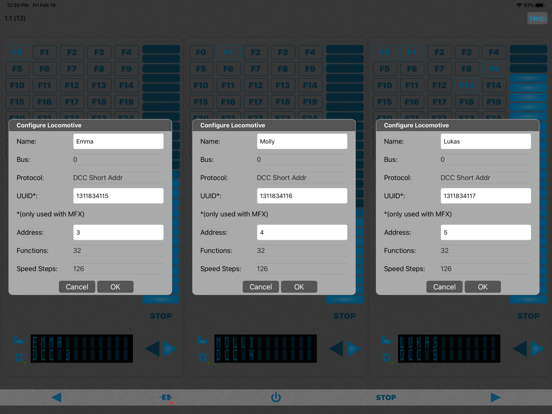
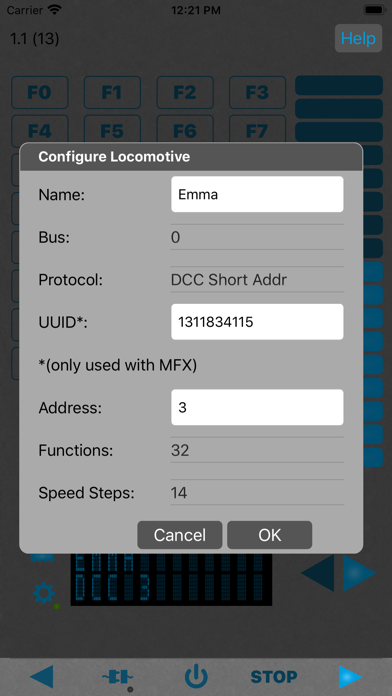
Up to 3 locomotives are currently supported at the same time. The app is primarily designed as a mobile locomotive controller. Speed ​​and the functions of locomotives can be used.

Only one controller at the dame time can be displayed on an iPhone, but it can be switched back and forth between the three controllers. All three controllers are displayed simultaneously on an iPad in landscape.

More information at https://io-expert.com/srcpclientios

Show More

What's New in the Latest Version 1.3

Last updated on Jan 8, 2023
Old Versions
Fixed issue with iOS16
Show More
Version History
1.3
Jan 8, 2023
Fixed issue with iOS16

SrcpClient FAQ

Click here to learn how to download SrcpClient in restricted country or region.
Check the following list to see the minimum requirements of SrcpClient.
iPhone
iPad

SrcpClient Alternative

You May Also Like

Get more from Manuel Schreiner