SRTool

SRTool


Editing subtitles easy


FreeOffers In-App Purchases

1.4.0for iPhone, iPad and more
8.7
9 Ratings
Jozsef Szigeti
Developer
1.8 MB
Size
Jan 14, 2024
Update Date
Utilities
Category
4+
Age Rating
Age Rating
4+
Apps in this category do not contain restricted content.
9+
Apps in this category may contain mild or occasional cartoon, fantasy or real-life violence, as well as occasional or mild adult, sexually suggestive or horrifying content and may not be suitable for children under 9 years of age.
12+
Apps in this category may contain occasional mild indecent language, frequent or intense cartoon or real-life violence, minor or occasional adult or sexually suggestive material, and simulated gambling, and may be for children under 12 years of age.
17+
You must be at least 17 years old to access this App.
Apps in this category may contain frequent and intense offensive language; Frequent and intense cartoon, fantasy or realistic violence: frequent and intense adult, scary and sexually suggestive subjects: as well as sexual content, nudity, tobacco, alcohol and drugs, may not be suitable for children under 17 years of age.
SRTool Screenshots
SRTool posterSRTool posterSRTool posterSRTool posterSRTool poster

About SRTool

SRTool has simple yet powerful features, helping you to be more productive and focus on the things that really matter.
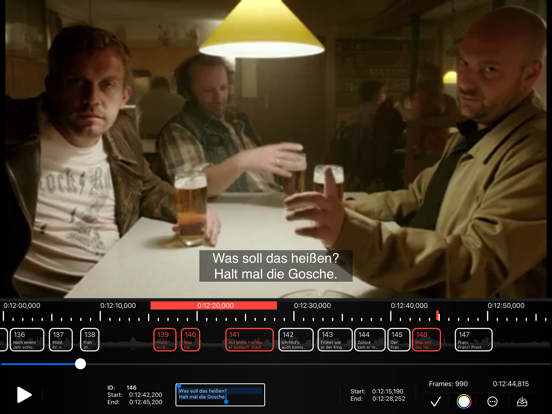
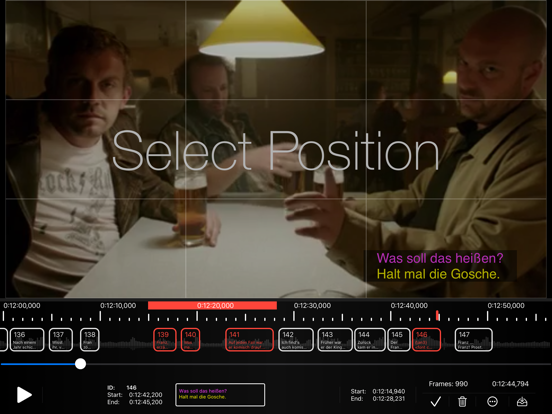
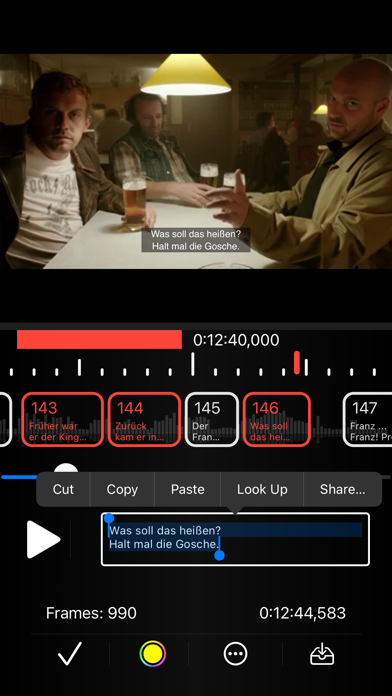
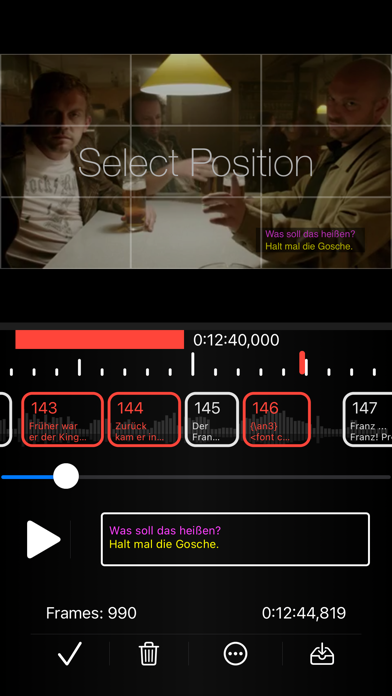
This is a lightweight and easy-to-use subtitle editor for srt files. Create subtitles from scratch or import your existing ones, set colors and font attributes, or select the position of each frame. The built-in video view and the timeline will support you to create frames with accurate timings. Once you are done, you can also export your video with hard subtitle - this function is offered as In-App Purchase.

Show More

What's New in the Latest Version 1.4.0

Last updated on Jan 14, 2024
Old Versions
- Added frame split function
Show More
Version History
1.4.0
Jan 14, 2024
- Added frame split function
1.3.8
Dec 4, 2023
- Fixes a problem where the frames were not editable if the edited frame's start time was euqal with the previous frame.
- Updated Website URL.
1.3.7
Mar 21, 2023
You can now change the playback speed
1.3.6
Jan 4, 2023
- Added m4v support.
1.3.5
Apr 12, 2022
Minor underhood changes.
1.3.4
Dec 3, 2021
Changed:
- Improved scrolling.
1.3.3
Aug 14, 2021
Fixed Bugs:
- The app may have crashed immediately on iPadOS after launching
- Play / Pause did not behave right
1.3.2
Jul 30, 2021
- Added Redo and Redo buttons to the Timeline actions menu in iOS
- You can now create unlimited long selections: Set the desired selection start with setting the cursor on the time line, the go to the desired selection end, and set the cursor but now with a long press: Your selection is done.
1.3.1
Jul 24, 2021
Added Undo and Redo actions: You can undo and redo every modifications on the timeline.
1.3.0
Jul 22, 2021
Added sound wave view for local videos.
1.2.2
Jun 28, 2021
Added:
- Proper and unique About menu

Changed:
- The restore procedure is interruptable, the app may stucks if you did not buy the full version earlier
 
Fixed:
- If you tried close a sheet on iPad with "X" the app did crash
1.2.1
Jun 25, 2021
Added features:
- Creating hard subs: You can now "burn" subtitles on your video

Changed:
- Reduced play controls visibility to 2 seconds
- Using partial sheets on iOS

Fixed:
- A timeline magnification gesture may disabled cursor interaction
- The positioned subtitles had a wrong position when a HLS stream was imported
- Removed bug that added extra lines on the end of the file
- The layout of the player view was unresponsive
- It was unable to import local mp4 files with uppercase extension
- The timeline had a negative start time after returning from full size player
1.1.0
Jun 8, 2021
Changes:
- Improved autofilling of the editor textfield.
- The cursor is visible when switching back to the timeline
- Simplified options menu

Added Features:
- Subtitles are now positionable
- Changeable color of a selected range of text.
- You can add bold, italic, and underlined attributes to a selected range of the text.
- Removable formating of a frame
1.0.9
May 22, 2021
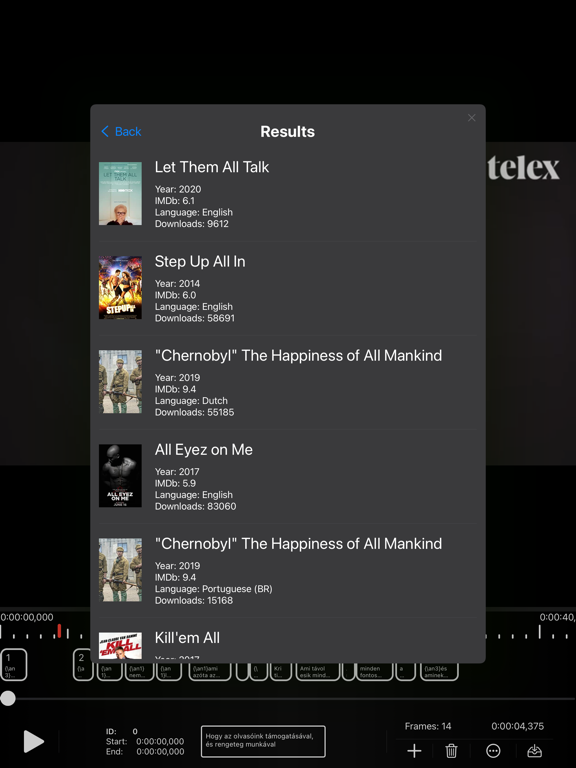
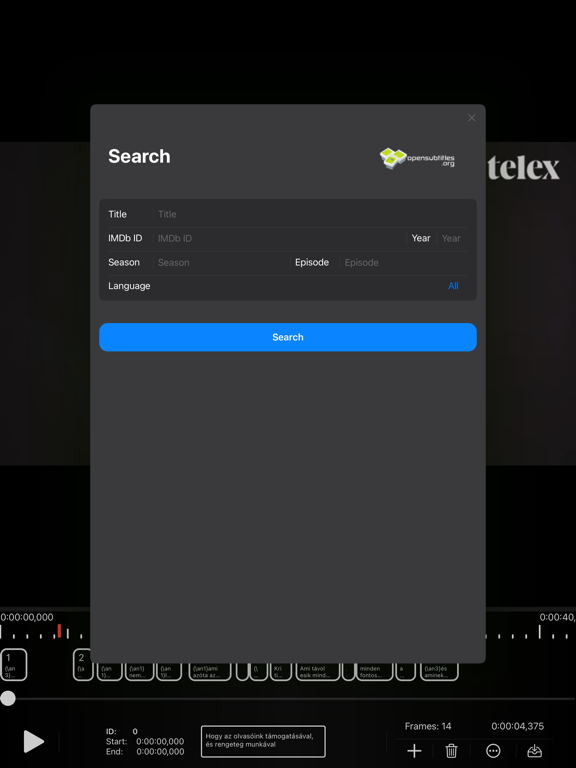
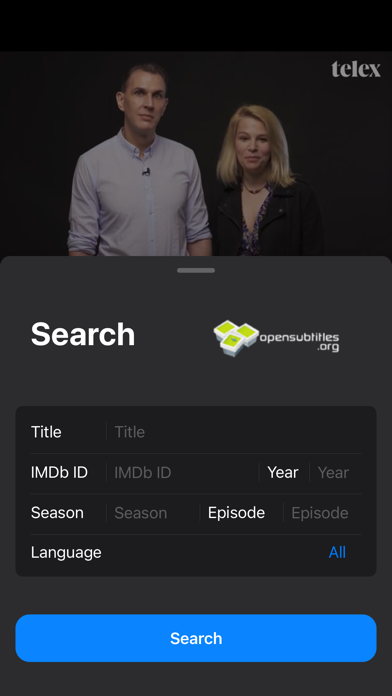
- Added OpenSubtitles search and import function
1.0.7
May 9, 2021
- Fullscreen video function
- Controls for timing shifting of a selection or of the whole file
- Import video file from a network location using the clipboard
1.0.6
May 1, 2021

SRTool FAQ

Click here to learn how to download SRTool in restricted country or region.
Check the following list to see the minimum requirements of SRTool.
iPhone
Requires iOS 14.0 or later.
iPad
Requires iPadOS 14.0 or later.
Mac
Requires macOS 11.0 or later.
iPod touch
Requires iOS 14.0 or later.
SRTool supports English
SRTool contains in-app purchases. Please check the pricing plan as below:
Full version
$2.99

SRTool Alternative

You May Also Like