Age Rating
4+
Apps in this category do not contain restricted content.
9+
Apps in this category may contain mild or occasional cartoon, fantasy or real-life violence, as well as occasional or mild adult, sexually suggestive or horrifying content and may not be suitable for children under 9 years of age.
12+
Apps in this category may contain occasional mild indecent language, frequent or intense cartoon or real-life violence, minor or occasional adult or sexually suggestive material, and simulated gambling, and may be for children under 12 years of age.
17+
You must be at least 17 years old to access this App.
Apps in this category may contain frequent and intense offensive language; Frequent and intense cartoon, fantasy or realistic violence: frequent and intense adult, scary and sexually suggestive subjects: as well as sexual content, nudity, tobacco, alcohol and drugs, may not be suitable for children under 17 years of age.
String Works Screenshots
String Works posterString Works posterString Works posterString Works poster

About String Works

Have you ever typed a lengthy text or Social Media comment only to realize it was in all caps? You then had to erase it all and retype it, right? Not anymore! With String Works, it is extremely fast and easy to make all kinds of text transformations! All you have to do is open the app, click the paste button in the app and you’re done!

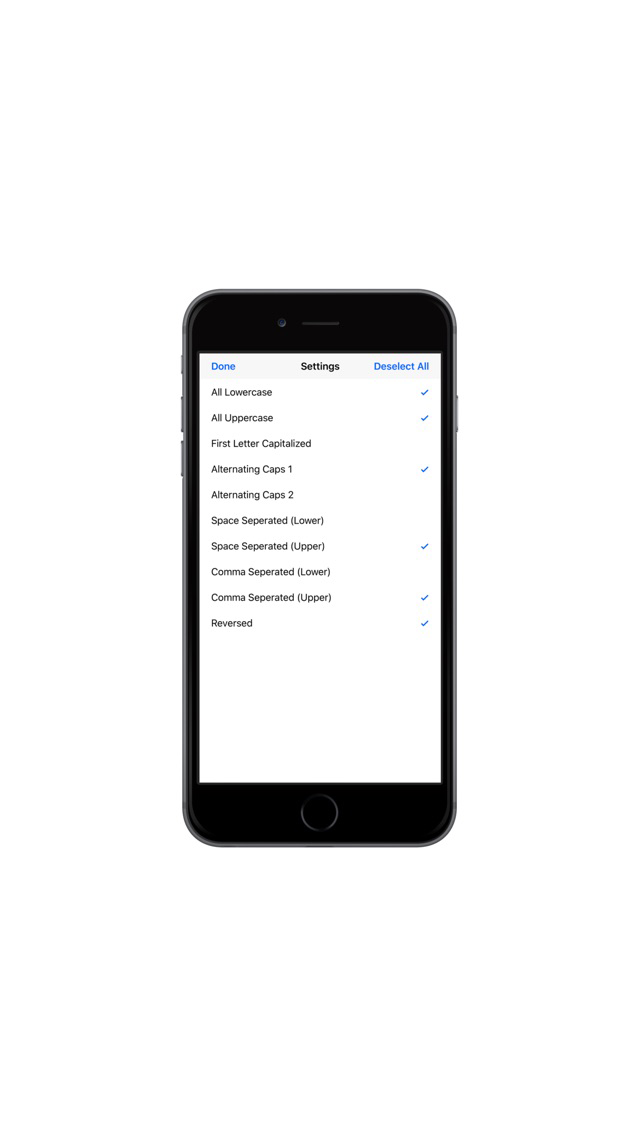
String Works has an arsenal of useful and convenient text transformations that you can choose from. If you only need a few, you can even customize which ones you want to display! Your preferences will always be there when you open the app again.

Using String Works is hassle-free. Copy and Paste buttons are built in so you don’t have to try and double tap and hold to bring up the copy and paste menu.

String Works is perfect for anyone who types anything on their iPhones!


What does each Menu item do?

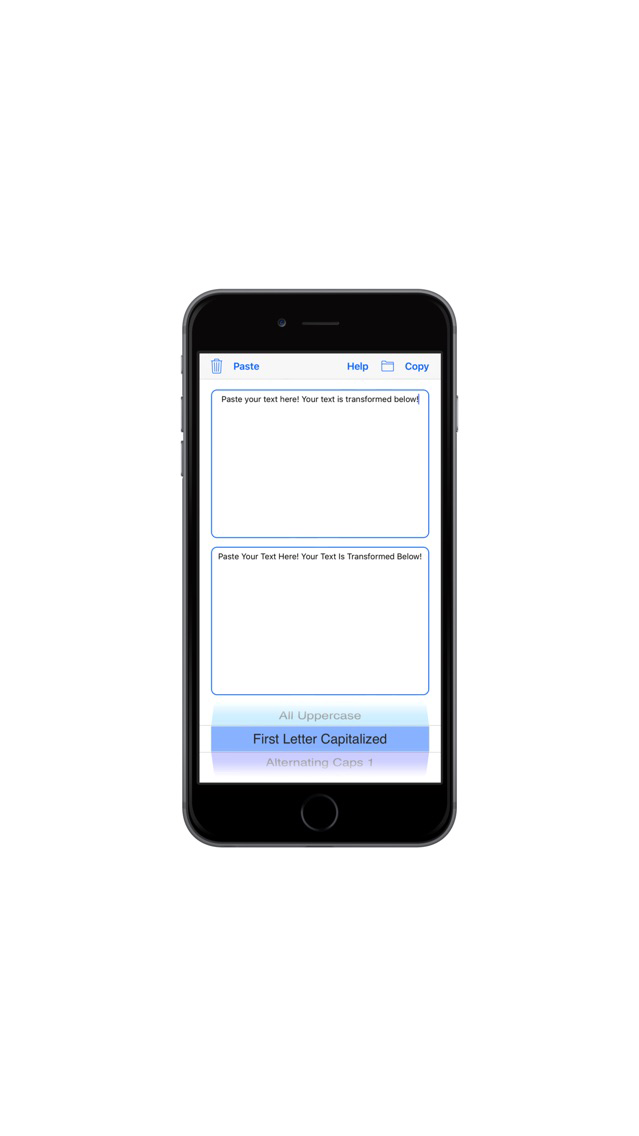
The Trash Can button clears the input box.

The Paste button pastes whatever you have copied into the input box.

The Folder button opens up all the operations to choose from.

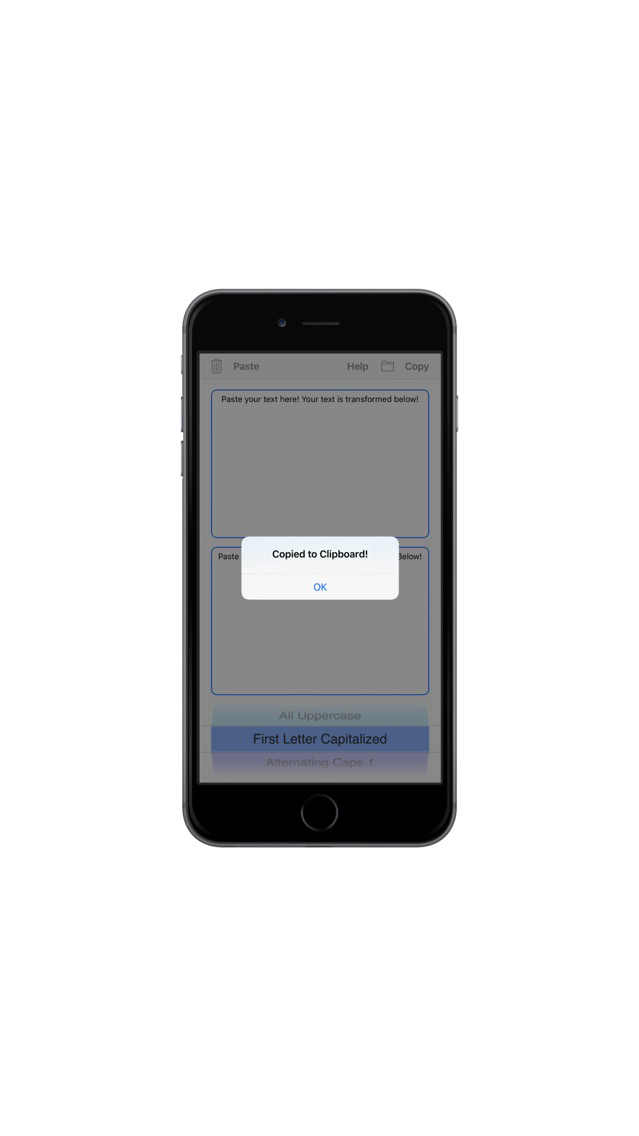
The Copy button copies the contents of the bottom box to your clipboard.


How to use String Works:

1. Type or paste your text into the top
most box.

2. Find the operation that you need with
the wheel on the bottom.

3. Click the Copy button to copy the
output text to your clipboard.

4. Paste it wherever you want! In or
outside the app.


Tip: If you only want to use a select number of operations, you can choose which operations show up by tapping the Folder button! Whichever operations you choose, those operations will be saved and there for you every time you use the app.

Show More

What's New in the Latest Version 1.1

Last updated on Dec 29, 2017
Old Versions
Changed Deployment Version to iOS 10.0 due to many users not upgrading to iOS 11+, which led to fewer downloads.
Show More
Version History
1.1
Dec 12, 2017
Changed Deployment Version to iOS 10.0 due to many users not upgrading to iOS 11+, which led to fewer downloads.

String Works FAQ

Click here to learn how to download String Works in restricted country or region.
Check the following list to see the minimum requirements of String Works.
iPhone
String Works supports English

String Works Alternative

You May Also Like

Get more from Akash Kundu