Studio Timer Pro

Studio Timer Pro


$3.99

1.1for iPhone, iPad
Age Rating
4+
Apps in this category do not contain restricted content.
9+
Apps in this category may contain mild or occasional cartoon, fantasy or real-life violence, as well as occasional or mild adult, sexually suggestive or horrifying content and may not be suitable for children under 9 years of age.
12+
Apps in this category may contain occasional mild indecent language, frequent or intense cartoon or real-life violence, minor or occasional adult or sexually suggestive material, and simulated gambling, and may be for children under 12 years of age.
17+
You must be at least 17 years old to access this App.
Apps in this category may contain frequent and intense offensive language; Frequent and intense cartoon, fantasy or realistic violence: frequent and intense adult, scary and sexually suggestive subjects: as well as sexual content, nudity, tobacco, alcohol and drugs, may not be suitable for children under 17 years of age.
Studio Timer Pro Screenshots
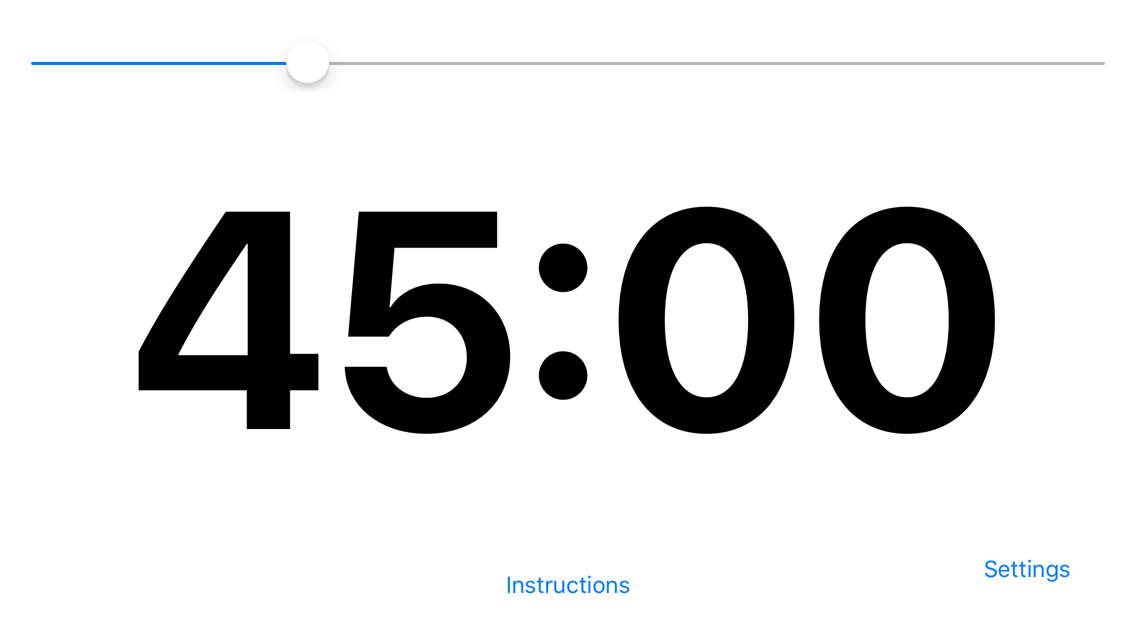
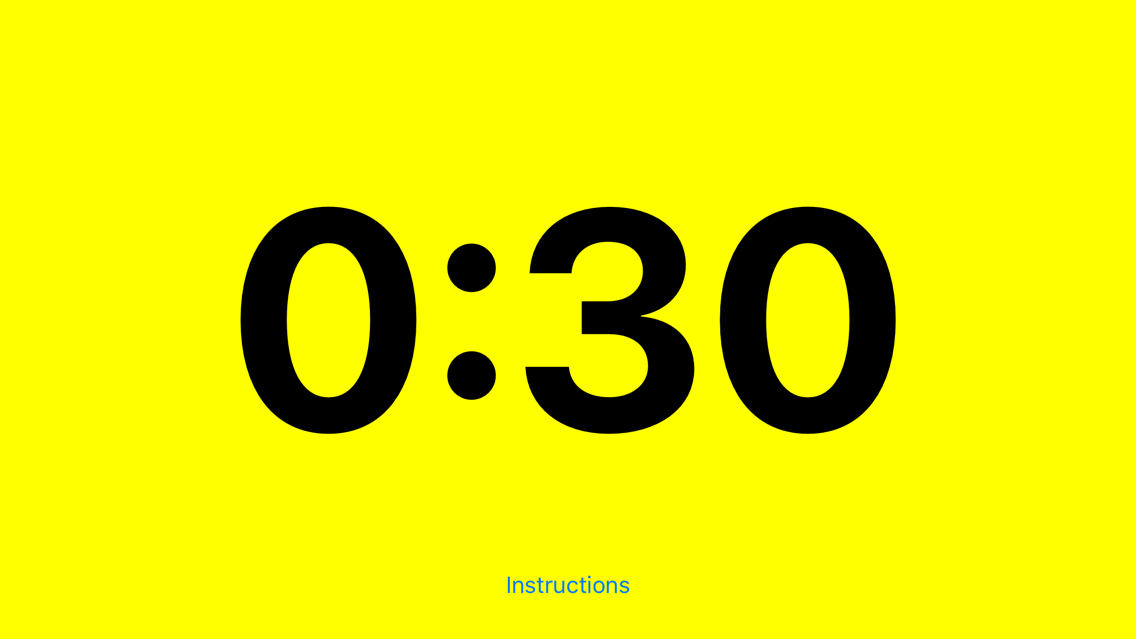
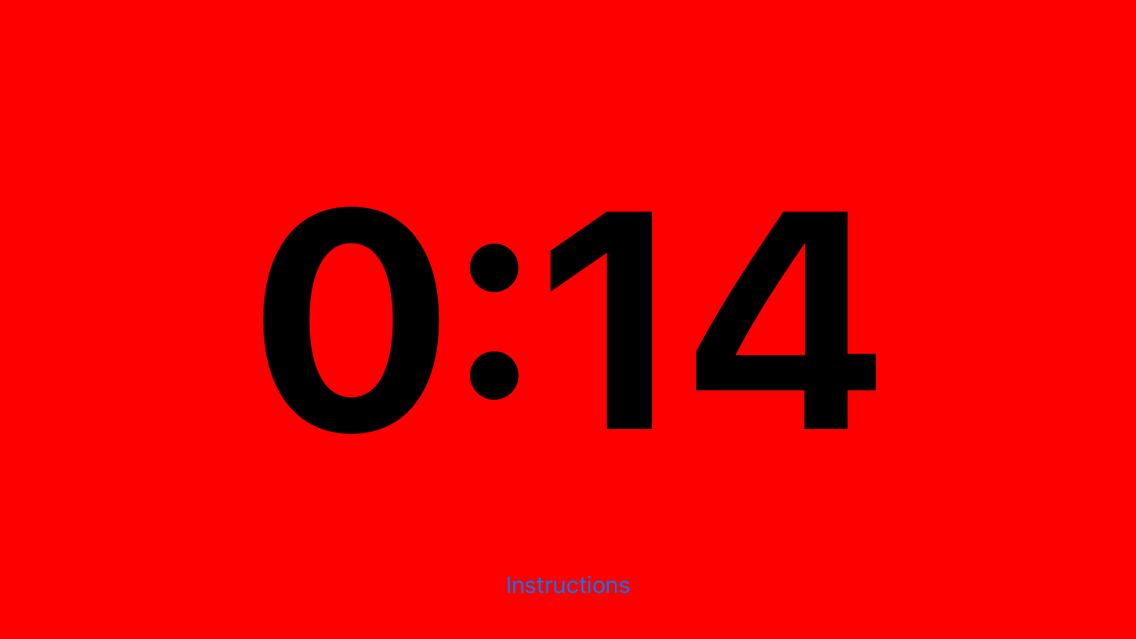
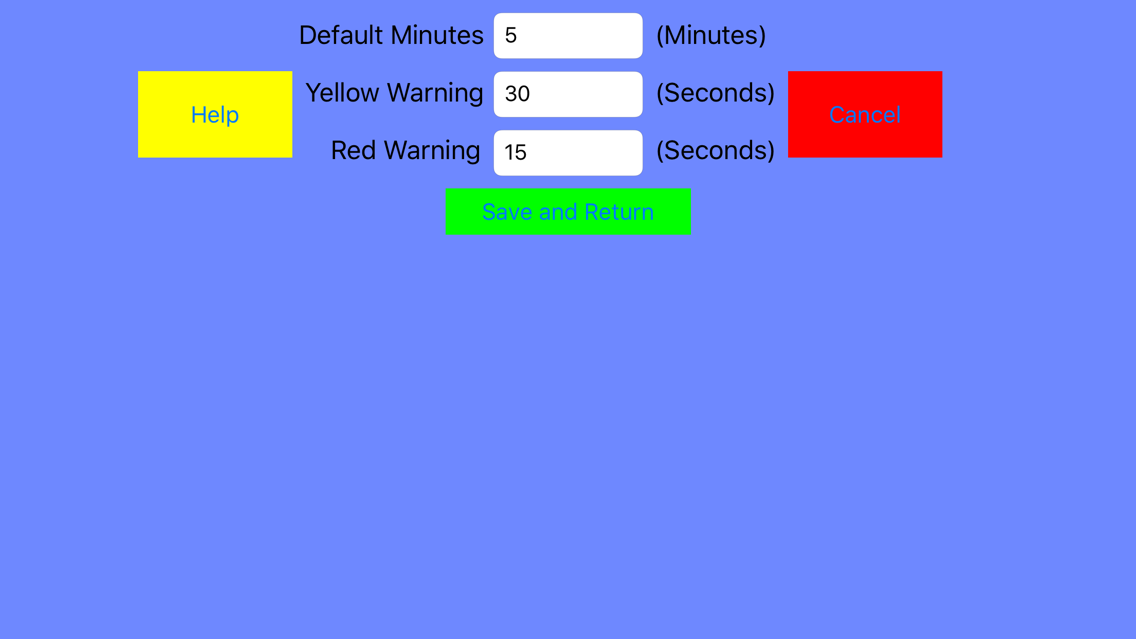
Studio Timer Pro posterStudio Timer Pro posterStudio Timer Pro posterStudio Timer Pro poster

About Studio Timer Pro

Studio Timer Pro is for anyone recording videos, sketches, speeches or interviews to help keep your talent as close to the time for the segment as possible, saving you editing time later!

Real studio timers cost hundreds of $$$ which is outside the budget of most home studios - use this instead for a fraction of the price!

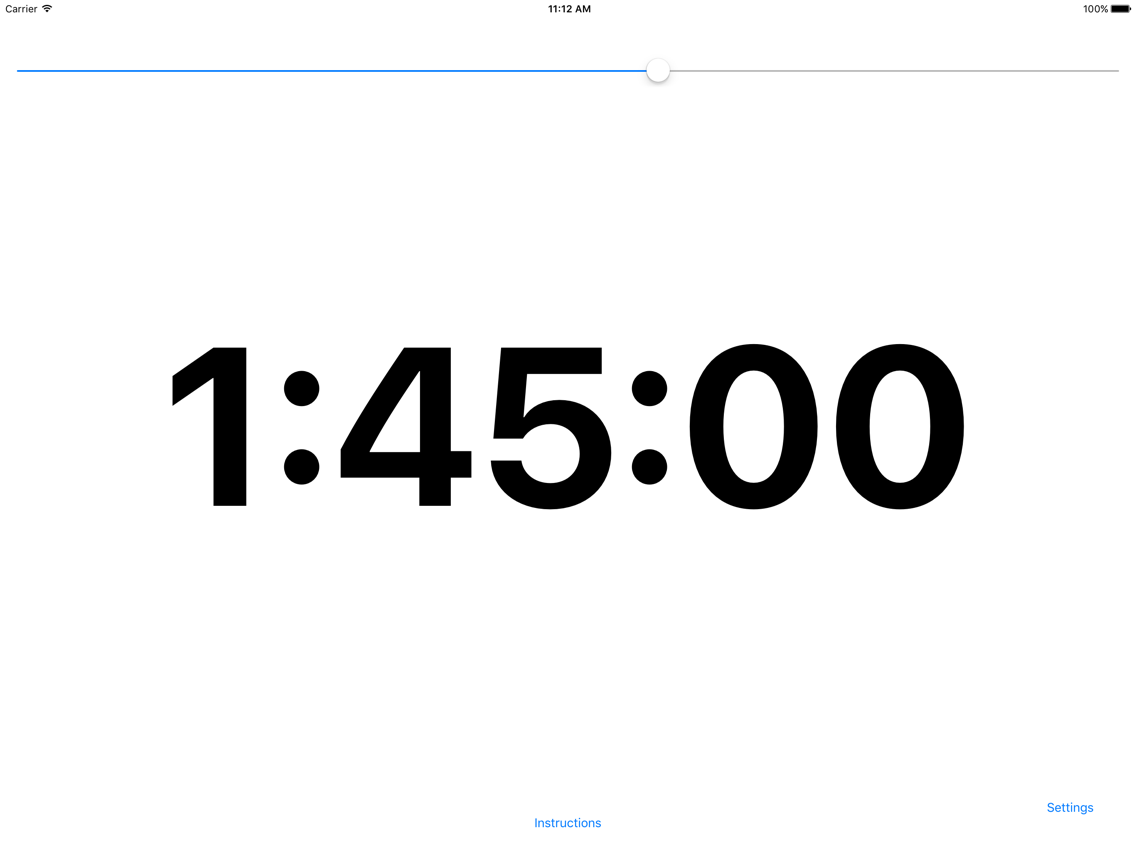
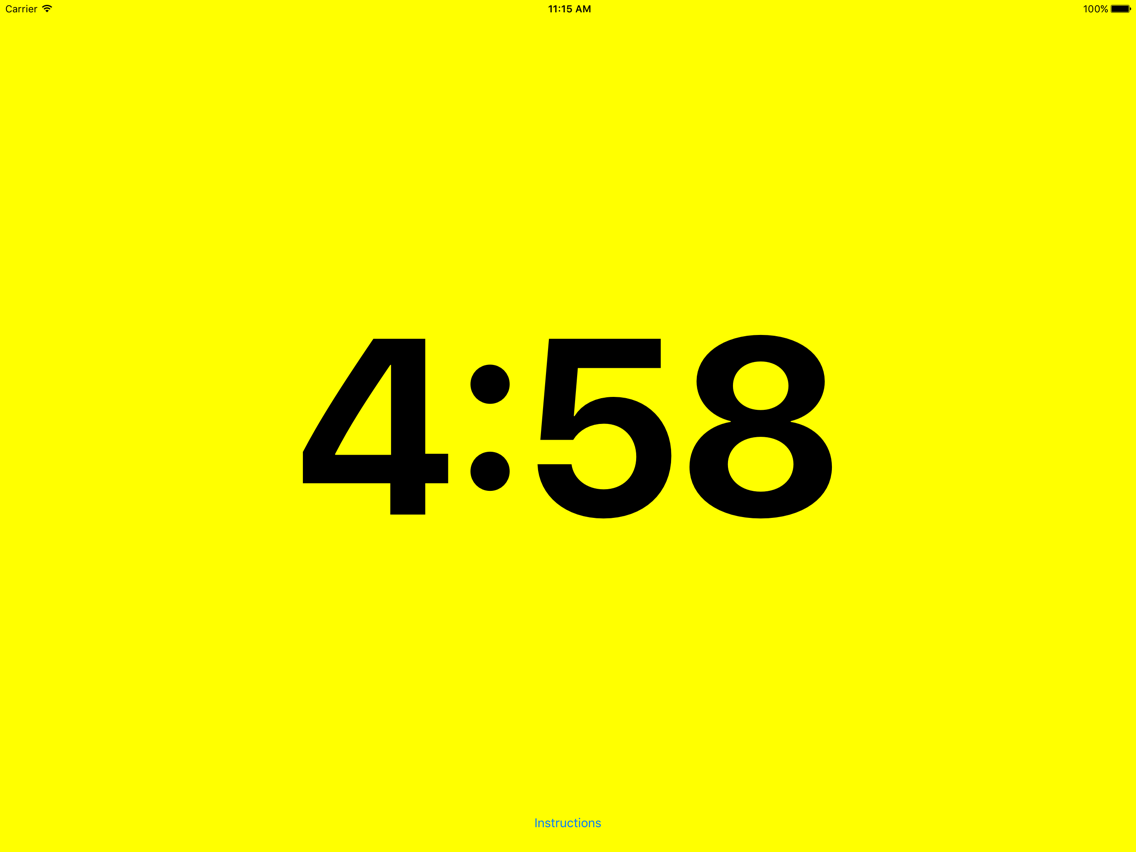
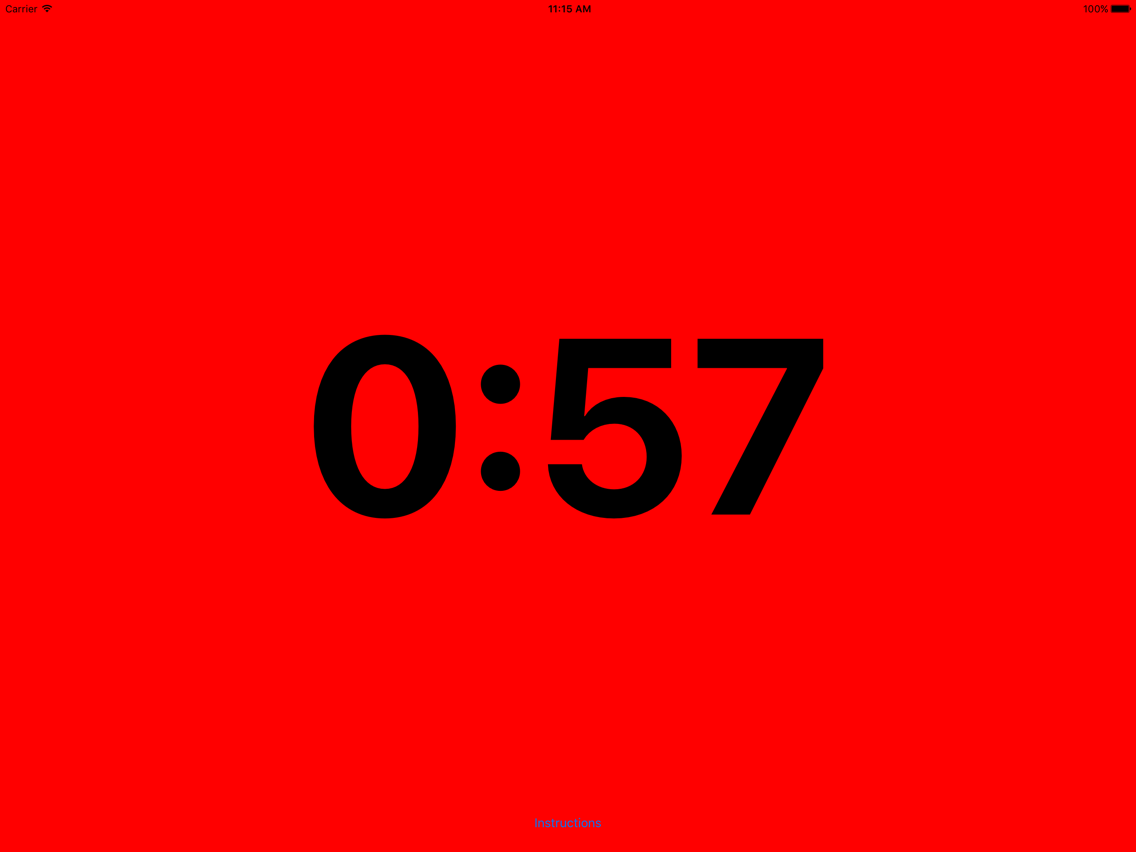
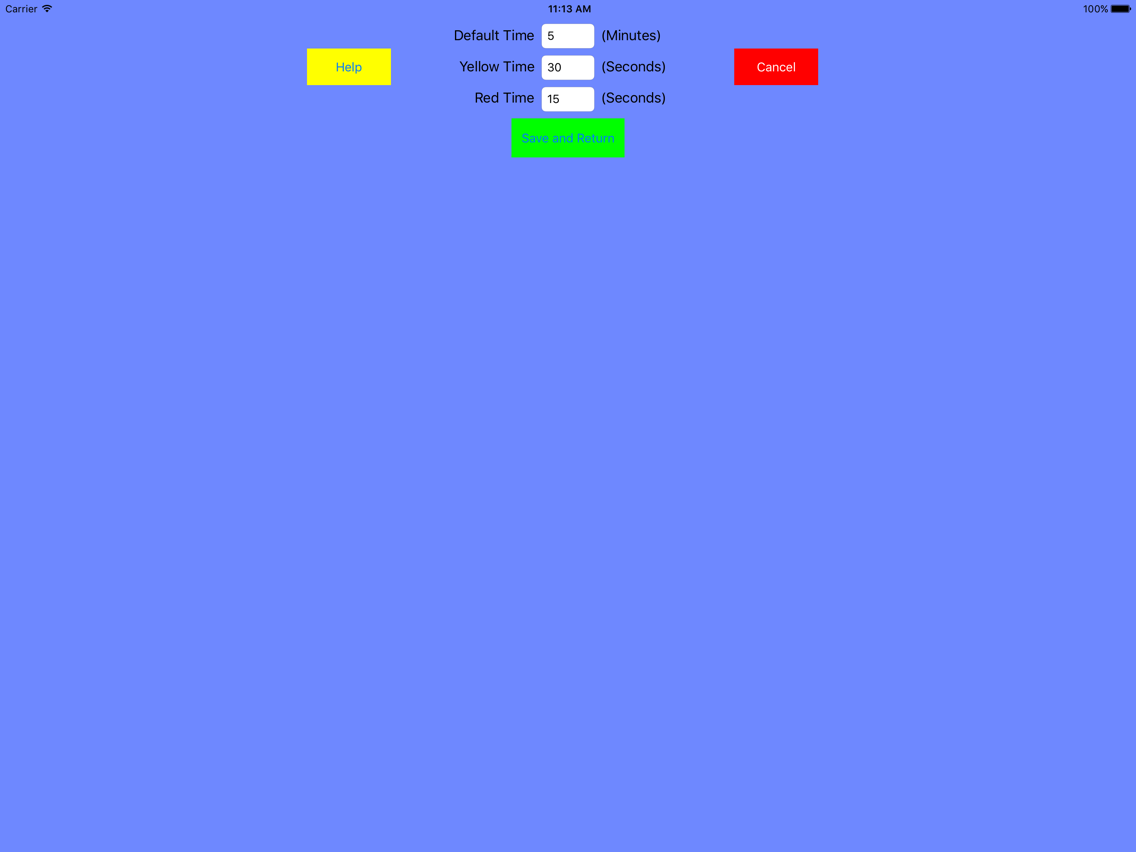
Simple intuitive operation via various tap combinations and as time runs out the screen changes color to give your talent a clear indication of the end of the segment. First change to yellow and then to red and the times the color changes occur are configurable in the settings screen.

Set the time of your segment with the slider (or the default time on the settings screen) - anything from one minute to three hours and start your timer with a single tap. Time display is in a big bold font which adjusts itself for iPhone or iPad.

Turn yellow at your specified time and then red. Over time is displayed as negative numbers, as is customary, and the background will remain red.

A two finger double tap will stop your timer and a three finger tap will stop and reset it.

We place ours on a music stand by a camera for easy viewing and because of the simple tap based system your cameraman or floor manager can operate it easily even from behind.

We wrote this because we needed one badly and we already have ideas for improvements so this will be an evolving app. We also welcome any users ideas to be included in later versions.

We hope you will find as useful as we already do!

Show More

What's New in the Latest Version 1.1

Last updated on Jul 20, 2019
Old Versions
Updated for iOS 12.2 and latest devices.
Show More
Version History
1.1
Jul 20, 2019
Updated for iOS 12.2 and latest devices.
1.0
Jan 15, 2016
This update is signed with Apple’s latest signing certificate. No new features are included.

Studio Timer Pro FAQ

Click here to learn how to download Studio Timer Pro in restricted country or region.
Check the following list to see the minimum requirements of Studio Timer Pro.
iPhone
iPad
Studio Timer Pro supports English

Studio Timer Pro Alternative

You May Also Like

Get more from Andrew Jennings