Sun Mapper
Free
1.2for iPhone, iPad
Age Rating
Sun Mapper Screenshots
About Sun Mapper
Create Sun Maps for your garden so that you can easily track how much sunlight your garden is getting throughout the day.
The most reliable way to create a sun map is to take photos yourself, so that you can see exactly when and where the light is hitting your garden. To help you with this, Sun Mapper has the following features:
ADD GARDENS
- Identify the garden(s) that you will be creating sun maps for*
CREATE SUN MAPS
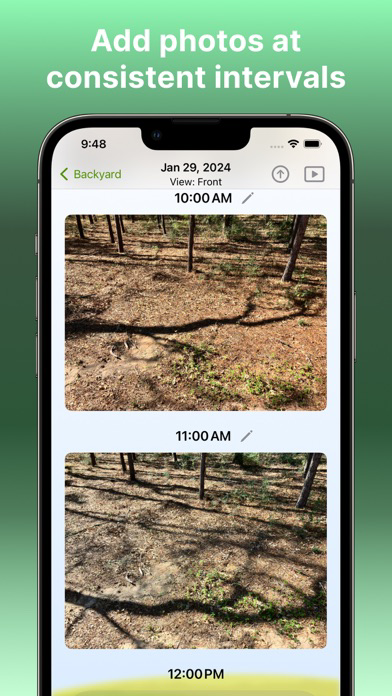
- Set up your sun map so that photos will be taken/uploaded at specific intervals throughout the day
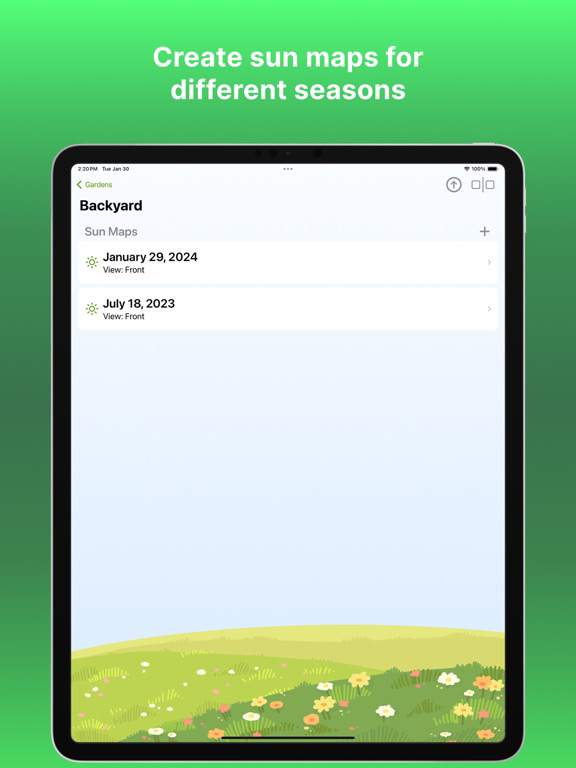
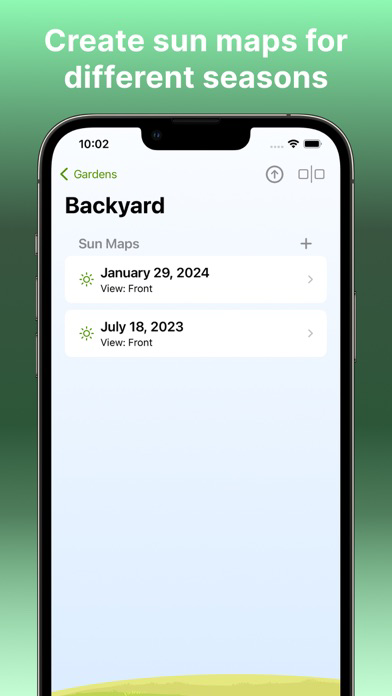
- Each sun map is identified by the garden it is for, the date it is recorded and the camera angle
- Create multiple sun maps for the same garden*
- (You may want to create multiple sun maps for different seasons or for different camera angles)
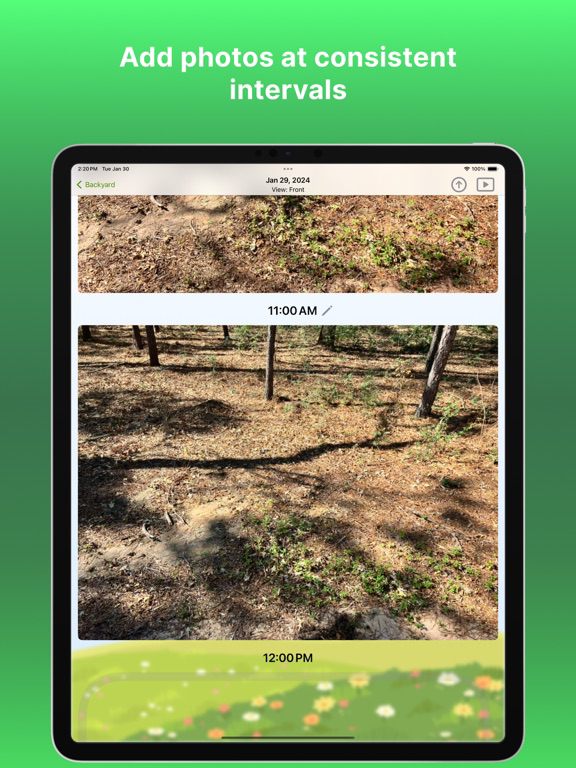
ADD PHOTOS
- Upload from your photo library or take a picture with the in-app camera
- Add photos at each interval throughout the day
- Get notified when it is time to take/upload another photo.
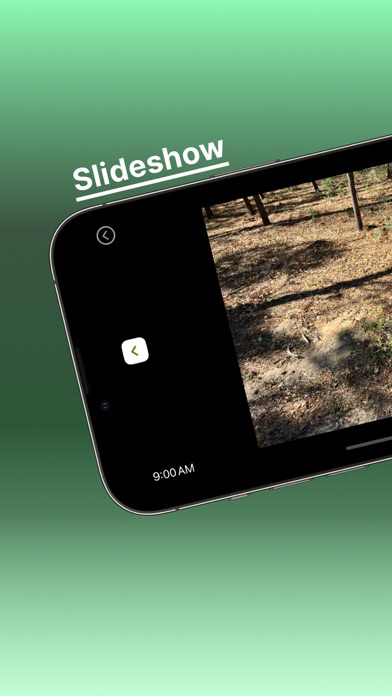
SLIDESHOW
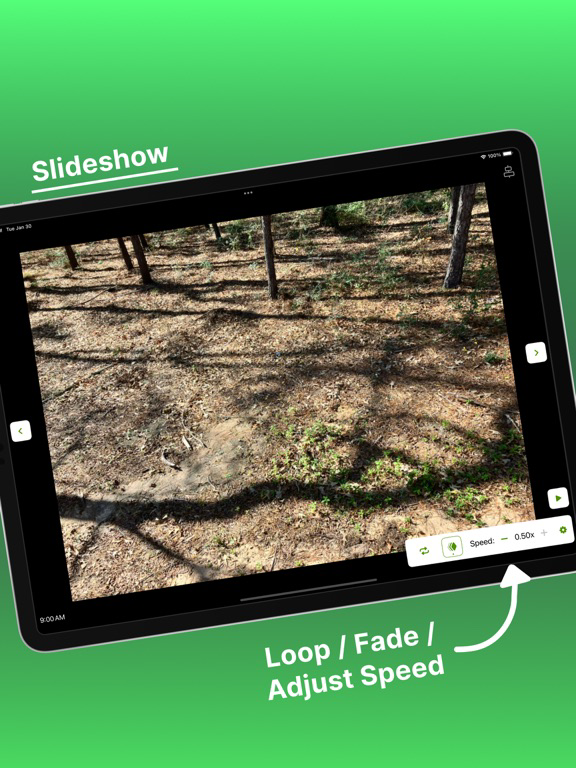
- Tap forward or backward through the sun map images and see how the light changes throughout the day
- Auto-play to have slideshow run automatically
TRACE SUNLIGHT (In-App Purchase)
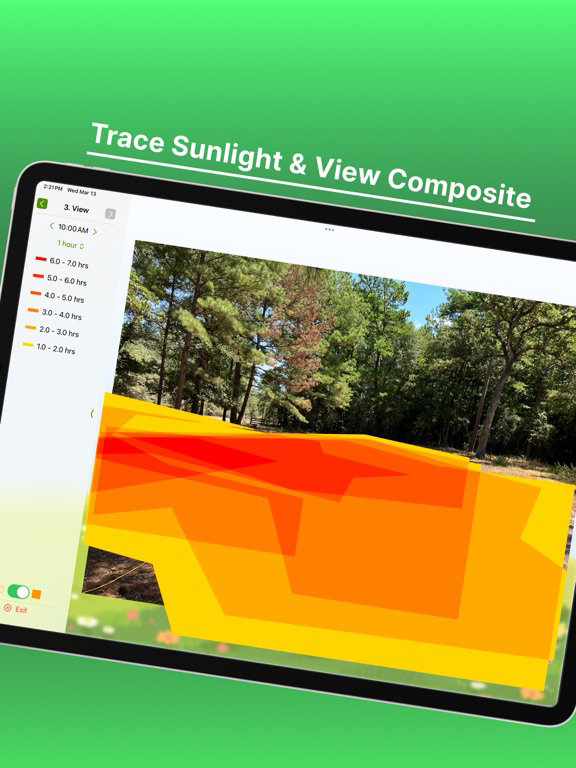
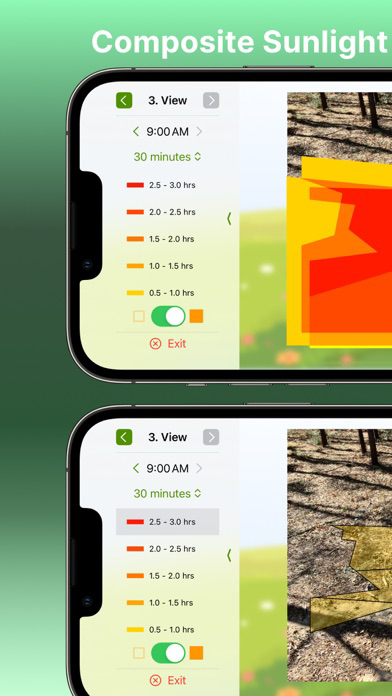
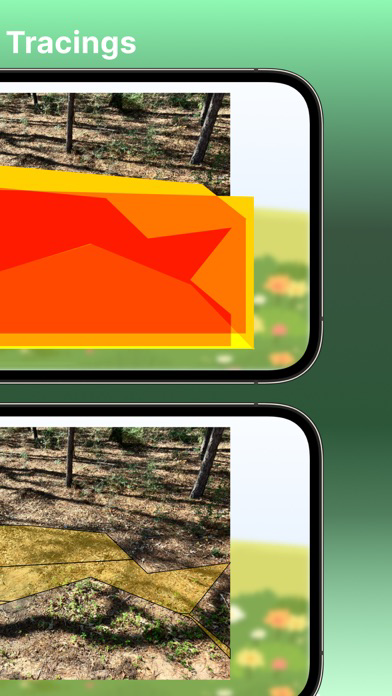
- For each image in your sun map, trace a shape over the areas hit by sunlight
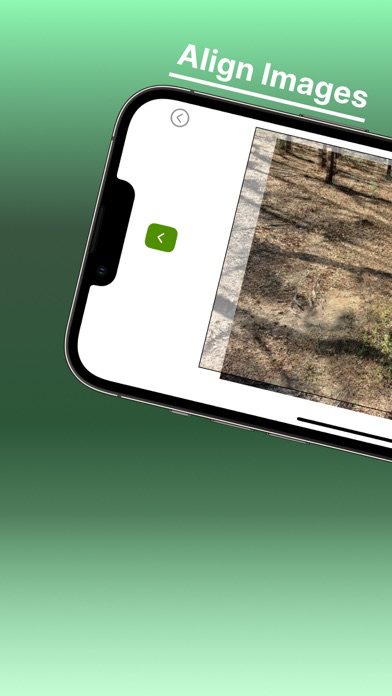
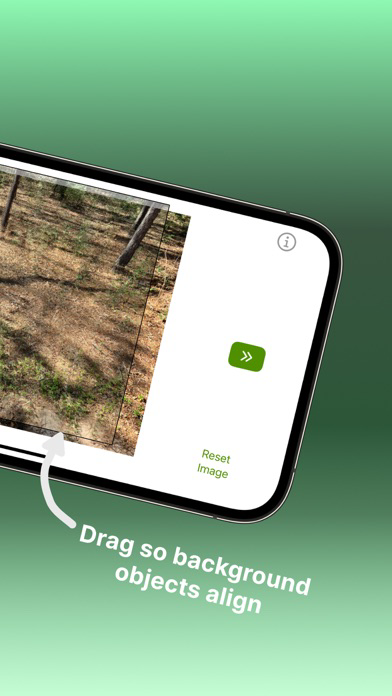
- Align images so that when overlaid, the sunlight tracings are in the right place
- View the composite sunlight tracing, showing how many total hours each area of your garden gets hit with sunlight
PREMIUM FEATURES...
COMPARE SUN MAPS
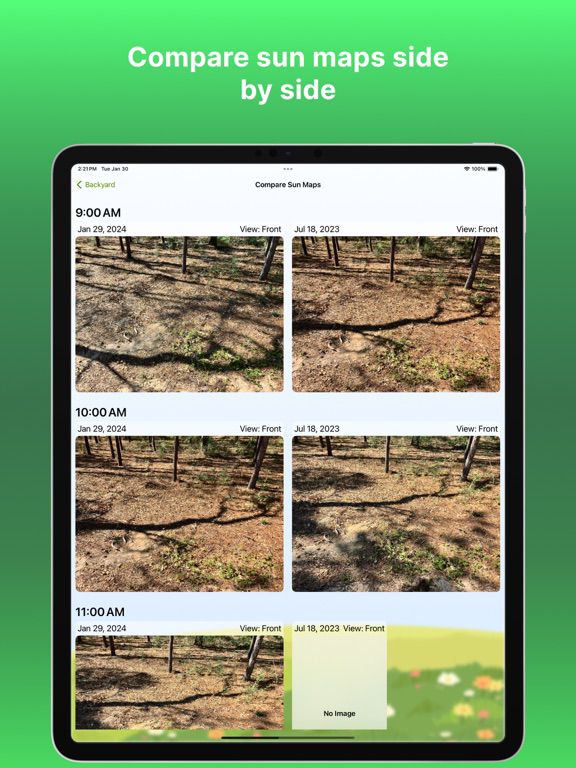
- Observe photos from selected sun maps side-by-side to see how light hits differently at each time throughout the day
- Compare from 2-4 sun maps at a time
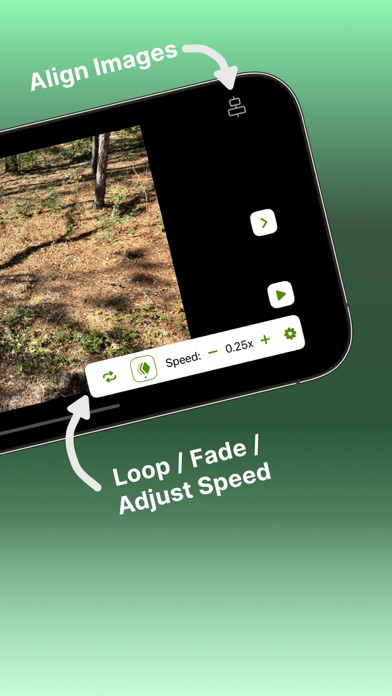
SLIDESHOW+
- Align images so that objects stay in the same place, and the only thing that changes is where the sunlight hits
- Turn on 'Repeat' so that the slideshow automatically starts over and continues playing
- Turn on 'Fade' so that each image fades into the next (works great with aligned images!)
*Limit is 2 gardens and 2 sun maps per garden, or unlimited with an In-App Purchase.
Want me to develop your app? Email me at mcApps@proton.me

The most reliable way to create a sun map is to take photos yourself, so that you can see exactly when and where the light is hitting your garden. To help you with this, Sun Mapper has the following features:
ADD GARDENS
- Identify the garden(s) that you will be creating sun maps for*
CREATE SUN MAPS
- Set up your sun map so that photos will be taken/uploaded at specific intervals throughout the day
- Each sun map is identified by the garden it is for, the date it is recorded and the camera angle
- Create multiple sun maps for the same garden*
- (You may want to create multiple sun maps for different seasons or for different camera angles)
ADD PHOTOS
- Upload from your photo library or take a picture with the in-app camera
- Add photos at each interval throughout the day
- Get notified when it is time to take/upload another photo.
SLIDESHOW
- Tap forward or backward through the sun map images and see how the light changes throughout the day
- Auto-play to have slideshow run automatically
TRACE SUNLIGHT (In-App Purchase)
- For each image in your sun map, trace a shape over the areas hit by sunlight
- Align images so that when overlaid, the sunlight tracings are in the right place
- View the composite sunlight tracing, showing how many total hours each area of your garden gets hit with sunlight
PREMIUM FEATURES...
COMPARE SUN MAPS
- Observe photos from selected sun maps side-by-side to see how light hits differently at each time throughout the day
- Compare from 2-4 sun maps at a time
SLIDESHOW+
- Align images so that objects stay in the same place, and the only thing that changes is where the sunlight hits
- Turn on 'Repeat' so that the slideshow automatically starts over and continues playing
- Turn on 'Fade' so that each image fades into the next (works great with aligned images!)
*Limit is 2 gardens and 2 sun maps per garden, or unlimited with an In-App Purchase.
Want me to develop your app? Email me at mcApps@proton.me
Show More
What's New in the Latest Version 1.2
Last updated on Mar 21, 2024
Old Versions
TRACE SUNLIGHT (In-App Purchase)
- For each image in your sun map, trace a shape over the areas hit by sunlight
- Align images so that when overlaid, the sunlight tracings are in the right place
- View the composite sunlight tracing, showing how many total hours each area of your garden gets hit with sunlight
- For each image in your sun map, trace a shape over the areas hit by sunlight
- Align images so that when overlaid, the sunlight tracings are in the right place
- View the composite sunlight tracing, showing how many total hours each area of your garden gets hit with sunlight
Show More
Version History
1.2
Mar 21, 2024
TRACE SUNLIGHT (In-App Purchase)
- For each image in your sun map, trace a shape over the areas hit by sunlight
- Align images so that when overlaid, the sunlight tracings are in the right place
- View the composite sunlight tracing, showing how many total hours each area of your garden gets hit with sunlight
- For each image in your sun map, trace a shape over the areas hit by sunlight
- Align images so that when overlaid, the sunlight tracings are in the right place
- View the composite sunlight tracing, showing how many total hours each area of your garden gets hit with sunlight
Sun Mapper FAQ
Click here to learn how to download Sun Mapper in restricted country or region.
Check the following list to see the minimum requirements of Sun Mapper.
iPhone
iPad