SuperAuth

SuperAuth


Free

1.0.9for iPhone, iPad and more
Super Auth Inc.
Developer
13,4 MB
Size
Sep 17, 2023
Update Date
Utilities
Category
Age Rating
4+
Apps in this category do not contain restricted content.
9+
Apps in this category may contain mild or occasional cartoon, fantasy or real-life violence, as well as occasional or mild adult, sexually suggestive or horrifying content and may not be suitable for children under 9 years of age.
12+
Apps in this category may contain occasional mild indecent language, frequent or intense cartoon or real-life violence, minor or occasional adult or sexually suggestive material, and simulated gambling, and may be for children under 12 years of age.
17+
You must be at least 17 years old to access this App.
Apps in this category may contain frequent and intense offensive language; Frequent and intense cartoon, fantasy or realistic violence: frequent and intense adult, scary and sexually suggestive subjects: as well as sexual content, nudity, tobacco, alcohol and drugs, may not be suitable for children under 17 years of age.
SuperAuth Screenshots
SuperAuth posterSuperAuth posterSuperAuth posterSuperAuth poster

About SuperAuth

SuperAuth is a revolutionary application that enables you to safely sign in to websites or apps without needing a username or password from any computer, smartphone, tablet, kiosk, or other device. SuperAuth also ensures that you are secure and protected from phishing.

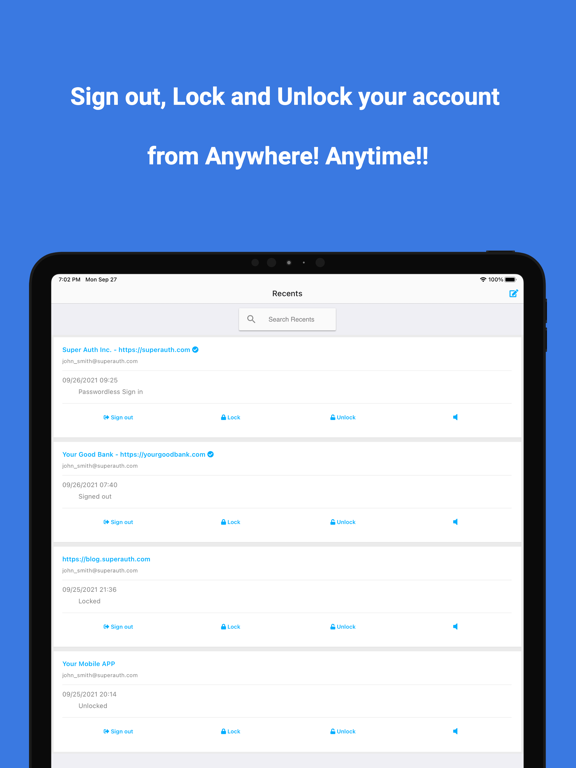
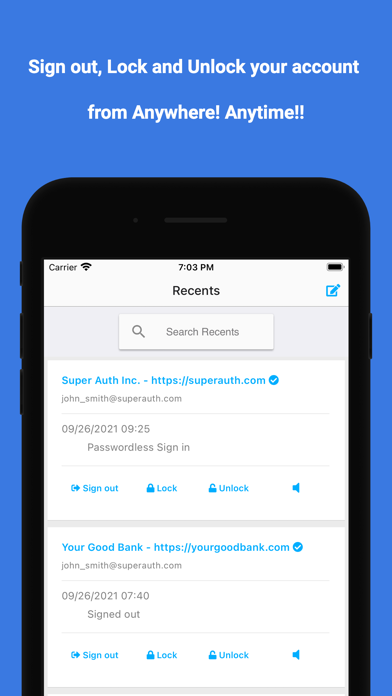
Additionally, from SuperAuth, you can sign out, lock, unlock your account from anywhere! anytime!!

The steps for logging in to a website or app are quick and easy:
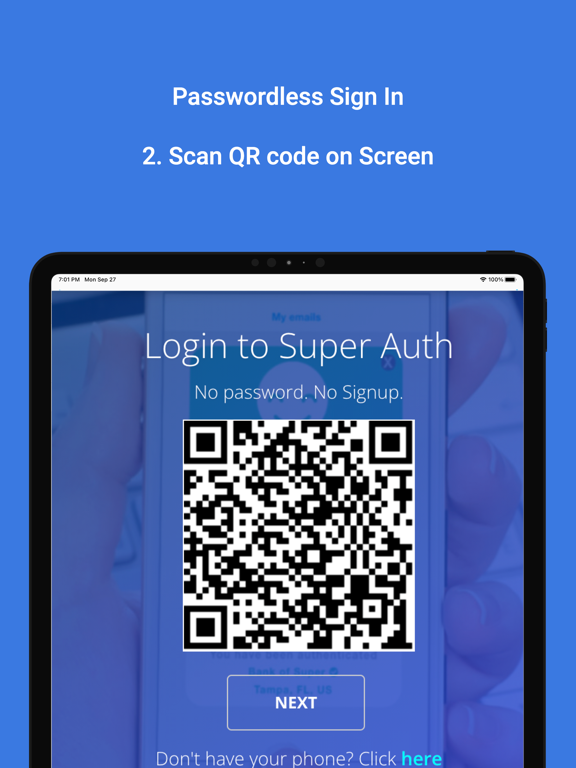
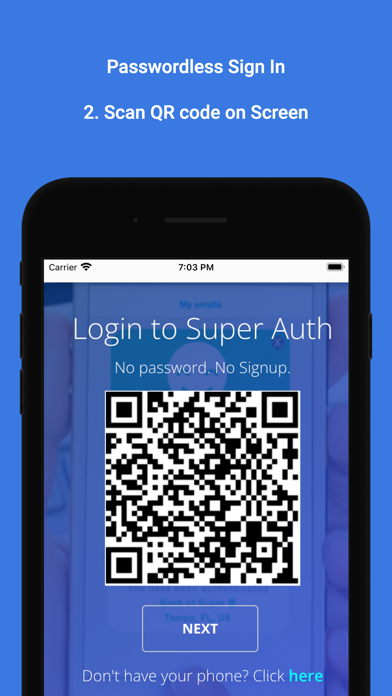
- Click the SuperAuth sign in button on the website or app. A QR code will appear.
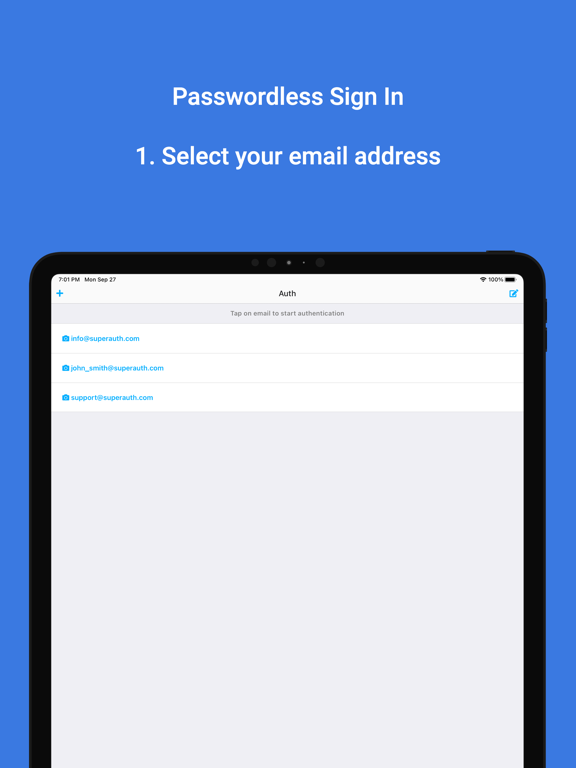
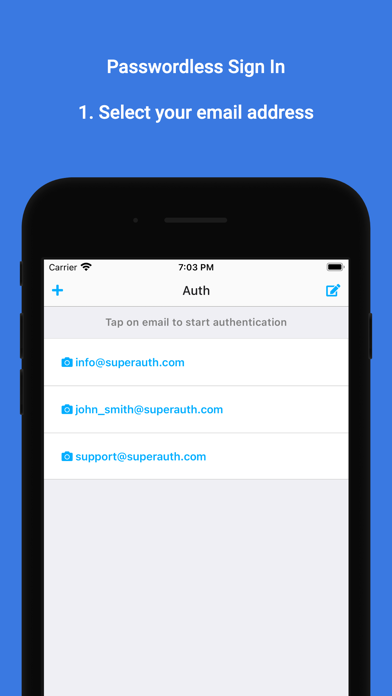
- Select your email address in the SuperAuth app.
- Scan the QR code using the SuperAuth app.
- Scan your fingerprint or enter your pin.
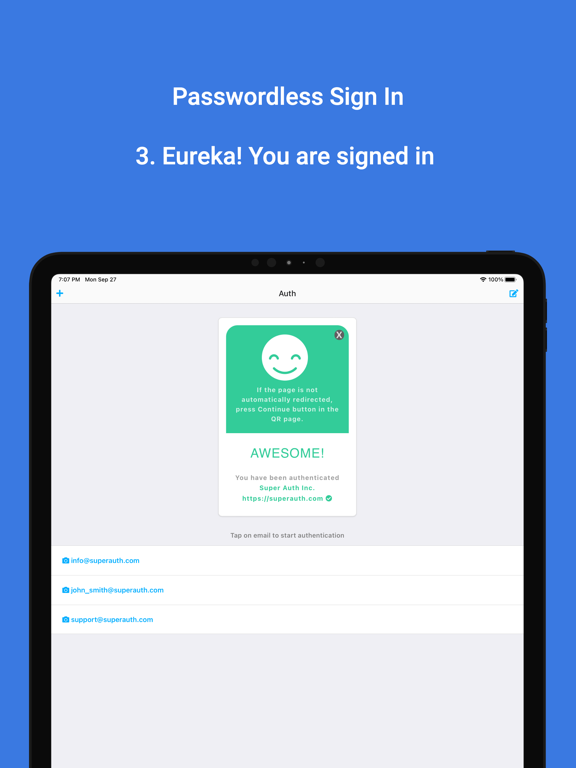
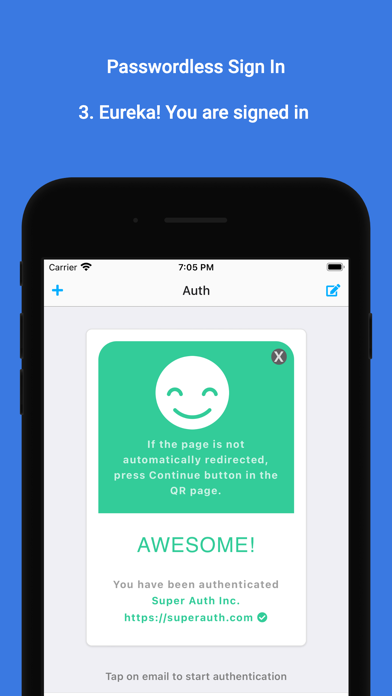
- Eureka! You are signed in.

You can also sign in to websites and apps on the same device you are using, if the SuperAuth app is installed, by just clicking the ‘Open in App’ button below the QR code.

Some benefits of SuperAuth:
- No need to type in your username and password
- Use multiple email addresses in the app
- View and confirm using 2-factor authentication — no need to type.
- Sign out, Lock, Unlock your account from anywhere! anytime!!

If you lose the phone, just verify your email address in the SuperAuth app from another device. No one can sign in using the SuperAuth app from your lost phone.

Show More

What's New in the Latest Version 1.0.9

Last updated on Sep 17, 2023
Old Versions
UI changes
Show More
Version History
1.0.9
Sep 17, 2023
UI changes

SuperAuth FAQ

Click here to learn how to download SuperAuth in restricted country or region.
Check the following list to see the minimum requirements of SuperAuth.
iPhone
Erfordert iOS 11.0 oder neuer.
iPad
Erfordert iPadOS 11.0 oder neuer.
iPod touch
Erfordert iOS 11.0 oder neuer.
SuperAuth supports Englisch

SuperAuth Alternative

You May Also Like