Age Rating
4+
Apps in this category do not contain restricted content.
9+
Apps in this category may contain mild or occasional cartoon, fantasy or real-life violence, as well as occasional or mild adult, sexually suggestive or horrifying content and may not be suitable for children under 9 years of age.
12+
Apps in this category may contain occasional mild indecent language, frequent or intense cartoon or real-life violence, minor or occasional adult or sexually suggestive material, and simulated gambling, and may be for children under 12 years of age.
17+
You must be at least 17 years old to access this App.
Apps in this category may contain frequent and intense offensive language; Frequent and intense cartoon, fantasy or realistic violence: frequent and intense adult, scary and sexually suggestive subjects: as well as sexual content, nudity, tobacco, alcohol and drugs, may not be suitable for children under 17 years of age.
SwiftyTimer Screenshots
SwiftyTimer posterSwiftyTimer posterSwiftyTimer posterSwiftyTimer poster

About SwiftyTimer

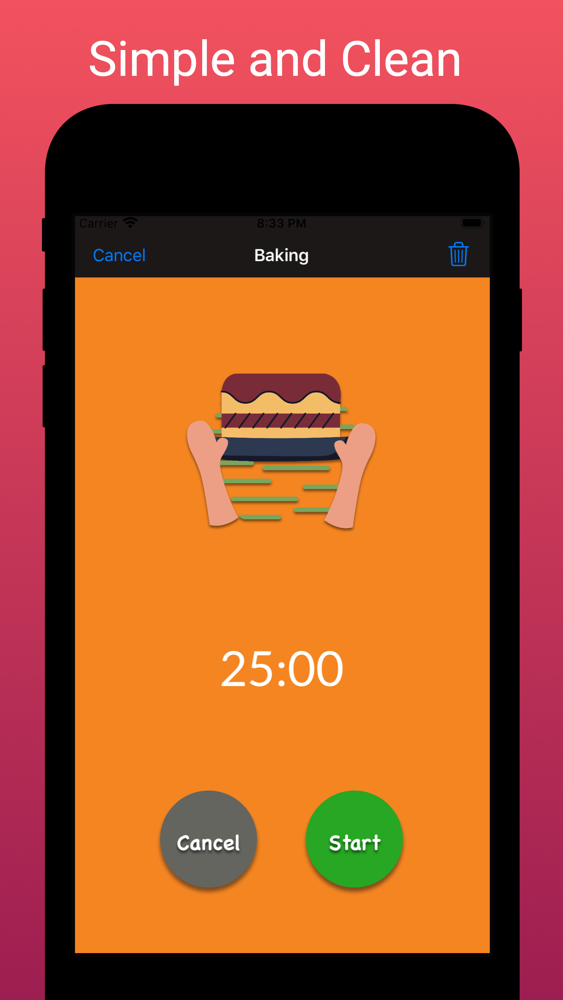
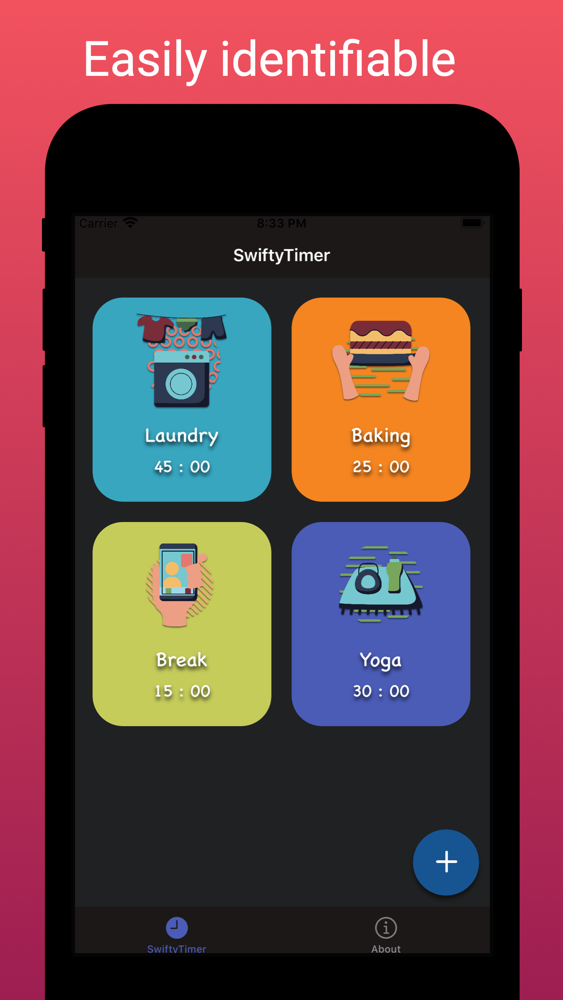
SwiftyTimer is a simple and clean app that enables users to save timers for daily activities, such as exercising, chores, and cooking. It is designed with the goal of providing users with a more graphical pleasing interface to look at other than a bunch of numbers while making it easy and quick to use. Download the app and experience it yourself. I hope you will enjoy it!

Features:
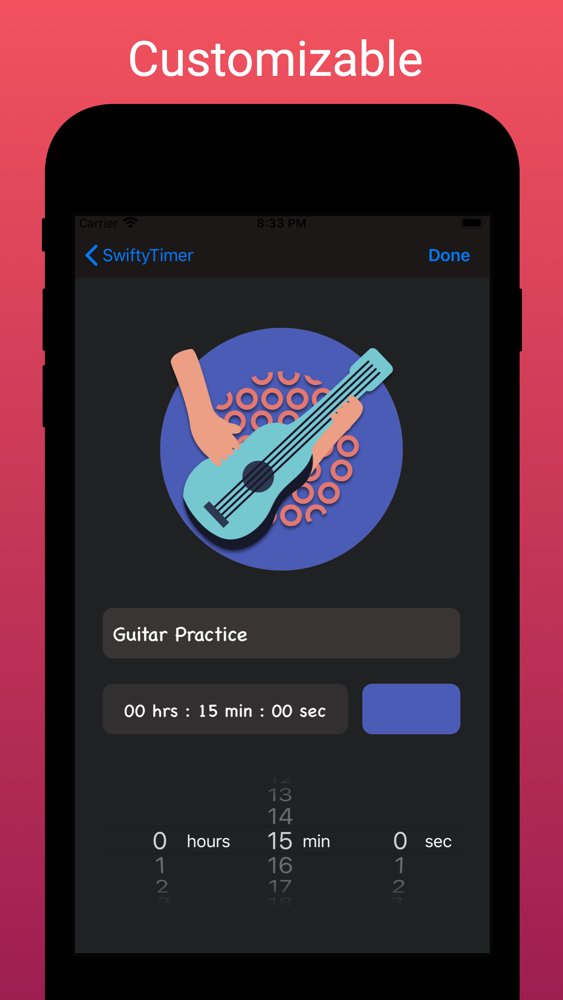
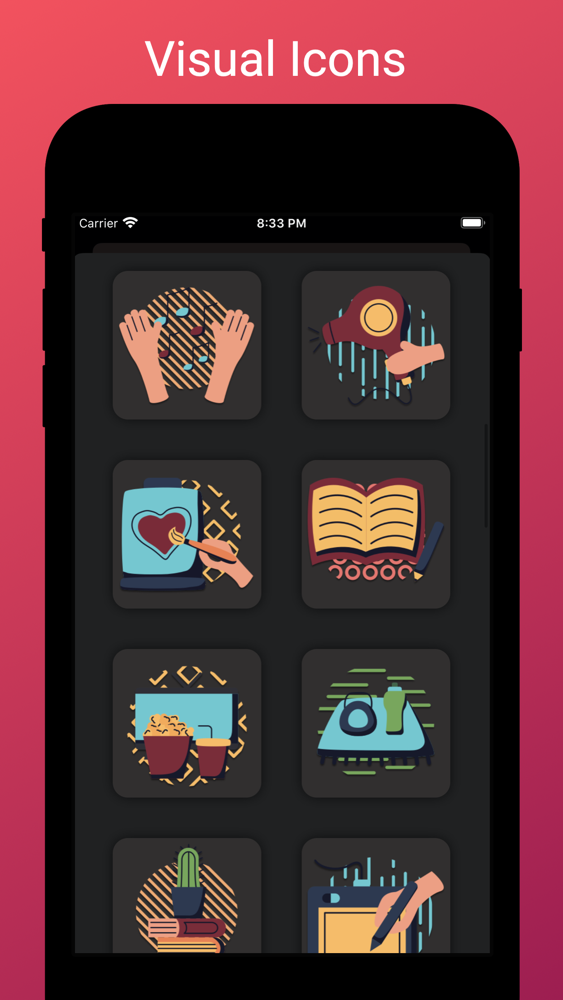
1. Customizable icons and background-color for each timer
2. Get notified when time is up while the app is in background
3. Simple Navigation
4. Intuitive Interface
5. Appealing graphics

What to expect for future updates:
1. Multiple timers running at the same time.
2. Features to allow even quicker activation of timers.
3. More icons
4. More sounds
4. Stopwatch

Important note: Timer will not play alarm sound when the phone is under silence mode. Make sure sound is on when performing tasks that may have potential risks, such as cooking.

The app is not perfect, and I have many ideas in store for future updates. However, feel free to contact me at Jmchou001@gmail.com if you have any feedback or suggestion you wish to provide.

Show More

What's New in the Latest Version 1.1

Last updated on Jul 27, 2020
Old Versions
Fixed an issue where the user is unable to access the running timer after the app has been reset in background.
Show More
Version History
1.1
Jul 27, 2020
Fixed an issue where the user is unable to access the running timer after the app has been reset in background.

SwiftyTimer FAQ

Click here to learn how to download SwiftyTimer in restricted country or region.
Check the following list to see the minimum requirements of SwiftyTimer.
iPhone
SwiftyTimer supports English

SwiftyTimer Alternative

You May Also Like