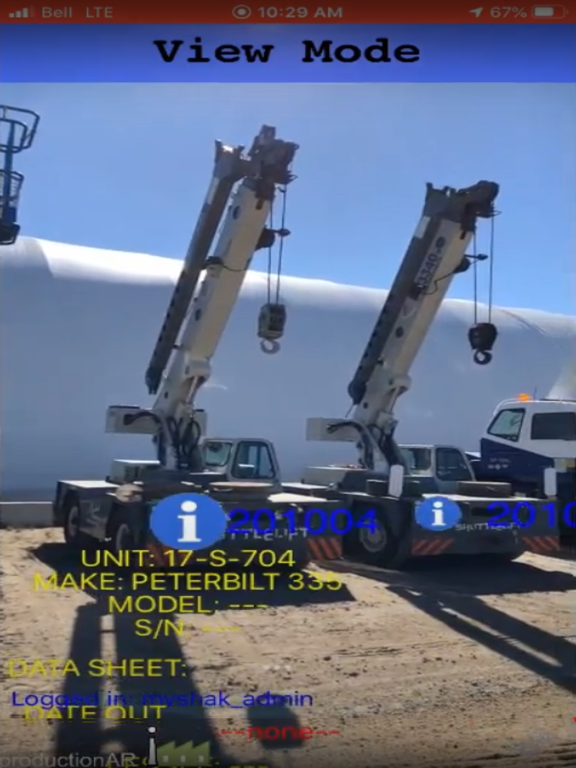
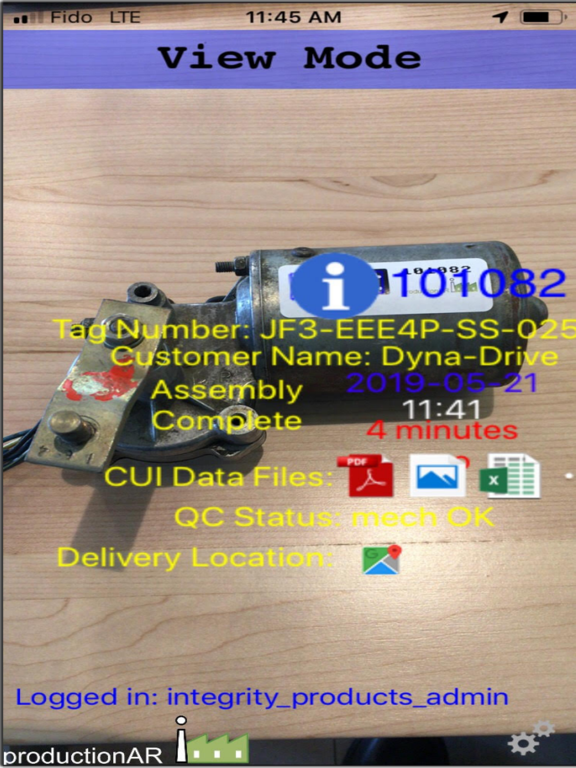
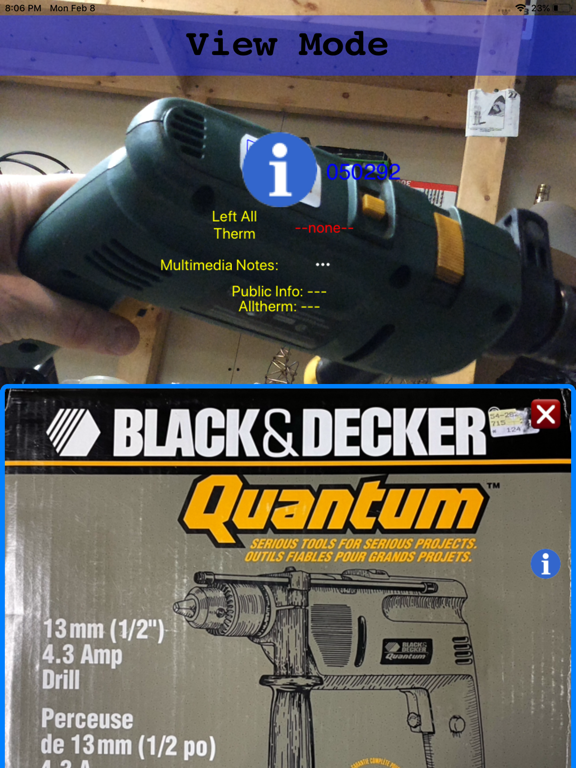
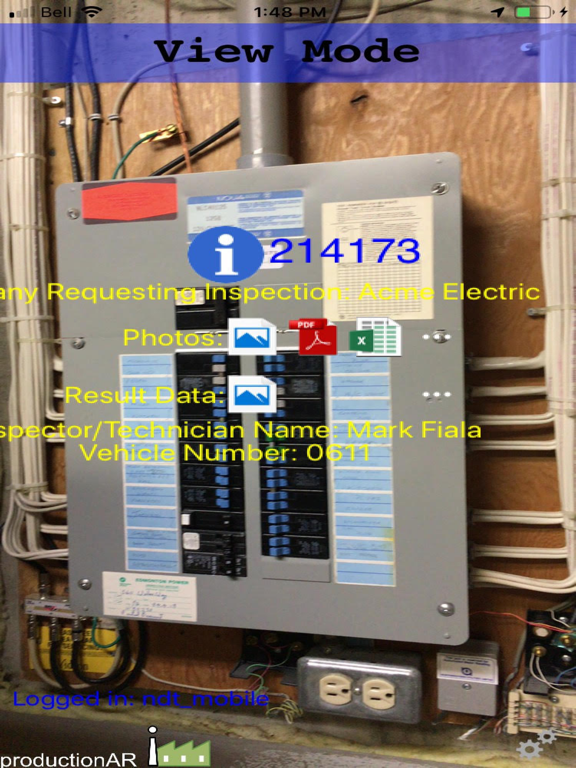
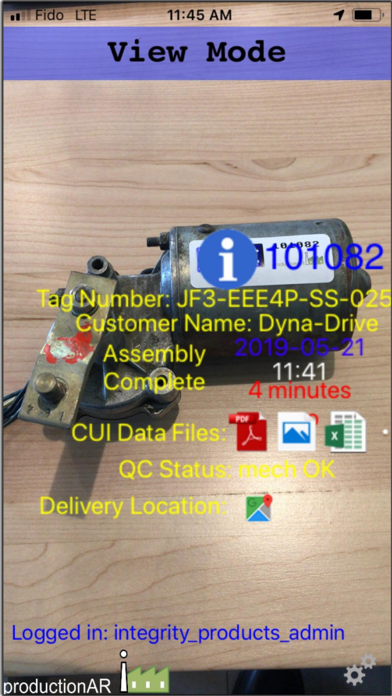
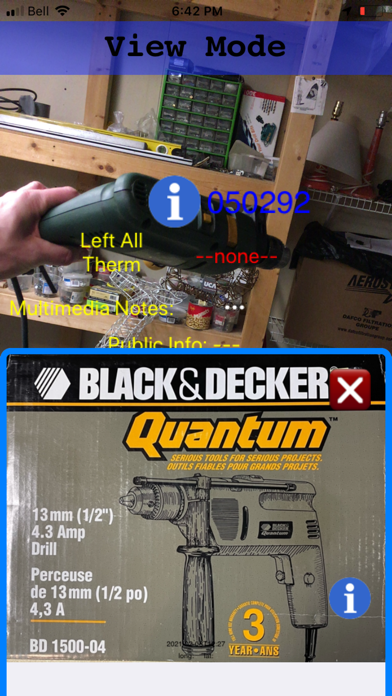
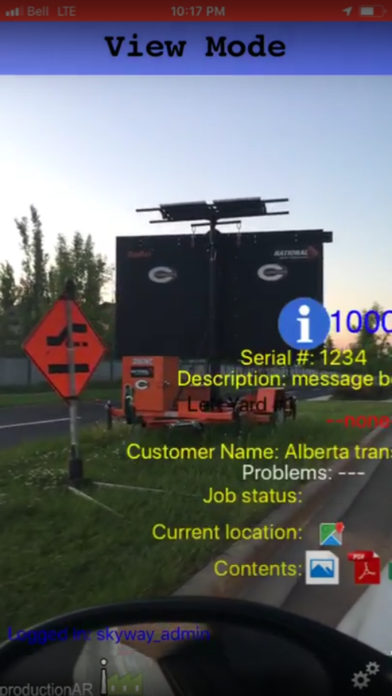
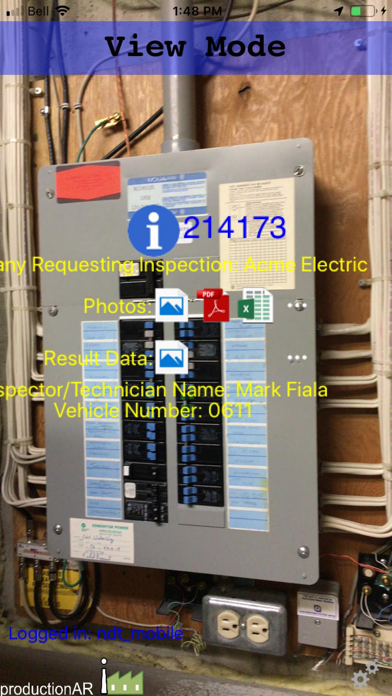
This app brings real time traceability and instant information access to your enterprise with your mobile device.
Get instant access to information for your enterprise through the power of augmented reality. No menus, just aim your iOS device at your assets and view or update info.
ProductionAR's "TagScan" augmented reality system aids your enterprise in tracking objects through a production and installation timeline, keeping track of items, signing online forms, or accessing manuals, service logs in the field.
The system consists of a mobile app on your iPhone or iPad, a database in the cloud, a webpage portal, and our visual codes. The visual codes are special marker patterns you apply with stickers, laser etch, emboss, etc, or add to your existing labels you generate for your items.
The mobile apps recognize the unique markers (like QR codes but better- many can be detected far away in live video) and overlay real time status information from the cloud.
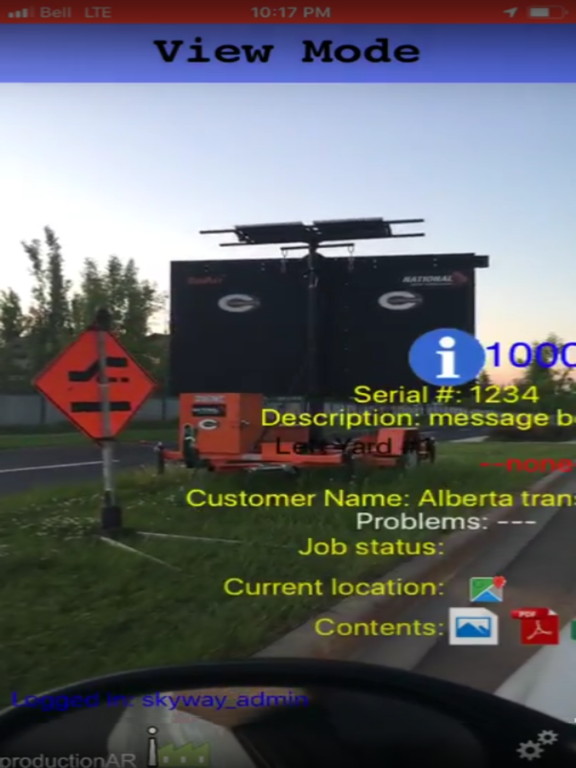
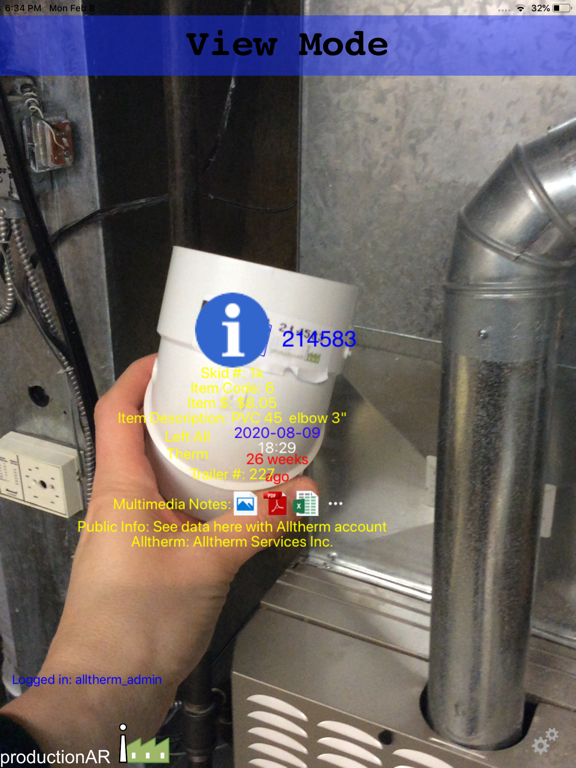
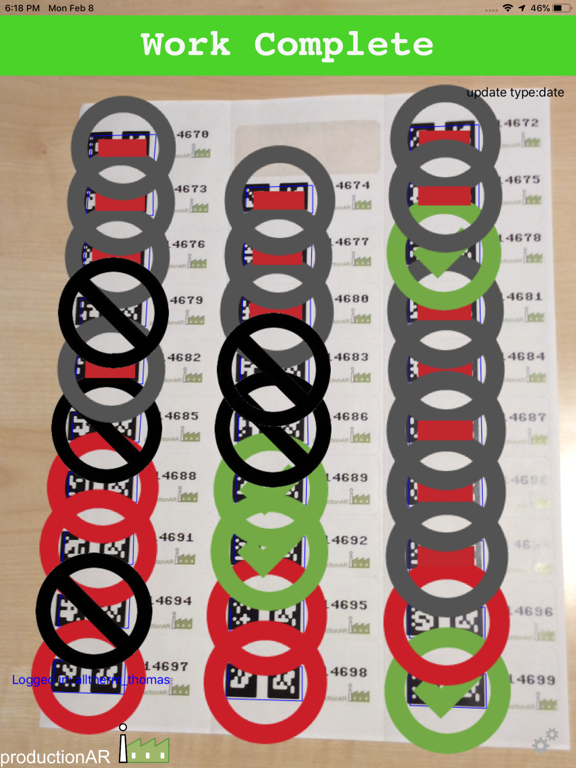
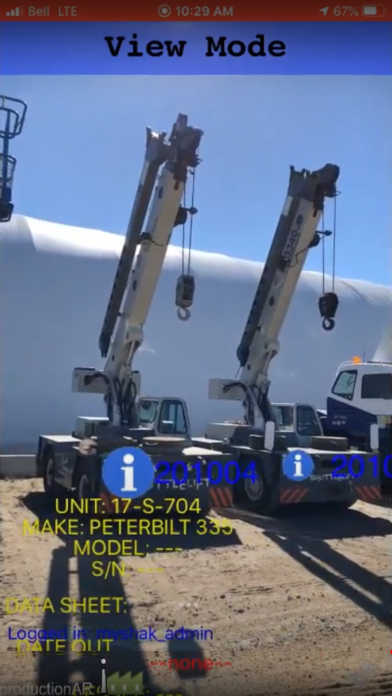
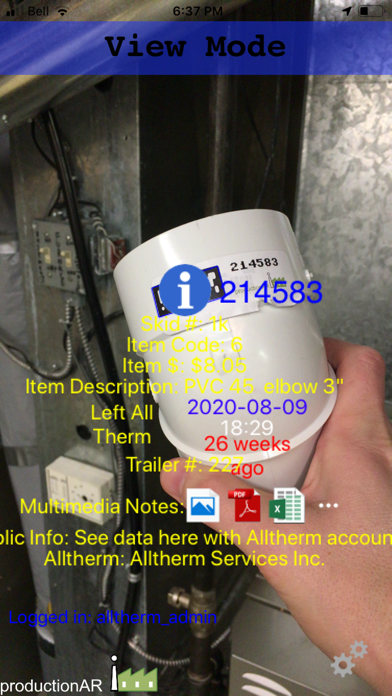
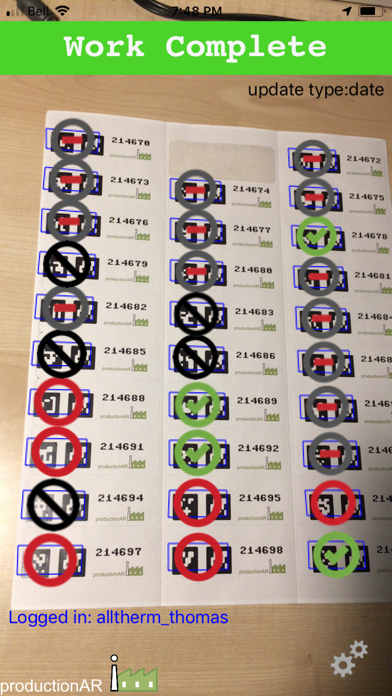
The app has three modes: the default "View Mode" which shows information associated with a visual code, QR-code, or barcode and has the option (if your login has data "Add Permission") to upload multimedia files to the visual code. If you tap the blue 'I' icon hovering over a visual code you can enter "Full Item Mode" where you can see the entire record (or the fields your login allows you to see). In "Scan Mode" you are viewing and possibly changing only one column in the database, for example "Received on Site". If a visual code has not yet received an entry for that column it will appear as a red circle, if it has data already it will be a green checkmark. You can set the "Scan Distance" so that if you get within that distance it will update that field (if empty or with "Re-Scan" enabled). In "New Job Mode" you can aim at a visual code that is not yet in the database and create a new entry.
Tag your assets (boxes, product being built, machines to service, etc) with our markers and bring up info immediately. Update status timestamps, text, location, sign forms, add image, audio, and video notes.
What's in this box? What's in those trailers on site? What are the previous inspection results from that generator? Where are the manuals and warranty items for the equipment on site? Easily add your existing data with TagScan.
Augmented reality (AR) is about bringing computer data into our world, just look at objects and access info intuitively. The world is full of inconveniently inaccessible digital data. We provide instant access to your data through AR. Using novel (and patented) computer vision technology we can pin digital data to real world objects.
For example, you are working the "welding stage 7" spot in a small factory, your smart phone is set for the "welding stage 7" role. After you've done your work on several items you sweep your phone across and see red circles turn into green checkmarks. You can see the progress of several jobs looking up at the "airport Monitor", your manager can see the top level purchase order status on their dashboard view. Later, after installation, your customer can use the app and see the original CAD data and request maintenance using the same marker.
Different logins can be created to allow different users to view or change various rows and columns in your database. Different QR-codes are generated for each login, so avoid typing to log your phone into different roles. Email QR-codes to your customer so they can log in to see a subset of data and see your progress without needing to call you.