Beta test program is available for future versions. Contact support (arfntz@gmail.com) to get access (free, time limited).
This application is designed for you to :
- Plan your activities
- Build a tree of them (any activity can have sub-activities)
- Assign resources (per activity)
- Set a duration and a load estimation (per resource, per activity)
- Set a time and resource consumption (per resource, per activity)
- Schedule a due date (per activity)
- Filter activities on their status and assigned resource
- View the work load per resource, estimated and consumed
- View the global progress, aggregated for each activity and their children activities
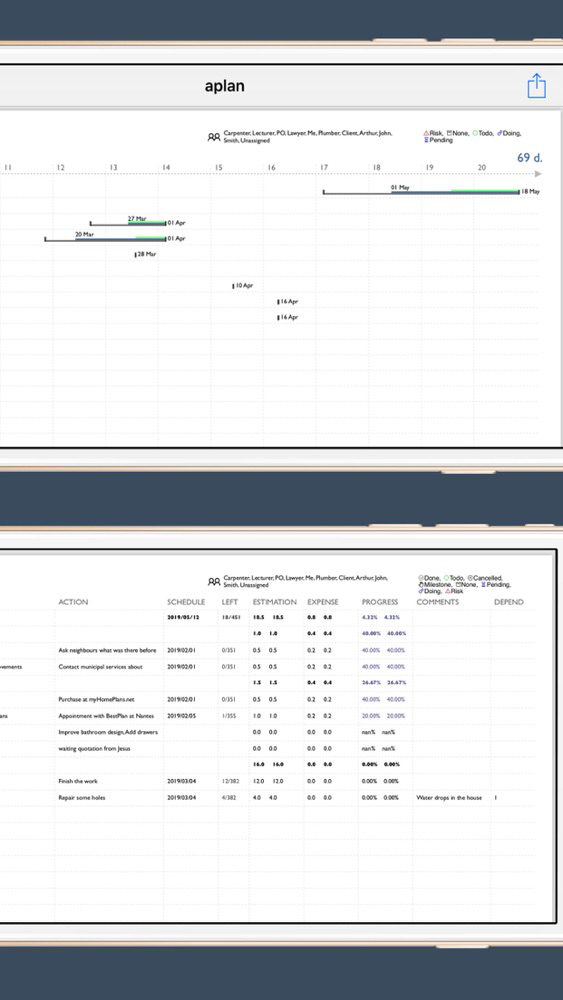
- Create a retro-planning / timeline chart (pdf)
- Create a list report (pdf)
- Import / export your activities in various format (csv, aplan, tnote)*
--- The file formats (import and export) ---
* The "aplan" format is a full backup of all your activities.
* The "csv" format is intended to be imported in spreadsheets. It takes only the visible activities (those matching your filters). It's a flat representation of your activities (no hierarchy).
* The "tnote" format is intended to be opened in text editors, modified, and imported back into the app. The file contains only the activities that are visible (those matching your filters) in the App when you do the export, starting from the current activity. There is one text line per activity. Following the "tnote" syntax, given in the help section of the app, you can edit, or create a file from scratch. In others apps, when you tap a file that has the "tnote" extension, choose TaskNote to import the activities.
Please note that, using this format, only activities with status "Theme" and "Target" can have sub-activities. Other activities are flattened.
--- The interface ---
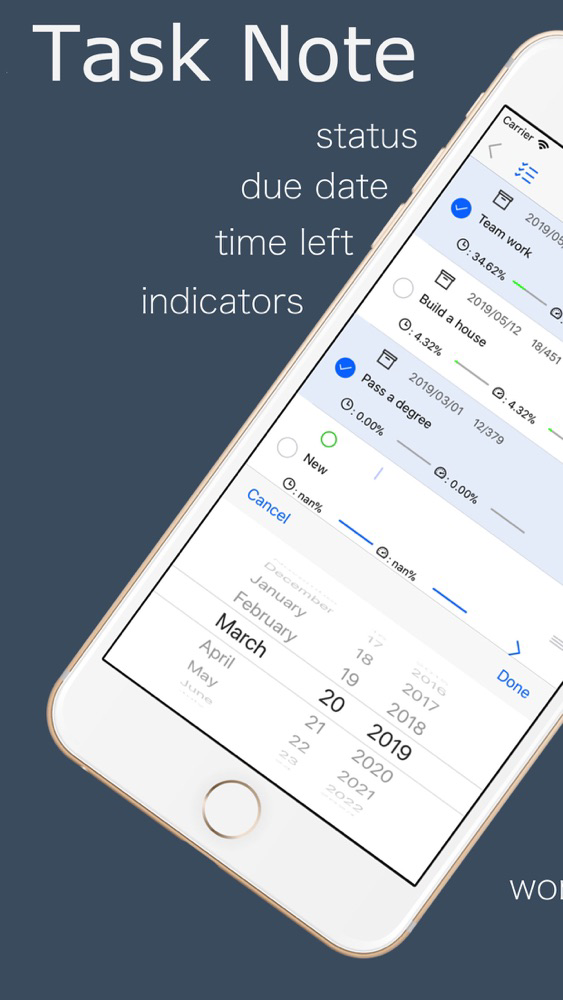
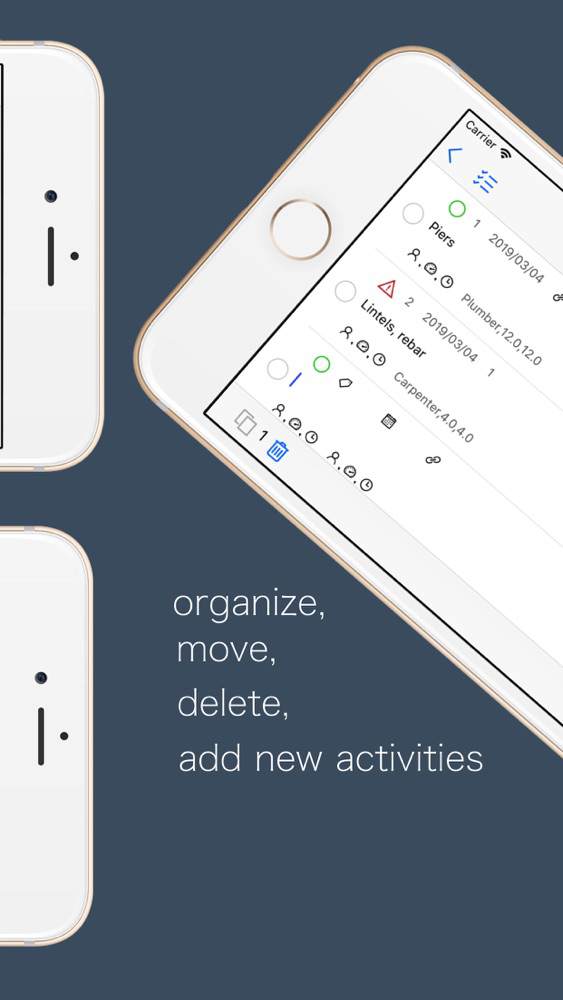
The '+' button (at the top right on the screen) creates a new activity, as a new entry at the top of the currently displayed activity list. All activities are edited on the list. Tap on any field (subject, action, due date, estimation, consumption...) to edit it. There is no "new" entry screen, no "activity view" screen neither.
By default, only a few information is displayed per activity : its status, subject, and action. You can select which field is displayed using the settings (cog) button (at the top left on the screen).
--- Concepts ---
Every entry in the list is an "activity". There is no "Project" per se. Any activity can have sub-activities, any of them can be considered as a projet, a target, a theme, an objective, a phase, or a task in your organisation.
--- Features ---
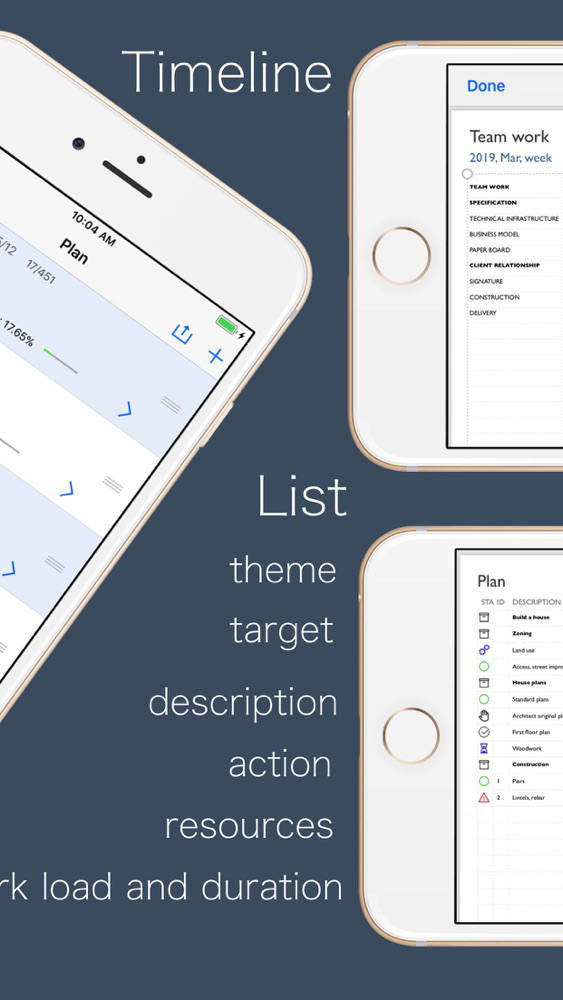
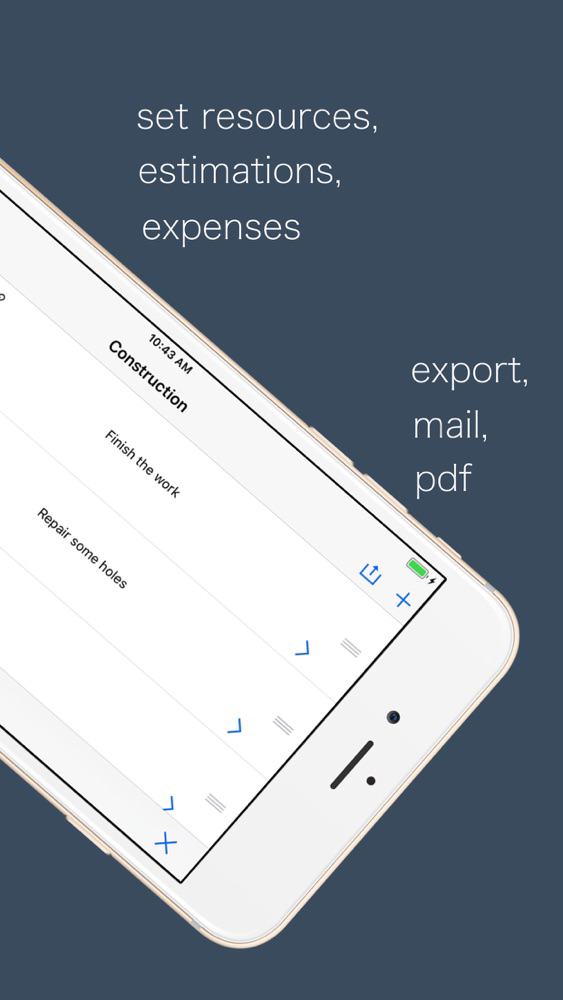
The "timeline" and "list" views are only in Pdf format, as shown in the app screenshots on the AppStore. They can't be customised.
--- Intended use ---
Primarily targeted users are developers who use markdown text.
Because one should not need any tool to write down (or dictate) project tasks. No PMO, no drag'n drop Kanban, no spreadsheet to depend on.
You will always have a tool to read text on any device. You will never loose your data because of software or file format compatibility.
Because you may need some tool to draw project tasks on a timeline chart.
You may need some tool to filter your tasks, per status, per resource ...
You may need some tool to share project advancement.
For these reasons this App wants :
- to keep activity description as simple lines of text
- to produce a retro-planning and an advancement report straight from this text.