Task Tracker Lite

Task Tracker Lite


Free

1.14.0for iPhone
Age Rating
4+
Apps in this category do not contain restricted content.
9+
Apps in this category may contain mild or occasional cartoon, fantasy or real-life violence, as well as occasional or mild adult, sexually suggestive or horrifying content and may not be suitable for children under 9 years of age.
12+
Apps in this category may contain occasional mild indecent language, frequent or intense cartoon or real-life violence, minor or occasional adult or sexually suggestive material, and simulated gambling, and may be for children under 12 years of age.
17+
You must be at least 17 years old to access this App.
Apps in this category may contain frequent and intense offensive language; Frequent and intense cartoon, fantasy or realistic violence: frequent and intense adult, scary and sexually suggestive subjects: as well as sexual content, nudity, tobacco, alcohol and drugs, may not be suitable for children under 17 years of age.
Task Tracker Lite Screenshots
Task Tracker Lite posterTask Tracker Lite posterTask Tracker Lite posterTask Tracker Lite posterTask Tracker Lite posterTask Tracker Lite posterTask Tracker Lite poster

About Task Tracker Lite

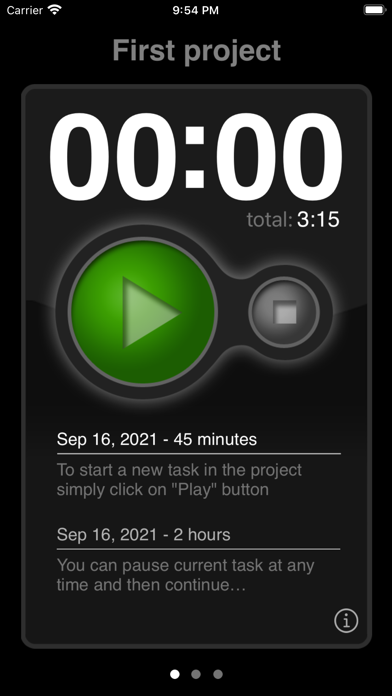
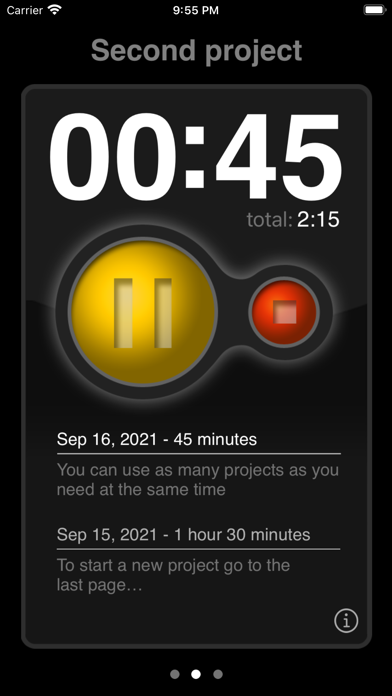
If you need to track the time you spend on your projects, you maybe be looking for a simple time tracker app that helps you to do that. Task Tracker has been designed to be a simple and intuitive utility for time tracking. Just tap once to create a new project and then tap again to start a new task.

Some useful features available for you:

- create up to three projects at a time (more in full version)
- new task is created automatically when you start a timer
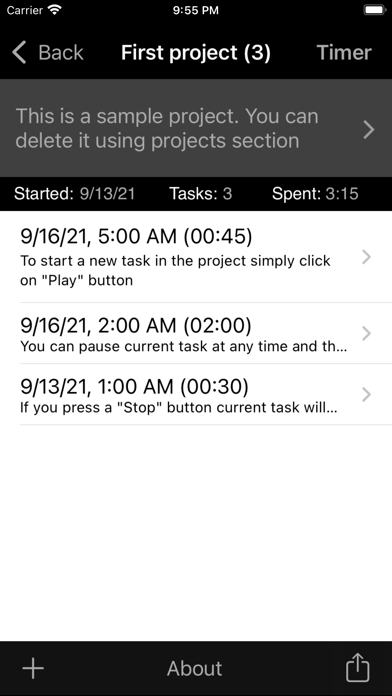
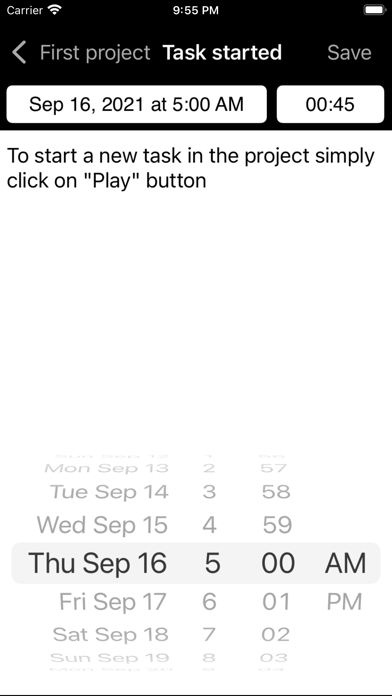
- you can edit a description, starting date and duration of the task
- you don't need a registration on the website
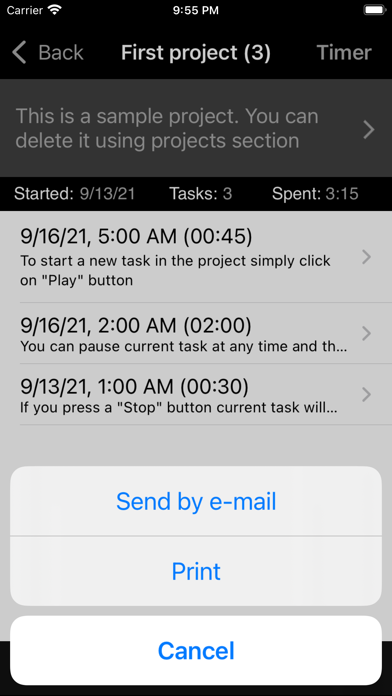
- ability to send all your tasks by e-mail
- ability to print a whole project using AirPrint

This is a lite version of the "Task Tracking Utility" app. In the lite version you can create only three projects at a time.

In the full version of the app next features are available:

- no projects quantity limitation
- ability to archive finished projects for later use
- ability to export all tasks from project(s) to the file using CSV or Excel format 
- integration with a Calendar to automatically add finished tasks to the default calendar 
- "one task at a time" mode, which automatically stops previously running task in other projects when you start a new one
- detailed Help page

Show More

What's New in the Latest Version 1.14.0

Last updated on Apr 29, 2026
Old Versions
- iOS 26 compatibility update
Show More
Version History
1.14.0
Apr 29, 2026
- iOS 26 compatibility update

Task Tracker Lite FAQ

Click here to learn how to download Task Tracker Lite in restricted country or region.
Check the following list to see the minimum requirements of Task Tracker Lite.
iPhone

Task Tracker Lite Alternative

You May Also Like

Get more from Mike Melnikov