TaskTracker
Track Tasks & Setup Reminders
Free
1.0.2for iPhone, iPad and more
Age Rating
TaskTracker Screenshots
About TaskTracker
With TaskTracker you can:
- Create tasks
- Add events to a task
- Setup reminders for a task
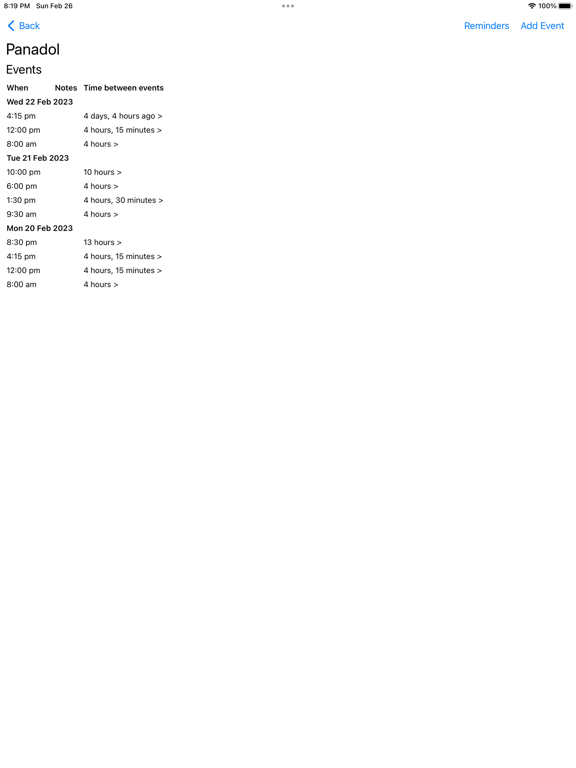
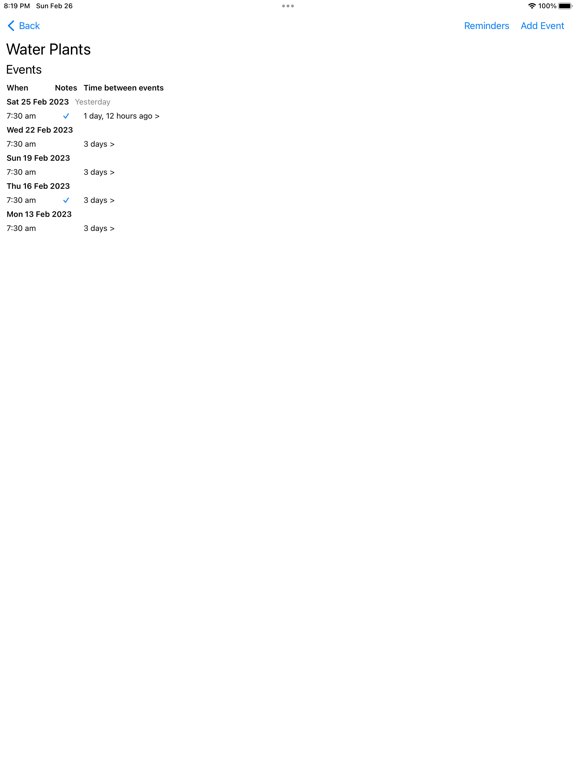
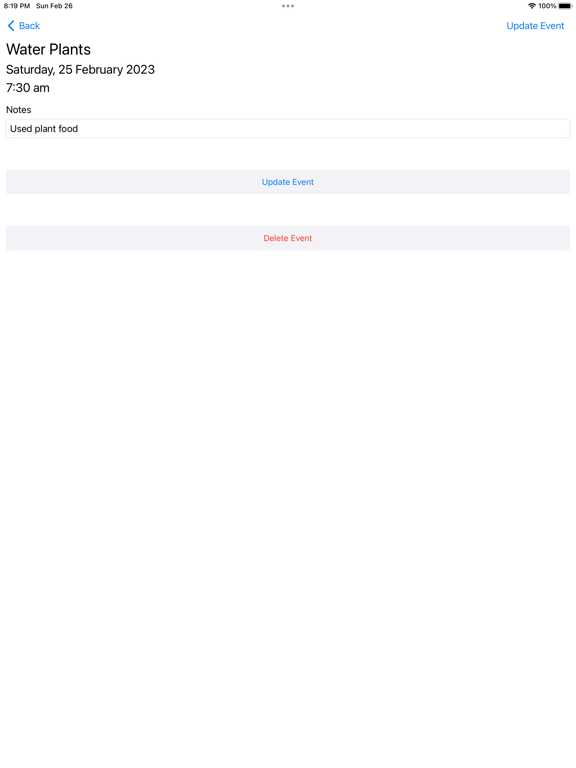
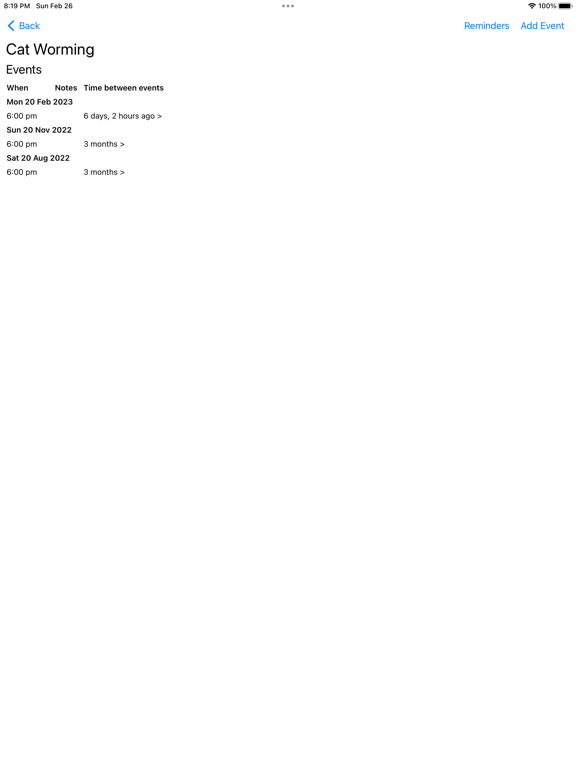
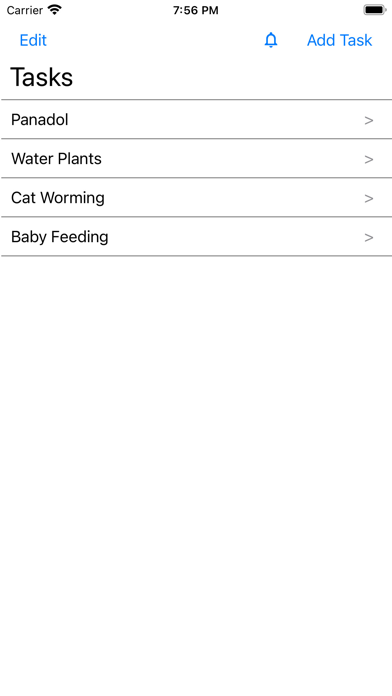
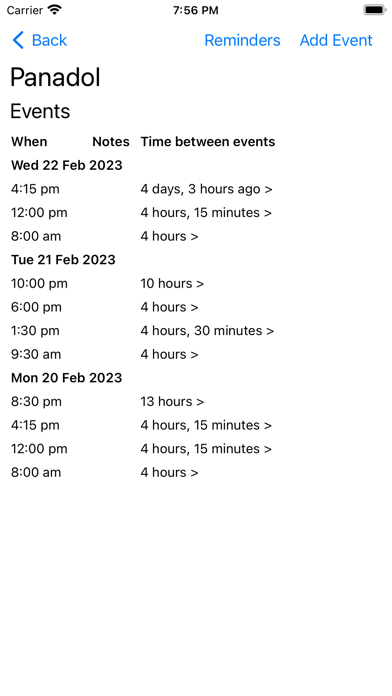
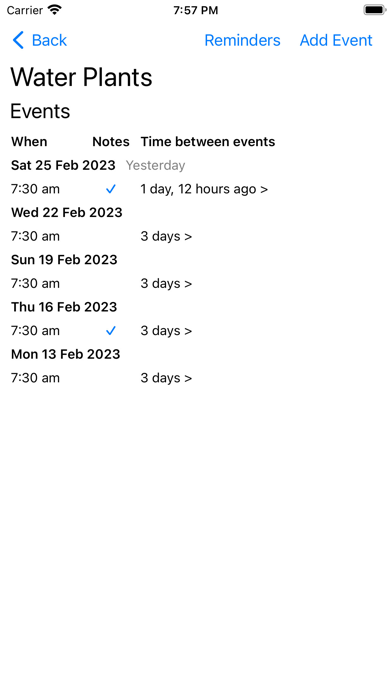
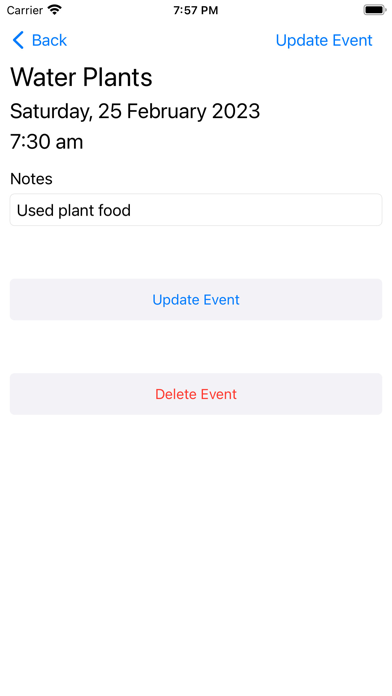
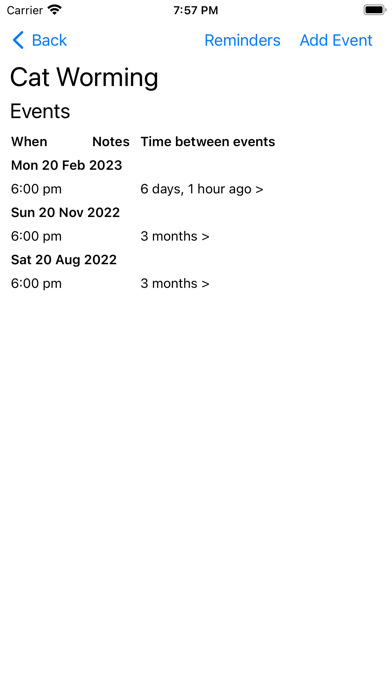
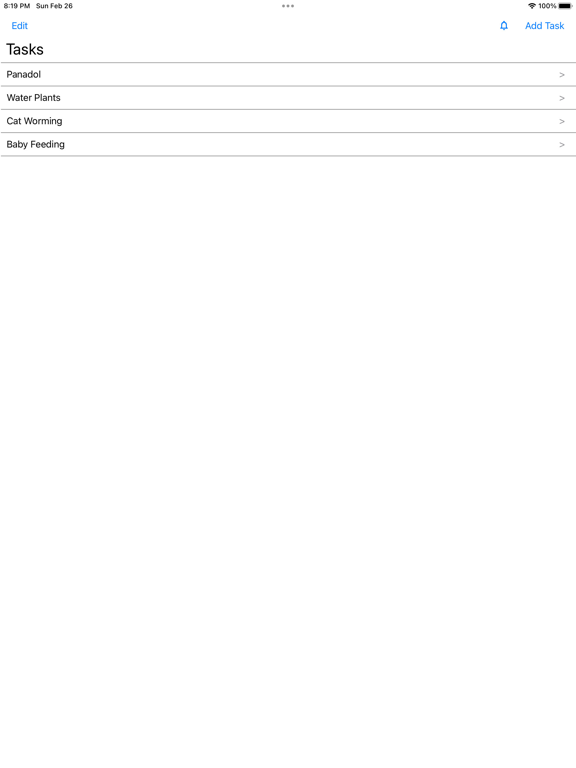
Tasks can be given any name, for example "Panadol", "Water Plants", "Cat Worming", "Baby Feeding", etc... Adding an event to a task tracks when that task is performed, additionally notes about the event can be included. The events for a task can be viewed displaying a history of when and how often the task has been performed - additionally the time between events and any notes taken can be reviewed.
Reminders can be setup for a task. There are 3 types of reminders:
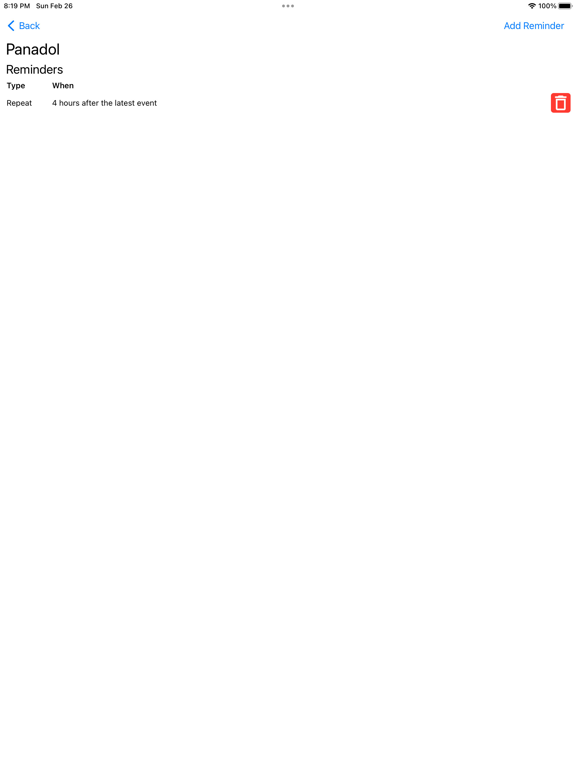
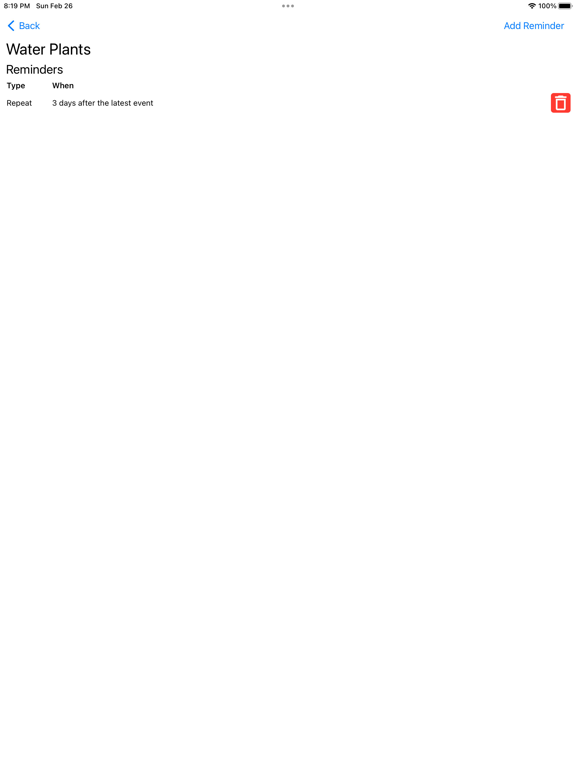
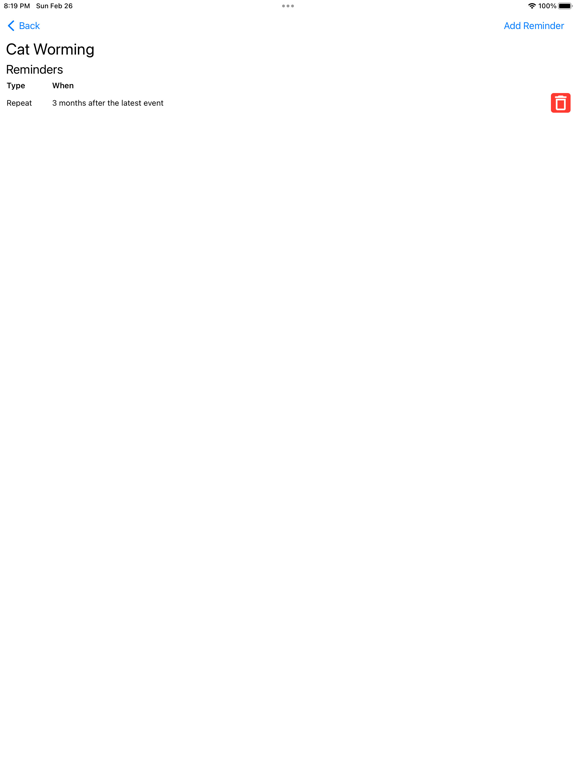
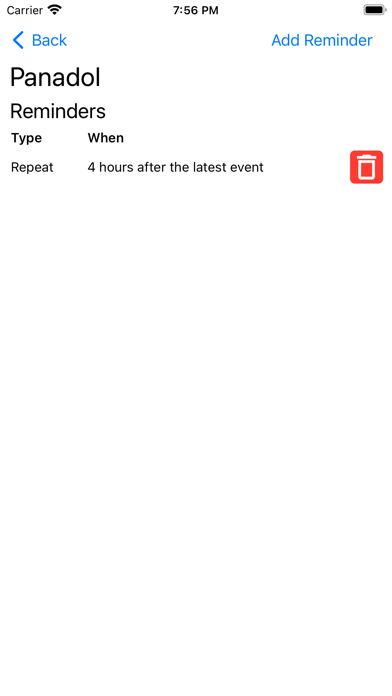
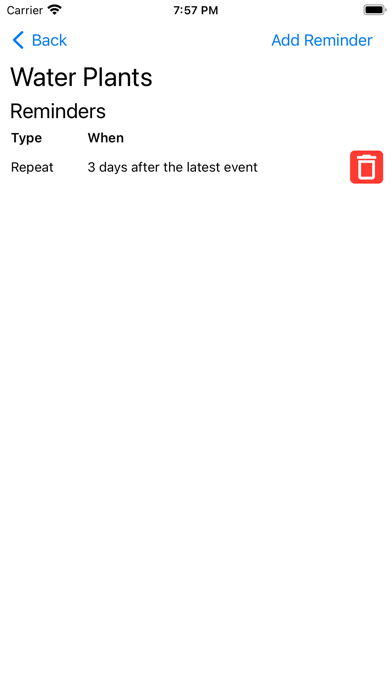
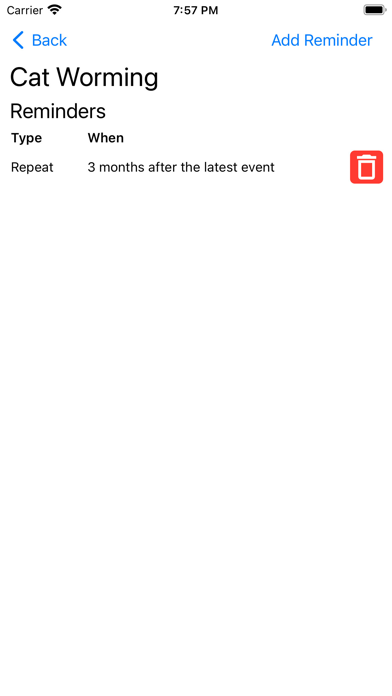
- Repeat reminders notify you after a specified amount of time after the latest event, for example 4 hours, 3 days, etc...
- Periodic reminders notify you at a specific time periodically either daily or weekly
- One-Off reminders notify you once at a specified day and time
As an example, you could create a task called "Panadol" and setup a 4 hour repeat reminder. After taking Panadol you would add an event to this task and TaskTracker will automatically notify you 4 hours after the event was added. Likewise a task called "Water Plants" could be added with a 3 day repeat reminder thus notifying you 3 days after adding an event to "Water Plants".
All data is stored on the device and TaskTracker does not have any network related functionality. TaskTracker does not send or receive any data.
NOTE: TaskTracker is only available in English with a light theme.

- Create tasks
- Add events to a task
- Setup reminders for a task
Tasks can be given any name, for example "Panadol", "Water Plants", "Cat Worming", "Baby Feeding", etc... Adding an event to a task tracks when that task is performed, additionally notes about the event can be included. The events for a task can be viewed displaying a history of when and how often the task has been performed - additionally the time between events and any notes taken can be reviewed.
Reminders can be setup for a task. There are 3 types of reminders:
- Repeat reminders notify you after a specified amount of time after the latest event, for example 4 hours, 3 days, etc...
- Periodic reminders notify you at a specific time periodically either daily or weekly
- One-Off reminders notify you once at a specified day and time
As an example, you could create a task called "Panadol" and setup a 4 hour repeat reminder. After taking Panadol you would add an event to this task and TaskTracker will automatically notify you 4 hours after the event was added. Likewise a task called "Water Plants" could be added with a 3 day repeat reminder thus notifying you 3 days after adding an event to "Water Plants".
All data is stored on the device and TaskTracker does not have any network related functionality. TaskTracker does not send or receive any data.
NOTE: TaskTracker is only available in English with a light theme.
Show More
What's New in the Latest Version 1.0.2
Last updated on Mar 24, 2023
Old Versions
This update includes stability and performance improvements for TaskTracker.
Show More
Version History
1.0.2
Mar 24, 2023
This update includes stability and performance improvements for TaskTracker.
1.0.1
Mar 5, 2023
This update includes stability and performance improvements for TaskTracker.
1.0
Feb 28, 2023
TaskTracker FAQ
Click here to learn how to download TaskTracker in restricted country or region.
Check the following list to see the minimum requirements of TaskTracker.
iPhone
Requires iOS 10.0 or later.
iPad
Requires iPadOS 10.0 or later.
iPod touch
Requires iOS 10.0 or later.