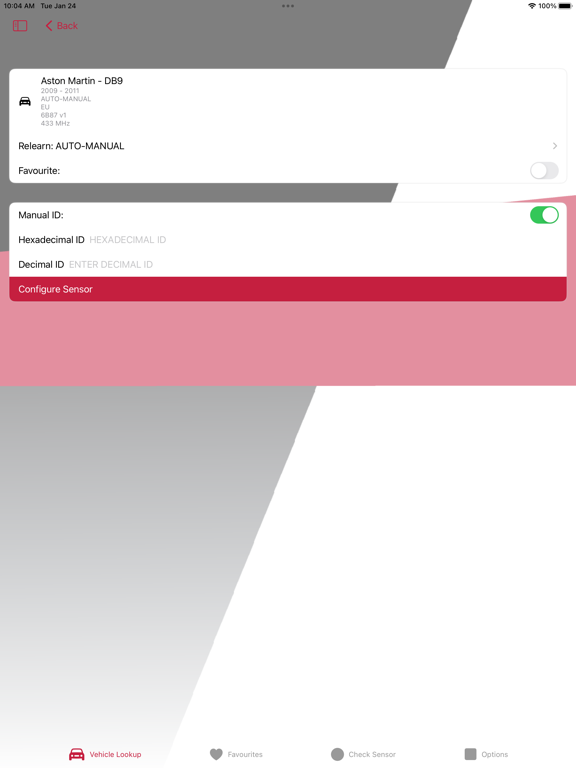
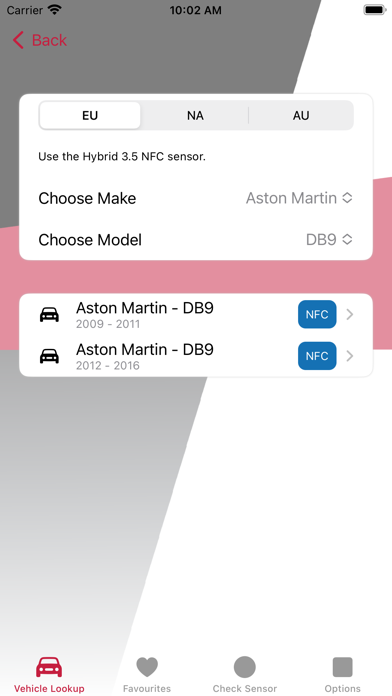
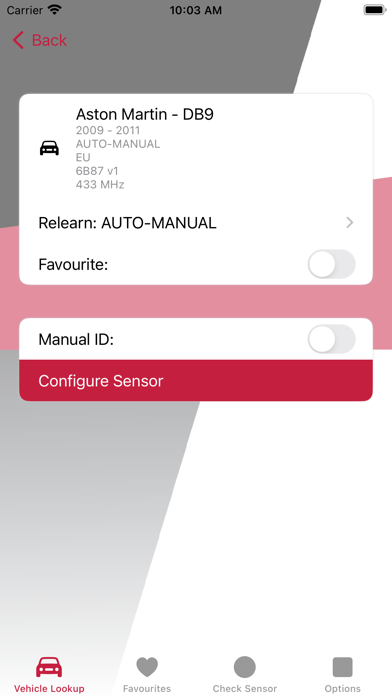
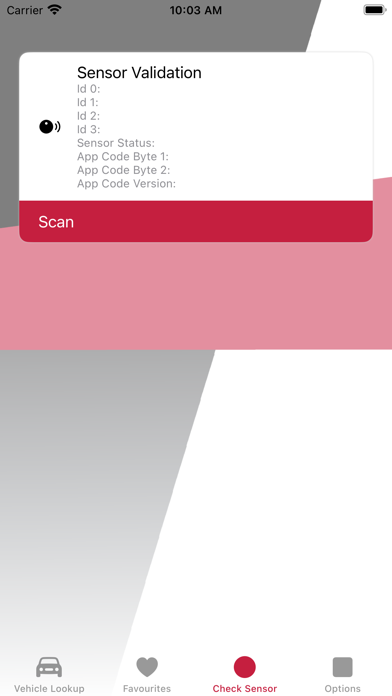
We have created a version of our TPMS programming app* for iOS by popular demand. iPhone users can now configure Hybrid NFC sensors with their smartphones.
The iOS app also includes new features that deliver a simplified vehicle lookup, essential TPMS information and the flexibility to operate offline.
App Fundamentals
-Superfast Configuration
Configure a Hybrid NFC sensor in one tap. It’s as quick and easy as making a contactless payment.
-Zero Interference
Don’t worry about disturbing other sensors whilst configuring. NFC works over ultra-short distances.
-Two Ways to Configure
Configure a sensor by creating a new ID or entering an existing OE sensor ID. The Manual ID option enables users to skip the relearn process as the ID (in the ECU) is unchanged.
New Features on iOS
-Favourites
Add the vehicles you program most often to the ‘Favourites’ tab and access them quicker than selecting the make and model each time.
-Relearn Type
Discover which type of relearn procedure applies to a vehicle (auto relearn, OBD, etc.) and what the process involves.
-Automatic Updates
Always have the latest coverage at your fingertips. The vehicle database automatically updates when you launch the app**.
-Offline Usage
No internet? No problem! The app runs smoothly without a connection too. In this instance, it will draw on the last database downloaded.
Please note, before using the vehicle lookup, you must select Europe (EU), North America (NA) or Australia (AU) to access the appropriate vehicle database for your location.
*Available for the iPhone 7 or newer with a minimum of iOS 15.
**Mobile data or a Wi-Fi connection is required.