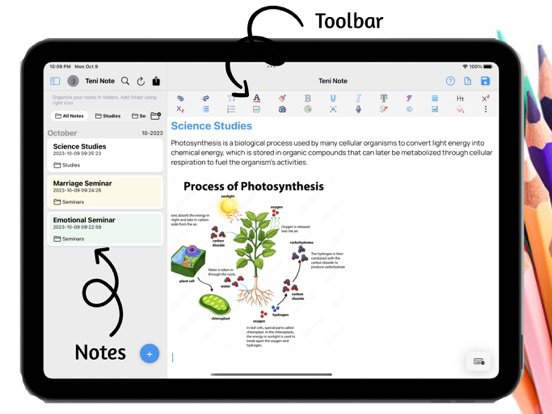
Teni Note is a note taking app that can be used to take all kinds of stunning notes on phones and tablets.
You can add a live representation of your notes by adding text animations, graph and others. This makes it a
unique note editor for everyone.
TOP FEATURES
- Undo, Redo, Bold, Italic, Strike-through, Font Size, Font Style,
- Underline, Insert picture from gallery, Insert picture from camera,
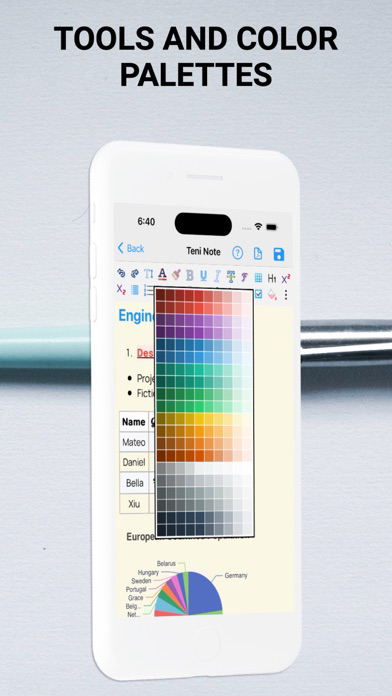
- Text color, Text highlighting, Subscript, Superscript, Bulletin
- Number Bulletin
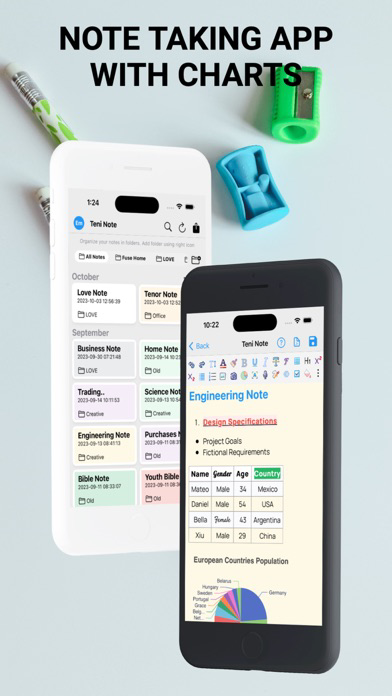
- Interactive and responsive table
- Speech/Voice to text
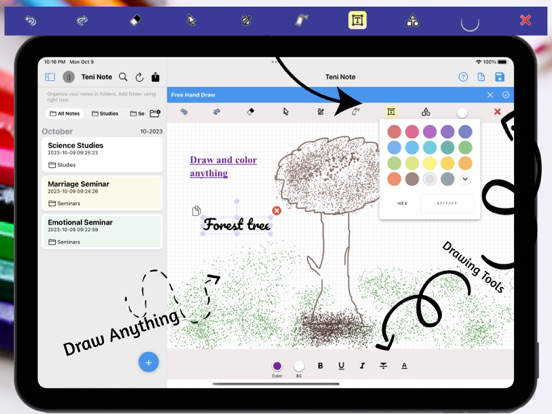
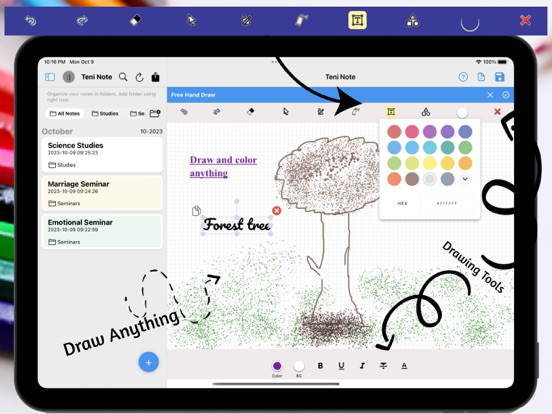
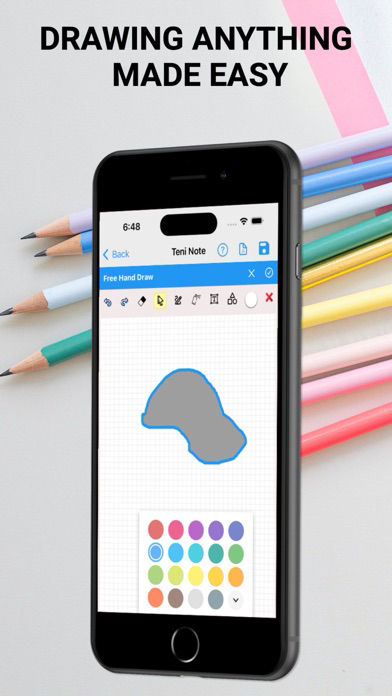
- Freehand drawing with drawing tools
- Todo list
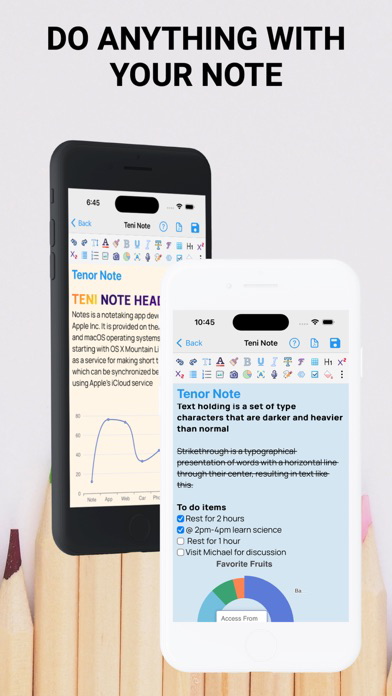
- Chart: Pie Chart, Donut Chart, Area Chart, Line Chart, Bar Chart, Guage, Scatter Plot Chart for data analysis
- Text Animation
- Optical character recognition
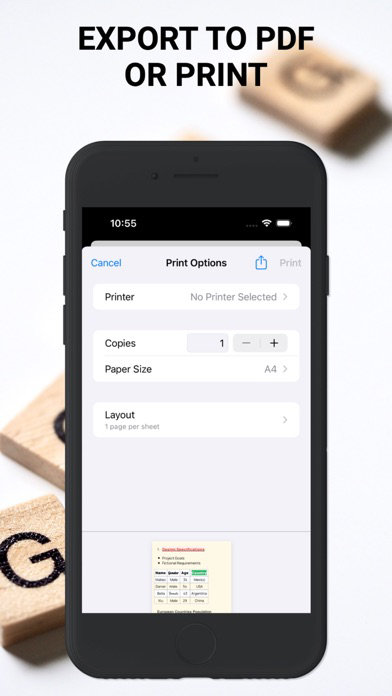
- Export to pdf / Print
TENI NOTE PROVIDES THE BASIC TOOLS SUCH AS:
Undo and Redo to revert changes back and forth, Bold to make text heavier,
Italic to slant text, Strikethrough to cancel a text, Font Size to increase size of text, Font Style to change
font design, Underline to underline text, add pictures to note via camera or gallery, Text Color to change color of
text, Text Highlighting to highlight text, Subscript and Superscript to make text smaller than normal at lower or upper
of the rest of the text respectively. Bulletin and Number bulletin to make points in clear and in blocks.
AS WELL AS ADVANCED TOOLS:
- TABLE: Teni Note tables are used to represent set of data in a tabular form. Teni Note makes it possible to
organize detailed or complex data that's easily to see results. I can also be used to differentiate between to items.
You can visit the help page to check how to add table, rows, columns as well as deleting rows and columns.
- OCR: OCR stands for Optical character recognition that can be used to capture a texts on image and add to your note.
- CHART: First Note mobile app to introduce chart inside note. You can add Pie Chart, Donut Chart, Area Chart,
Line Chart, Bar Chart, Guage, Scatter Plot Chart for data analysis. Also visit the help page in the app to
view details
- TEXT ANIMATION: You can also add animations to your note to make it live document.
- SYNCING: Note synchronization ensures security of your note from accidental loss.
Whilst also syncing to multiple devices
- Note can be exported to pdf or print from a printer
IN-APP SUBSCRIPTION
You can only create 1 notes when you are on free plan. To continuing creating unlimited notes, access premium features, and protects your notes
by syncing to cloud storage and multiple devices requires auto-renewing
In-App Subscription which are available in
∙ Monthly Premium Subscription and
∙ Yearly Premium Subscription
- Payment will be charged to iTunes Account at confirmation of purchase.
- Subscription automatically renews unless auto-renew is turned off at least 24 hours before the end of the current period.
- Account will be charged for renewal within 24 hours prior to the end of the current period, and identify the cost of the renewal
- Subscriptions may be managed by the user and auto-renewal may be turned off by going to the user's Account Settings after purchase
- No cancellation of the current subscription is allowed during the active subscription period
For more information, please visit our privacy policy https://tenisoft.com/privacies/note.html and Terms Of Use https://www.apple.com/legal/internet-services/itunes/dev/stdeula/