Text Comp

Text Comp


Free

1.0.3for iPhone, iPad and more
Yoichi Nozaki
Developer
13,6 MB
Size
Sep 2, 2016
Update Date
Utilities
Category
Age Rating
4+
Apps in this category do not contain restricted content.
9+
Apps in this category may contain mild or occasional cartoon, fantasy or real-life violence, as well as occasional or mild adult, sexually suggestive or horrifying content and may not be suitable for children under 9 years of age.
12+
Apps in this category may contain occasional mild indecent language, frequent or intense cartoon or real-life violence, minor or occasional adult or sexually suggestive material, and simulated gambling, and may be for children under 12 years of age.
17+
You must be at least 17 years old to access this App.
Apps in this category may contain frequent and intense offensive language; Frequent and intense cartoon, fantasy or realistic violence: frequent and intense adult, scary and sexually suggestive subjects: as well as sexual content, nudity, tobacco, alcohol and drugs, may not be suitable for children under 17 years of age.
Text Comp Screenshots
Text Comp posterText Comp posterText Comp posterText Comp posterText Comp poster

About Text Comp

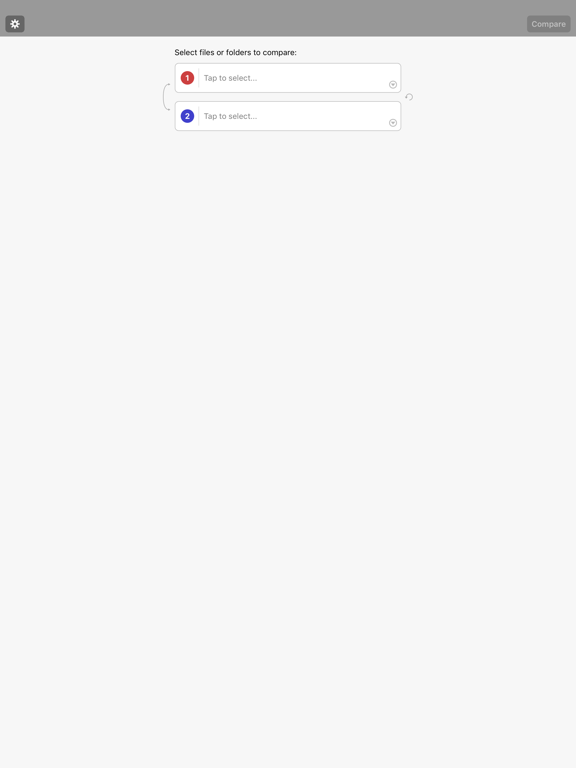
With Text Comp, you can easily compare the two text files or directories.

It's simple to use:


1. Import and select files to compare

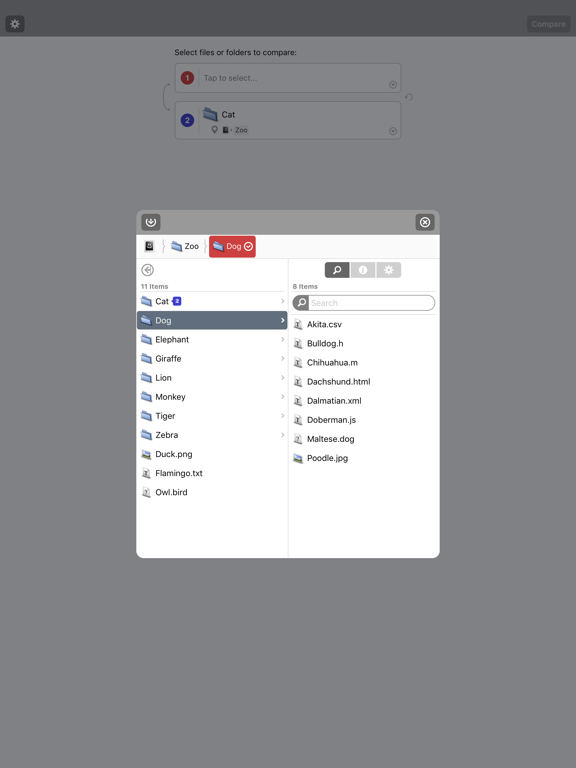
First, Let's import files that you want to compare from iCloud or other applications.
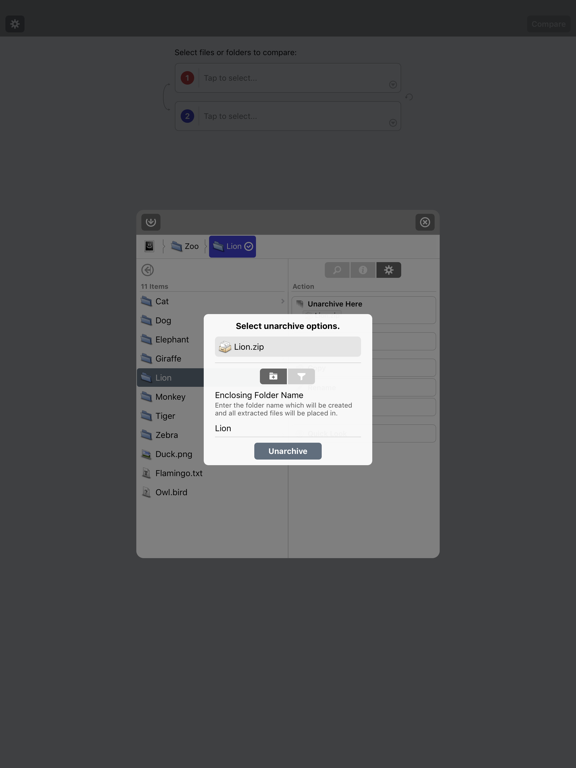
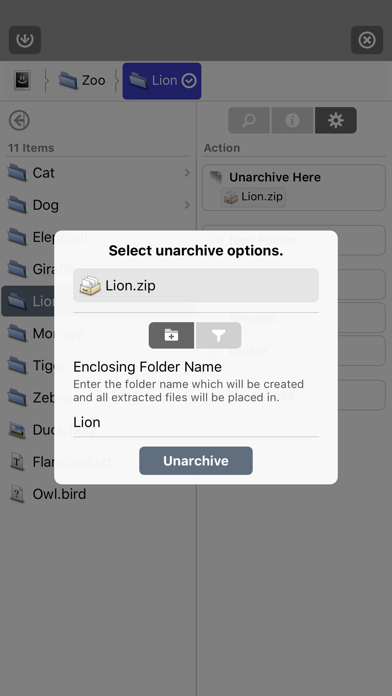
You can also import archive files (zip, tar, gz, bz2, lzh, etc) and can unarchive it in Text Comp.

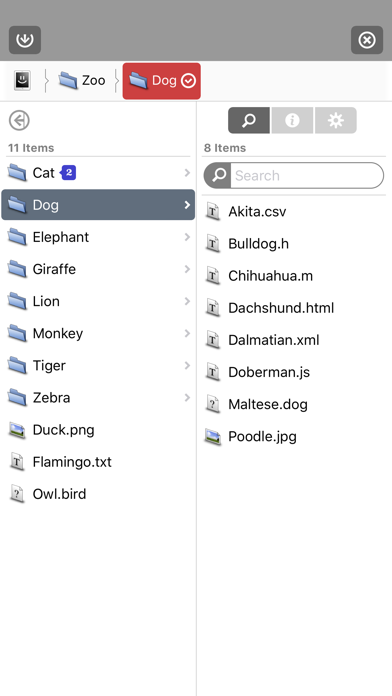
Useful file finder interface makes you select files faster.
You can quickly move directory hierarchy by Path bar.

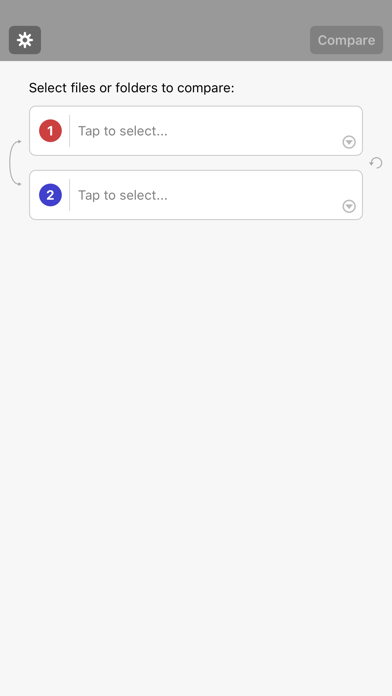
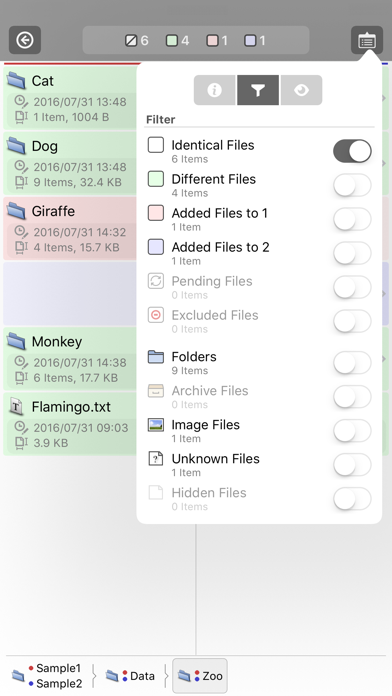
To select a file or a directory to compare, tap the red or blue highlighted button in Path bar.
The red means source "1" and the blue means source "2" for comparison in Text Comp.


2. Compare and analyze results

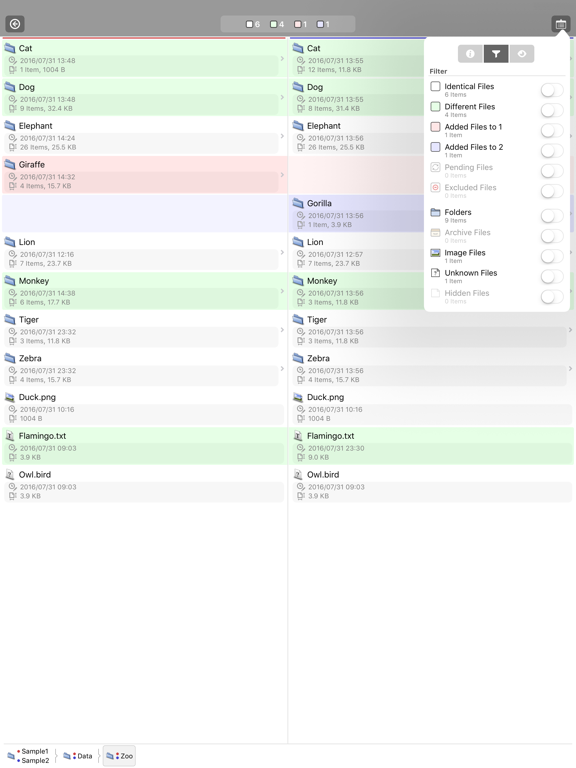
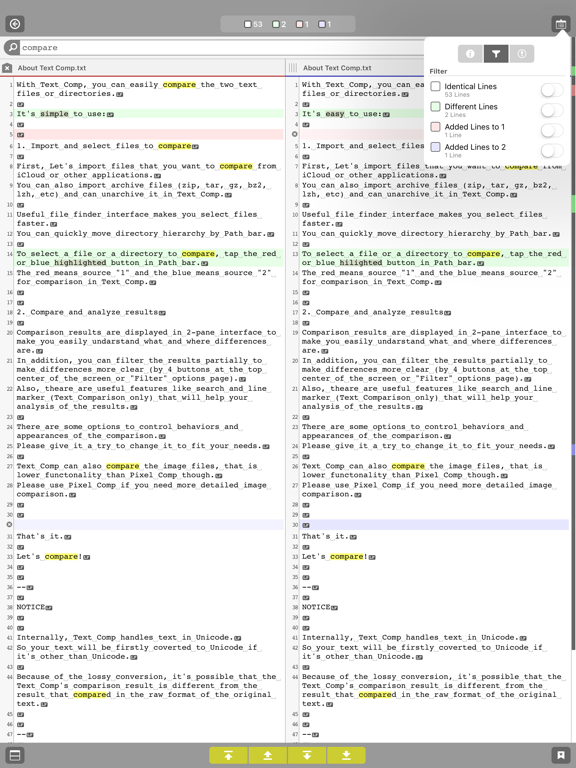
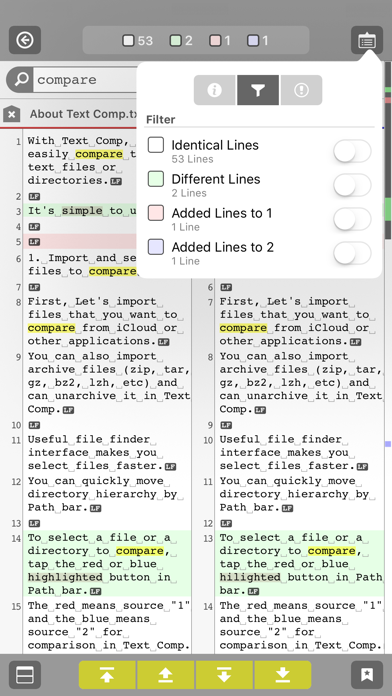
Comparison results are displayed in 2-pane interface to make you easily undarstand what and where differences are.
In addition, you can filter the results partially to make differences more clear (by 4 buttons at the top center of the screen or "Filter" options page).
Also, theare are useful features like search and line marker (Text Comparison only) that will help your analysis of the results.

There are some options to control behaviors and appearances of the comparison.
Please give it a try to change it to fit your needs.

Text Comp can also compare the image files, that is lower functonality than Pixel Comp though.
Please use Pixel Comp if you need more detailed image comparison.


That's it.

Let's compare!


--

NOTICE


Internally, Text Comp handles text in Unicode.
So your text will be firstly coverted to Unicode if it's other than Unicode.

Because of the lossy conversion, it's possible that the Text Comp's comparison result is different from the result that compared in the raw encoding of the original text.


--

About full version


Once upgrade to full version, following features will be available:

- No ad-banners displayed.
- "Export" available.

Show More

What's New in the Latest Version 1.0.3

Last updated on Sep 2, 2016
Old Versions
This update from Apple will improve the functionality of this app. No new features are included.

Added following features to make it more easier to import files.

- App Extensions support (* Import/Export files from other applications).
- Document Interaction support (* Copy files from other applications).
- Import from Clipboard.
- Import from URL.

and Minor bug fixes.
Show More
Version History
1.0.3
Sep 2, 2016
This update from Apple will improve the functionality of this app. No new features are included.

Added following features to make it more easier to import files.

- App Extensions support (* Import/Export files from other applications).
- Document Interaction support (* Copy files from other applications).
- Import from Clipboard.
- Import from URL.

and Minor bug fixes.

Text Comp FAQ

Click here to learn how to download Text Comp in restricted country or region.
Check the following list to see the minimum requirements of Text Comp.
iPhone
Erfordert iOS 9.0 oder neuer.
iPad
Erfordert iPadOS 9.0 oder neuer.
iPod touch
Erfordert iOS 9.0 oder neuer.
Text Comp supports Anglais, Japonais

Text Comp Alternative

You May Also Like

Get more from Yoichi Nozaki