Text Scanner OCR
FreeOffers In-App Purchases
1.1.0for iPhone, iPad and more
Age Rating
Text Scanner OCR Screenshots
About Text Scanner OCR
Text Scanner OCR, Document, Image to text converter App for all your needs!
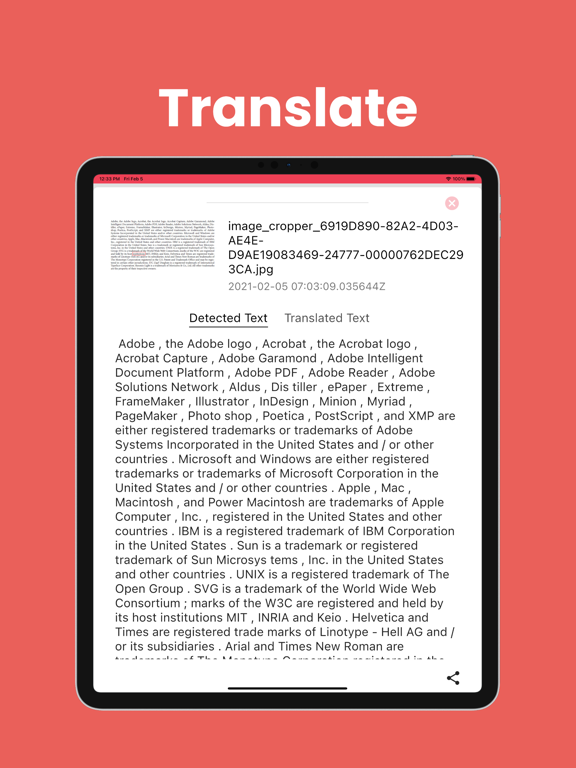
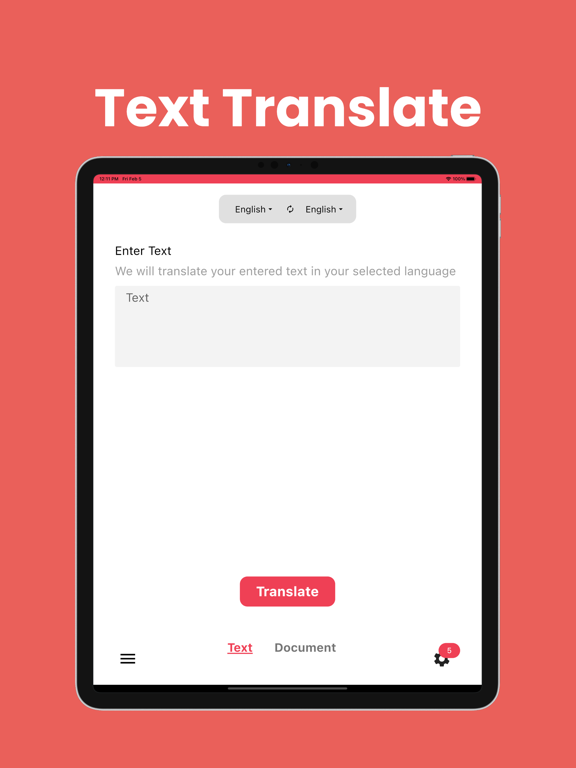
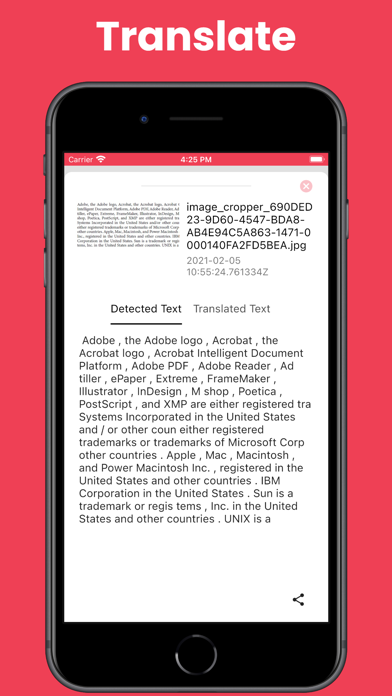
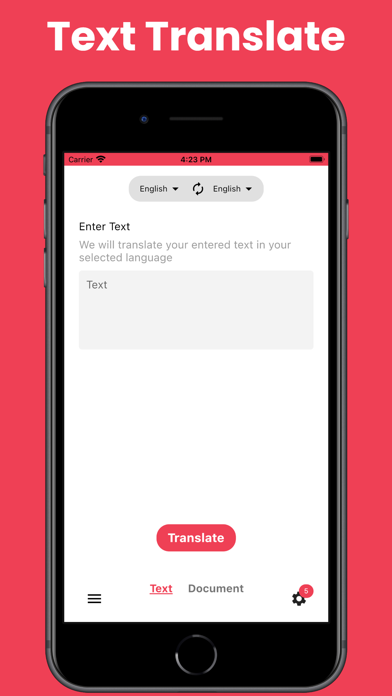
You can convert an image to text and can translate text from one language to supported languages.
We often are in situations where we have Phone numbers, email, addresses, documents, and some other important data that we need in text form. Below are some situations where Text Scanner [OCR] App comes to rescue you with some clicks.
1) Document and Receipts:
Extracting information from a printed document or form could probably give the greatest benefit.
2) Extract Business Cards Info
Old age business tradition to exchange business cards. But probably you no longer want to keep them with you.
2) Extract Info from Magazine, Brochure, Newspaper
When you access the URL or phone number written in magazines or brochures, or it's really hard to input the URL or phone number by the keyboard. So please use Text Scanner [OCR]!
3) No More Retyping
If you lose or accidentally erase an important digital file, such as a proposal or invoice, but still have a hard copy, you can easily replace it in your digital filing system by using OCR App to scan the paper's original or most recent draft.
4) Meeting Notes
When you record the memo written on the blackboard or whiteboard, it's very troublesome to transcript it by the keyboard. But you can do it very easily by Text Scanner [OCR]! It's possible to record content immediately!
In addition, you are in a meeting and seeing some slides and want to make note of it. Just click the picture and use the Text Scanner [OCR] App to extract the text.
5) Travel Tips
While traveling if you are not familiar with the language you can take a picture make use of the Text Scanner [OCR] App to extract the text and translate it to your native language. Yes, the Text Scanner [OCR] App removes the language barrier.
Features of Text Scanner [OCR]
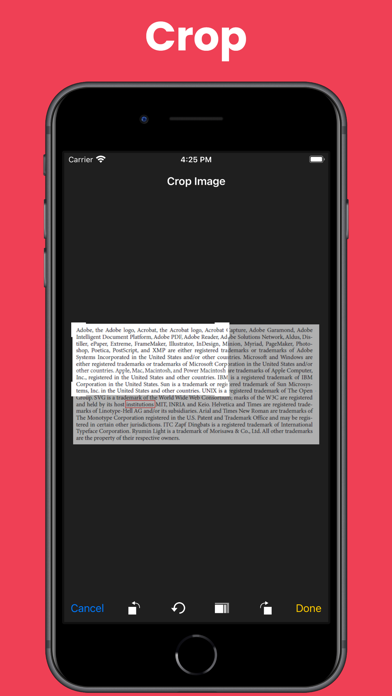
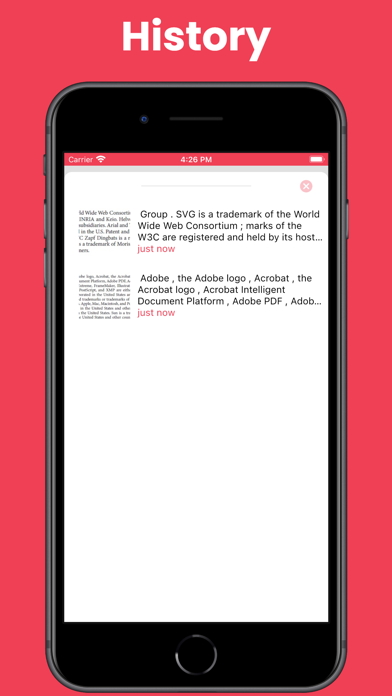
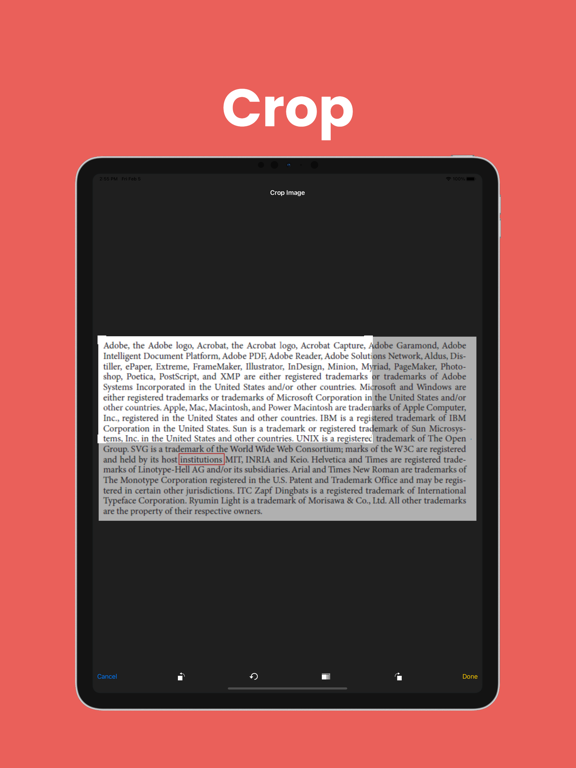
● Support photos to text
● Support more than x languages
● Support handwriting
● Recognized text, it is possible to perform the following operation
- Copy to clipboard
- Send e-mail
- Share
Permission of the Text Scanner [OCR]
Use only "Camera" permission.

You can convert an image to text and can translate text from one language to supported languages.
We often are in situations where we have Phone numbers, email, addresses, documents, and some other important data that we need in text form. Below are some situations where Text Scanner [OCR] App comes to rescue you with some clicks.
1) Document and Receipts:
Extracting information from a printed document or form could probably give the greatest benefit.
2) Extract Business Cards Info
Old age business tradition to exchange business cards. But probably you no longer want to keep them with you.
2) Extract Info from Magazine, Brochure, Newspaper
When you access the URL or phone number written in magazines or brochures, or it's really hard to input the URL or phone number by the keyboard. So please use Text Scanner [OCR]!
3) No More Retyping
If you lose or accidentally erase an important digital file, such as a proposal or invoice, but still have a hard copy, you can easily replace it in your digital filing system by using OCR App to scan the paper's original or most recent draft.
4) Meeting Notes
When you record the memo written on the blackboard or whiteboard, it's very troublesome to transcript it by the keyboard. But you can do it very easily by Text Scanner [OCR]! It's possible to record content immediately!
In addition, you are in a meeting and seeing some slides and want to make note of it. Just click the picture and use the Text Scanner [OCR] App to extract the text.
5) Travel Tips
While traveling if you are not familiar with the language you can take a picture make use of the Text Scanner [OCR] App to extract the text and translate it to your native language. Yes, the Text Scanner [OCR] App removes the language barrier.
Features of Text Scanner [OCR]
● Support photos to text
● Support more than x languages
● Support handwriting
● Recognized text, it is possible to perform the following operation
- Copy to clipboard
- Send e-mail
- Share
Permission of the Text Scanner [OCR]
Use only "Camera" permission.
Show More
What's New in the Latest Version 1.1.0
Last updated on Feb 18, 2022
Old Versions
Bug fixing
Show More
Version History
1.1.0
Feb 18, 2022
Bug fixing
1.0.2
Feb 23, 2021
- Bug fixing for the permission
1.0.1
Feb 23, 2021
- Fixed the bugs
- Added facility to signup with email
1.0.0
Feb 12, 2021
Text Scanner OCR FAQ
Click here to learn how to download Text Scanner OCR in restricted country or region.
Check the following list to see the minimum requirements of Text Scanner OCR.
iPhone
Requires iOS 11.0 or later.
iPad
Requires iPadOS 11.0 or later.
iPod touch
Requires iOS 11.0 or later.
Text Scanner OCR supports English
Text Scanner OCR contains in-app purchases. Please check the pricing plan as below:
Credit 110
$5.99
Credit 50
$2.99
Credit 1
$0.99
Credit 15
$0.99