Tic Tac Toe : Multi-level

Tic Tac Toe : Multi-level


Free

1.2for iPhone, iPad
Age Rating
4+
Apps in this category do not contain restricted content.
9+
Apps in this category may contain mild or occasional cartoon, fantasy or real-life violence, as well as occasional or mild adult, sexually suggestive or horrifying content and may not be suitable for children under 9 years of age.
12+
Apps in this category may contain occasional mild indecent language, frequent or intense cartoon or real-life violence, minor or occasional adult or sexually suggestive material, and simulated gambling, and may be for children under 12 years of age.
17+
You must be at least 17 years old to access this App.
Apps in this category may contain frequent and intense offensive language; Frequent and intense cartoon, fantasy or realistic violence: frequent and intense adult, scary and sexually suggestive subjects: as well as sexual content, nudity, tobacco, alcohol and drugs, may not be suitable for children under 17 years of age.
Tic Tac Toe : Multi-level Screenshots
Tic Tac Toe : Multi-level posterTic Tac Toe : Multi-level posterTic Tac Toe : Multi-level posterTic Tac Toe : Multi-level poster

About Tic Tac Toe : Multi-level

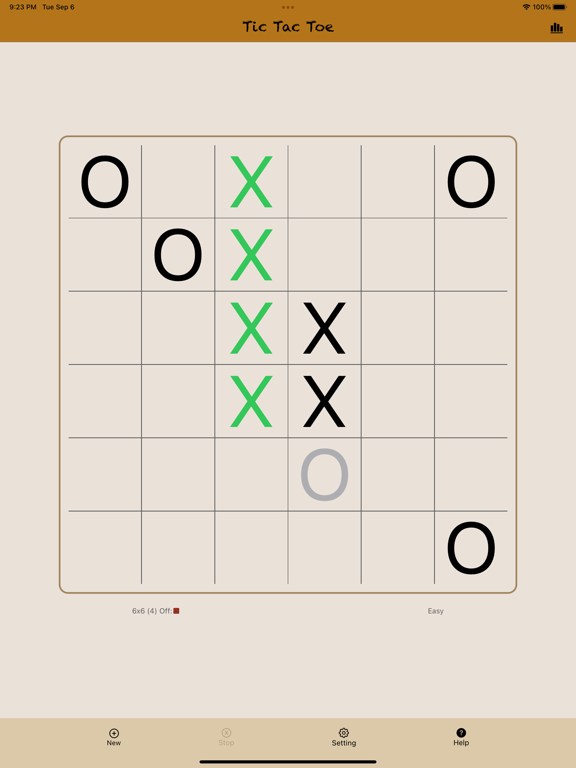
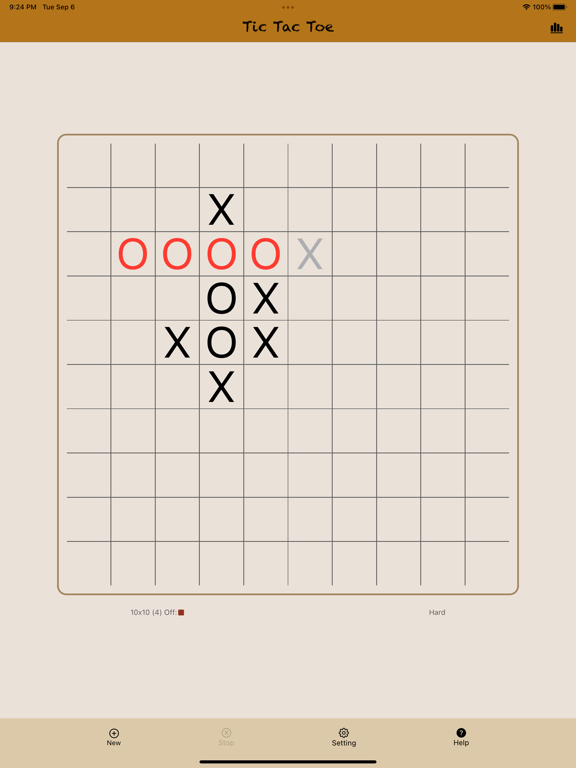
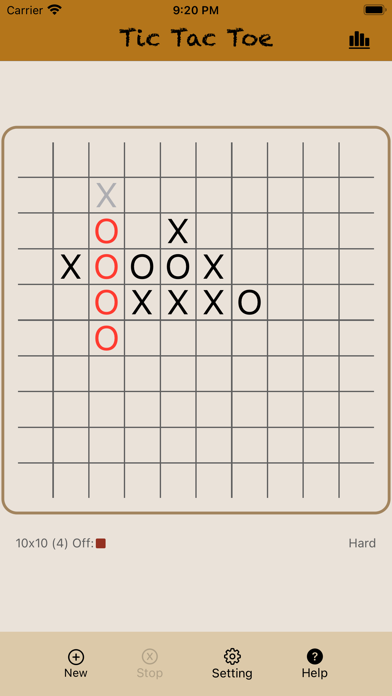
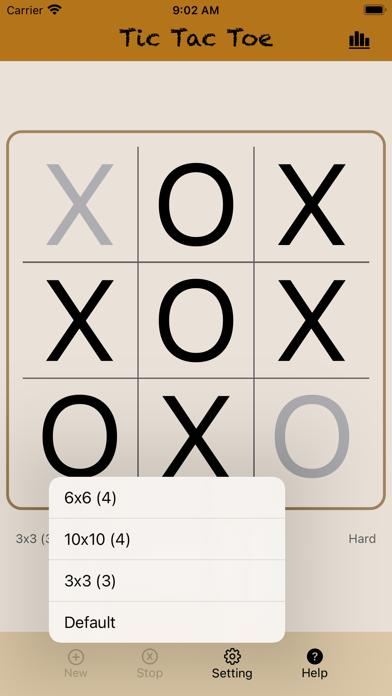
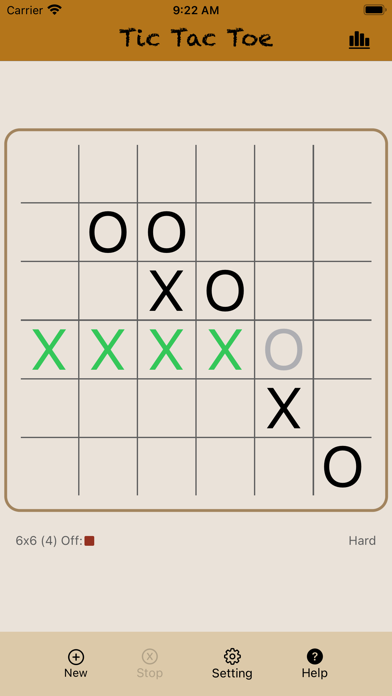
Play the multi-level version of the classic game of Tic Tac Toe against the computer. You can choose the classic 3 x 3 game board or up the challenge by choosing a board up to 10 x 10. Changing the number of winning squares or computer skill level provides a different level of challenge.

Here are the features of this game:

1. Initially, the game starts with the 3 x 3 game board and you get the first turn to play against the computer. The one to get 3 consecutive squares horizontally, vertically or diagonally wins the game.

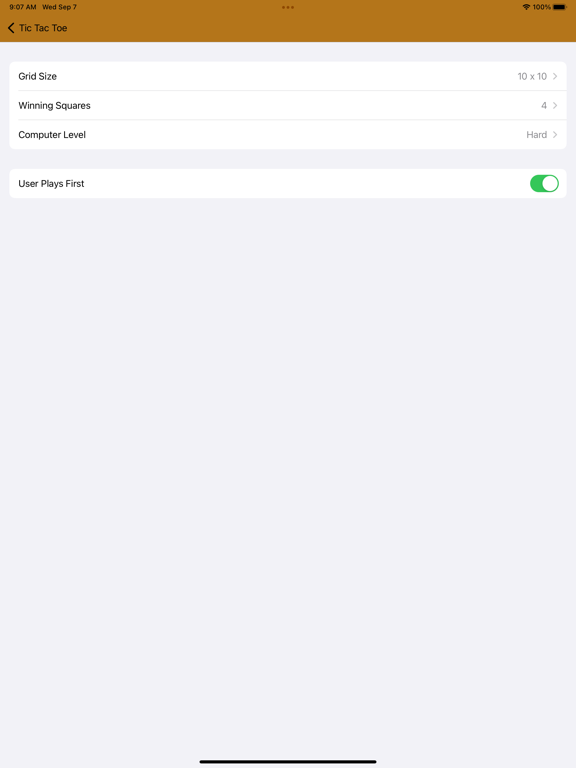
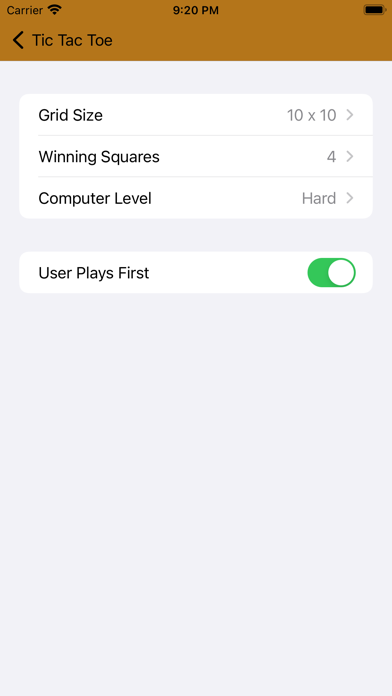
2. You can change the following game settings:

a. Grid Size: This determines the size of the game board. You can pick from 3x3 all the way up to 10x10.

b. Winning Squares: This determines the number of consecutive squares that you need to occupy to win the game. The default value is 3 for the 3x3 size and 4 for the greater sizes. You can change this setting to any value up to the size of the game board.

c. Computer Level: This allows varying degree of skills with which the computer will play with you.

d. User Plays First: If yes, the user play first and the play symbol is X. If not, the computer plays first with the symbol X.

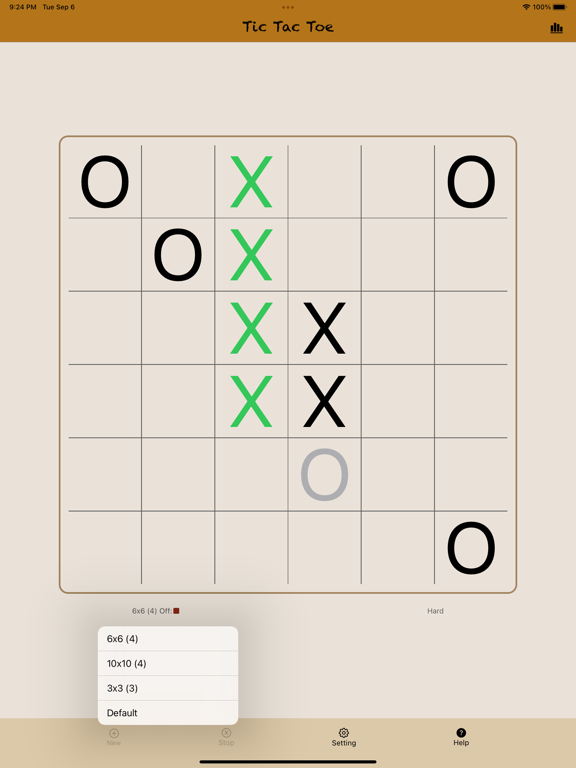
e. All the settings shown in abbreviated form in the main screen, which keeps you informed of the settings while playing.

3. You can check the statistics about total wins, losses or draws at time by clicking in the icon at top right. You can clear these statistics at any point.

Show More

What's New in the Latest Version 1.2

Last updated on Sep 16, 2022
Old Versions
Minor bugfixes related to app stability.
Show More
Version History
1.2
Sep 16, 2022
Minor bugfixes related to app stability.

Tic Tac Toe : Multi-level FAQ

Click here to learn how to download Tic Tac Toe : Multi-level in restricted country or region.
Check the following list to see the minimum requirements of Tic Tac Toe : Multi-level.
iPhone
iPad

Tic Tac Toe : Multi-level Alternative

You May Also Like

Get more from Jatinder Gogna