TileBrowser

TileBrowser


Multi-window Browser for Pros


$7.99
3.0for iPhone, iPad and more
7.1
9 Ratings
ACTech Mobile
Developer
38.9 MB
Size
Nov 11, 2022
Update Date
Productivity
Category
17+
Age Rating
Age Rating
4+
Apps in this category do not contain restricted content.
9+
Apps in this category may contain mild or occasional cartoon, fantasy or real-life violence, as well as occasional or mild adult, sexually suggestive or horrifying content and may not be suitable for children under 9 years of age.
12+
Apps in this category may contain occasional mild indecent language, frequent or intense cartoon or real-life violence, minor or occasional adult or sexually suggestive material, and simulated gambling, and may be for children under 12 years of age.
17+
You must be at least 17 years old to access this App.
Apps in this category may contain frequent and intense offensive language; Frequent and intense cartoon, fantasy or realistic violence: frequent and intense adult, scary and sexually suggestive subjects: as well as sexual content, nudity, tobacco, alcohol and drugs, may not be suitable for children under 17 years of age.
TileBrowser Screenshots
TileBrowser posterTileBrowser posterTileBrowser posterTileBrowser poster

About TileBrowser

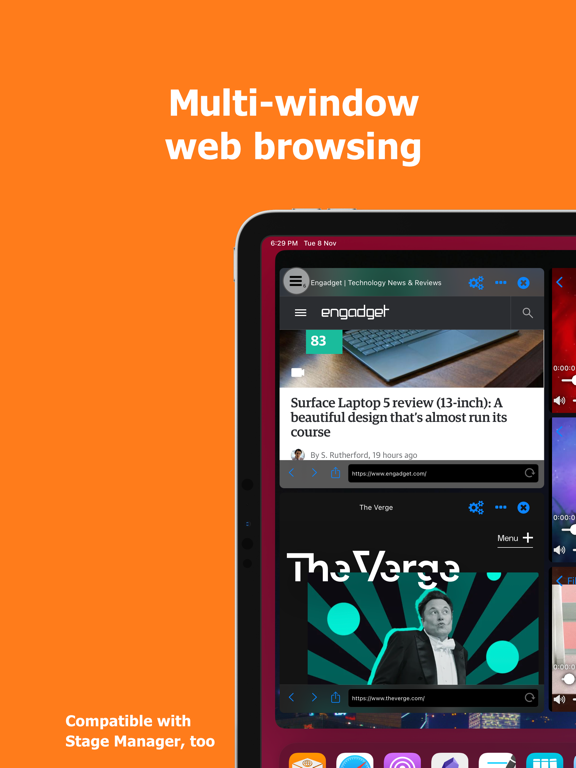
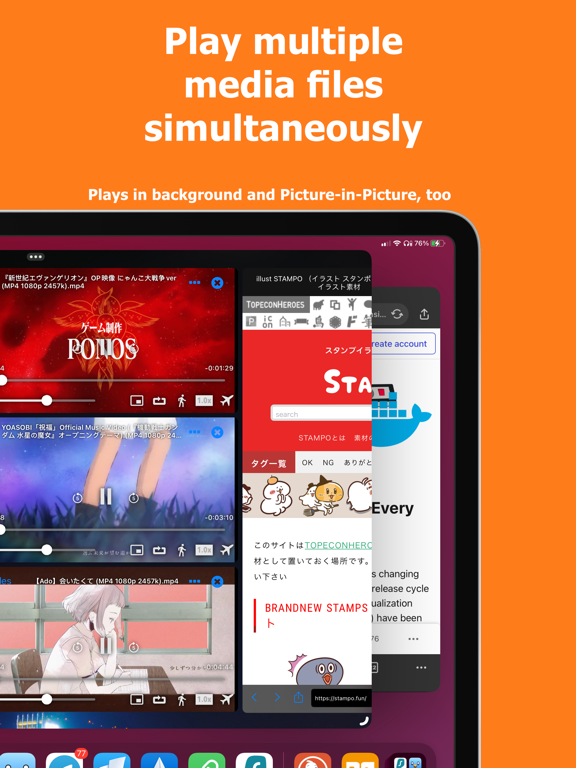
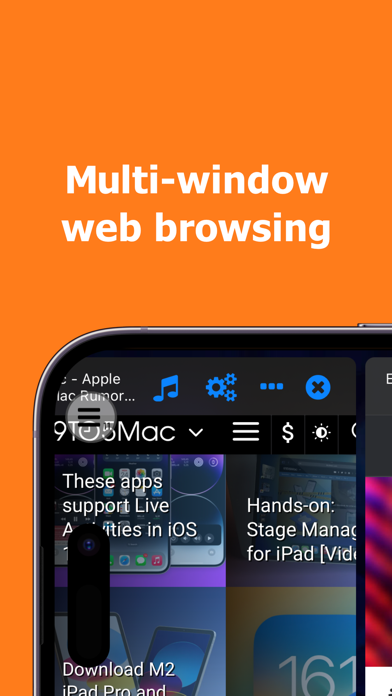
Enjoy browsing multiple websites and play multiple media files at the same time within a single app.

Supports iPadOS all multitasking features: Stage Manager, SlideOver, Split screen, etc.

Tap and hold a link on websites to...
- Download files and videos
- Open link in new window

== File Manager and Viewer ==
Supported file formats:
Video: MP4, M4V, MOV
Audio: MP3, M4A, WAV
Document: iWork, Microsoft Office 97+, RTF, PDF, TXT, CSV
Images: JPG, PNG

== Feature-packed media/video player ==
- Playback speed control (0.3x to 4x)
- Loop play
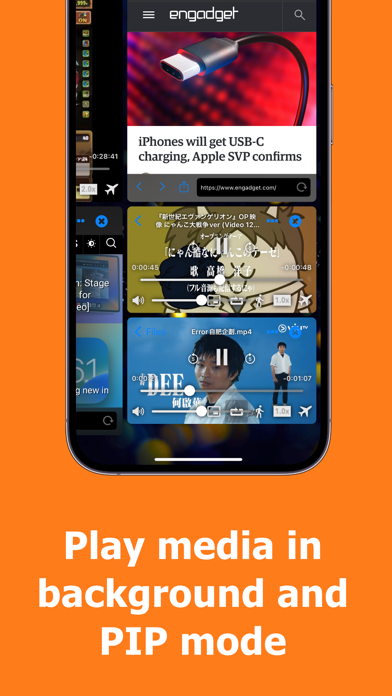
- Picture-in-picture (for video)
- Background play
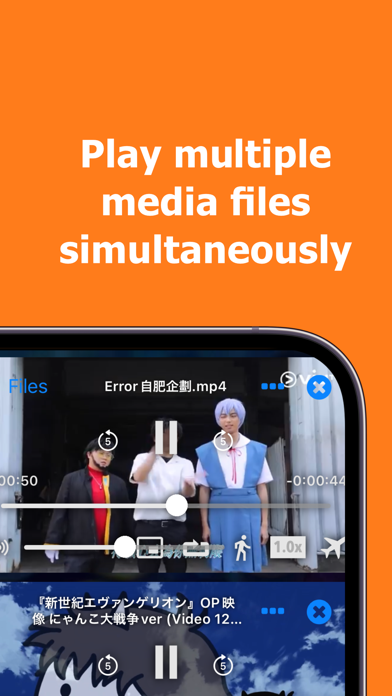
- Play multiple media file simultaneously
- Browse and view your local iTunes library collection (Music / Videos / iTunes U / Podcast)

Show More

What's New in the Latest Version 3.0

Last updated on Nov 11, 2022
Old Versions
- Performance improvements
- Improved player UI
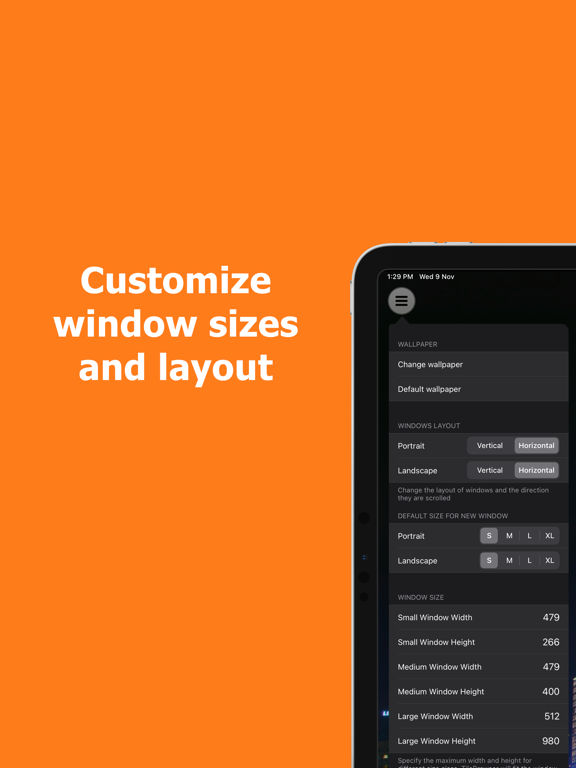
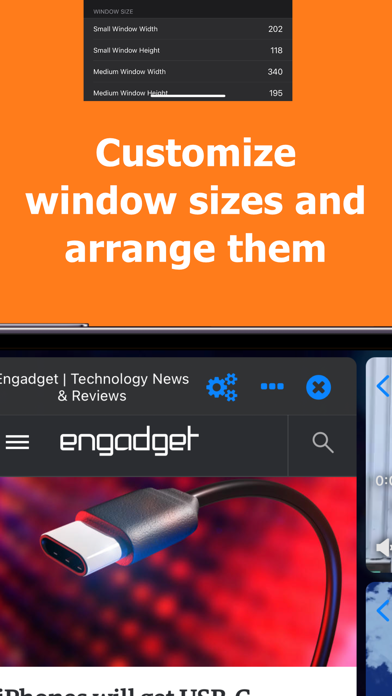
- New window sizing scheme
- Removed Google Maps and Dictionary
- Dark mode support
- Drag and Drop support (drop links to website)
Show More
Version History
3.0
Nov 11, 2022
- Performance improvements
- Improved player UI
- New window sizing scheme
- Removed Google Maps and Dictionary
- Dark mode support
- Drag and Drop support (drop links to website)
2.3.3
Feb 1, 2018
This app has been updated by Apple to display the Apple Watch app icon.

New Features and Enhancements
- iPhone X (basic) support
- More windows can be opened for devices with more RAM

General
- iOS 11 Drag and drop support (drag link from web window or external app into empty area to open), etc

Media Player
- Gestures control added

Web Browser
- Search with Google directly via the address bar
- Improved address bar layout
- Improved page scale handling (respect responsive websites)
- Experimental features: Text-to-speech to read aloud web paage, Reader mode
- Improved streaming media detection

A lot of bug fixes and interface improvements
2.3.2
Apr 6, 2017
Bug fixes and improvement
- Video URL parsing bug fix
2.3.1
Feb 14, 2017
Version 2.3.1

Bug fixes
- Emergency fix for crashes in iOS 8 and 9
2.3.0
Feb 10, 2017
Version 2.3.0

New Features and Enhancements

General

- URL Scheme: You can now use TileBrowser to open any URL by passing the URL in the following formats: tbr://open?u=[url] or tbr://open?url=[url]
- Files: You can now swipe on the file name to reveal share, delete and rename buttons
- Extension: rewrote to make it work better!
- A lot of UI Tweaks!

Media Player

- Added: WAV support
- Added: display subtitles if available
- Added: Two-finger tap gesture to play/pause
- Enhanced Volume Control (sounds louder!)


Web Browser

- Added: iframe detection
- Fixed: Address bar and title bar updating issue
- Fixed: Forward button
- Improved: Fewer steps for download of zip files
- Improved streaming media (audio and video) detection

Bug fixes
- Fixed: Webview may not load if url contains UTF8 characters
2.2.0
Dec 23, 2016
Version 2.2.0

New Features and Enhancements

General

- What's New notification
- Opened windows can be sorted in menu (Drag'n drop)
- Margins between windows are now adjustable (0-50pt)
- Bookmarks: Sort and edit
- Number of opened windows is displayed in the menu button
- Brand new icon and default background
- Improved swipe gestures responsiveness
- Expanding a window to full screen will now hide the status bar
- Bookmark menu stays open (so that you can open multiple bookmarks at the same time)
- Improved on-screen keyboard handling (resizing windows properly)
- A lot of UI Tweaks!

Media Player

- Loop-play function is added
- Added pinch gestures to toggle between full-screen, normal and Picture-in-picture (PIP) mode
- Improved PIP button behaviours

Web Browser

- Labels are added for buttons of pop-up menus
- Advanced option (for individual web window) to automatically open links in new windows or use Google Web Light
- Improved links handling. App Store links will now ask before opening the App Store
- Auto-hide the address bar for browser window
- Improved in-app pop-up notifications
- Allow sending URL to TileBrowser in another device via AirDrop
- Improved embedded video detection and allows opening embedded video in media player window

Bug fixes

- Fix: crash while sharing the app on social network with no account is set up
- Fix: crash while opening the sharing sheet in Slide Over mode on iPad
- Fix: windows incorrectly resized after going into background
- Fix: browser windows incorrect behaviours after going into background
- Fix: handling of UTF8 characters in URL
2.1.2
Feb 25, 2016
Version 2.1.2

New Features
- Picture-in-picture support for video playing on iPads
- Dropbox integration (download files from your Dropbox account)
- Enhanced media player (audio and video)
> Plays multiple files at the same time
> Auto hides player interface
> More playback speed options
> Audio control
- Notification for background download completion
- "Send to TileBrowser" Extension allows you send URL from any apps to open in TileBrowser

Enhancements
- Adding a blur effect to action menu scroll view to indicate more options beyond the border :)
- File size is now displayed in local files list
- Enhanced horizontal splitscreen mode
2.1
Nov 6, 2015
Improvement/Bug fixed:
- Fixed an dialog box for confirmation of resuming incomplete downloads

New feature:
- Web browser: Added a prompt dialog for users to download or open a link if the linked file format is supported (for example, links for PDF files)
2.0
Oct 27, 2015
New Features:
- You can select how the windows are arranged for landscape and portrait!
- Added support for iPad multi-tasking modes (multitask mode is always portrait)
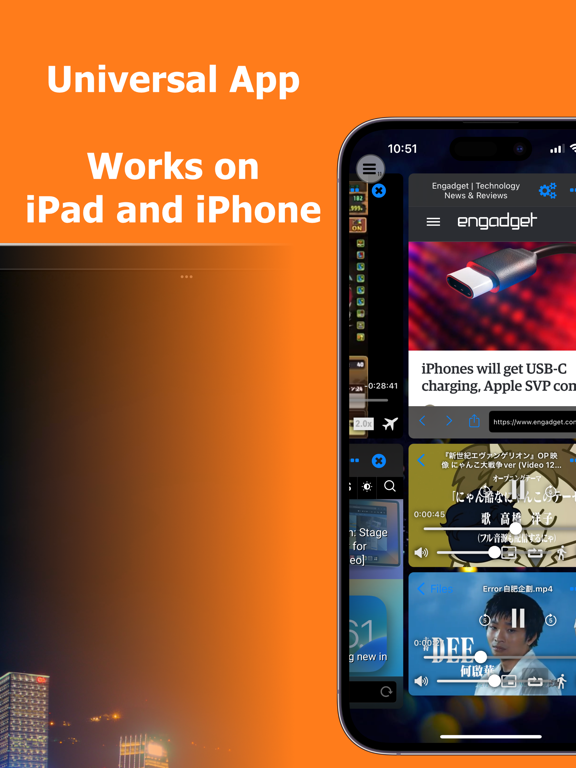
- Added iPhone and iPod touch support (works best on larger screens)

Enhancements:
- Web Browser: Pop-up menu enhancement
- Web Browser: Pop-up menu will now show more quickly
- Web Browser: File download progress bar in File Browser
- File Browser: File details view (allow renaming file)
- UI Enhancements (button icons)

Fixed:
- Expanding a window to "full screen" will response properly when keyboard is displayed
- Crash due to opening new window from a "full screen" web browser
1.1
Nov 12, 2014
- The function bubble is now restricted within the user interface. Reduced sensitivity of dragging action of the bubble.
- New function: Full screen mode (toggle a window to switch between full screen and original size)
1.0
Nov 8, 2014

TileBrowser Price

Today:
$7.99
Lowest:
$4.99
Highest:
$7.99

TileBrowser FAQ

Click here to learn how to download TileBrowser in restricted country or region.
Check the following list to see the minimum requirements of TileBrowser.
iPhone
Requires iOS 13.0 or later.
iPad
Requires iPadOS 13.0 or later.
iPod touch
Requires iOS 13.0 or later.
TileBrowser supports English

TileBrowser Alternative

You May Also Like