TimeBuzz
$0.99
1.5for iPhone
Age Rating
TimeBuzz Screenshots
About TimeBuzz
The TimeBuzz app makes it possible to feel the current time through vibrations of the Taptic Engine on the Apple Watch. The app is designed especially for visually impaired people. With this app you can discretely get to know the current time without the need for the time to be pronounced.
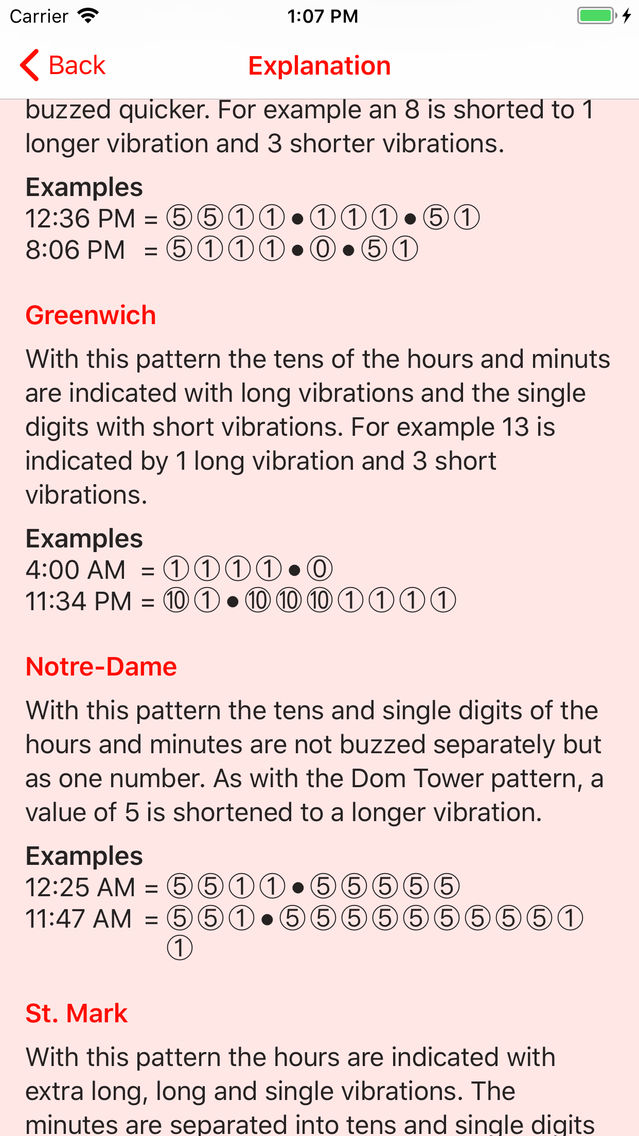
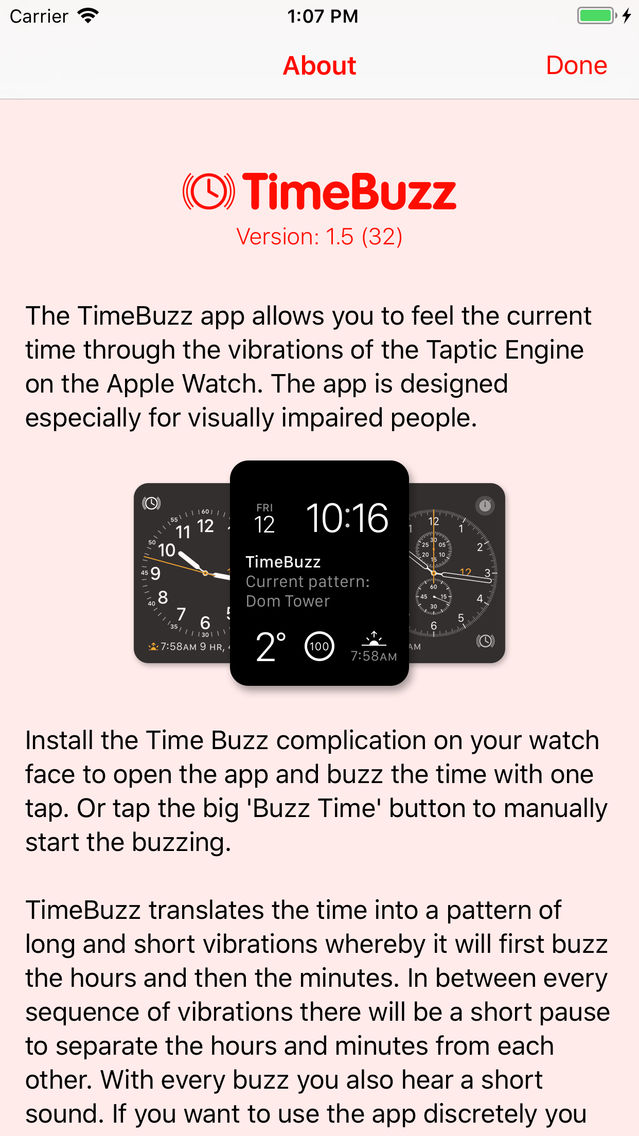
The app translates the time into a pattern of long and short vibrations in the pattern you choose. It will first buzz the hours and then the minutes and in between every sequence of vibrations there will be a short pause to be able to separate the hours and minutes from each other. Install the TimeBuzz complication on your watch face to quickly open the app and buzz the time with one tap. It will immediately buzz the time after launch.
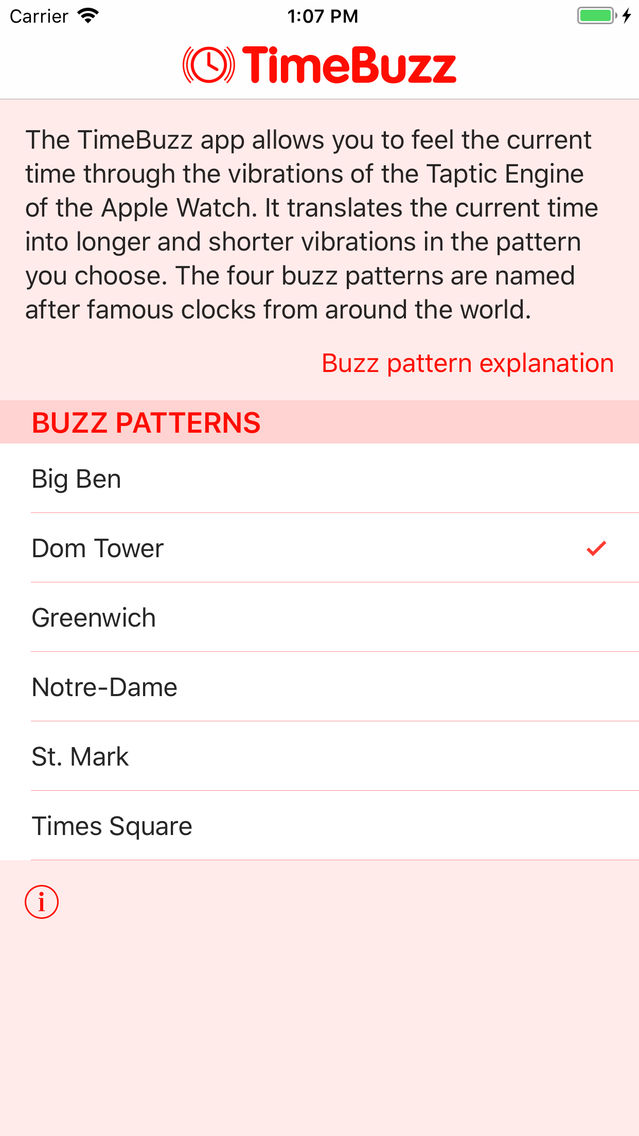
Open the accompanying app on the iPhone for more information and an explanation of the buzz patterns. Or visit the website www.timebuzz.nl for useful tips to make the app even easier to use.
The app is fully VoiceOver accessible and developed in collaboration with the Bartiméus Sonneheerdt Association, Bartiméus Foundation and Royal Visio in The Netherlands.

The app translates the time into a pattern of long and short vibrations in the pattern you choose. It will first buzz the hours and then the minutes and in between every sequence of vibrations there will be a short pause to be able to separate the hours and minutes from each other. Install the TimeBuzz complication on your watch face to quickly open the app and buzz the time with one tap. It will immediately buzz the time after launch.
Open the accompanying app on the iPhone for more information and an explanation of the buzz patterns. Or visit the website www.timebuzz.nl for useful tips to make the app even easier to use.
The app is fully VoiceOver accessible and developed in collaboration with the Bartiméus Sonneheerdt Association, Bartiméus Foundation and Royal Visio in The Netherlands.
Show More
What's New in the Latest Version 1.5
Last updated on Sep 20, 2017
Old Versions
This update makes TimeBuzz fully compatible with iOS 11 and watchOS 4.
New buzz pattern St. Mark added, named after the clock on the Piazza San Marco in Venice (Italy). This pattern has a shortened buzz for both the value 5 and the value 10.
Show More
Version History
1.5
Sep 20, 2017
This update makes TimeBuzz fully compatible with iOS 11 and watchOS 4.
New buzz pattern St. Mark added, named after the clock on the Piazza San Marco in Venice (Italy). This pattern has a shortened buzz for both the value 5 and the value 10.
1.4
Sep 13, 2016
This update makes TimeBuzz fully compatible with iOS 10 and watchOS 3.
1.3
Jun 18, 2016
A new Greenwich buzz pattern has been added. With this pattern the tens of the hours and minutes are indicated with long vibrations and the single digits with short vibrations. This makes it easier to count the vibrations.
This update also adds the ability to stop the buzzing of the time by tapping again on the button. The internal logic of the app has been largely rewritten to work more efficiently and for better interoperability with Voice Over.
We welcome all great ideas, input and suggestions, so please feel free to contact us through the TimeBuzz website. The features in this update were suggested to us by users of TimeBuzz. If you like the app, please leave a review in the App Store.
This update also adds the ability to stop the buzzing of the time by tapping again on the button. The internal logic of the app has been largely rewritten to work more efficiently and for better interoperability with Voice Over.
We welcome all great ideas, input and suggestions, so please feel free to contact us through the TimeBuzz website. The features in this update were suggested to us by users of TimeBuzz. If you like the app, please leave a review in the App Store.
1.2
Mar 5, 2016
This update is a redesign of the iPhone app. The colours have been changed to make the text easier to read especially for people with a vision impairment. Text in the Apple Watch app has been optimised and colours updated. The iPhone app now contains an explanation about how the app works and how to install the TimeBuzz complication.
We'd like to thank Andrea and Mika at the big A for their help and valuable input in making the app better. We welcome all great ideas, input and suggestions, so please feel free to contact us through the TimeBuzz website.
1.1.2
Feb 15, 2016
Fixed an issue where VoiceOver would completely disable the Taptic Engine after changing to another buzz pattern.
1.1.1
Feb 7, 2016
When VoiceOver is enabled and announces a text the Taptic Engine is automatically disabled by watchOS. This update tries to handle this a little bit better. The best solution is to disable VoiceOver on the Apple Watch.
1.1
Jan 16, 2016
When the app is launched via a complication it will now by default immediately buzz the time without the need to press the button. This can optionally be turned off or even set to 'Always' to always immediately buzz the current time no matter how the app was opened.
1.0.1
Jan 7, 2016
Bug fix release with the following changes:
- The hours in the Times Square buzz pattern are now represented in 12/24-hour format depending on the language/region.
- The notification that a new buzz pattern was selected doesn't change the VoiceOver focus anymore.
- In specific cases the font size was not correctly adjusted when this was changes from the Settings app.
- Version number was not correctly shown in the English language.
- The hours in the Times Square buzz pattern are now represented in 12/24-hour format depending on the language/region.
- The notification that a new buzz pattern was selected doesn't change the VoiceOver focus anymore.
- In specific cases the font size was not correctly adjusted when this was changes from the Settings app.
- Version number was not correctly shown in the English language.
1.0
Dec 17, 2015
TimeBuzz FAQ
Click here to learn how to download TimeBuzz in restricted country or region.
Check the following list to see the minimum requirements of TimeBuzz.
iPhone
TimeBuzz supports Dutch, English