Timer – Progress Viewer

Timer – Progress Viewer


$0.99

1.5for iPhone, iPad
Age Rating
4+
Apps in this category do not contain restricted content.
9+
Apps in this category may contain mild or occasional cartoon, fantasy or real-life violence, as well as occasional or mild adult, sexually suggestive or horrifying content and may not be suitable for children under 9 years of age.
12+
Apps in this category may contain occasional mild indecent language, frequent or intense cartoon or real-life violence, minor or occasional adult or sexually suggestive material, and simulated gambling, and may be for children under 12 years of age.
17+
You must be at least 17 years old to access this App.
Apps in this category may contain frequent and intense offensive language; Frequent and intense cartoon, fantasy or realistic violence: frequent and intense adult, scary and sexually suggestive subjects: as well as sexual content, nudity, tobacco, alcohol and drugs, may not be suitable for children under 17 years of age.
Timer – Progress Viewer Screenshots
Timer – Progress Viewer posterTimer – Progress Viewer posterTimer – Progress Viewer posterTimer – Progress Viewer posterTimer – Progress Viewer poster

About Timer – Progress Viewer

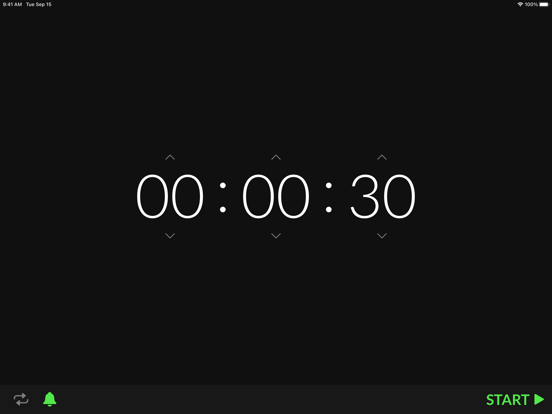
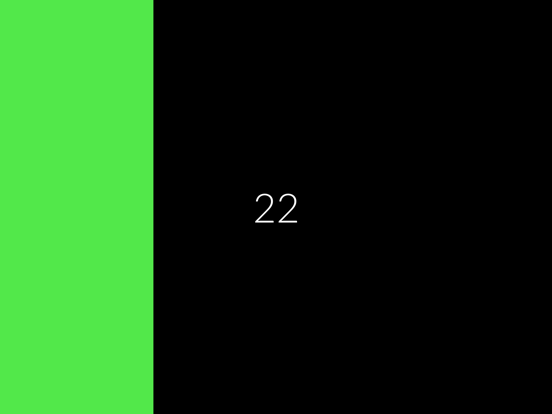
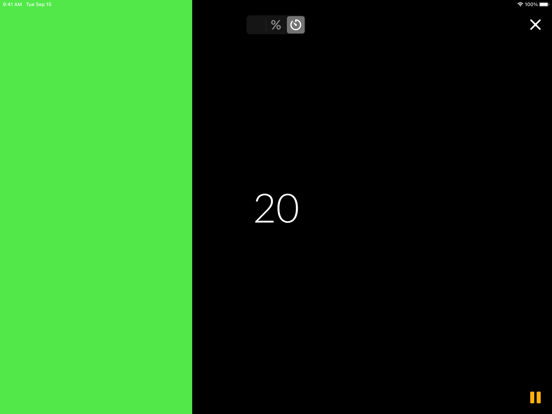
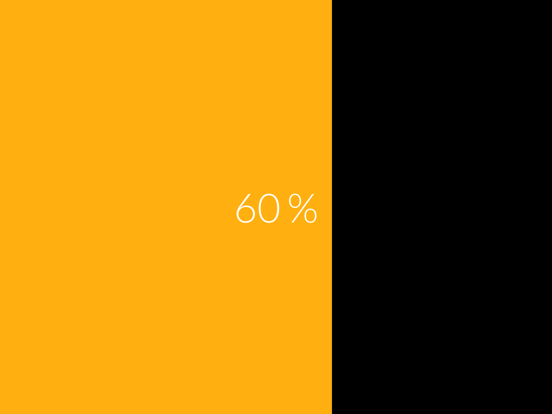
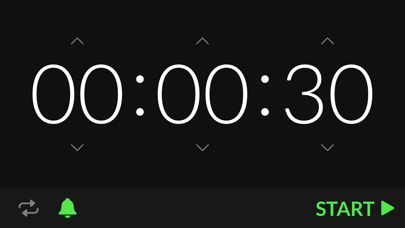
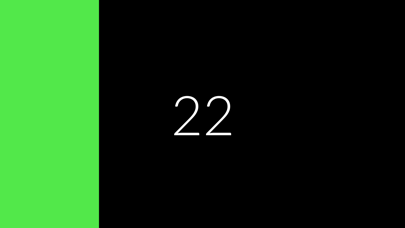
A small and easy to use timer app that displays the timer's progress in an intuitive and minimalistic way and which can be used as an interval timer.

– Pause & Resume
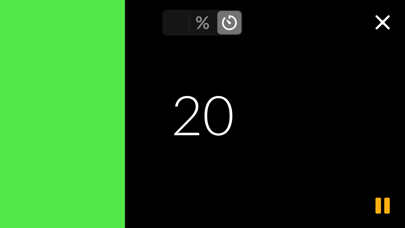
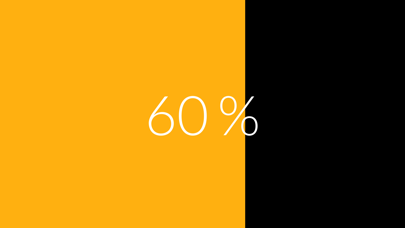
– Switch between showing remaining time, percentage of elapsed time or just the progress bar
– Optional repeat mode
– Optional notification sound

Show More

What's New in the Latest Version 1.5

Last updated on May 17, 2021
Old Versions
– iPad support!
– New UI for the options + new sound option
– Rewritten audio player: now independent of mute switch and more synchronous (especially with Bluetooth/AirPlay devices with long latency)
– Removed cumulative error in repeat mode: every repetition is now exactly a whole multiple of the interval away from the start time
– Remaining time is shown rounded up to the next whole second again (instead of rounded down)
Show More
Version History
1.5
May 17, 2021
– iPad support!
– New UI for the options + new sound option
– Rewritten audio player: now independent of mute switch and more synchronous (especially with Bluetooth/AirPlay devices with long latency)
– Removed cumulative error in repeat mode: every repetition is now exactly a whole multiple of the interval away from the start time
– Remaining time is shown rounded up to the next whole second again (instead of rounded down)

Timer – Progress Viewer FAQ

Click here to learn how to download Timer – Progress Viewer in restricted country or region.
Check the following list to see the minimum requirements of Timer – Progress Viewer.
iPhone
iPad

Related Videos

Latest introduction video of Timer – Progress Viewer on iPhone

Timer – Progress Viewer Alternative

You May Also Like

Get more from Max-Joseph Krempl