Age Rating
TimerZ -Last Timer You'll Need Screenshots
About TimerZ -Last Timer You'll Need
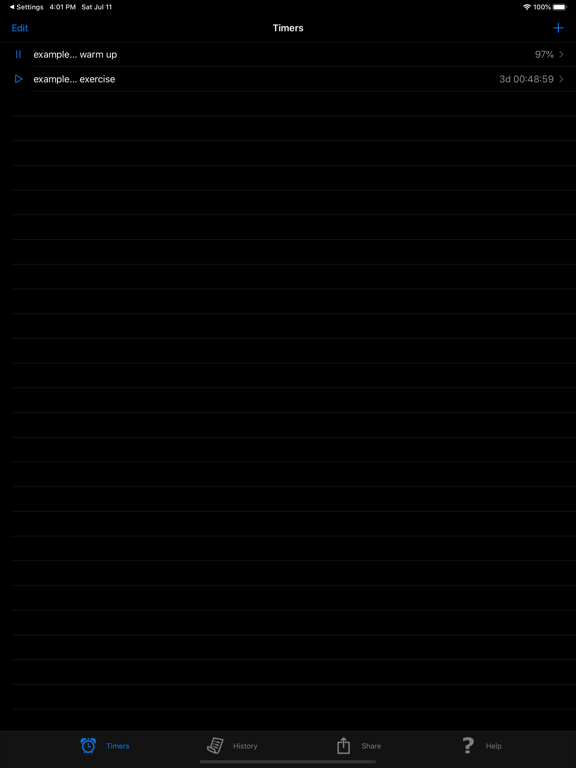
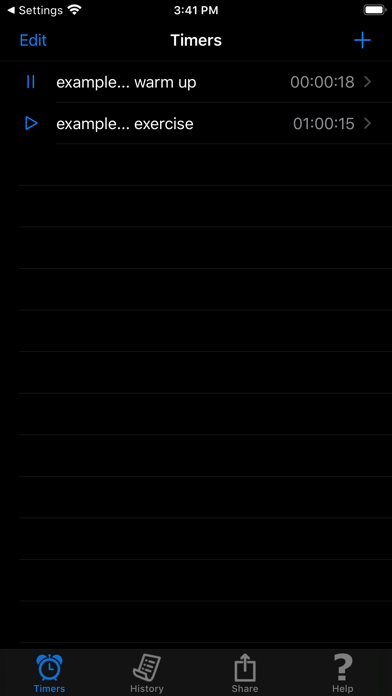
Why did we create another timer app when there are already dozens in the App Store? Because “Timer Z is the Last Timer You’ll Ever Need”! It's simple to use yet full featured. For example, you can easily set a timer to give a 15 seconds warning before another alarming at 1 minute mark.
Some unique features of Timer Z are:
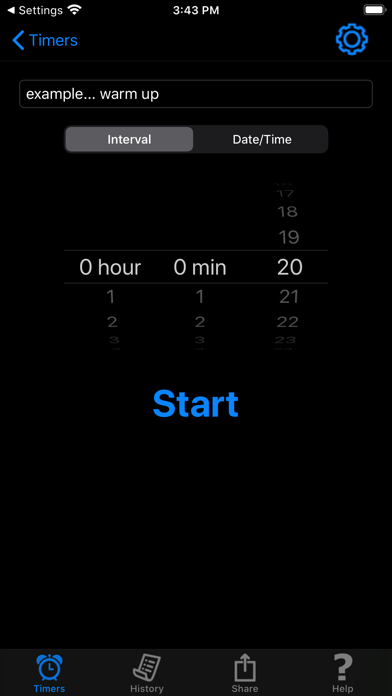
- A simple count down timer can be set and started with just 3 taps
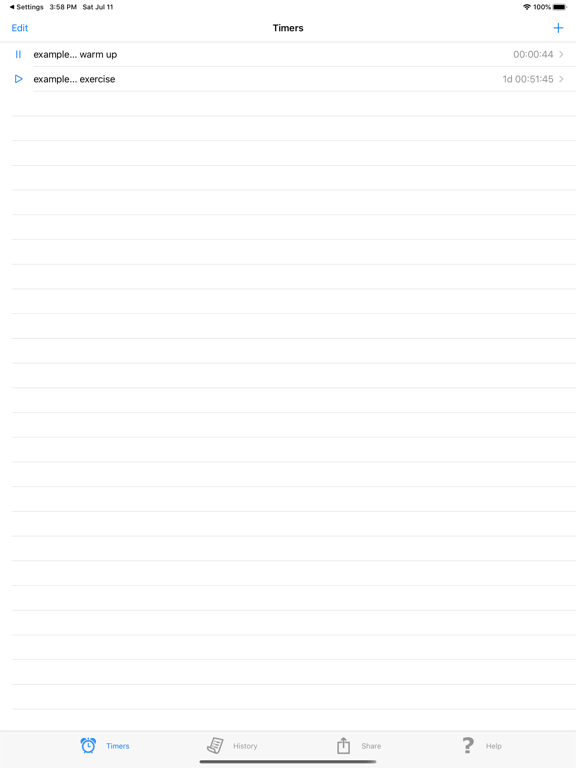
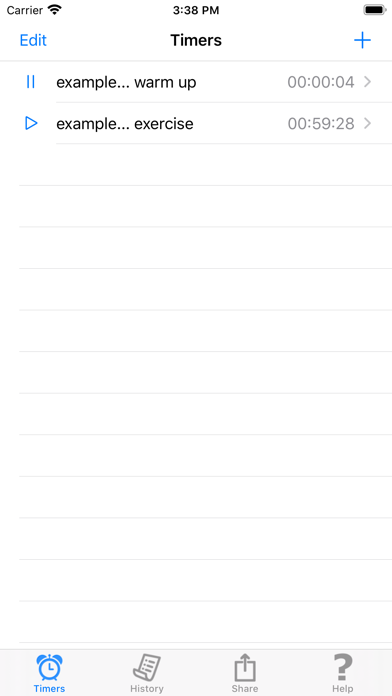
- Multiple timers can be set and can run simultaneously
- The timer will fire even if the Timer Z app is running in the background
- Each timer can be named and set to expire after a time interval, or at a specific point in time like an alarm
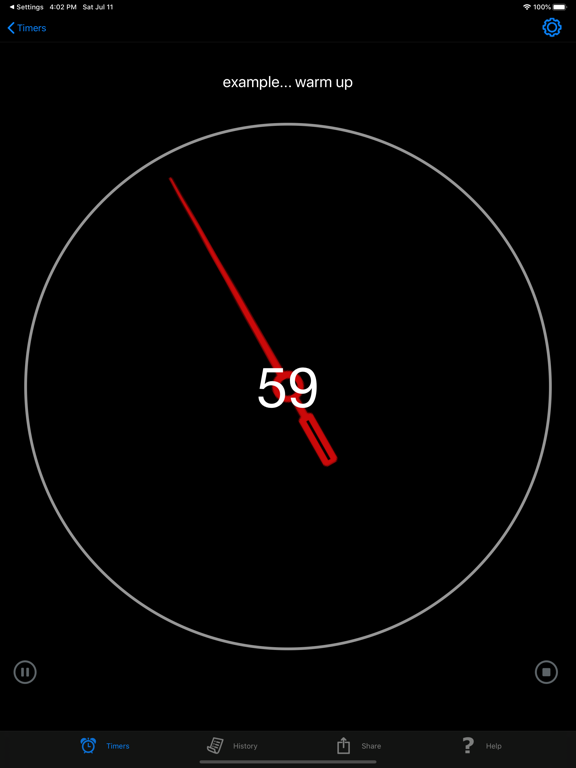
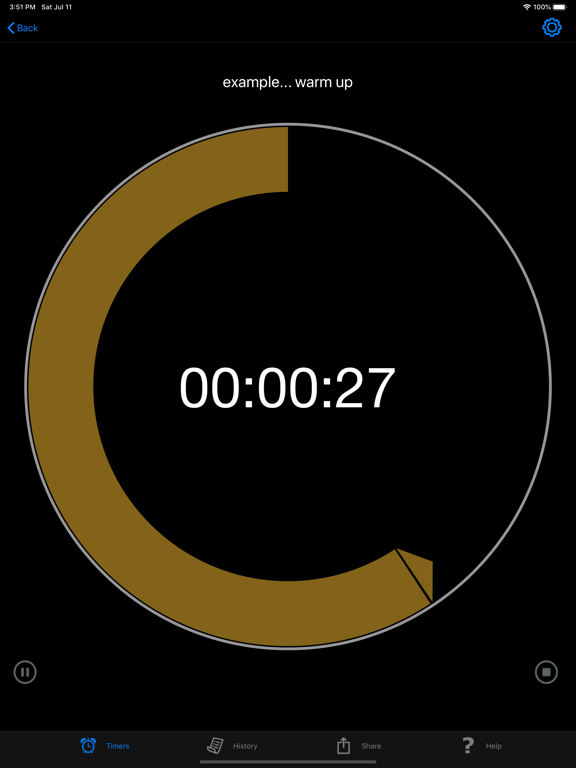
- While a timer is running, it can show remaining time or elapsed time since start, either in full hour/min/sec or just seconds
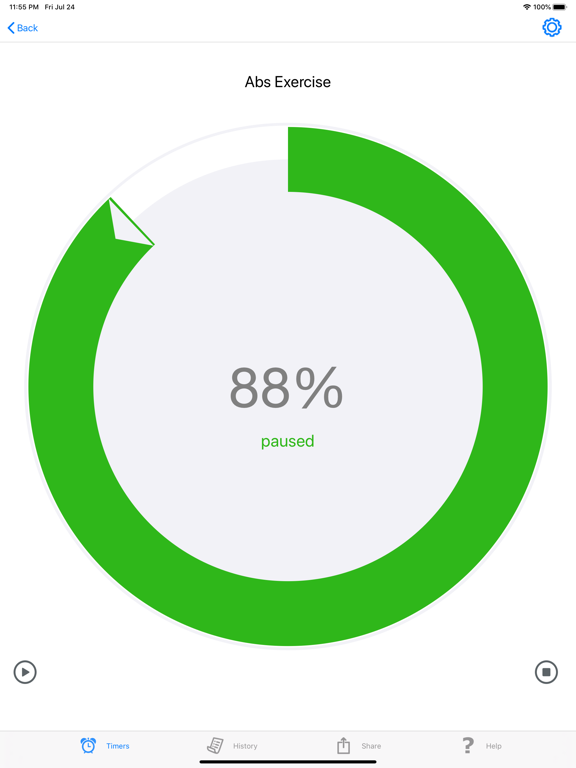
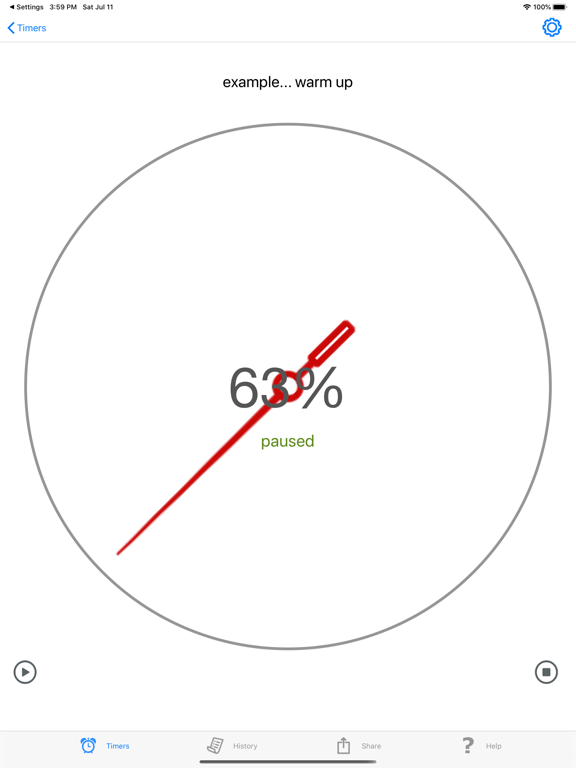
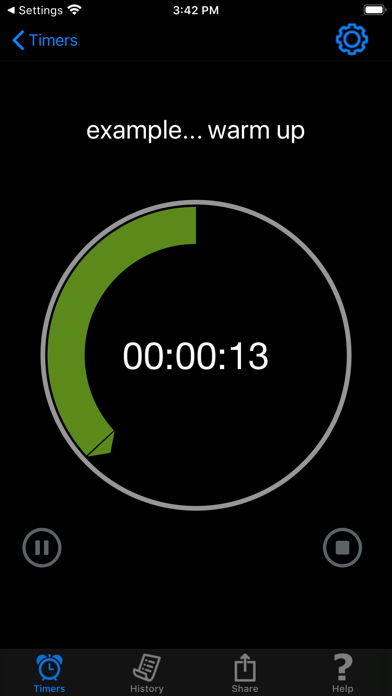
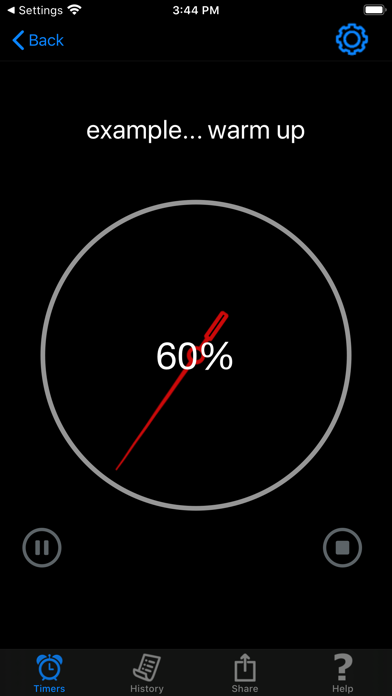
- Background graphics shows the percent of time remaining
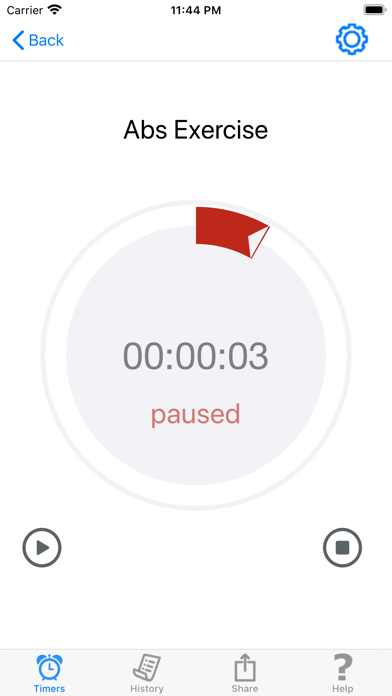
- A running timer can be paused and resumed to continue where it left off
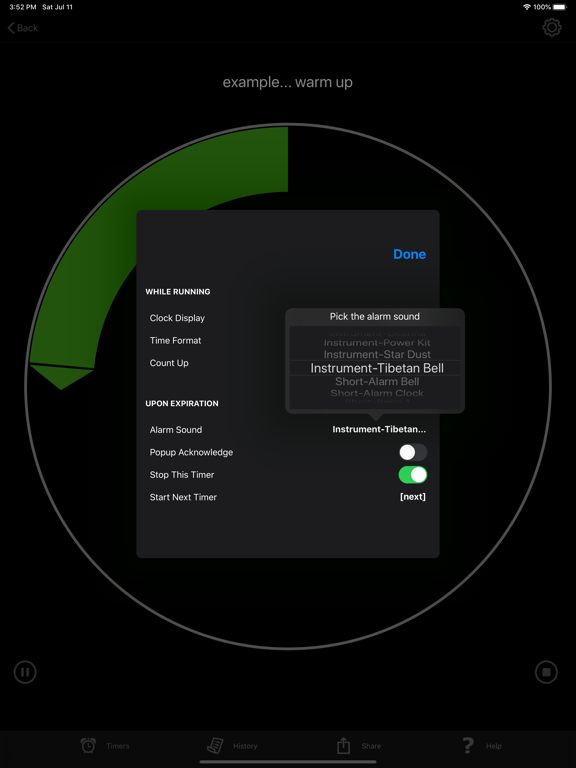
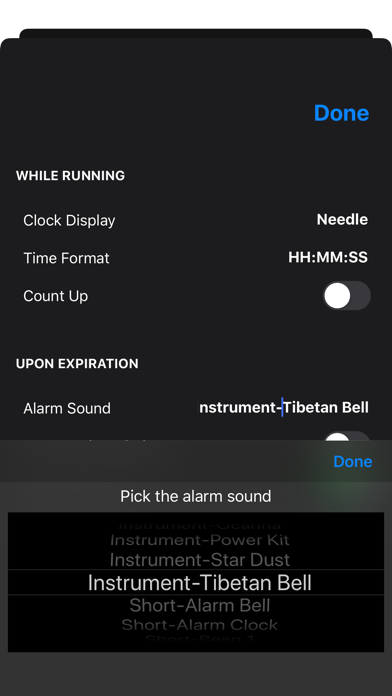
- When a timer expires, there is a choice of alarm sounds, vibration, or no sound at all
- Optionally the alarm can continue to sound until acknowledged
- Upon expiration, a timer can start another timer, including itself in a loop
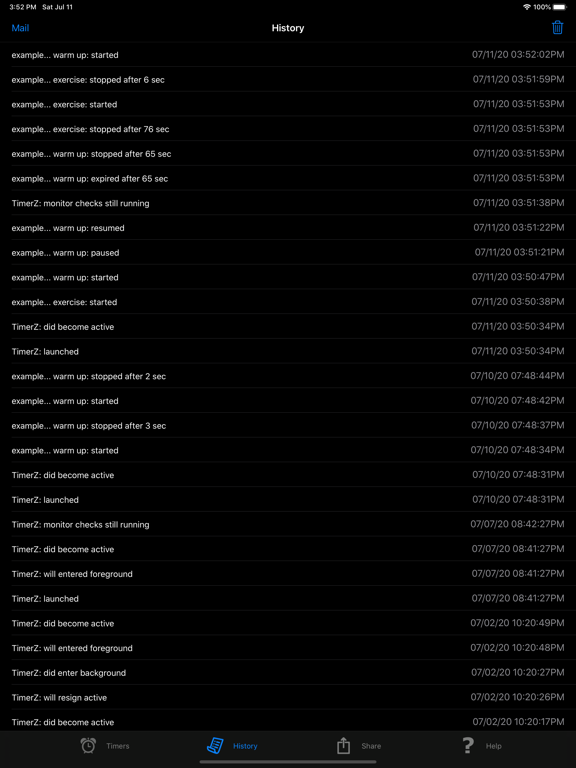
- Timer activity history is saved and can be emailed, great for record keeping
- Timer data can be saved and loaded from a linked Dropbox account
Whether you’re looking for a simple timer, or one with all the bells-and-whistles, Timer Z is the best choice!
NOTE: this version is limited to 2 timers. Use the convenient in-app purchase of Pro feature to add an unlimited number of timers, and eliminate all advertisements.
Terms of Use: https://www.apple.com/legal/internet-services/itunes/dev/stdeula/

Some unique features of Timer Z are:
- A simple count down timer can be set and started with just 3 taps
- Multiple timers can be set and can run simultaneously
- The timer will fire even if the Timer Z app is running in the background
- Each timer can be named and set to expire after a time interval, or at a specific point in time like an alarm
- While a timer is running, it can show remaining time or elapsed time since start, either in full hour/min/sec or just seconds
- Background graphics shows the percent of time remaining
- A running timer can be paused and resumed to continue where it left off
- When a timer expires, there is a choice of alarm sounds, vibration, or no sound at all
- Optionally the alarm can continue to sound until acknowledged
- Upon expiration, a timer can start another timer, including itself in a loop
- Timer activity history is saved and can be emailed, great for record keeping
- Timer data can be saved and loaded from a linked Dropbox account
Whether you’re looking for a simple timer, or one with all the bells-and-whistles, Timer Z is the best choice!
NOTE: this version is limited to 2 timers. Use the convenient in-app purchase of Pro feature to add an unlimited number of timers, and eliminate all advertisements.
Terms of Use: https://www.apple.com/legal/internet-services/itunes/dev/stdeula/
Show More
What's New in the Latest Version 6.0
Last updated on Apr 4, 2026
Old Versions
Introduced new subscription based In-App-Purchase.
Show More
Version History
6.0
Apr 4, 2026
Introduced new subscription based In-App-Purchase.
TimerZ -Last Timer You'll Need Price
Today:
Free
Lowest:
Free
Highest:
$1.99
TimerZ -Last Timer You'll Need FAQ
Click here to learn how to download TimerZ -Last Timer You'll Need in restricted country or region.
Check the following list to see the minimum requirements of TimerZ -Last Timer You'll Need.
iPhone
iPad
Related Videos
Latest introduction video of TimerZ -Last Timer You'll Need on iPhone