Play your favourite PC games in virtual reality without the expensive hardware.
- Featured in Gizmodo, IGN, Microsoft Insider
- Winner: ZEISS VR One App Contest
- Over 350,000 downloads
► IMPORTANT
A high end Wifi AC router is highly recommended to get the best performance.
USB connection is not available on iOS devices.
Please review the help for performance tips and to solve common issues that can happen depending on hardware/software. For further assistance or bug reporting, contact support@trinusvr.com or visit the forum at http://oddsheepgames.com/?page_id=208 for assistance.
► HOW IT WORKS
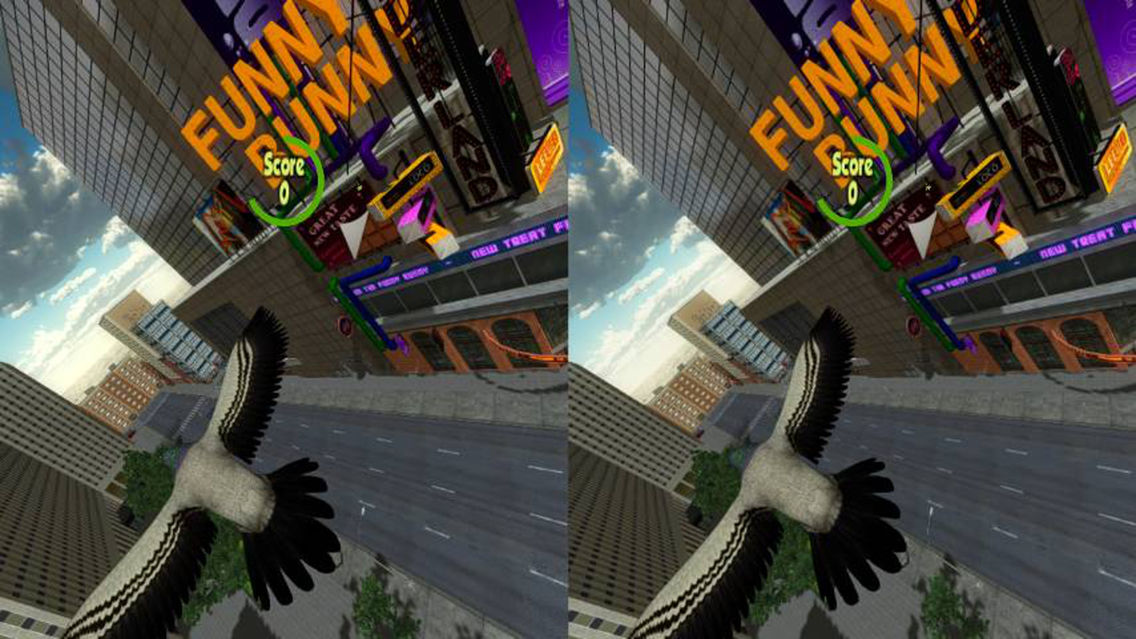
TrinusVR connects your iPhone to your PC, so you can play your favourite PC games in virtual reality (VR). We use the sensors in your phone for head tracking to give you an awesome VR gaming experience with a wallet friendly price tag. So strap on your VR headset and enter the TrinusVR!
Here's a quick video tutorial (note that Trinus has many options to customize the experience depending on the game):
https://www.youtube.com/watch?v=ftRjJXWp-qI
► FEATURES
• Works with all PC games including GTA, Elite Dangerous and Minecraft.
• Compatible with all headsets including Google Cardboard, Homido, FreeFly, VR One, GearVR, Durovis Dive.
• Wireless gameplay (or turbocharge performance with USB connection).
• Unlimited VR gameplay
► WHAT YOU NEED
• Headmount of choice (e.g. Google Cardboard, Homido, Freefly, VR One, etc.)
• Your iPhone
• Your Windows PC
• Free TrinusVR PC app (or games with native Trinus support)
► GETTING STARTED
Step 1: On your iPhone download the TrinusVR app.
Step 2: Grab the free TrinusVR PC app: http://trinusvr.com (or a game with native TrinusVR support)
Step 3: Follow our super simple Setup Guide.
Step 4: Strap on your headset and start playing!
► NEED SOME HELP?
• Check out our troubleshooting guide: http://trinusvr.com/help/troubleshooting/
• Pop along to our forum: http://oddsheepgames.com/?page_id=208
• Shoot us an email: support@trinusvr.com