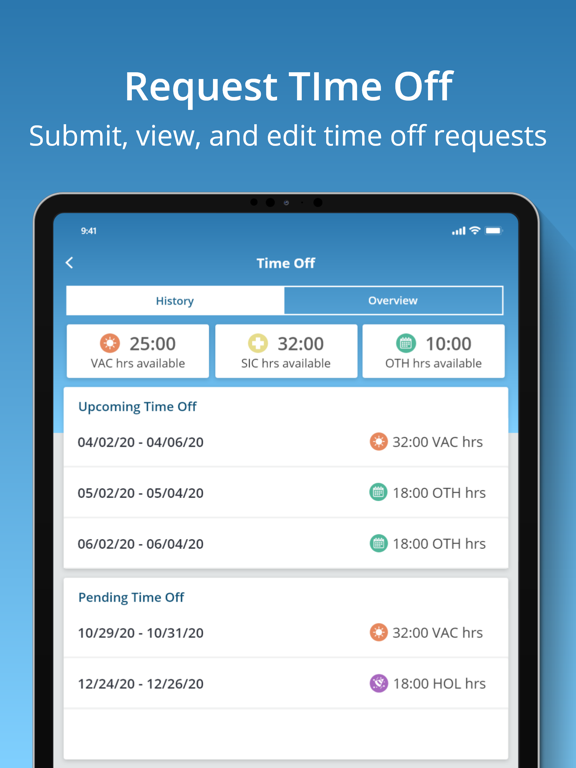
The uAttend mobile app works in conjunction with uAttend’s Cloud-Connected Time and Attendance System. Employees appreciate the convenience of in and out punching in the palm their hands while administrators and supervisors manage timecards with ease. For a personalized touch, the app displays your company logo upon login once you’ve added it to your existing uAttend account.
SMART PUNCHING
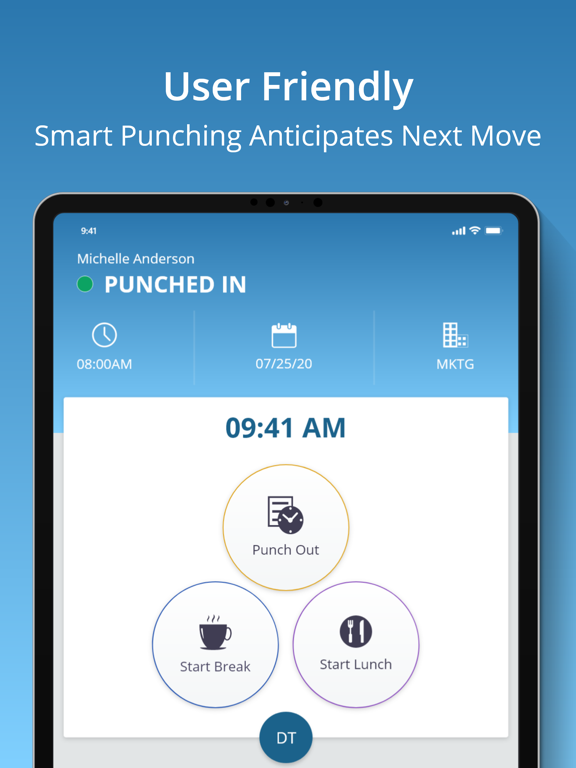
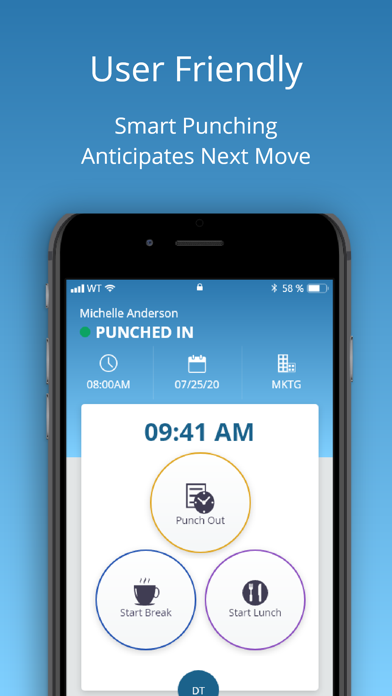
Hourly employees can clock in and out for work, lunches and breaks. It’s all possible in the app! To streamline the process, the app shows the next most likely punch option available to each employee. When someone is on their lunch break, they’ll return to a screen prompt to punch in from lunch.Once punched in, the employee will see their punch status along with the time, date and department they are punched into. They can even transfer departments with the touch of a button.
DEPARTMENT TRANSFERS
When transferring departments employees are prompted to enter the new department or search by name. Once you transfer it automatically punches you out of your existing department and punches you into the new one.
EASY ACCESS TO TIME CARDS
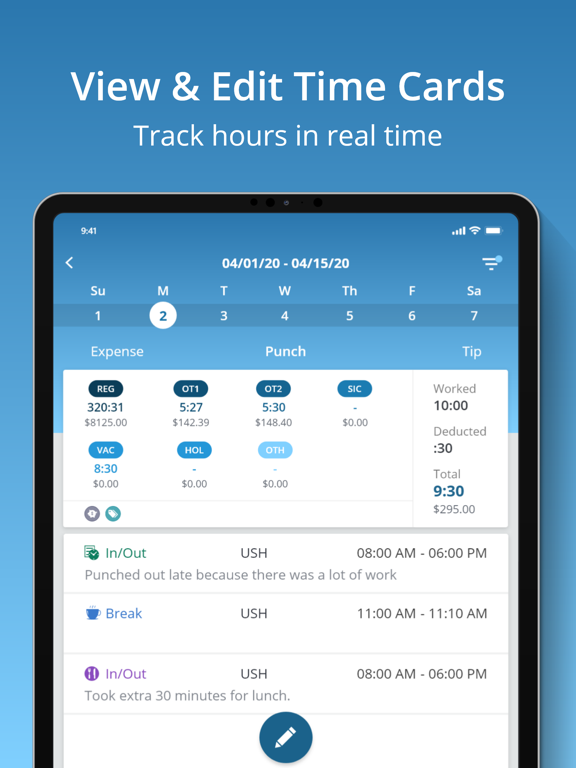
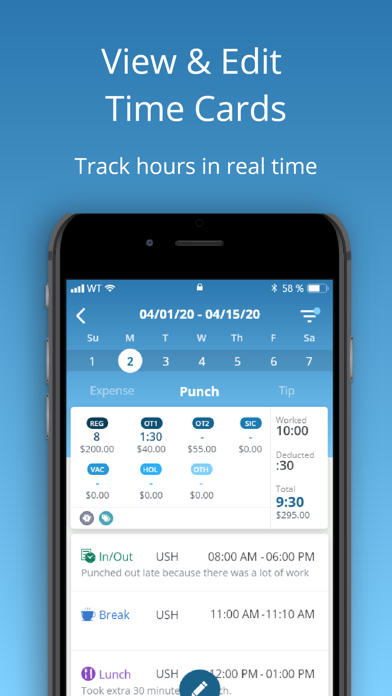
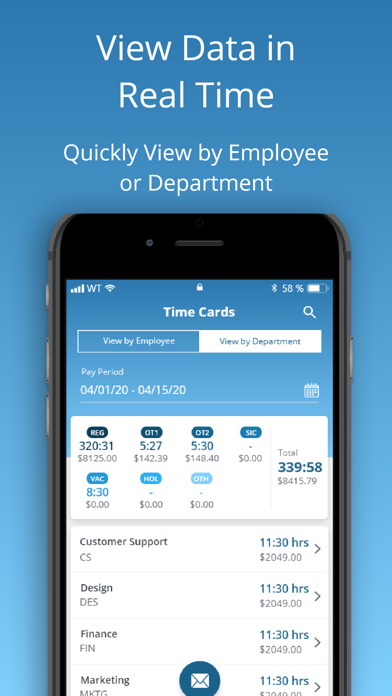
Employees with permission can view current and past time cards. It’s easy to approve or email their time cards to a supervisor or themselves in an instant.
ADDING TIPS AND EXPENSES
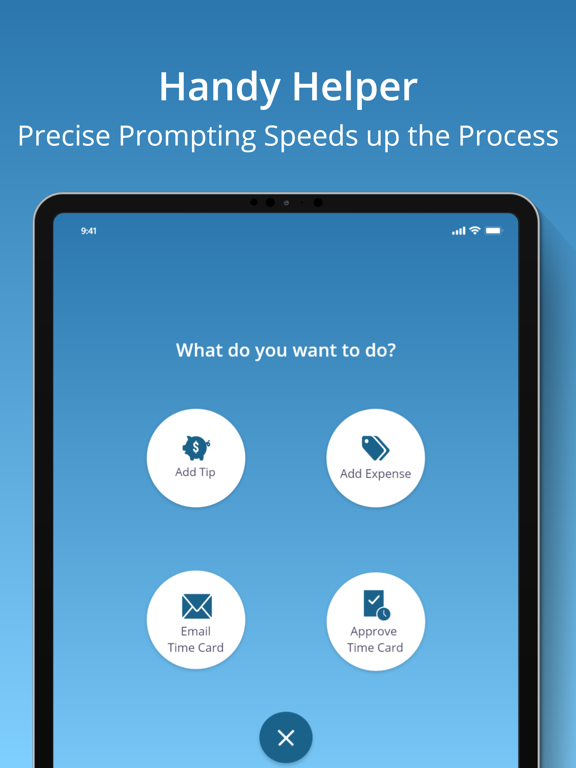
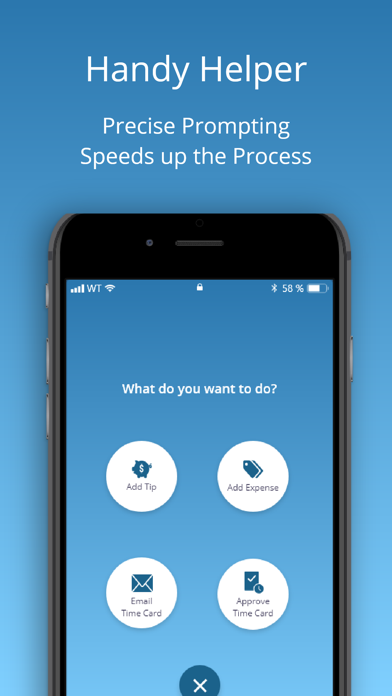
Employees can add tips and expenses right from the app. This comes in handy for reporting purposes and so payroll can handle. Add expenses based on the expense codes your account has set up. Track gas, team lunches or whatever you need by selecting the category and adding the amount. Once everything is entered, you can filter by gross pay, notes, tips and expenses.
LEAVING NOTES
Keep the lines of communication open knowing staff can write a short note to their supervisor with each punch.
ADMINISTRATOR/SUPERVISOR FEATURES
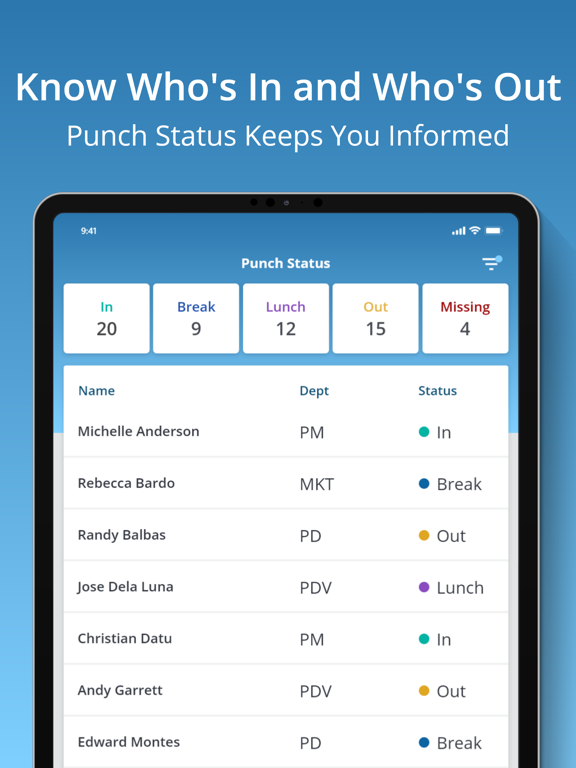
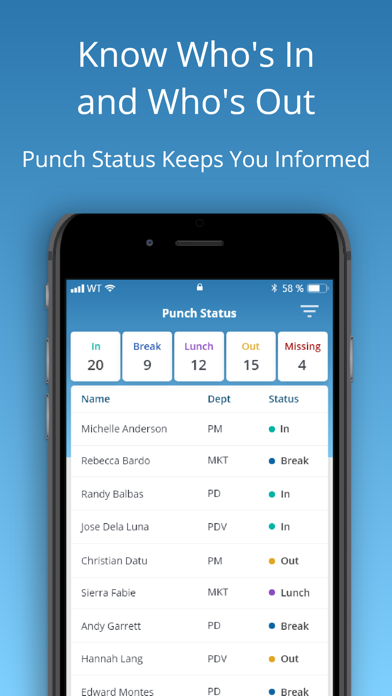
Administrators and supervisors enjoy real-time oversight on employee time and attendance regardless of location. The app provides a list of all employees and their punch status. At a glance you’ll know who’s in, who’s out and who’s missing. Filter by different statuses to identify who’s at lunch. Administrators view and edit all departments while supervisors view and edit departments or employees they are responsible for. Email timecards individually or to multiple people.
EDITING TIME CARDS
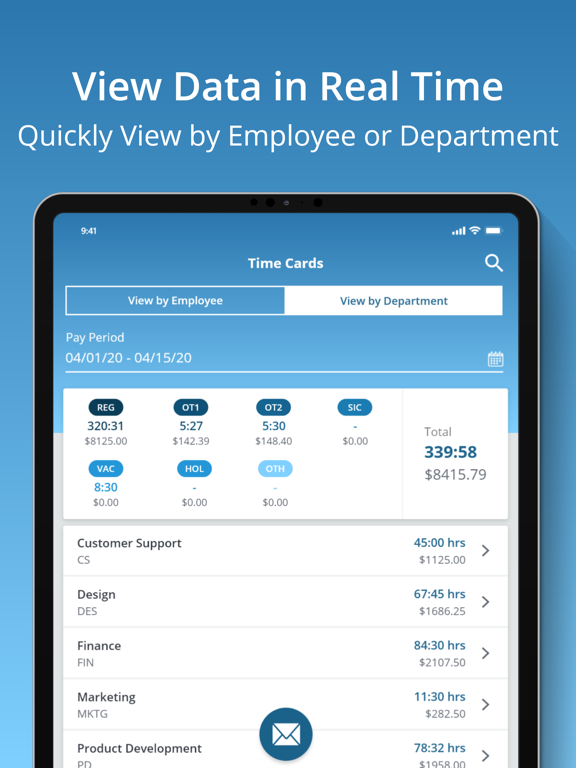
Within your account, you can filter by employee or department to return results. Search employees to show gross pay, overtime, benefit hours and more. Email the timecard summary for all employees and add notes before sending.As an administrator you can edit punches, facilitate group punches, approve timecards and even contact support directly from the app. If you change your pay period after the fact, there is a way to recalculate timecards as well.