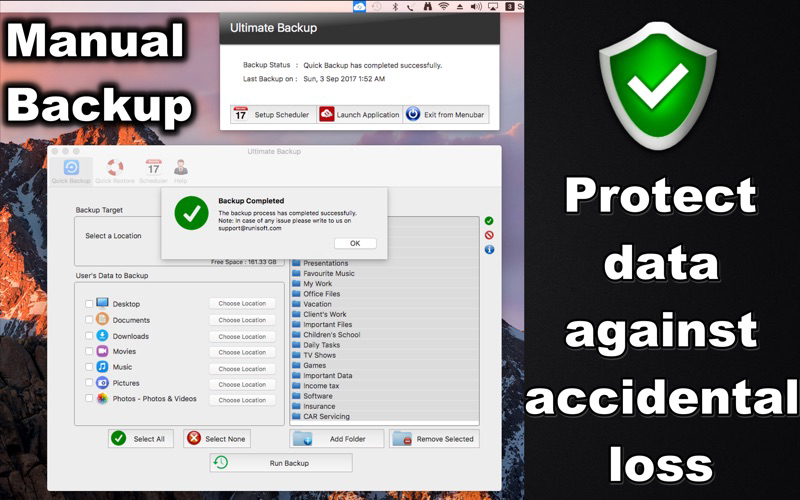
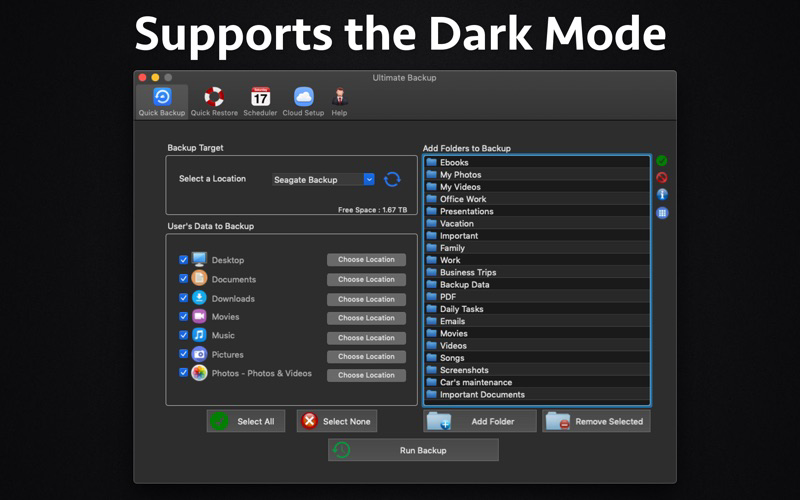
Ultimate Backup is an all in one Backup Solution.The application could backup and maintain all photos, videos, documents, movies, music, music library, playlists and desktop files of the computer to a Network Drive, External Hard Disk and cloud like Dropbox, Box and OneDrive.
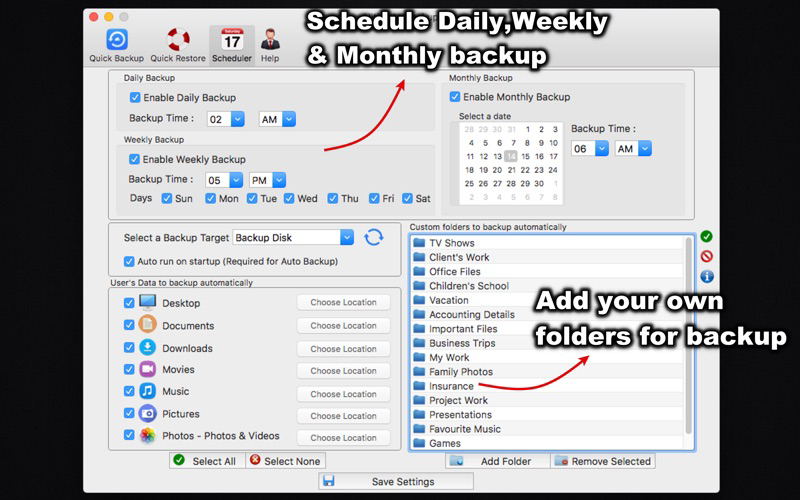
The application supports Customized Folders. i.e. the user can add the folders of his own choice. The application also comes with a Daily,Weekly and Monthly scheduler which could backup the data automatically and keep all files secure.
If you are using a Network drive, please be sure to mount it. The application will detect the mounted folders and the backup could be taken on Network Drives as well.
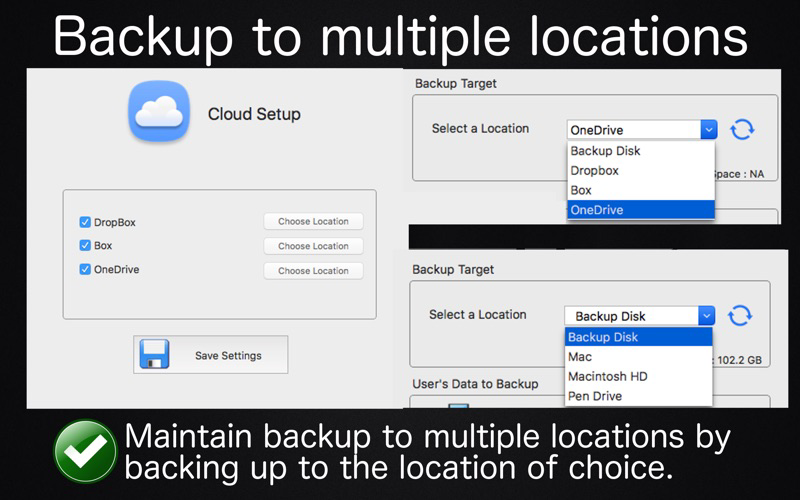
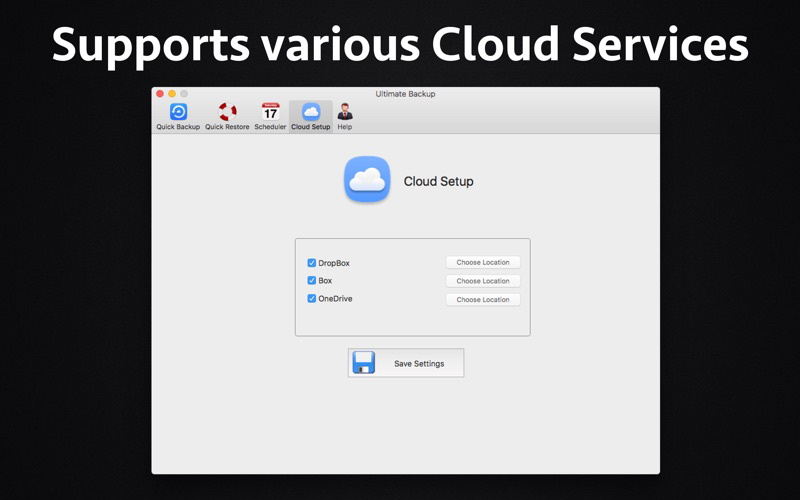
If you are using the cloud services like Dropbox, Box and OneDrive then you could link their respective folders in the application as well.The advantage of linking these folders is you will not have to maintain the folders in these cloud folders.The folders could reside anywhere in the computer. Ultimate Backup will take care of maintaining and syncing your folders to the folders of the respective cloud service.
Note : Dropbox creates a folder called "Dropbox". Similarly Box and OneDrive create their own folders.The users of these cloud based platforms could link these folders to "Ultimate Backup" to take advantage of auto backup management and sync of Customized folders.After setting the folders, the data could be backed up and managed easily by the application. The backups could also be scheduled to the above cloud locations.Once added, Ultimate Backup would automatically keep backing up any new files or modified files that are added to its Custom folders.
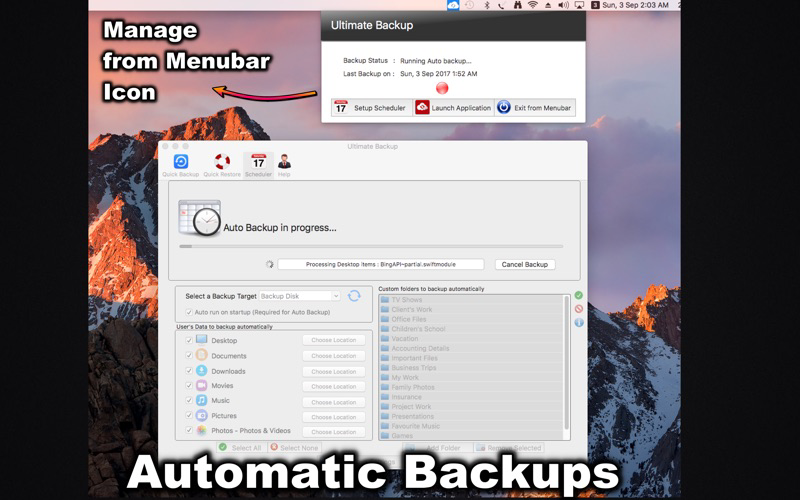
While doing the backup , Ultimate Backup makes sure that the Backup files are always the latest ones.When a file is changed or modified on the computer, these are automatically recognised and backed up.
The application also supports multiple users. This means that it can manage the data of multiple users on same disk.Using the application, the data of entire family could be backed up and protected easily in their separate spaces on the same disk.(Note : To backup a user's data, please login under that user's name and run the backup.)
The app can Backup and Restore below contents :
Custom Folders - Add any folder for backup
Desktop's files and folders
Documents
Downloads
Pictures
Movies - Backup movies, videos & iMovie's library.
Music - All songs, iTunes Library, Playlists, Artwork and etc.
Photo App's Photos,Videos and Photo Library (formerly known as iPhoto)
Extract of Photos and Videos from Photos app so that these could be used and copied to other devices also.
It can Backup these components to below :
Network Drives
External hard disk
Pen Drive
SD card
Custom Location (By selecting a folder to store)
Dropbox, Box & Onedrive
Below are the feature of the app :
- Scheduler - Daily,Weekly and Monthly scheduler ensures that the files are backed up regularly.
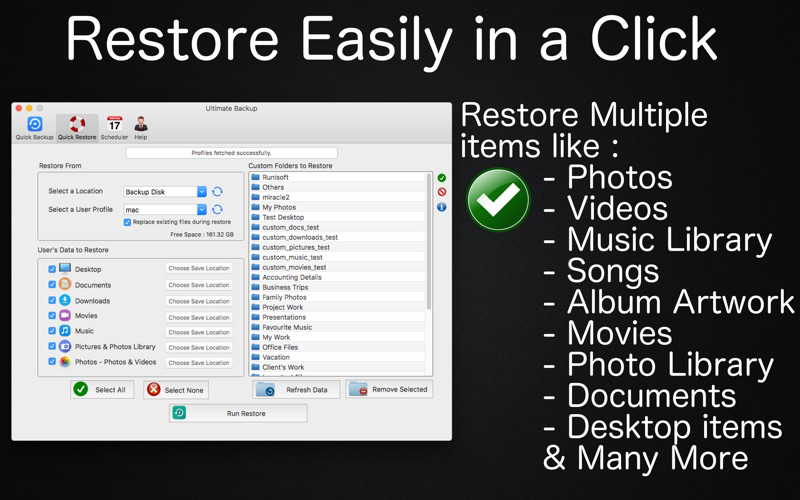
- Backup and Restore all of the Desktop,Documents,Photos,Videos,Music,Movies and etc.
- Backup & Restore all of your Photos and Videos
- Backup & Restore iTunes Library,Playlists,Artwork and Database.
- Backup folders of your choice.
- Backup the Photos & Videos and Library of Photos app and Restore these back to computer. Using this the Photos and Videos could be viewed again in the Photos app after Restore.
- Support for multiple user profiles.Backup and maintain multiple user's data on same disk.The data of each user is isolated for another.
- Take control of the application from its Menubar icon.
- Restore the data of selected user to the computer.
- Backup the extract of Photos and Videos in a separate folder. This folder can be copied to any other device to get the Pictures and Videos of the computer.
- Free up disk space by Backing up data using this app and then deleting unwanted files from computer.(manual delete by user). The data will always be safe and secure on the backup disk.
Note:Multiple backup profiles are not supported.