Age Rating
4+
Apps in this category do not contain restricted content.
9+
Apps in this category may contain mild or occasional cartoon, fantasy or real-life violence, as well as occasional or mild adult, sexually suggestive or horrifying content and may not be suitable for children under 9 years of age.
12+
Apps in this category may contain occasional mild indecent language, frequent or intense cartoon or real-life violence, minor or occasional adult or sexually suggestive material, and simulated gambling, and may be for children under 12 years of age.
17+
You must be at least 17 years old to access this App.
Apps in this category may contain frequent and intense offensive language; Frequent and intense cartoon, fantasy or realistic violence: frequent and intense adult, scary and sexually suggestive subjects: as well as sexual content, nudity, tobacco, alcohol and drugs, may not be suitable for children under 17 years of age.
UMR Screenshots
UMR posterUMR posterUMR posterUMR posterUMR poster

About UMR

OVERVIEW
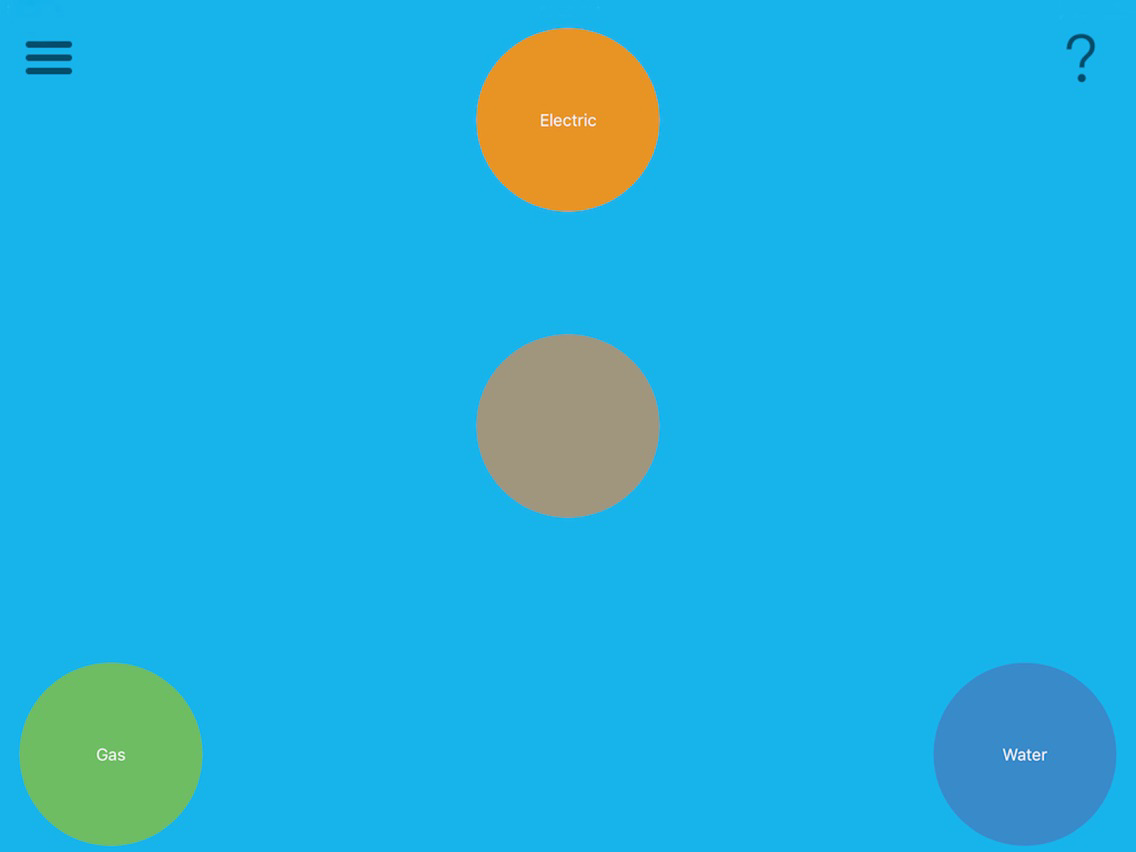
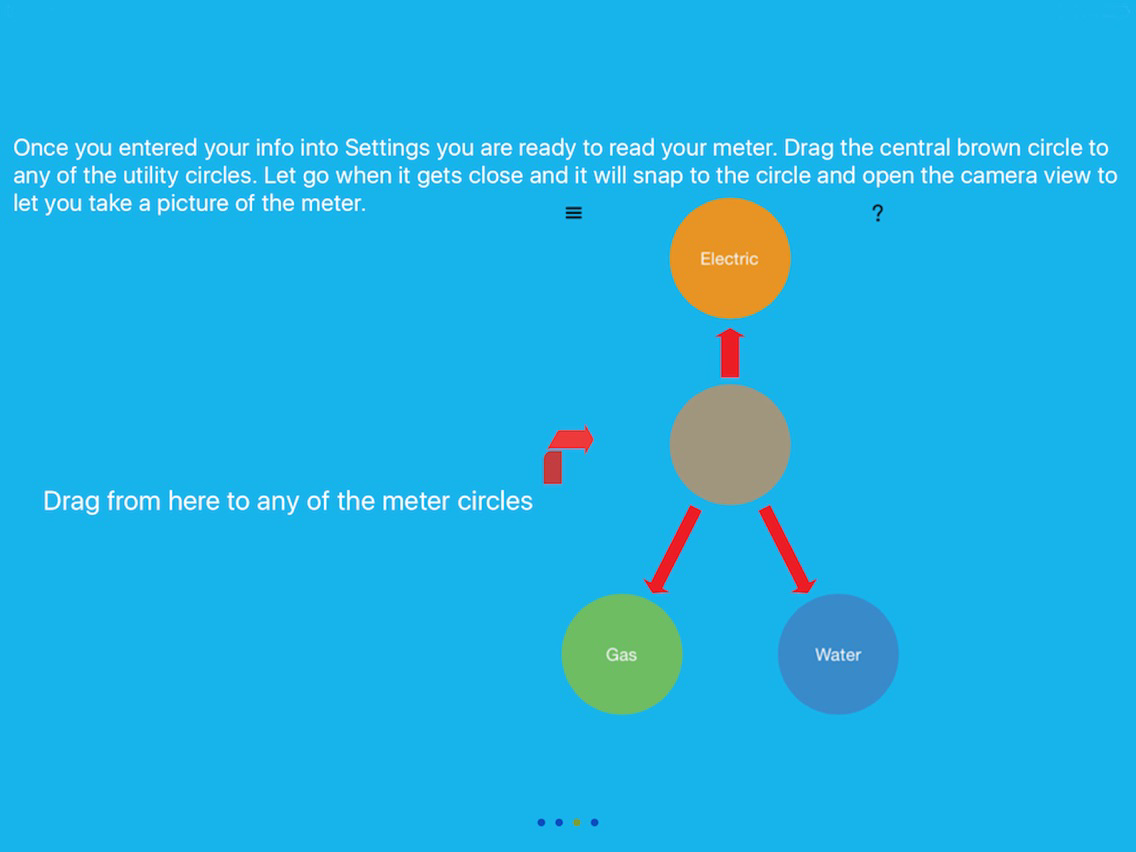
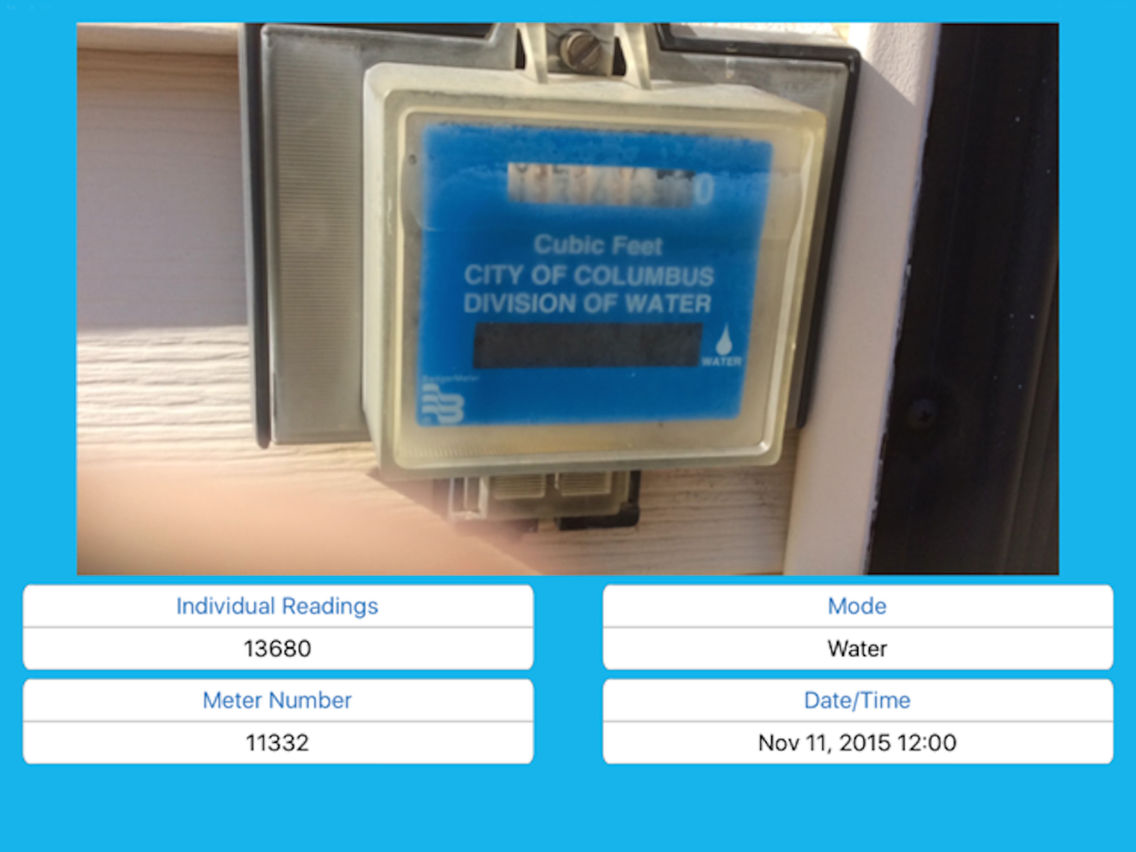
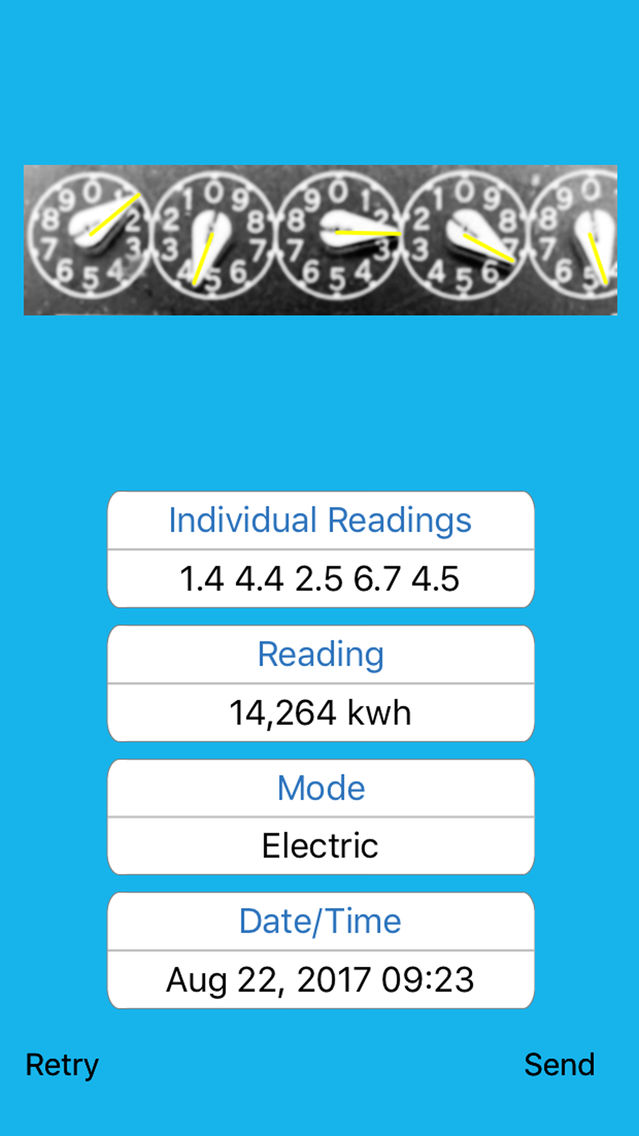
Read your own meter. Ensure your readings are correct. Send your meter reading directly to the utility so you don’t have to stay home and wait for a meter reader. This application makes it quick and easy to take a reading of your meters.

KEY FEATURES
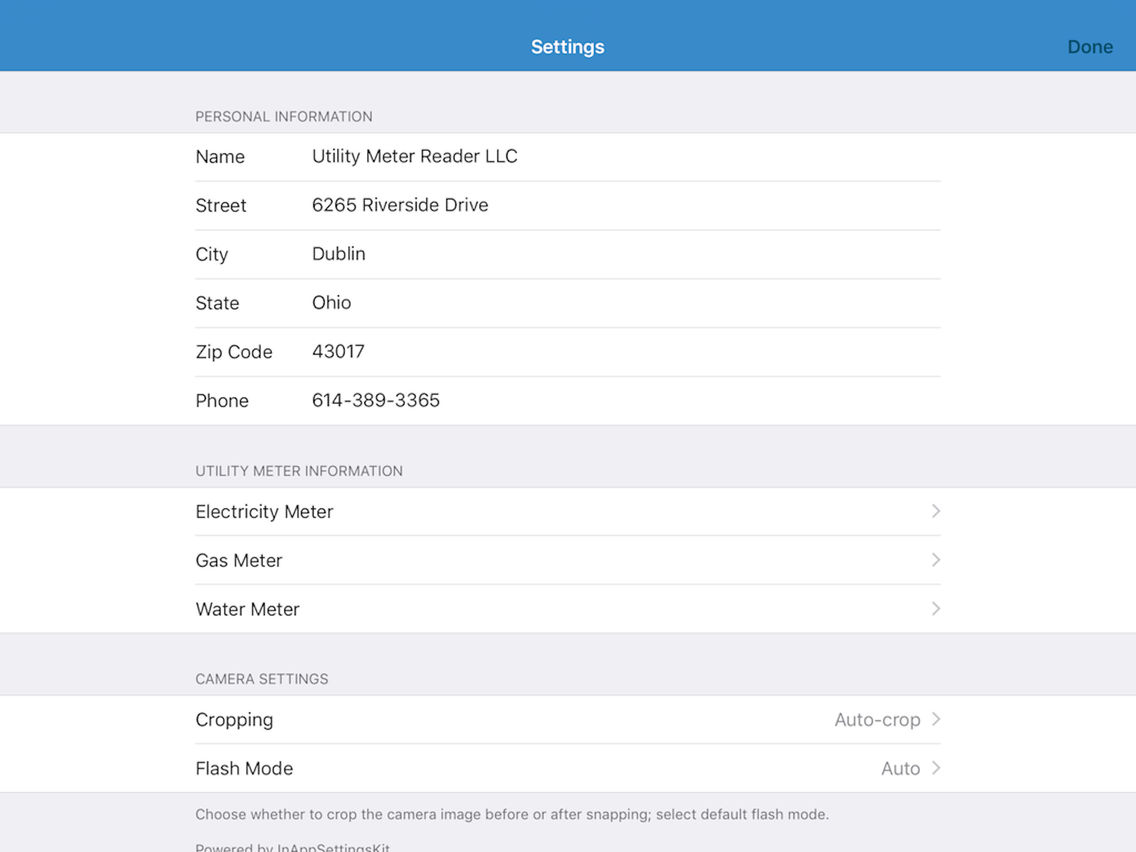
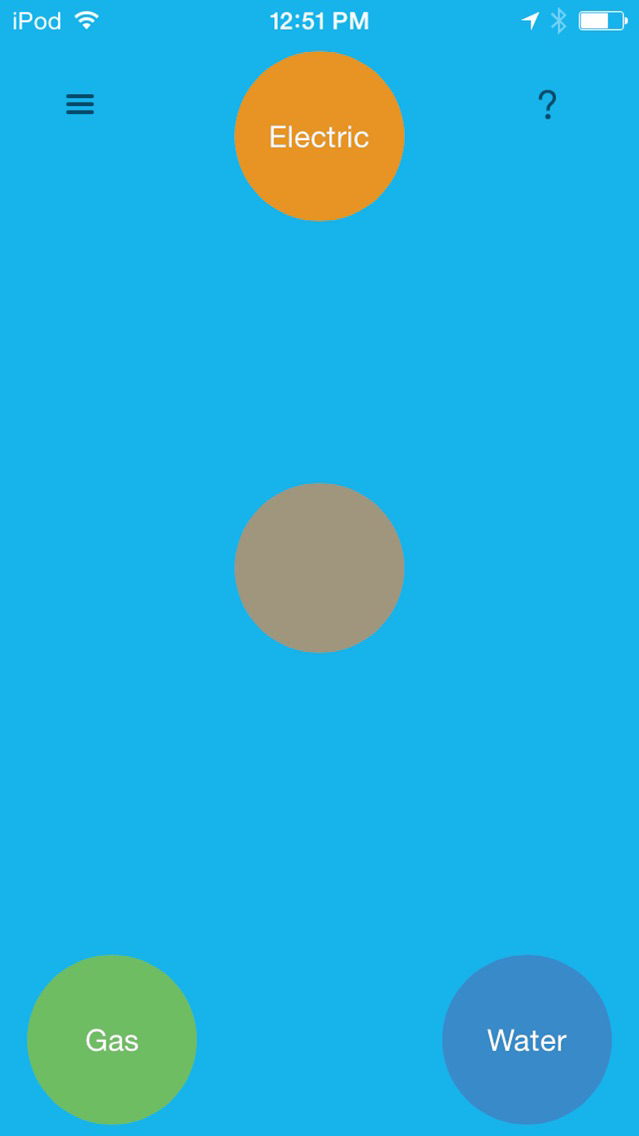
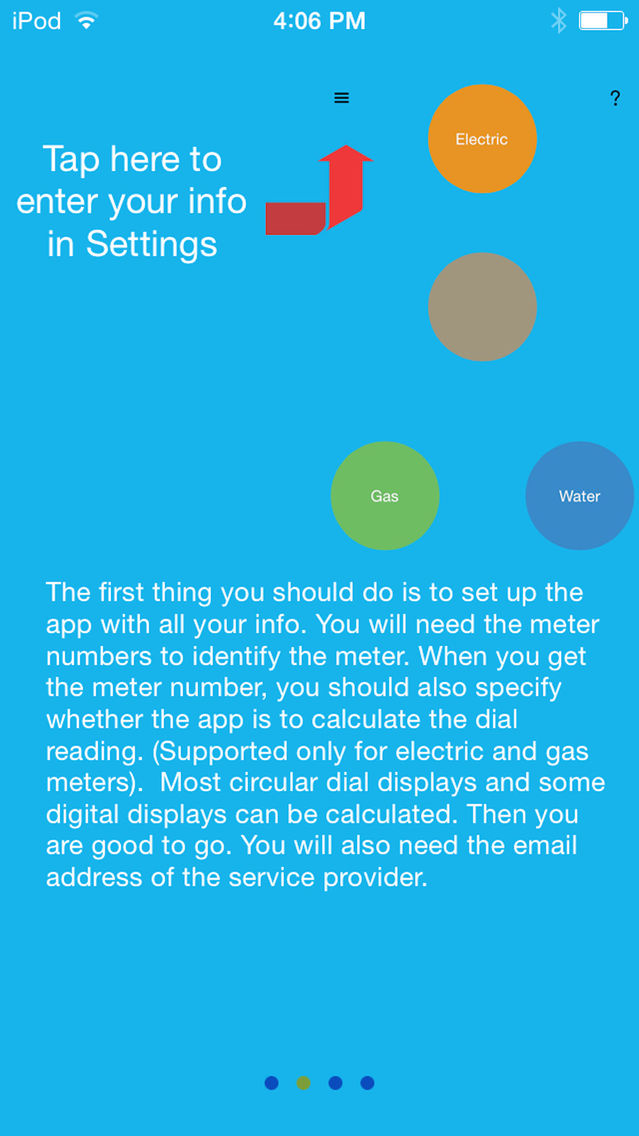
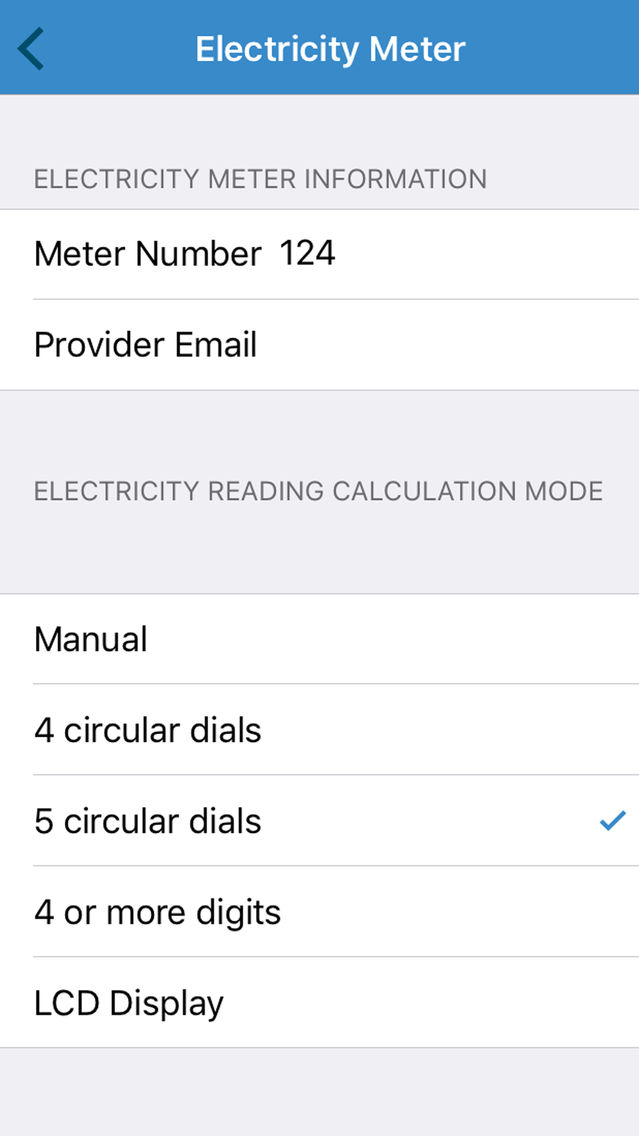
- Set up your account
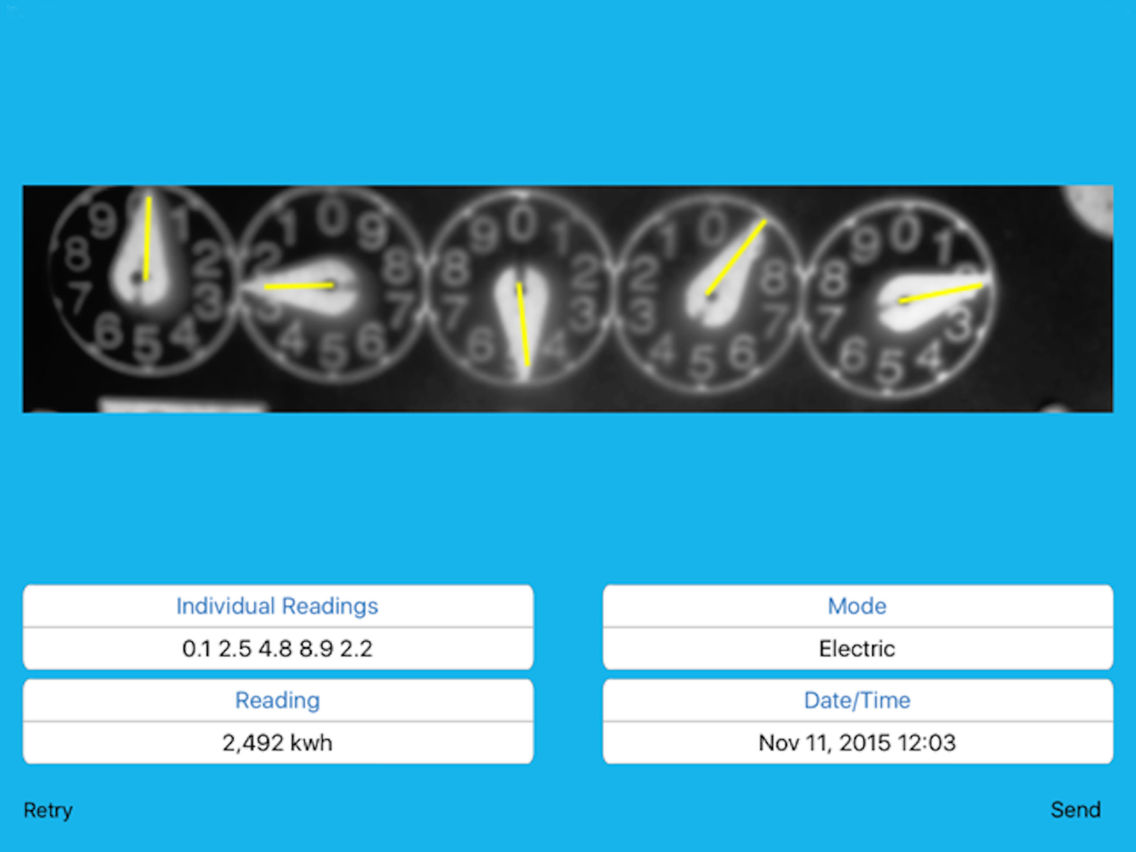
- Take a photo and the app will calculate the reading
- Compare to your bill, or email to your utility company
- GPS locate your meter
- Help with bill disputes
- No more waiting at home for the meter reader

ADDITIONAL FUNCTIONALITY
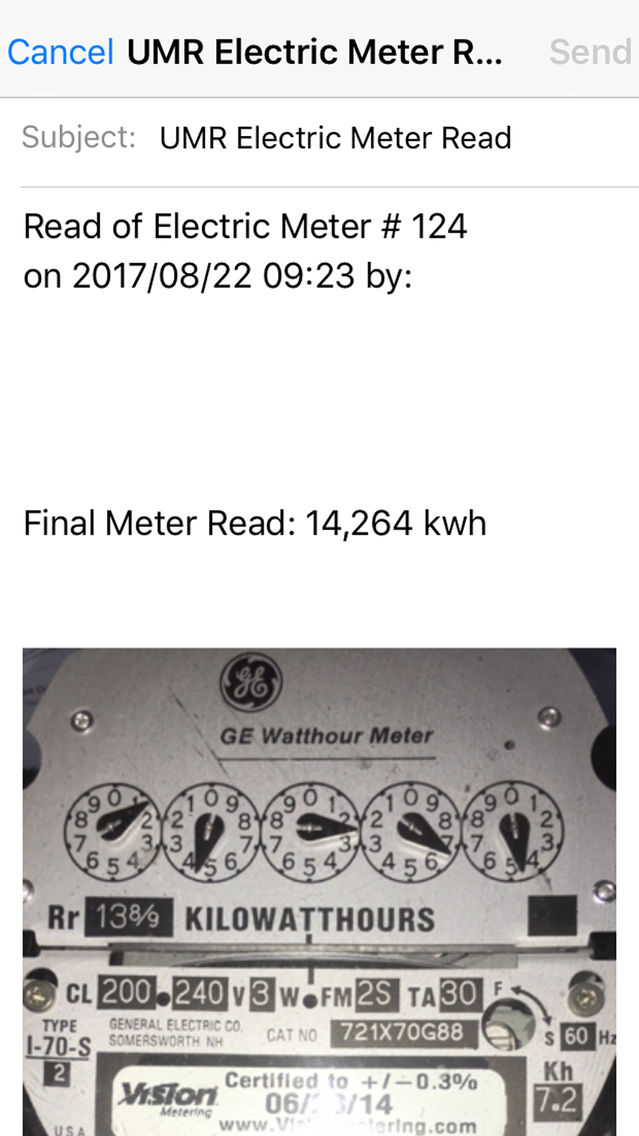
- Email your timestamped meter reading with photo to your utility
- Send your meter reading via Dropbox to your utility
- Store your meter reading history to compare from month to month

Show More

What's New in the Latest Version 3.5.2

Last updated on Jan 6, 2020
Old Versions
This version has updates for iOS 13.
Show More
Version History
3.5.2
Jan 6, 2020
This version has updates for iOS 13.
3.5.1
Aug 23, 2017
This version gives you the ability to adjust the readings using a knob style button with dial type meters. Tap on any of the reading dials to select it and use the knob to adjust the dial pointer with the reading pointer. In addition this version allows you to add or remove digits from the readings when the meter type is LCD or a rotary dial type meter. Lastly the accuracy of interpreting dial meter readings has been greatly improved through new and innovative computer vision techniques.

UMR FAQ

Click here to learn how to download UMR in restricted country or region.
Check the following list to see the minimum requirements of UMR.
iPhone
iPad
UMR supports Dutch, English, French, German, Greek, Italian, Japanese, Portuguese, Russian, Spanish, Swedish, Thai, Turkish

UMR Alternative

You May Also Like

Get more from Utility Meter Reader LLC