Age Rating
4+
Apps in this category do not contain restricted content.
9+
Apps in this category may contain mild or occasional cartoon, fantasy or real-life violence, as well as occasional or mild adult, sexually suggestive or horrifying content and may not be suitable for children under 9 years of age.
12+
Apps in this category may contain occasional mild indecent language, frequent or intense cartoon or real-life violence, minor or occasional adult or sexually suggestive material, and simulated gambling, and may be for children under 12 years of age.
17+
You must be at least 17 years old to access this App.
Apps in this category may contain frequent and intense offensive language; Frequent and intense cartoon, fantasy or realistic violence: frequent and intense adult, scary and sexually suggestive subjects: as well as sexual content, nudity, tobacco, alcohol and drugs, may not be suitable for children under 17 years of age.
VenEx Screenshots
VenEx posterVenEx posterVenEx posterVenEx poster
VenEx posterVenEx posterVenEx posterVenEx posterVenEx poster

About VenEx

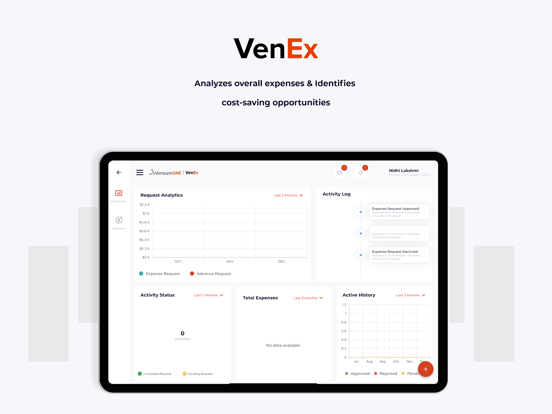
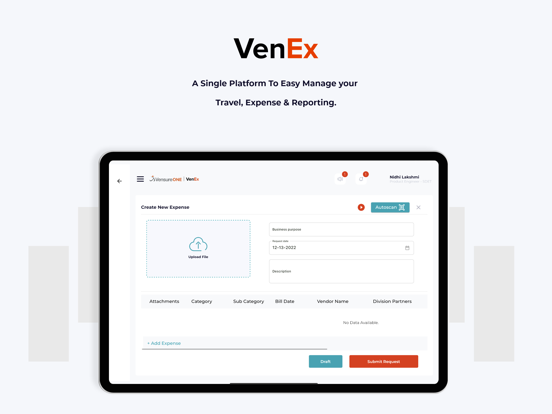
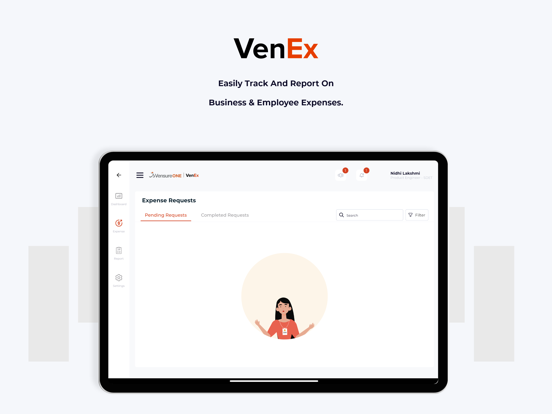
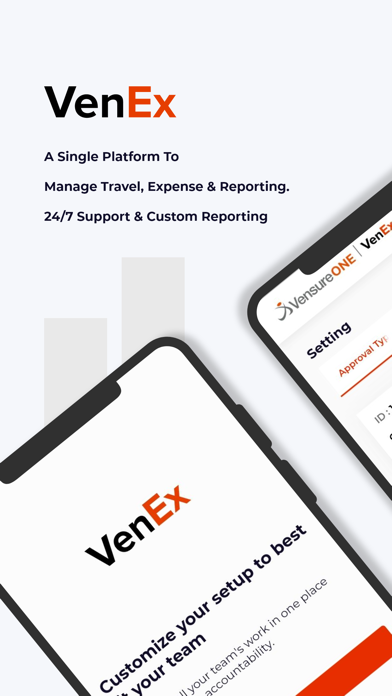
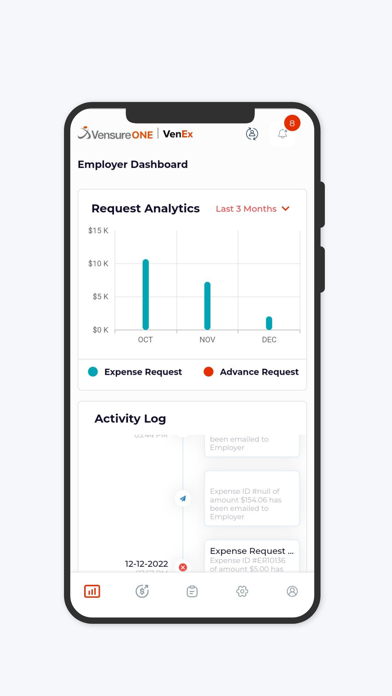
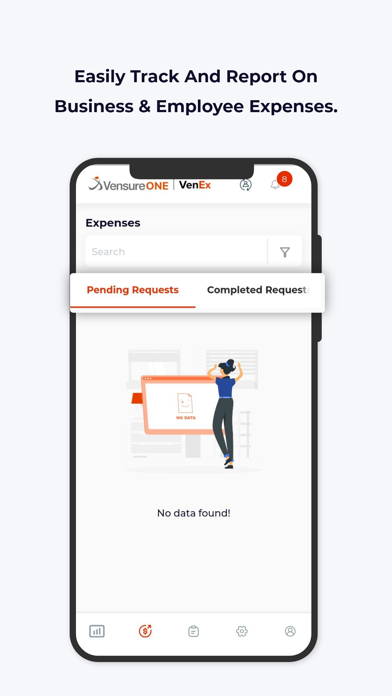
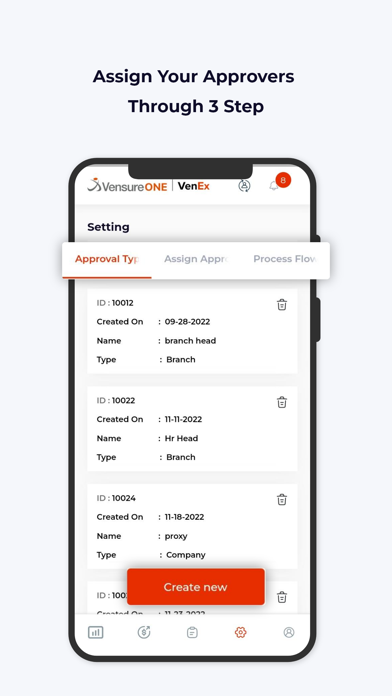
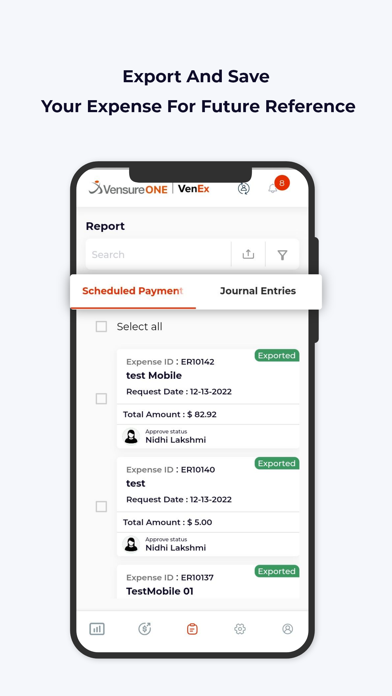
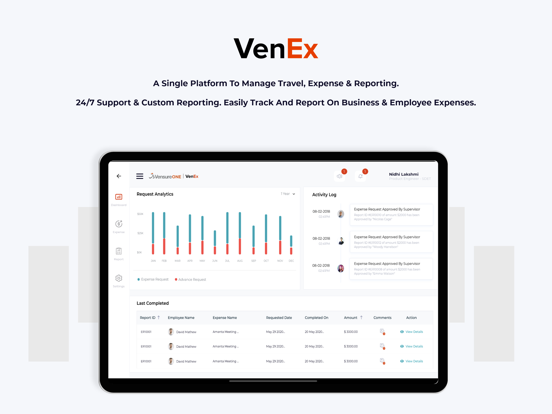
VenEx makes the Bill Reimbursable process simple and convenient. The claimable bills can be easily submitted and get reimbursed through the application. All the stages will be notified with user through email, from submission to completion of Expense request. Draft facility can be used to save your bills for future. Approvers can directly review and process the Expense Requests sent by Employees. Convenient to Export and save Data in a safe method. Integration with INTACCT service provides proper Ledger keeping. Review process setup done in convenient path in which a multiple reviewers and approvers can be set up for Processing.
Show More

What's New in the Latest Version 1.11.0

Last updated on Jan 21, 2026
Old Versions
The latest release introduces a comprehensive set of enhancements designed to streamline mobile expense management, improve transparency, and deliver a more modern user experience across the platform, beginning with Multiple Drafts – Mobile Flows, which now allow users to create expense reports directly from the dashboard or expense screens with intelligent handling for zero, one, or multiple drafts, ensuring that workflows adapt seamlessly to the user’s context; the Enhanced Receipt Gallery further elevates efficiency by supporting both single and multiple selections, giving submitters the flexibility to generate either a single expense or multiple expenses in one action, while Share Flow Integration applies the same draft‑selection and AI‑scan logic when receipts are shared into the app, maintaining consistency across entry points, and the addition of a bottom‑sheet draft selection interface provides a clear, intuitive option to create a new draft whenever needed; alongside these functional upgrades, the Prismatic Theme Rollout delivers a fresh, consistent, and modern styling across key surfaces including the Submitter Dashboard, Approver Profile, Submitter Profile, Comments, Filters, and the Create Itemization bottom‑sheet flow, ensuring visual harmony and a polished aesthetic throughout the mobile experience; global usability is expanded with support for PEN (Peruvian Nuevo Sol) Currency, enabling AI receipt parsing for receipts denominated in PEN so submitters in Peru can upload and submit expenses without friction; transparency is strengthened through Proxy Attribution in Comments, which now displays proxy actor details wherever comments appear in mobile, clarifying who acted on behalf of whom; performance has been significantly improved with Submission API Optimizations, resulting in faster submissions in both Pending Edit and Approver Edit screens, aligned with the performance work already delivered on Web, while financial clarity is enhanced by the new Show Reimbursement Amounts feature that distinctly separates reimbursable and non‑reimbursable totals, including rejected line items, and provides tooltips for added clarity in Approver Pending/Completed and Submitter views; technical readiness is addressed with Mobile Runtime Readiness, adding support for 16 KB memory page sizes to meet upcoming platform requirements, ensuring long‑term compatibility; governance and role consistency are reinforced through Approver Edit Permission Enforcement, which prevents approvers from editing expenses when the “Edit” capability is disabled for their role, bringing mobile behavior in line with Web; and finally, overall reliability has been improved with General Stability updates, including crash fixes and small performance gains across itemization and receipt workflows, collectively delivering a smoother, faster, and more dependable mobile expense management experience that balances usability, transparency, compliance, and performance in one cohesive release.

Show More
Version History
1.11.0
Jan 21, 2026
The latest release introduces a comprehensive set of enhancements designed to streamline mobile expense management, improve transparency, and deliver a more modern user experience across the platform, beginning with Multiple Drafts – Mobile Flows, which now allow users to create expense reports directly from the dashboard or expense screens with intelligent handling for zero, one, or multiple drafts, ensuring that workflows adapt seamlessly to the user’s context; the Enhanced Receipt Gallery further elevates efficiency by supporting both single and multiple selections, giving submitters the flexibility to generate either a single expense or multiple expenses in one action, while Share Flow Integration applies the same draft‑selection and AI‑scan logic when receipts are shared into the app, maintaining consistency across entry points, and the addition of a bottom‑sheet draft selection interface provides a clear, intuitive option to create a new draft whenever needed; alongside these functional upgrades, the Prismatic Theme Rollout delivers a fresh, consistent, and modern styling across key surfaces including the Submitter Dashboard, Approver Profile, Submitter Profile, Comments, Filters, and the Create Itemization bottom‑sheet flow, ensuring visual harmony and a polished aesthetic throughout the mobile experience; global usability is expanded with support for PEN (Peruvian Nuevo Sol) Currency, enabling AI receipt parsing for receipts denominated in PEN so submitters in Peru can upload and submit expenses without friction; transparency is strengthened through Proxy Attribution in Comments, which now displays proxy actor details wherever comments appear in mobile, clarifying who acted on behalf of whom; performance has been significantly improved with Submission API Optimizations, resulting in faster submissions in both Pending Edit and Approver Edit screens, aligned with the performance work already delivered on Web, while financial clarity is enhanced by the new Show Reimbursement Amounts feature that distinctly separates reimbursable and non‑reimbursable totals, including rejected line items, and provides tooltips for added clarity in Approver Pending/Completed and Submitter views; technical readiness is addressed with Mobile Runtime Readiness, adding support for 16 KB memory page sizes to meet upcoming platform requirements, ensuring long‑term compatibility; governance and role consistency are reinforced through Approver Edit Permission Enforcement, which prevents approvers from editing expenses when the “Edit” capability is disabled for their role, bringing mobile behavior in line with Web; and finally, overall reliability has been improved with General Stability updates, including crash fixes and small performance gains across itemization and receipt workflows, collectively delivering a smoother, faster, and more dependable mobile expense management experience that balances usability, transparency, compliance, and performance in one cohesive release.

VenEx FAQ

Click here to learn how to download VenEx in restricted country or region.
Check the following list to see the minimum requirements of VenEx.
iPhone
iPad

VenEx Alternative

You May Also Like

Get more from Vensure Employer Services